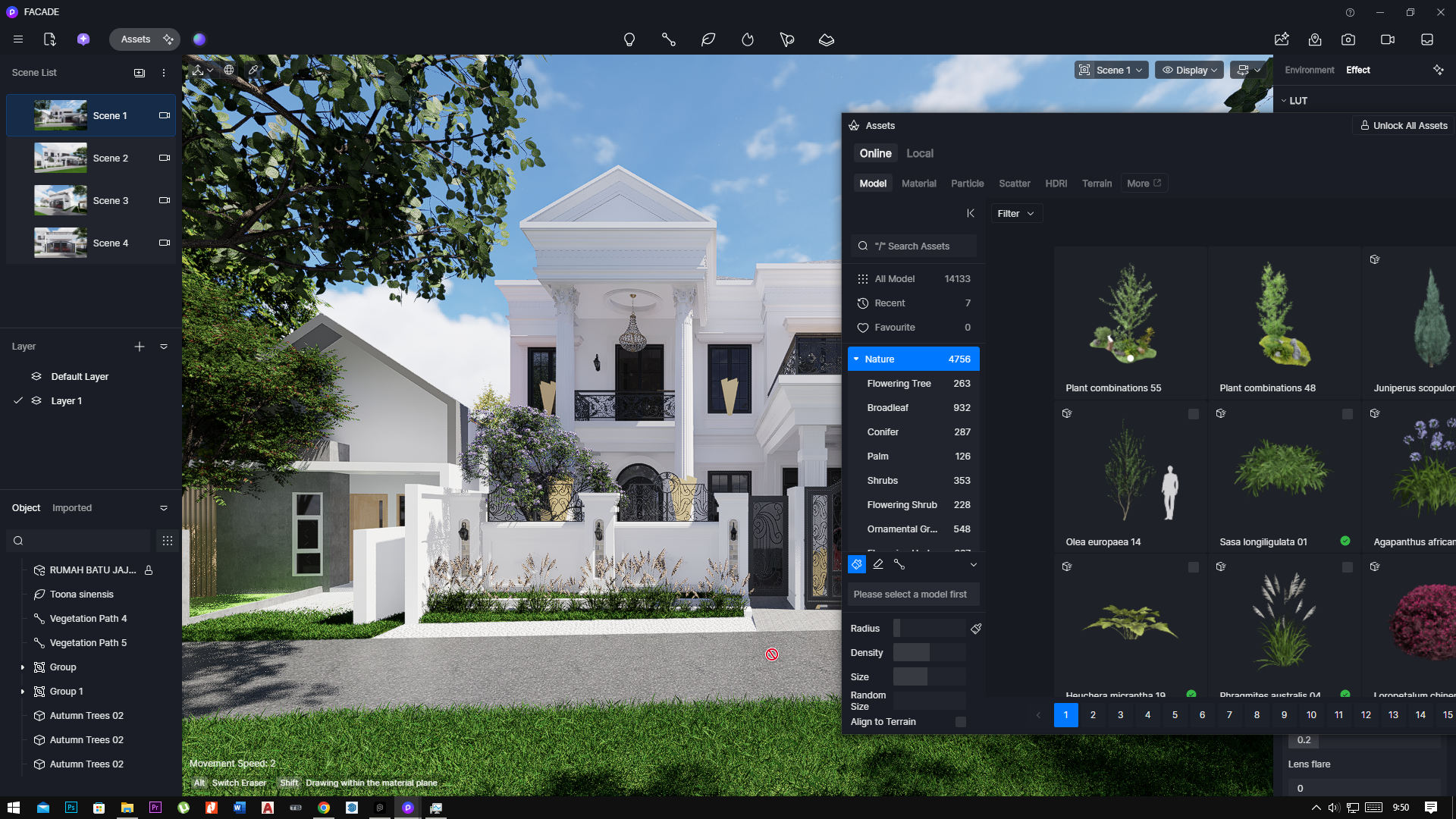
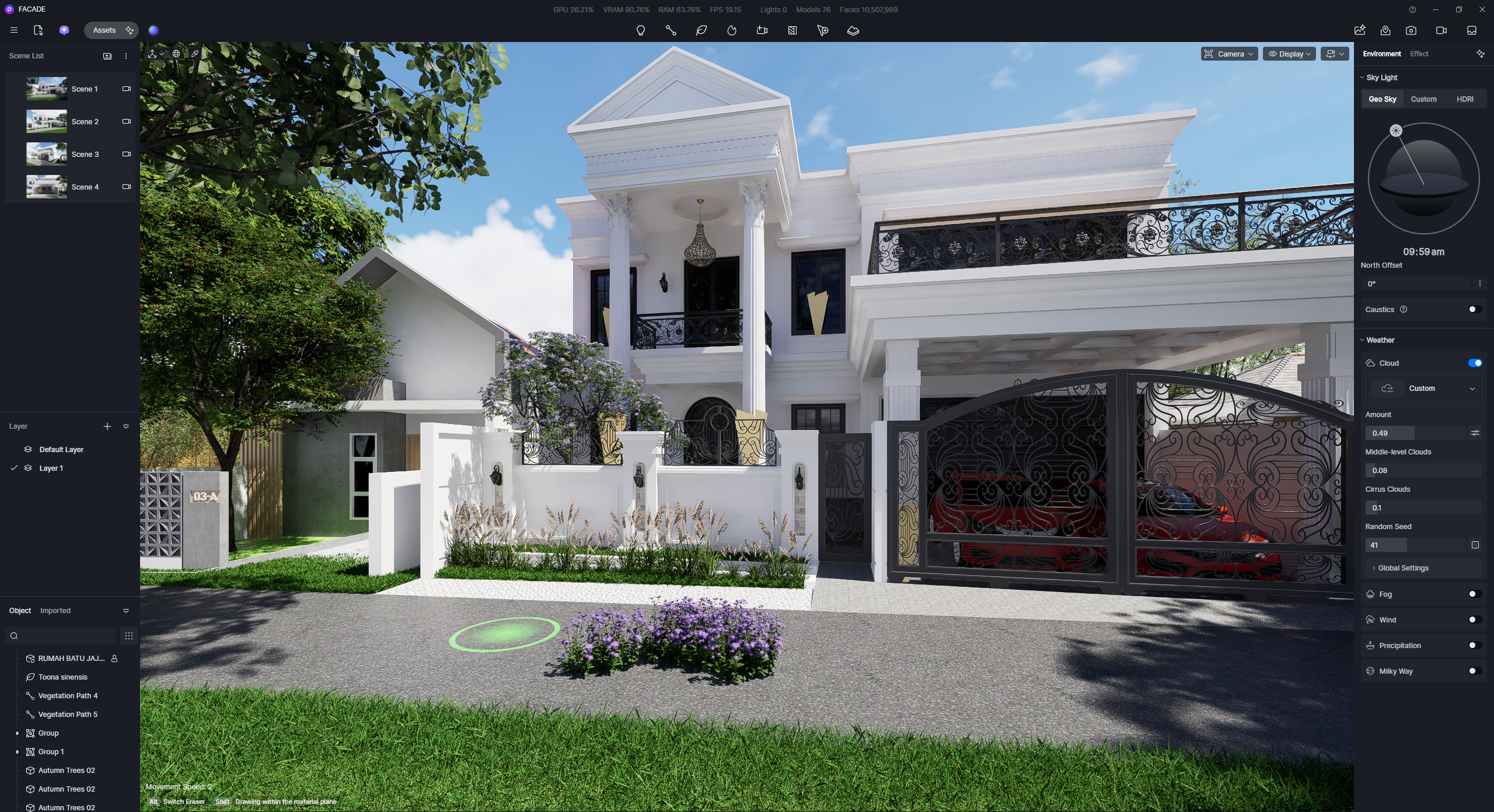
the Brush tool not working properlly, there a forbidden icon when i try to use the brush tool, even when im creating with clean new empty d5 file, and when im using the old file that had brushing before, nothing work, i already check the face on the model sketchup, everything was fine until yesterday i found that bug, oh yeah the advanced brush, and the scatter not working too. can somebody help me how to fix it. Thank you
Im Sorry, I previously sent the file via email reply, but it seems that wasn’t the correct way to submit it.
So I am uploading this along with the SketchUp files. I have tried using the brush tool on the lawn areas outside and behind the house, and I have also tried using the brush tool on the terrain from D5, but it still doesn’t work.
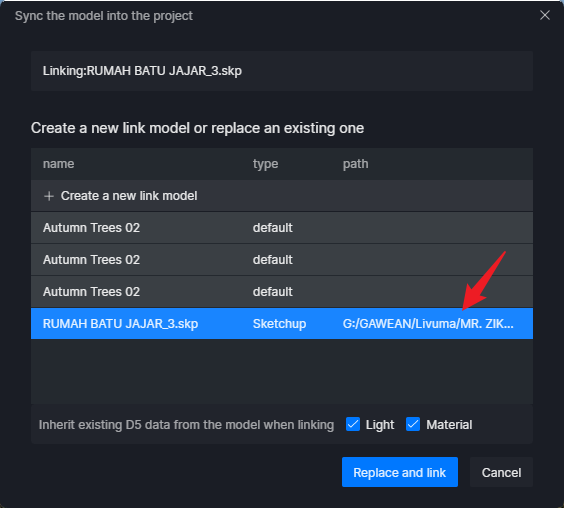
I tested your file, but it seemed the model was missing, so I re-linked the SKP file to D5.
After relinking, I tested the surfaces that you have mentioned, but it seems that I am able to use the brush tool and the advanced brush tool normally.