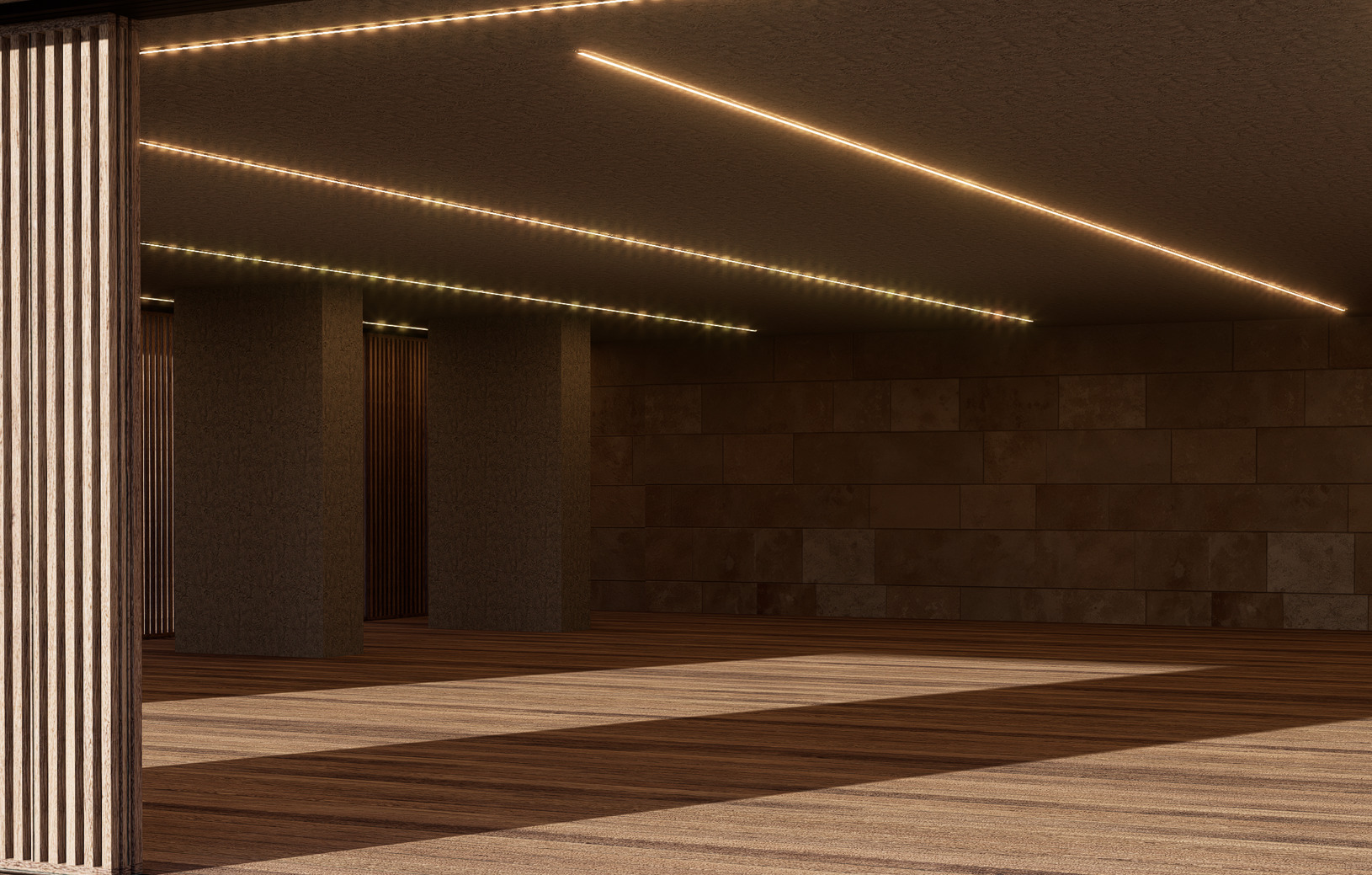
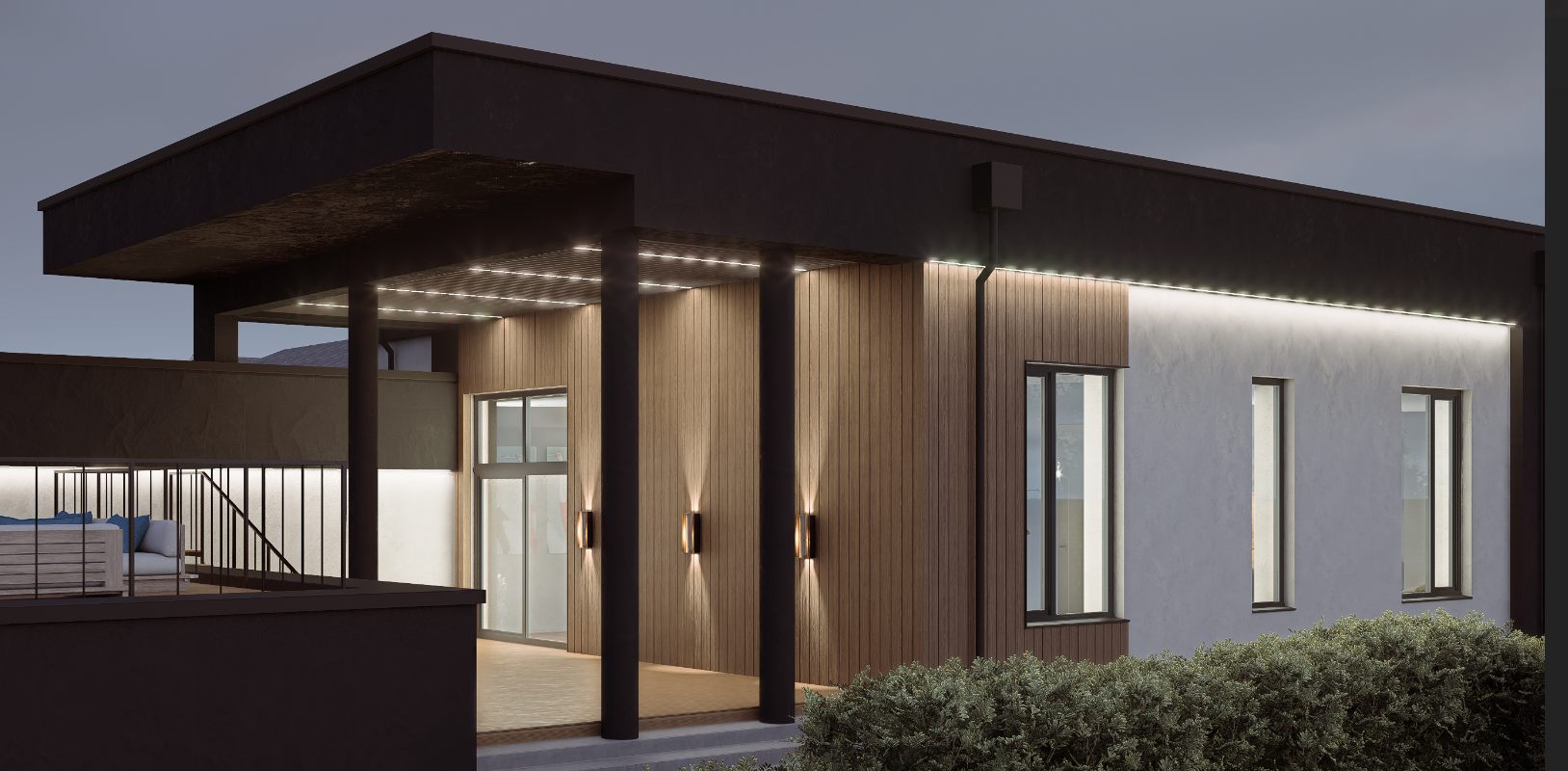
Hello! I have a problem with linear lighting. Please help me figure out what needs to be done to make it even. Thank you.
Just a few questions and suggestions to help us check this:
- How does the model look when you remove the linear lights? Does it look normal in the viewport?
- Where is this linear light from? Was it imported from your modeling software?
- Did you enable Depth of Field? Please try disabling it. You may also try disabling: Super Resolution, FPS Booster, or Frame Generation.
- Have you tried rendering the scene at 4K or above?
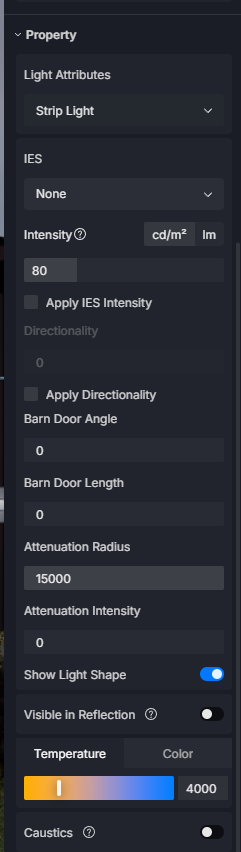
- Could you share a screenshot of your lighting settings and render/post-processing settings?
I look forward to your response. Thank you
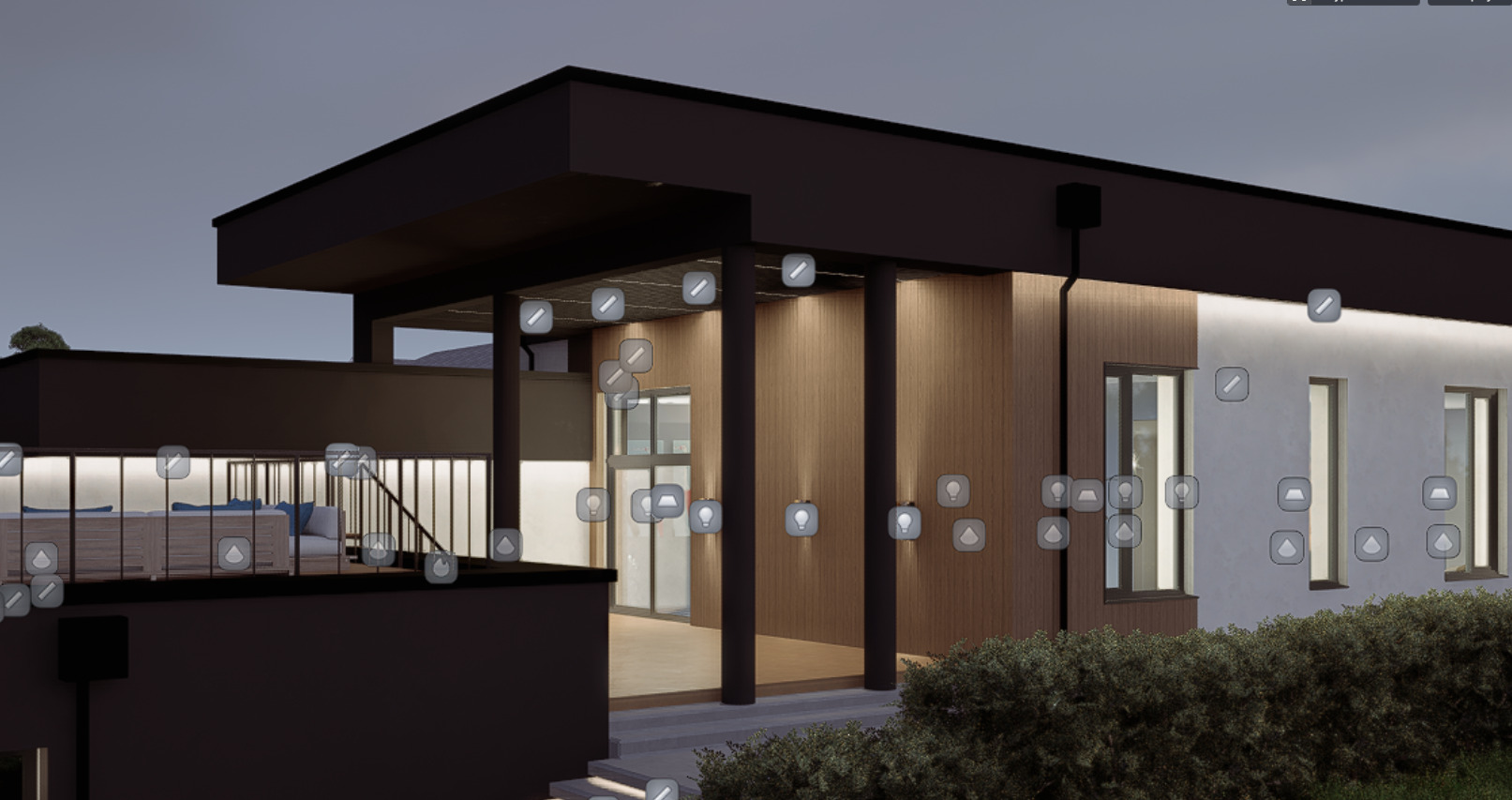
Hello! I ran into the same problem with my night renders.
- Model look normal in the viewport.
- Create linear light intro D5 scene, 3d model was imported from SKP.
- DoF disabling.
- Rendering at 4K

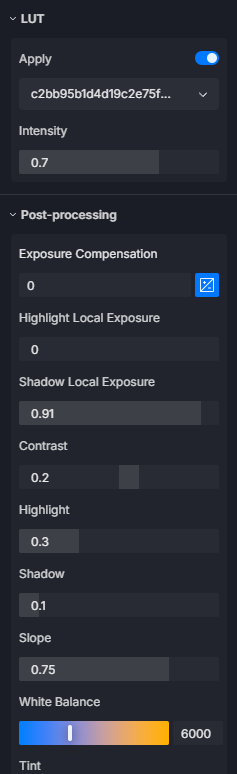

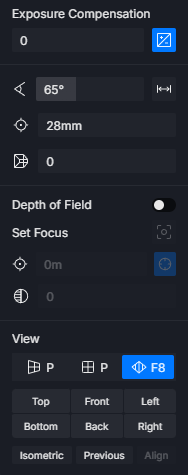
Hi @meltsermax
Are you referring to the anti-aliasing issue? Unfortunately, this is a known issue, and we haven’t implemented a fix for it yet. For now, the only available workaround is to reduce the Bloom effect, which should help minimize the issue.