I’m using version 3.1 on a new laptop that has an Intel 9 and an RTX 3050, and the option to enable path tracing doesn’t show up. I have a desktop PC that I’ve had for a couple of years and it does have path tracing since when it came out I already had the program installed and just updated it. This time I downloaded the program as new and tried configuring it both externally and internally, and neither has worked to see the path tracing option since it doesn’t appear.

How can I download an older version? The one I downloaded (version 3.1) isn’t showing it.
As mentioned, Path Tracing is enabled by default in versions 2.11, 3.0, and 3.1.
Previous versions can be downloaded from this link: Download Historical Versions of D5 Render - Get Help - D5 RENDER FORUM
But I’m not seeing any reason as to why you need to downgrade if the only concern is how to enable Path Tracing. 

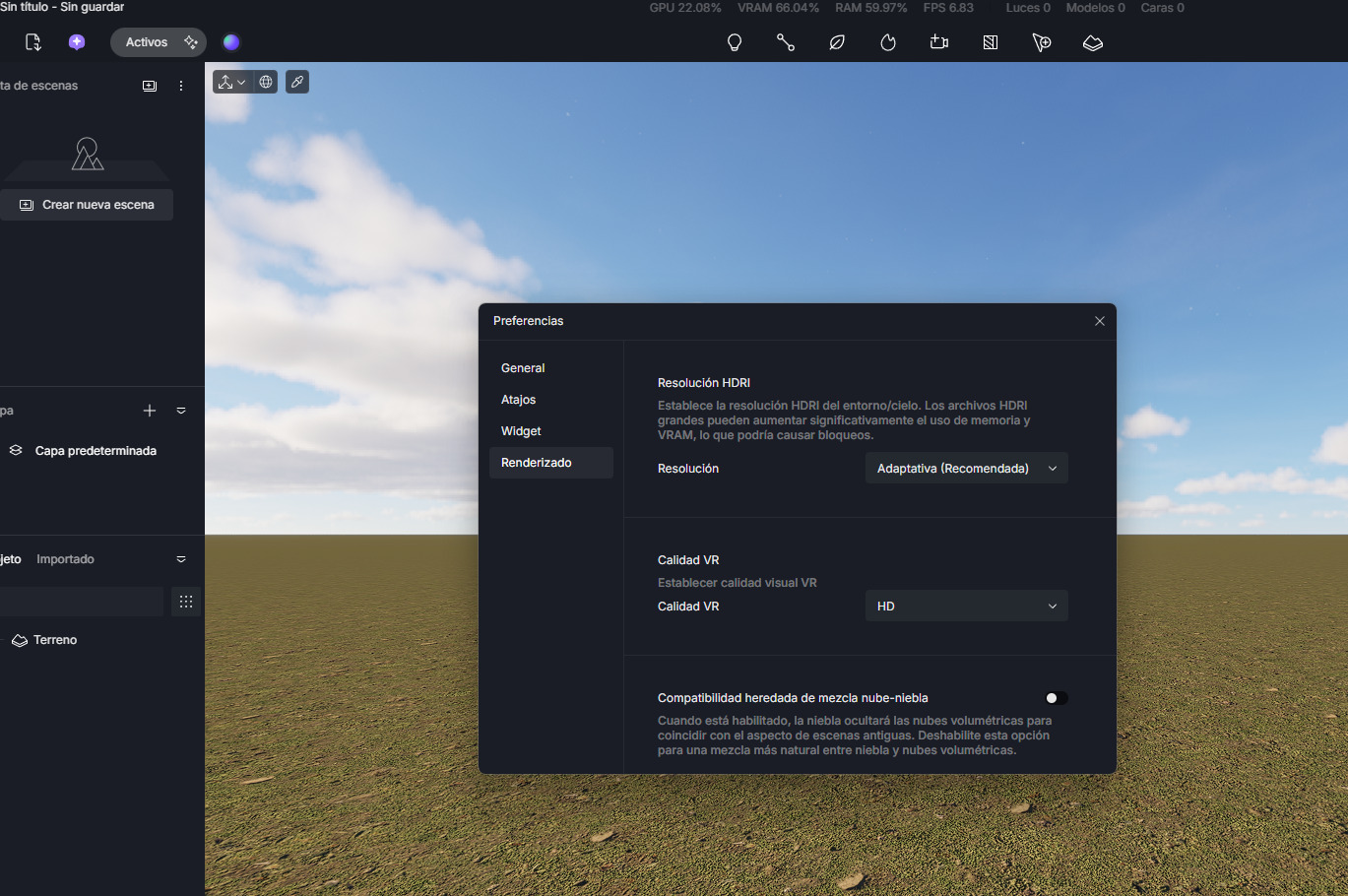
Thanks for the link to download older versions, but here’s what happened: I downloaded version 2.10, and yes, it lets me use path tracing—the option to enable it is there. After verifying that, I updated and switched back to version 3.1, but once I did, path tracing disappeared; for some reason, this keeps happening to me.
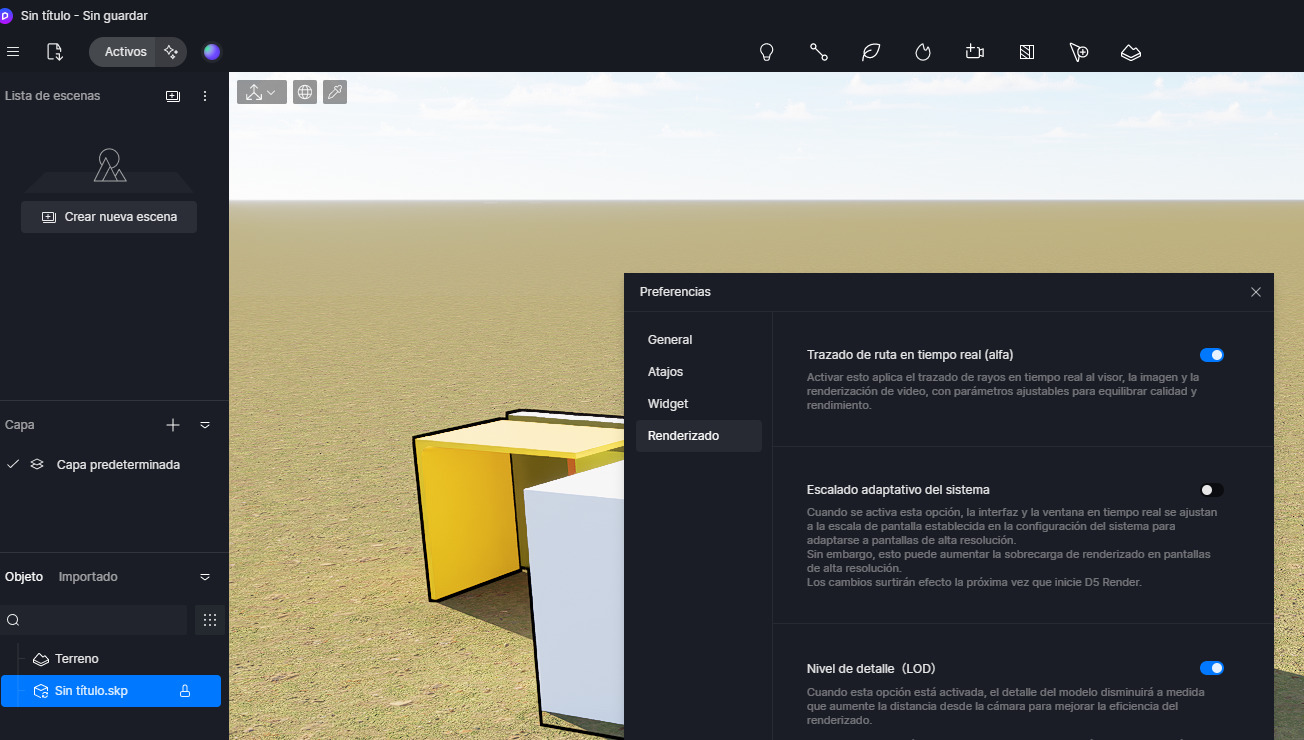
The image is from version 2.10; if I update, path tracing disappears.
This is not an issue. Please check my previous reply. Thank you.