Dear D5 Render team,
I would like to make a suggestion for a very important feature, that D5 Render lacks.
This topic has already been discussed extensively here. I can see it is flagged as “Planned”, which is very encouraging. I hope this feature really will be added soon.
Placing a 3D asset in D5 Render should also place a proxy copy of it in the host application and vice versa.
Currently there is no professional way to perfectly align | snap | distribute 3D assets in our visualisation scenes. The lack of this feature creates imperfect and inaccurate results.
-
Look how easy it is to perfectly group and align books of different sizes in SketchUp and align them so they perfectly tough the inside wall of a bookshelf:
https://www.youtube.com/watch?v=Vn7-A99s9Bg -
Now look what a headache it is to achieve the same in D5 Render:
https://www.youtube.com/watch?v=lHBwRddxF9o
I would like to show how Enscape perfectly solves this problem. Please watch this video:
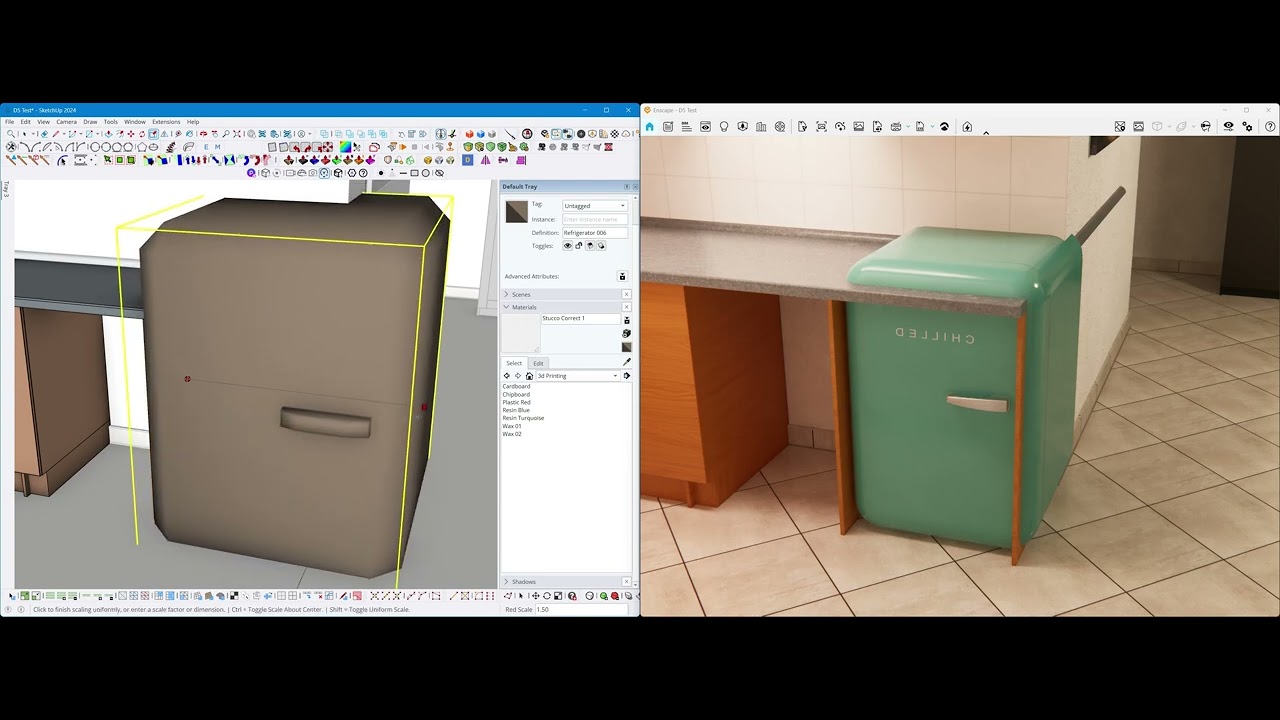
Placing a proxy object of a 3D asset inside the host program will give us precise and accurate control over our design. The user should not eyeball or struggle to align any 3D object approximately. Scaling and rotating the 3D proxy should also change the 3D asset in D5 Render.
Kindly sharing another example of why this is VERY important:
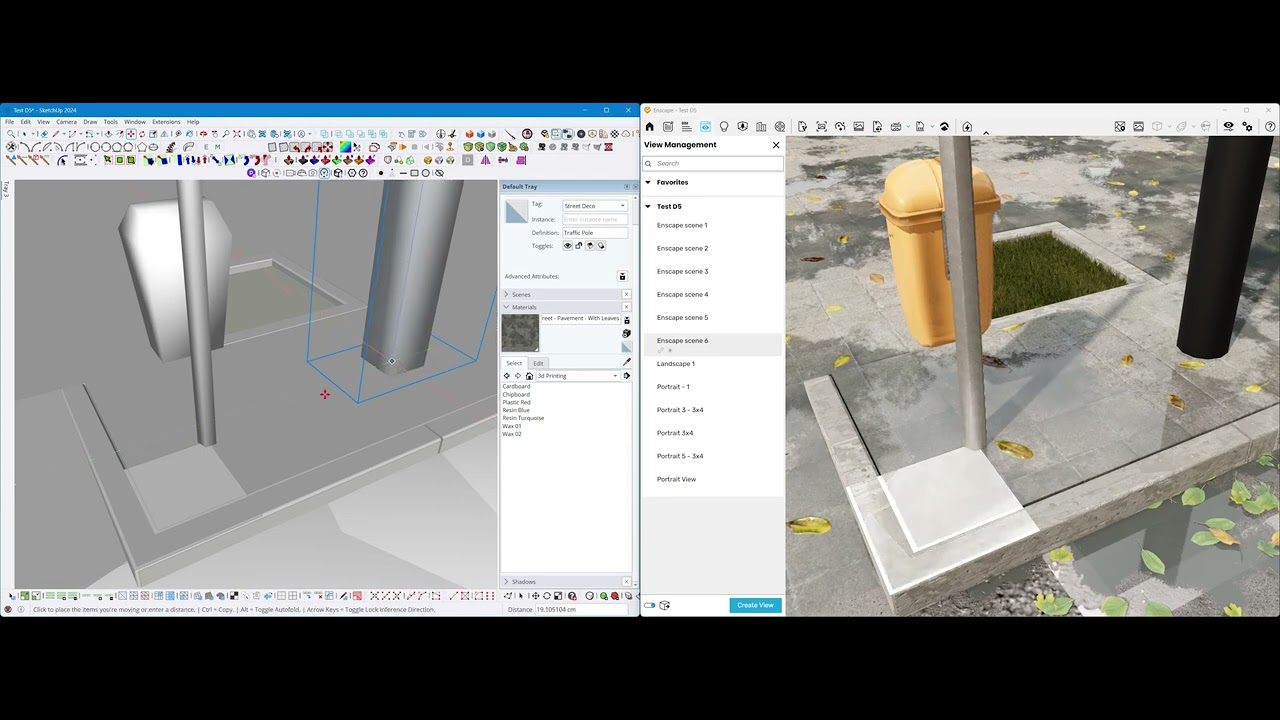
In Exterior Architecture and Urban Design projects, the user should be able to place exterior elements precisely where they need to be. D5 Render has no precision tools, no alignment tools so the user is forced to eyeball everything, which produces unprofessional and misaligned results.
- If I have to post a lamp post 3D asset precisely in the center of a pedestal, I cannot do it.
- If I have to place trees or any vegetation exactly in the middle of a tree pit, I cannot do it
- If I have to place traffic poles exactly 20 meters apart and 60 cm away from curb, I cannot do it.
I would really like to switch to D5 Render with all of my 3D team, but because of lack of this feature we still use Enscape. Please consider adding this important feature very soon.
Thank you!