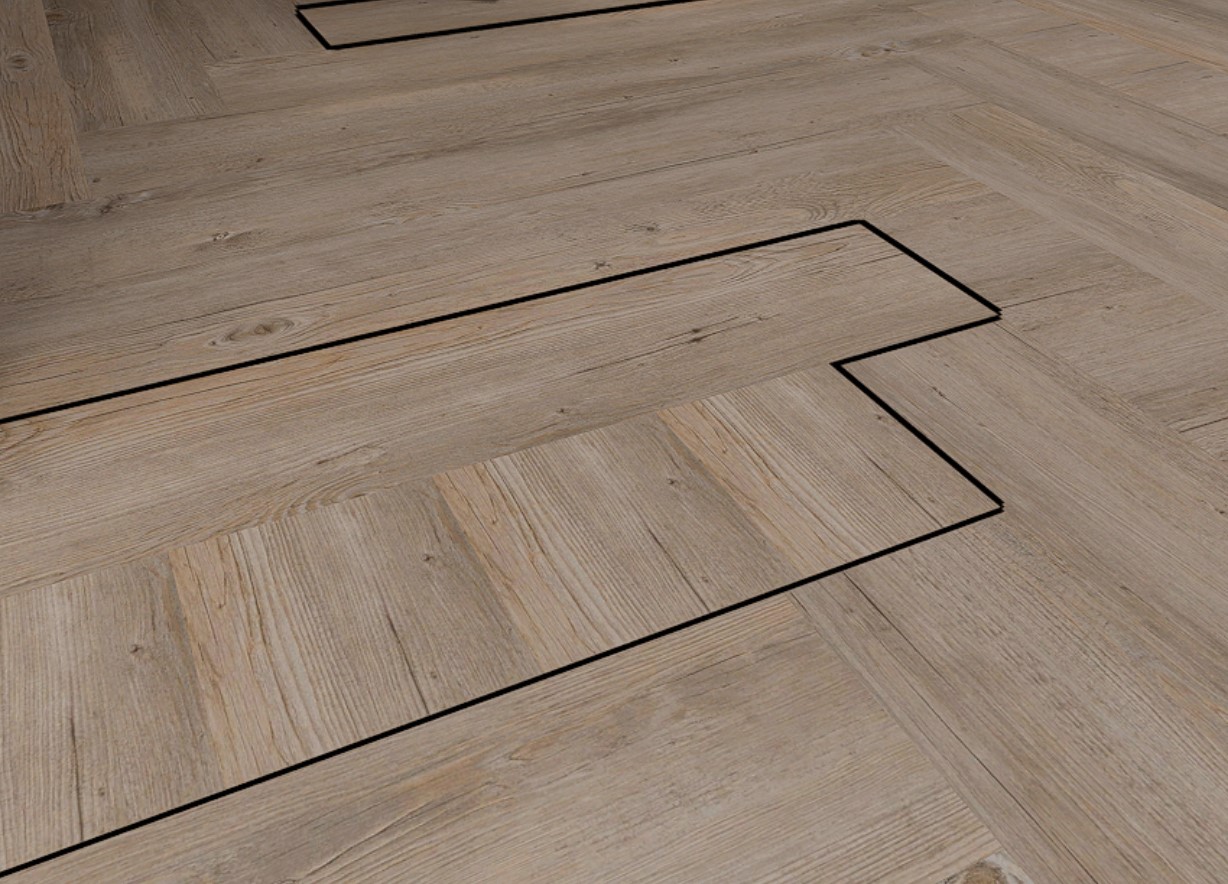
Hey, I’ve imported this skp file into D5 render, but for some reason the linked textures for the floor aren’t importing correctly. Some of the linked textures are rotated and some aren’t. Any idea what’s causing this or have a fix? Thanks 
Hi @adamicale
Based on your screenshot, it appears that the floor geometry is not a single continuous surface but is divided into multiple faces. When this happens, each face can carry its own UV orientation, which is why some linked textures appear rotated while others do not after importing into D5.
I recommend going back to your 3D modeling software and checking the floor geometry. If possible, please:
- Redo the floor so it is modeled as one whole surface (or divided intentionally and cleanly as needed).
- Apply a consistent, independent base material to the entire floor.
- Make sure the texture orientation is correct in your modeling software before exporting.
- Then re-sync or re-import the model into D5.
After doing this, you should be able to apply and control the material texture properly in D5.