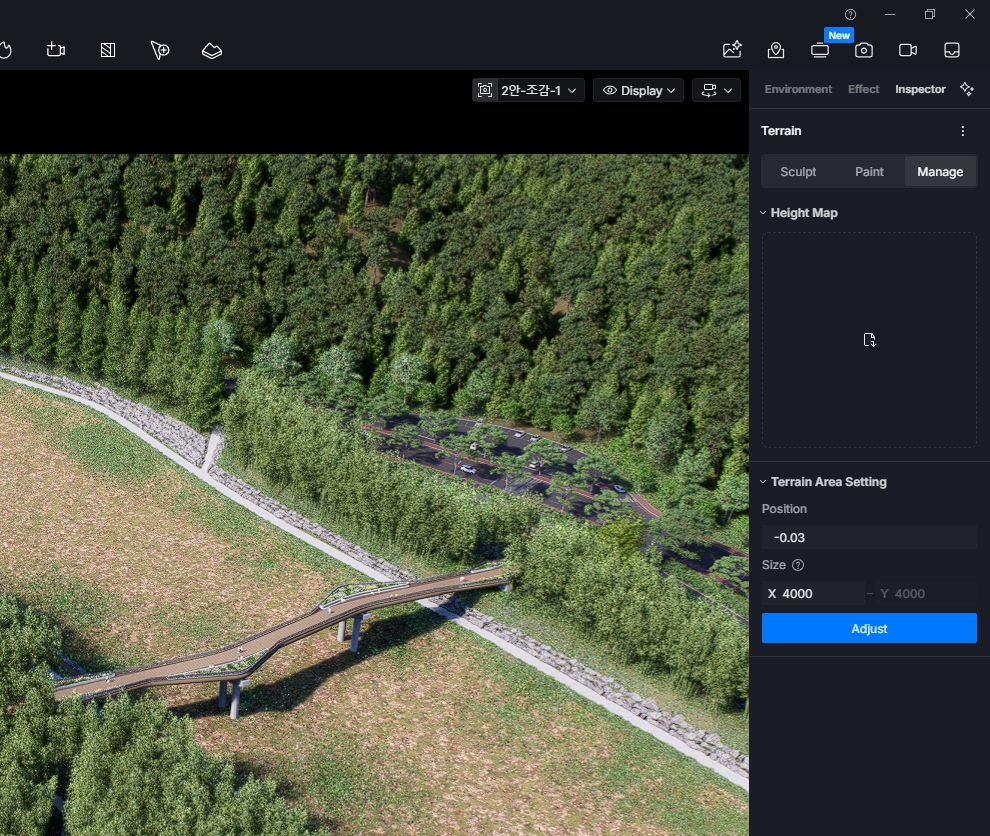
Terrain error

After creating a site or terrain and saving the project, the terrain disappears when the project is reopened. Although settings—such as painting data—remain visible, the actual terrain geometry is missing.
Even after deleting and recreating it, the same issue recurs upon saving and reopening the project.


It is difficult to upload the project file due to size limitations.

Hi @anishop77

Can you please share the following by generating a google drive link or wetransfer link containing these files:


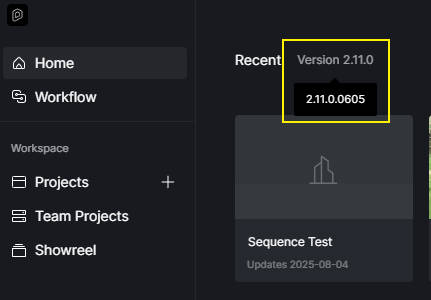
  • Can you please also confirm which D5 Render Version you’re currently running? You can check it in this portion
    2.11 Build Version
  • Additionally, where is this file located, is it in your Local C/D drive or perhaps in a cloud storage/shared network path?

Here is the Google Drive link.

Hi @anishop77

Please edit the accessibility settings.

I have modified the access permissions.
https://drive.google.com/drive/folders/1EH5ub7hnIQS9EJq4bWjEYZI7EYE-U1TX?usp=sharing

Hi @anishop77

Can you please try this version?

The same issue occurs with version 0758.
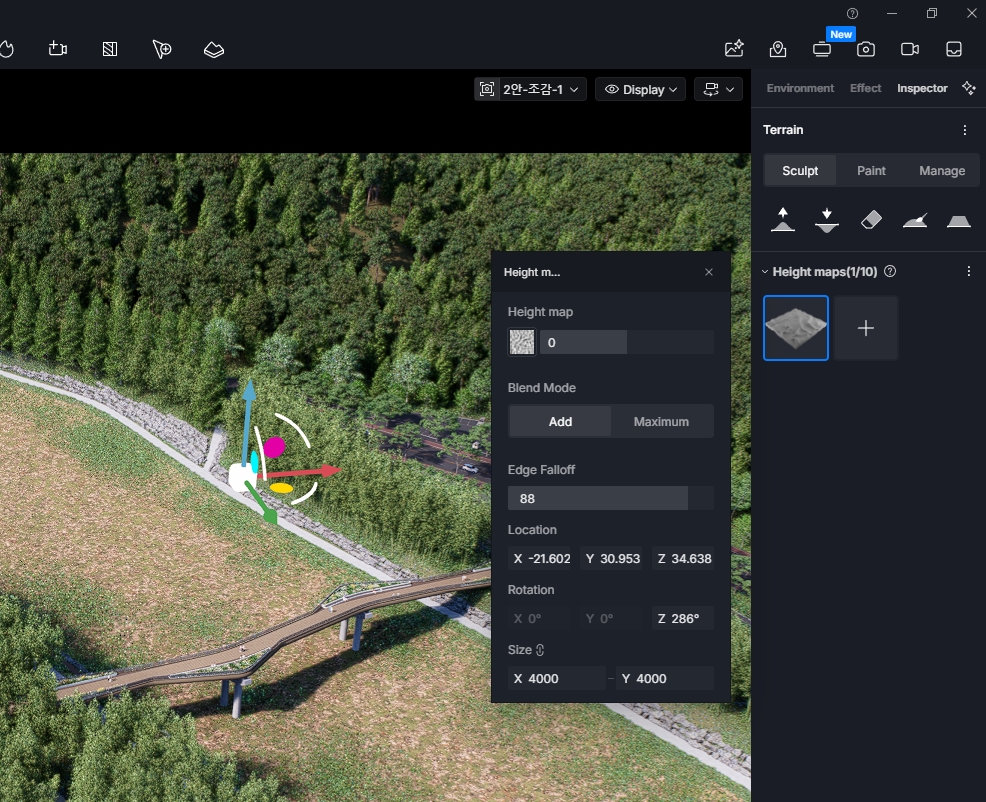
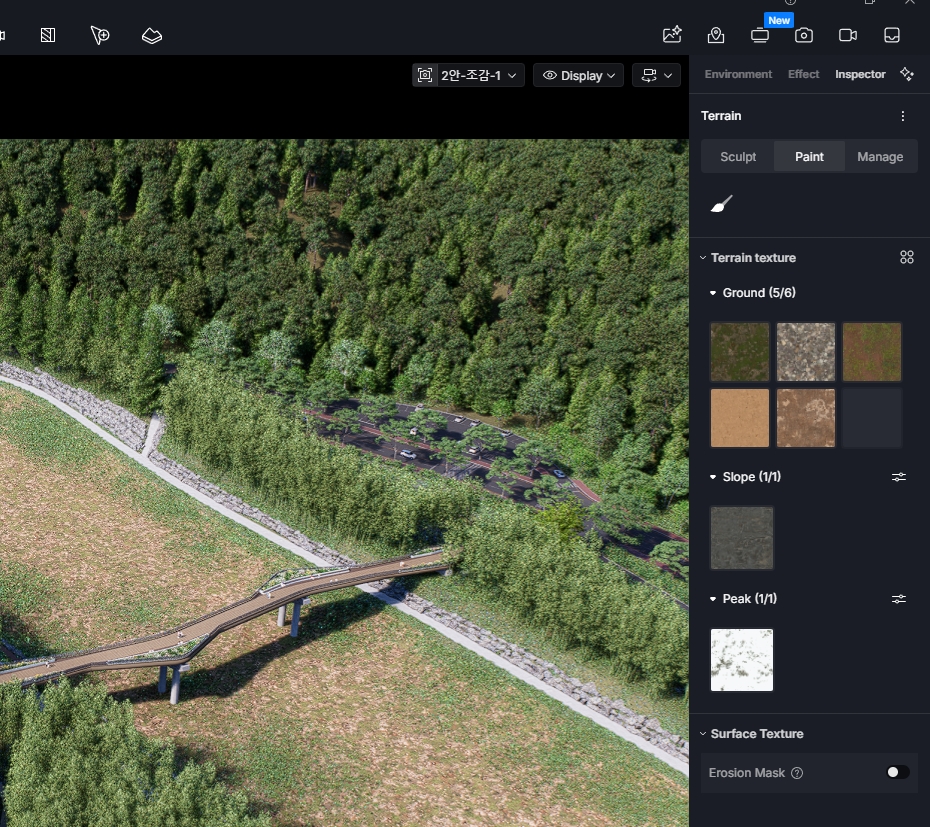
If I create a new terrain, save the project, and then reopen it in D5, only the terrain settings remain, while the actual terrain model is missing.
Hi @anishop77

Got it. We’re currently checking the logs and the D5 file that you sent. I will update you as soon as possible.