Hi,
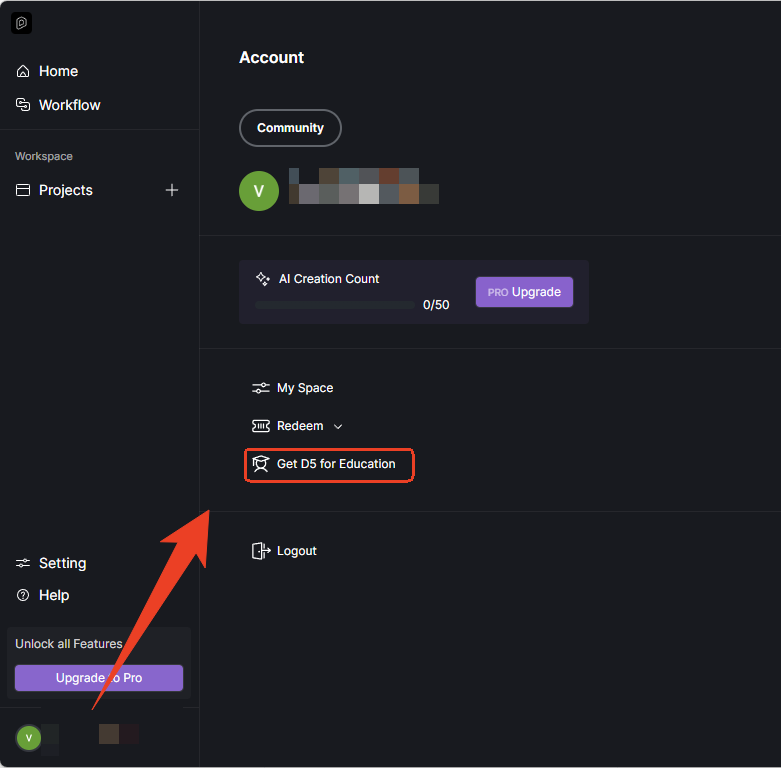
I have an institutional email and I want to apply for the Educational license, but my account is currently in Pro Trial and I can’t see the Education option.
Could you please remove the Pro Trial from my account so I can apply for the Educational version?
Thank you very much.
Hi @saguerrero
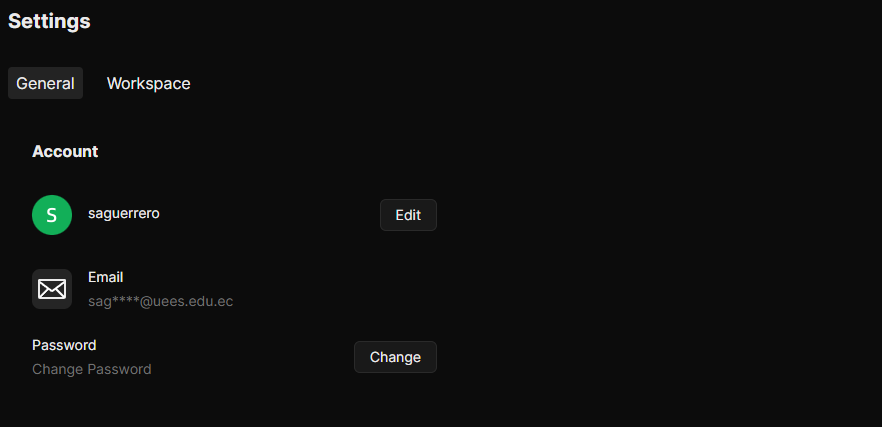
Could you please share the email address associated with your D5 Render account so I can verify and check its current status? Thanks!
Sure.
saguerrero@uees.edu.ec
I would like to apply for educational version.
Hi @saguerrero
Thanks for confirming. I’ve checked your account and can see that you are currently on the Community version.
To apply for the Educational license, please submit your request directly through the D5 Launcher. You can follow the official guide here for step-by-step instructions: Education Version FAQs | User Manual
Once submitted, your application will be reviewed within 7 business days. You will be notified via email of the result. Thanks!
Hi,
Thank you for your response. However, I was unable to find the “Community” option in my account, so I’m not able to continue with the next steps. Could you please let me know where I can find it?
Hi @saguerrero
To submit your EDU license application, please log in through the D5 Launcher. After logging in, you should see the “Get D5 for Education” button inside the launcher interface — this is where the EDU license application is submitted.