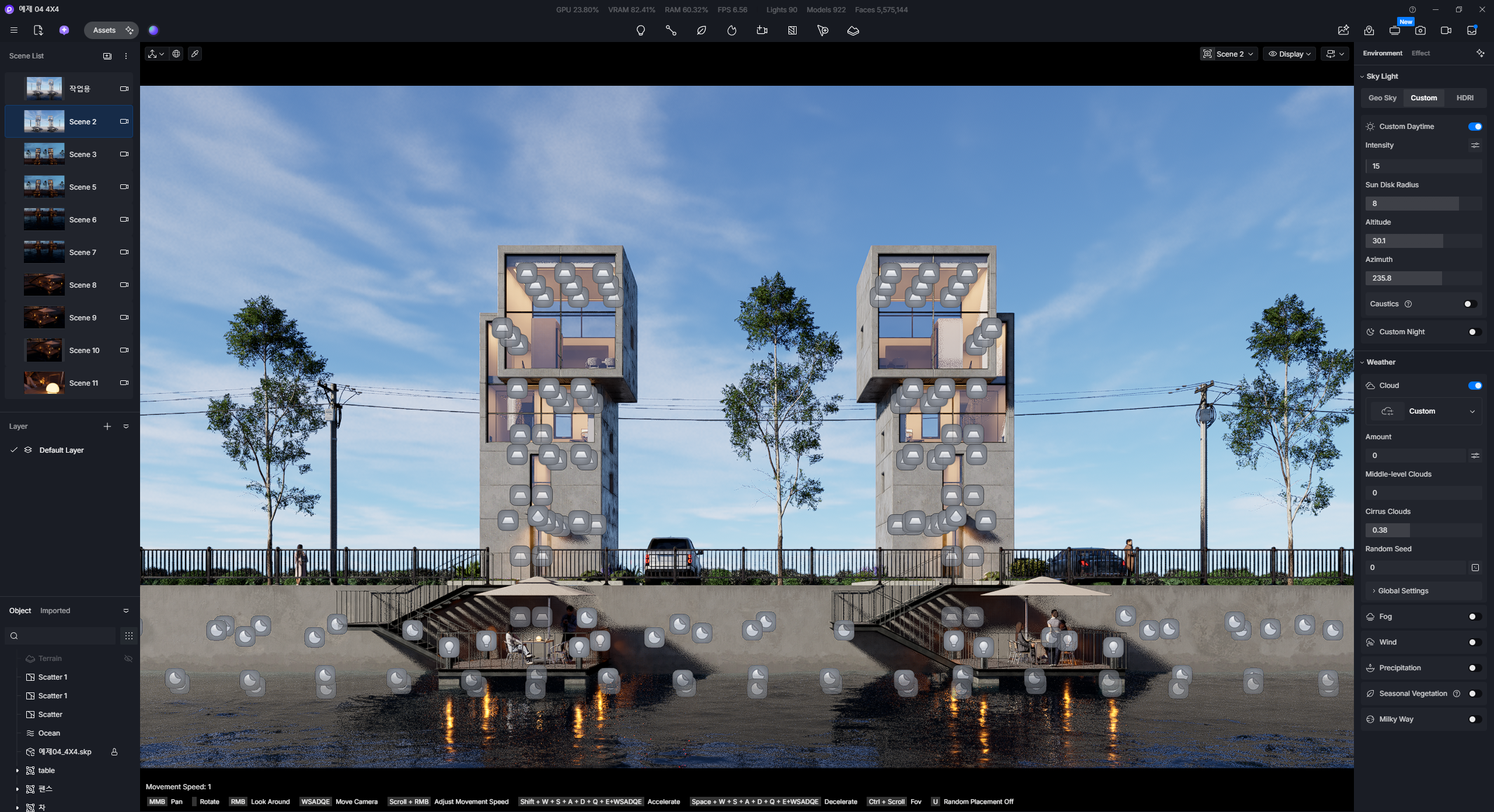
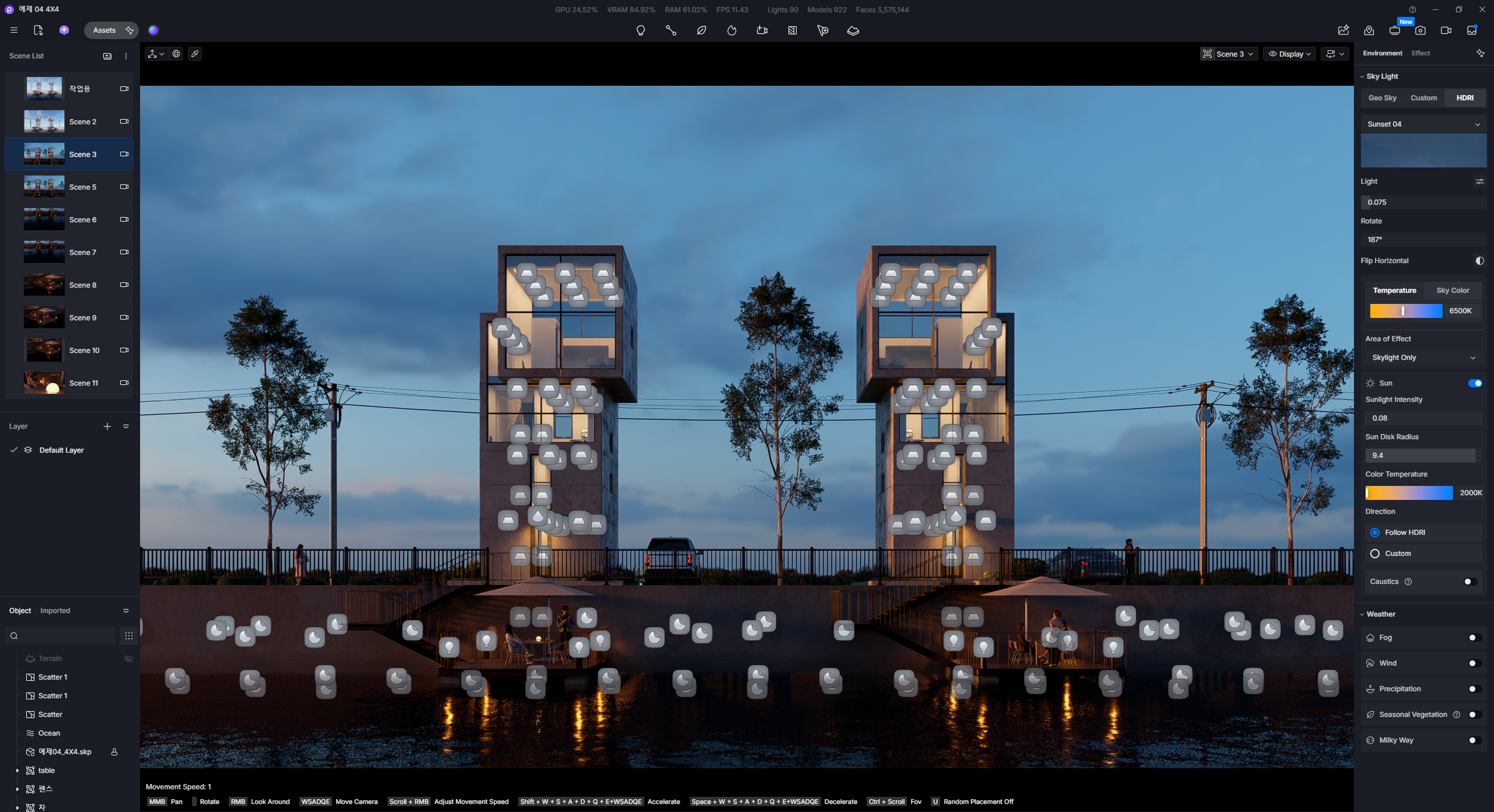
When transitioning from a scene using an HDRI sky to a scene using a Custom sky, a bug occurs where the HDRI sky’s Sun intensity value visually overrides the Custom sky’s Sun intensity. The actual value in the system remains unchanged, but the visual rendering on the Viewport appears overwritten. Modifying the Sun intensity value restores the view to its normal, correct state.
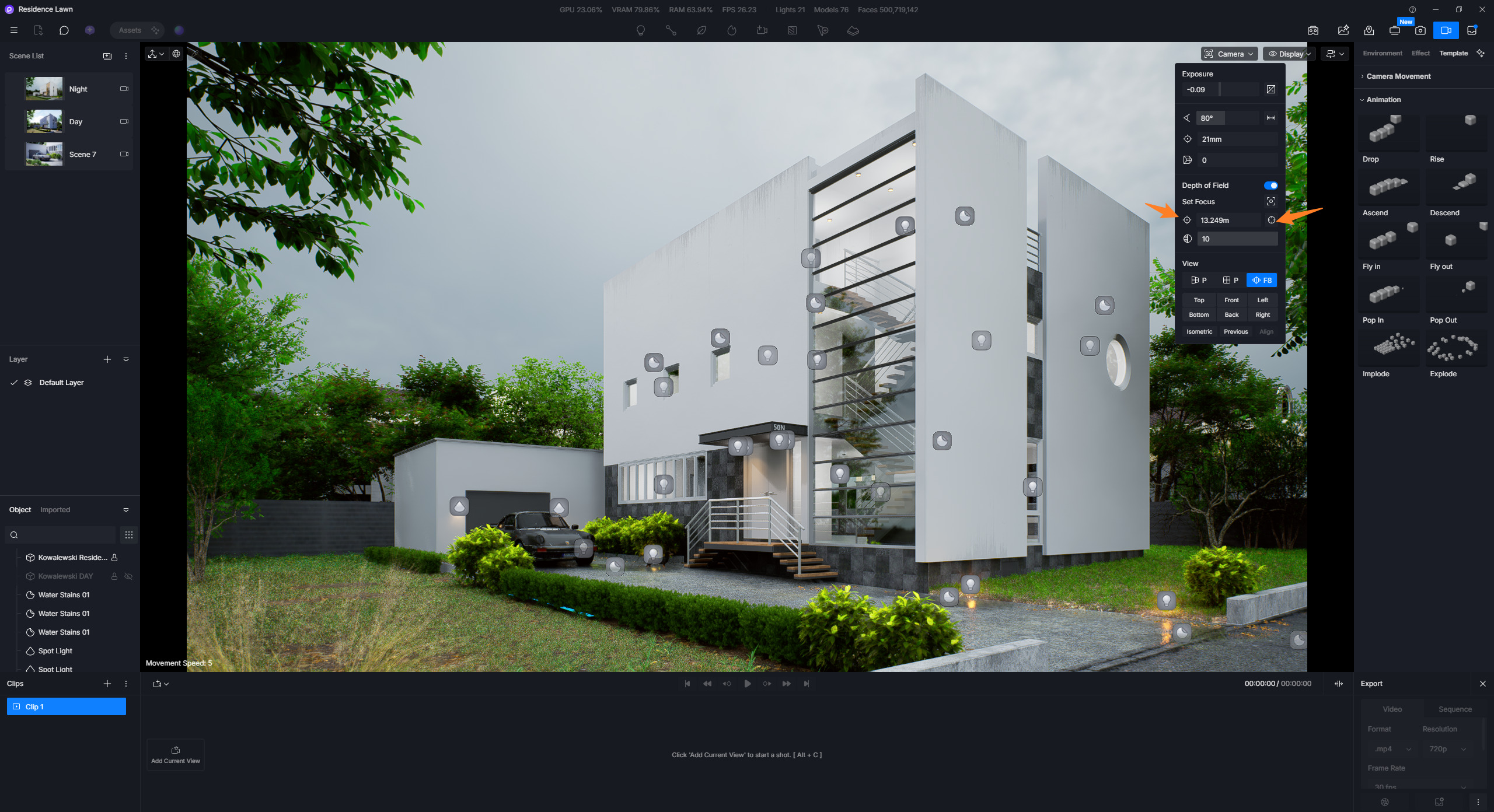
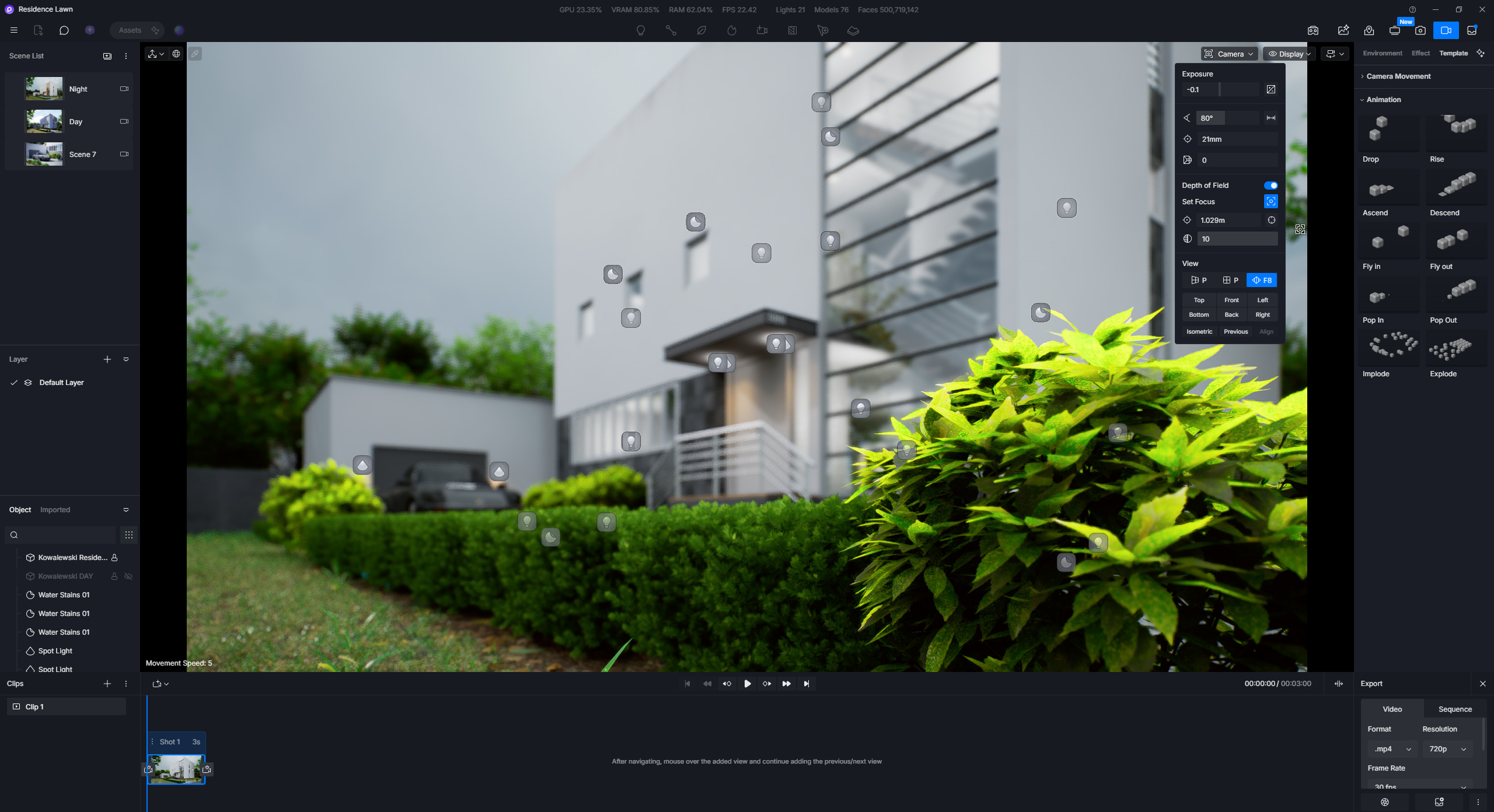
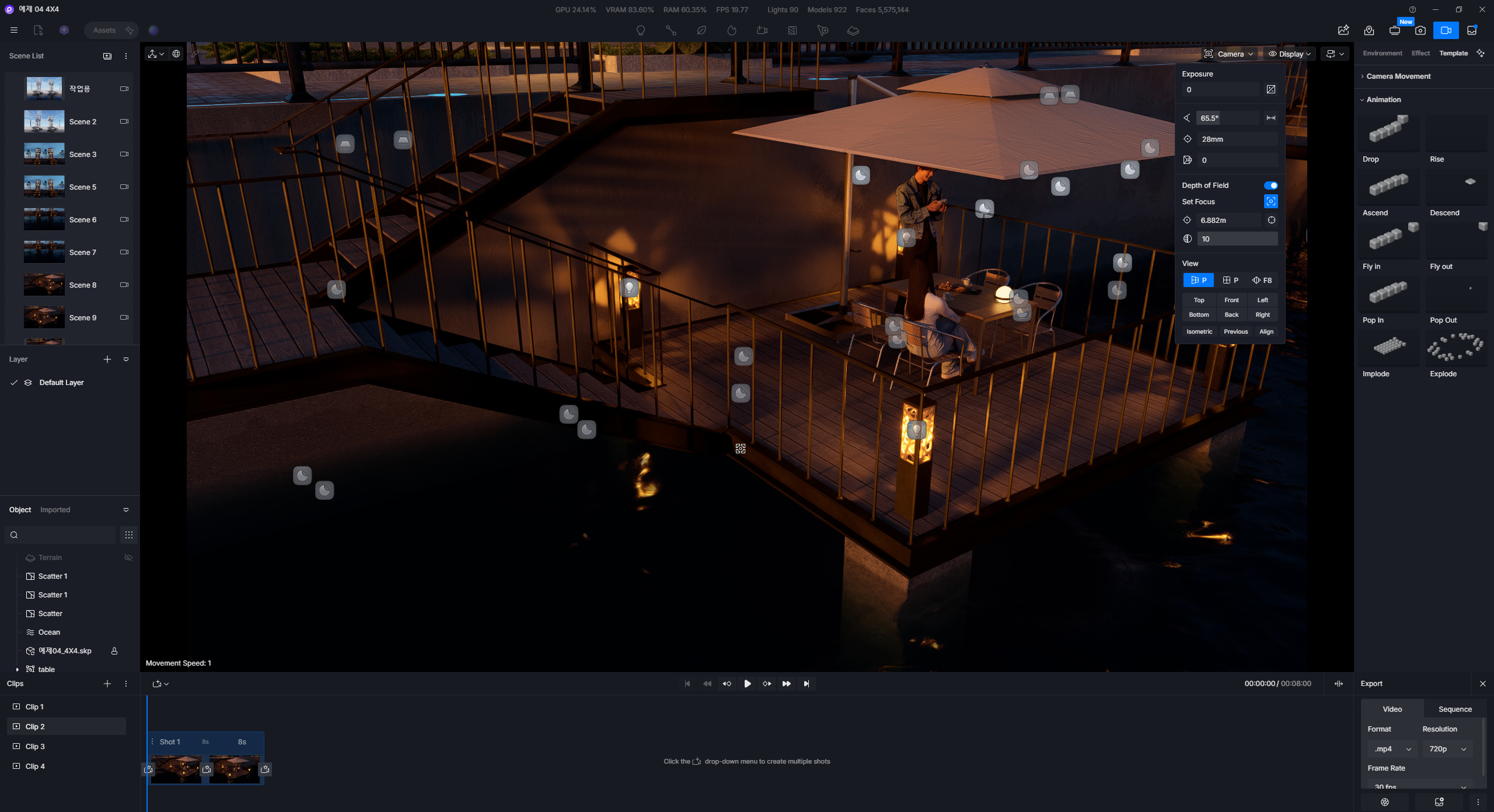
The DOF effect cannot be adjusted in Video Edit mode.
Unfortunately, on my end, the same error persists even after restarting my computer or opening a brand-new project.
If I add a video scene with ‘follow focus’ disabled, I can temporarily adjust the DOF right at that moment. However, as soon as I perform another action and return to it, the same issue reoccurs. Additionally, selecting the focus target directly from the viewport does not work either.
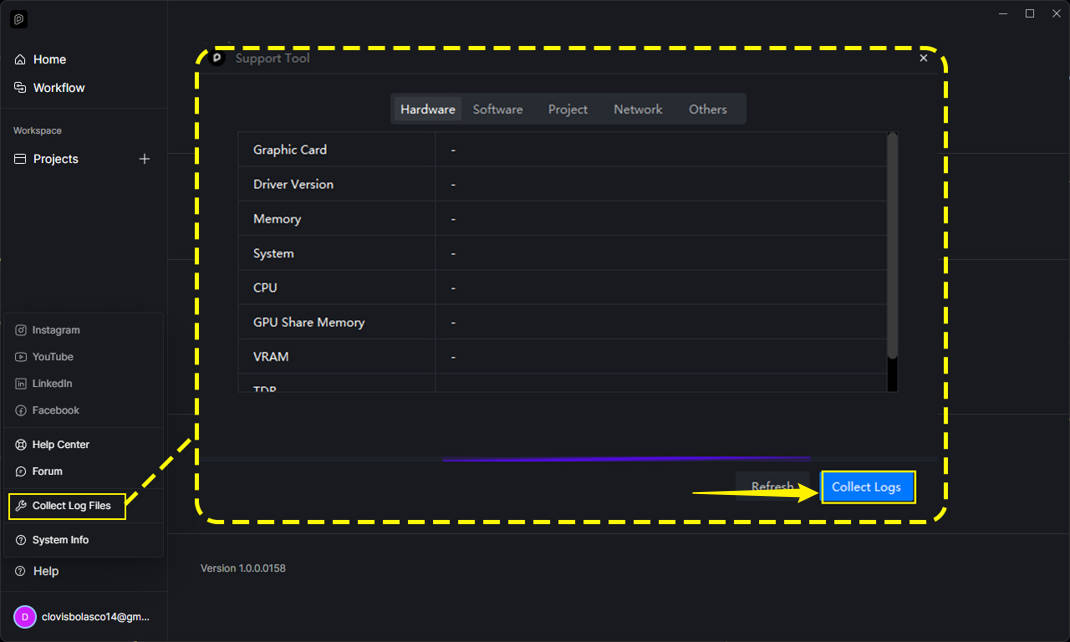
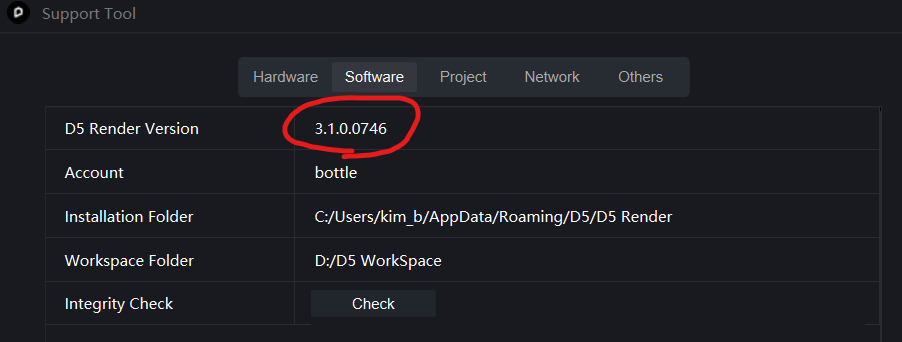
I have attached a screenshot showing that I am currently using version 3.1.0.0746. I have also uploaded the D5 Log File and the D5 Scene File used in the recorded video to the link below.
I’m Having the same issues as well. My workaround currently:
Create the animation flow in Video mode without DOF.
Once the flow is good, Add each scene in Video mode back into Scene List(Top Left).
Exit Video mode, and edit and save the setting for each added scenes in the “Scene List” with DOF and environment lights(HDRI, Rotation, Sunlight, etc.)
Once satisfy with the DOF and Environment lighting adjustment. Go back to video mode and refresh it back to each scene in the video thumbnail respectively.
Step 4 at times also may not be working as somehow it doesn’t update, So, just create a new Video Clips and add it back manually to the timeline.
Thank you! I actually use that same workaround whenever I need to set up DOF in Video Edit mode. Some of my students have also asked me about being unable to set the DOF in Video Edit mode, so I’ve been teaching them to use this exact same method.
Still, I decided to submit this report in the hope that we can directly adjust the DOF settings in a more seamless and intuitive way, rather than relying on a workaround.
Thank you once again for sharing the solution with me!
I followed the exact steps you demonstrated in your video, but I couldn’t replicate the issue. Nevertheless, we will investigate this matter further using the files you provided to determine why it is happening in your specific environment.