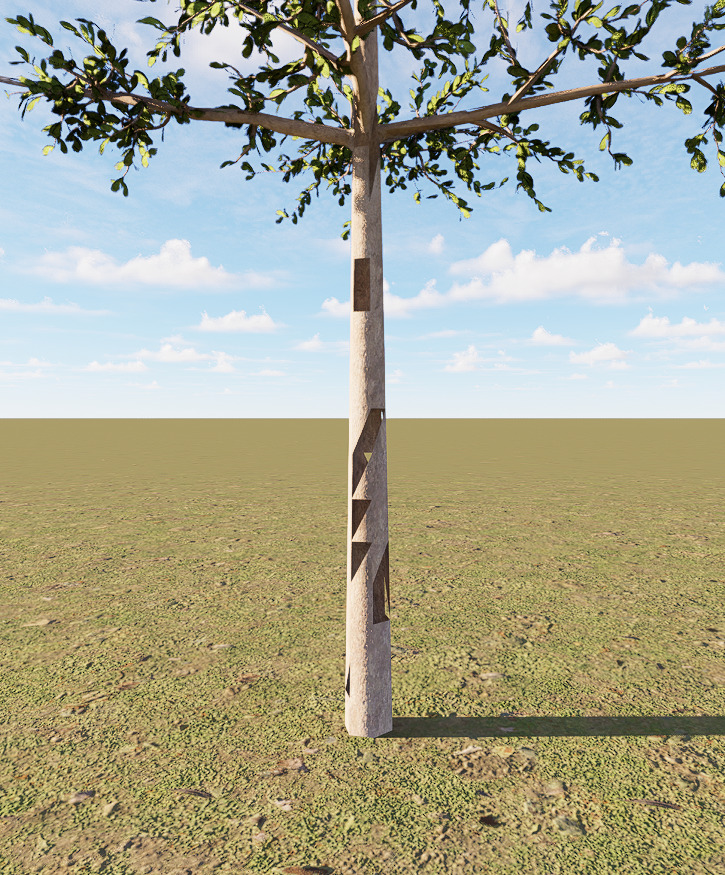
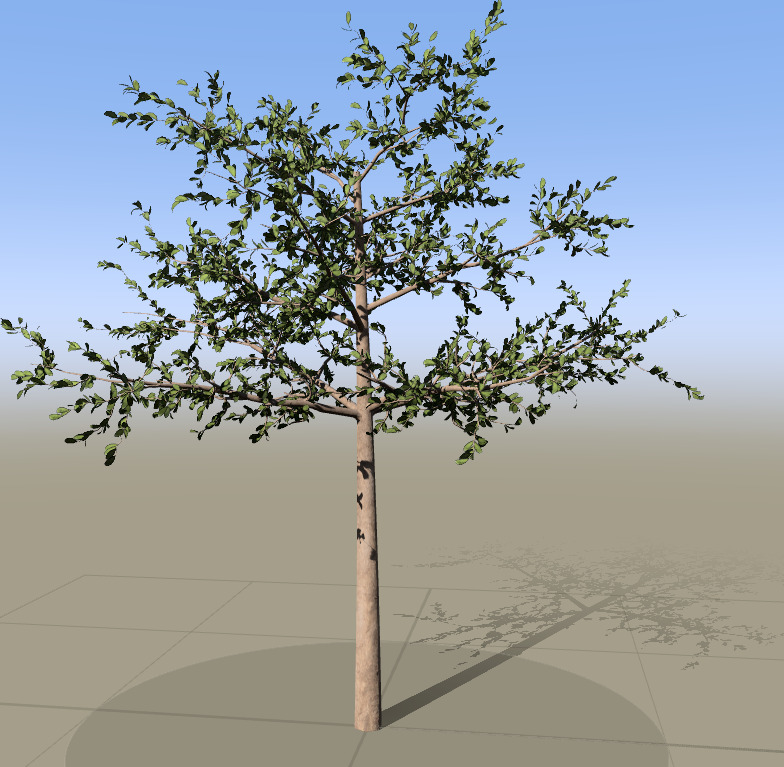
I’m currently experiencing a strange issue when importing a tree created in SpeedTree Cinema 10.2 into D5 Render.
I created the tree entirely from scratch using SpeedTree’s default generators (Trunk, Branches, and Leaves). The tree looks perfectly normal inside SpeedTree with no mesh errors.
However, after exporting the model, I encounter severe mesh corruption.
At the moment, D5 Render does not have direct integration or native support for SpeedTree. The only supported workflow is to export your SpeedTree assets as Alembic (.abc) files and import them into D5 Render.
Because of this, if the exported Alembic file contains missing faces or corrupted geometry, there are limited troubleshooting options available within D5 itself. We recommend verifying that the .abc file displays correctly in another 3D application, such as Blender or Maya. If the issue is already present there, it is likely related to the export from SpeedTree.
If the Alembic file appears correct in other applications but is corrupted only after importing into D5, please let us know. We’d appreciate it if you could share:
Your SpeedTree version
Your D5 Render version
A sample .abc file that reproduces the issue You may generate a link containing the .abc file then send it to me here in forum messages.
This will allow our team to investigate whether the issue is related to how D5 reads the .abc file.