The texture of the wall iron from SketchUp displays as a white plane in D5. If I replace the texture with a full (eg grey) color, it displays correctly in D5, but it’s a plane without the strucure of the texture.
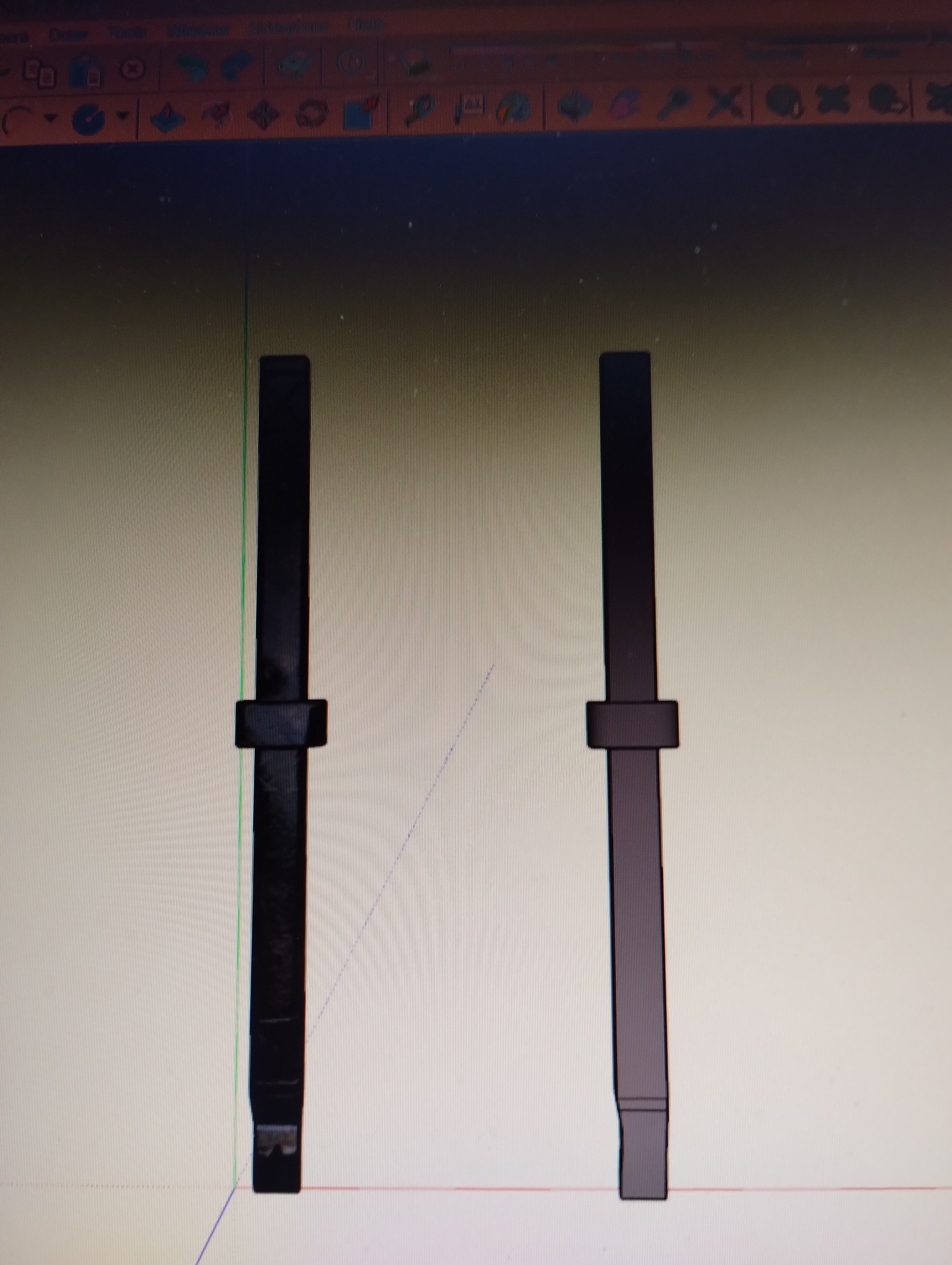
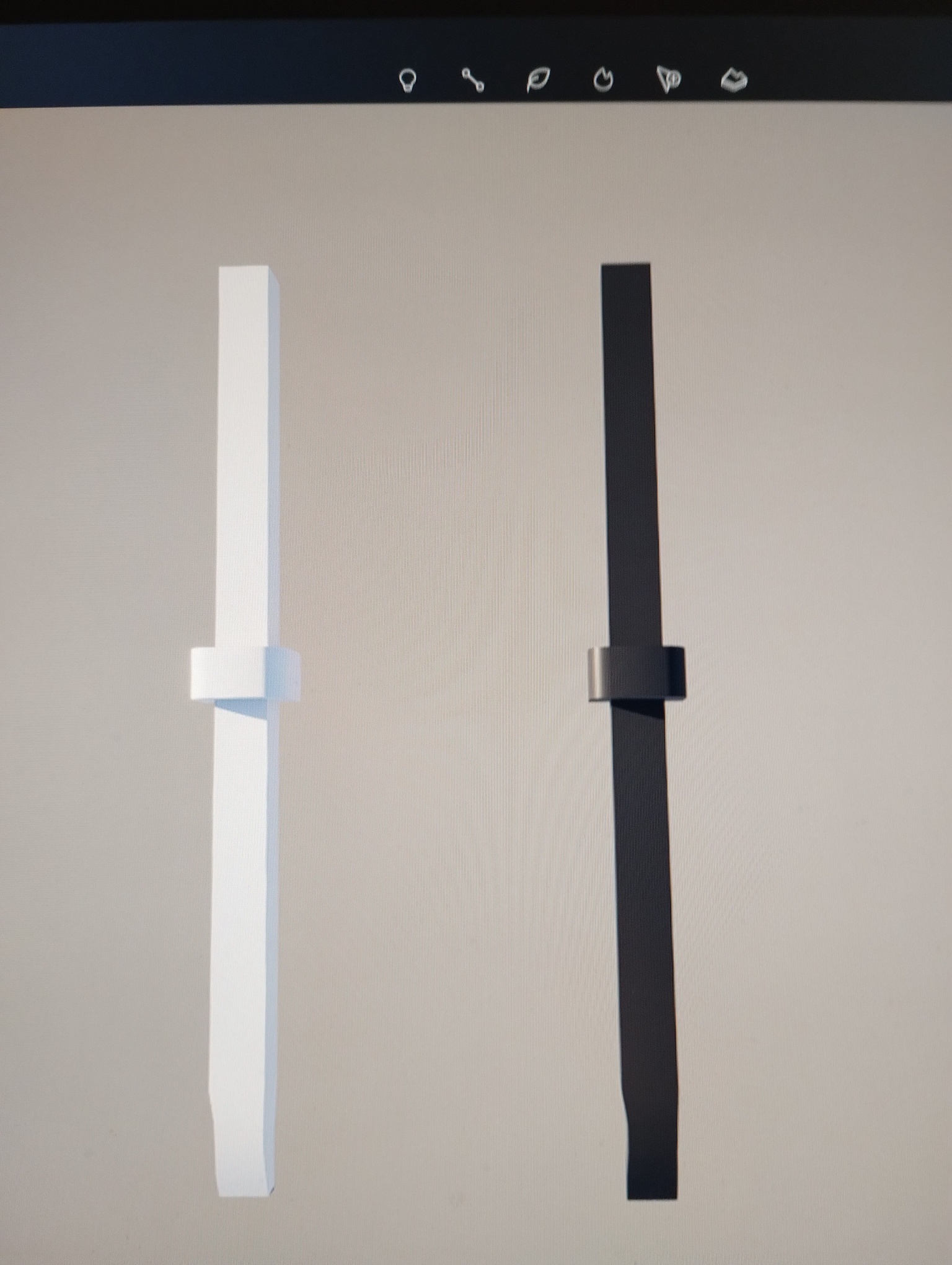
Hi @tukkermedia
Sorry for the inconvenience. This issue is actually quite common when importing SketchUp models into D5. A white or flat plane usually means the texture wasn’t read correctly during import.
Please try the following:
- In SketchUp, explode/ungroup the wall geometry
- Check if the two objects have the same base material name in SketchUp
- In D5, use the Material Picker (i) to select the surface and verify if the materials match
Let me know if these help. Thanks
Already tried using unexploded. Didn’t help. Only when I define the wall iron as a picture does it look anything.
I’m also encountering this issue with various paving materials that are shown as solid colours in D5. I’ve tried replacing the texture maps with alternatives and I’m just getting a slightly different solid colour shade when I do so.
Hi @3DG
Apologies for the inconvenience caused. To help us better identify the cause, could you please clarify the following:
- Are these custom textures or materials from the D5 Asset Library?
- Does this issue occur only in this specific project?
- Are you using LiveSync (e.g., from SketchUp) or direct import (FBX/OBJ)?
- In the Material Editor, is the Base Color map visibly loaded, or does it appear blank or incorrect?
- Does the texture appear as a solid color both in the viewport and in the final render?
Additionally, could you please provide a screenshot of the material settings panel and the affected surface in the viewport? This will help us visually confirm how the texture is being interpreted.
Looking forward to your reply so we can assist you further.
The textures are from the Sketchup plugin ‘Architextures’.
It probably occurs about 10% of the time, maybe less.
I use livesync.
The material editor appears blank. However, there have been times where the texture appears to be loaded in D5, but when I try to use AI material enhancer or maps generator, it says it is not recognised - this happens a lot.
I never attempted to render it so it was viewport only. I swapped the material for an inferior one in order to get the job done on time.
Hi @3DG
Thank you for your response. To investigate further, could you please provide a screenshot showing how the material appears on your end when the issue happens (including the blank Material Editor panel).
If possible, share the project file so we can test it and attempt to reproduce the issue. You may send the file to support@d5techs.com, kindly tag me in the email and include the link to this forum post for reference.
Thank you in advance — looking forward to your email.
For me it is a minor problem because on the walls of the houses it is hardly to see if the wall irons have a structure or not. So for me it is not an issue anymore.
1 Like