I am experiencing a persistent crash during the synchronization process between SketchUp and D5 Render (latest version).
The Problem: When I click Sync, the progress bar hangs on “Synchronizing” for 20–30 minutes. Eventually, D5 fails to update, and SketchUp crashes/shuts down completely.
What I have already tried
-Layer Management: Hiding heavy models and syncing only specific scenes.
-Model Cleanup: Deleted unnecessary geometry and purged the file.
-File Isolation Copied parts of the model into brand-new SketchUp files.
-Separated and tried rendering individual rooms in separate files, but the long sync time and crash still occur in every file.
But all of these failed
need advice or a method to solve
thank you
v
Yes, in SKP (any file that involves or copies of an origin model to another SKP file), I think im imported many textures to this SKP, and I think I might use a high poly model in the file, which makes my d5 is 2.05 GB( idk if it’s normal?)
…this is an interesting post!
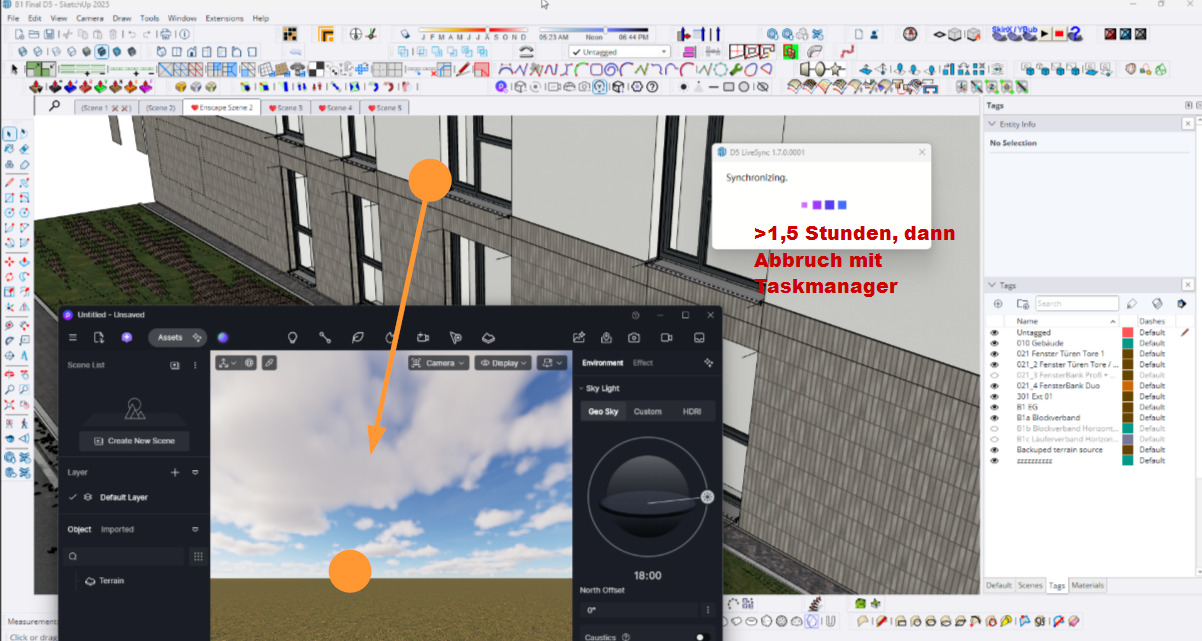
Yes, for me, too, opening a D5 file from within SketchUp is a constant extremely time-consuming challenge that, in at least 50% of cases, ends with SketchUp crashing and having to be terminated via the Task Manager.
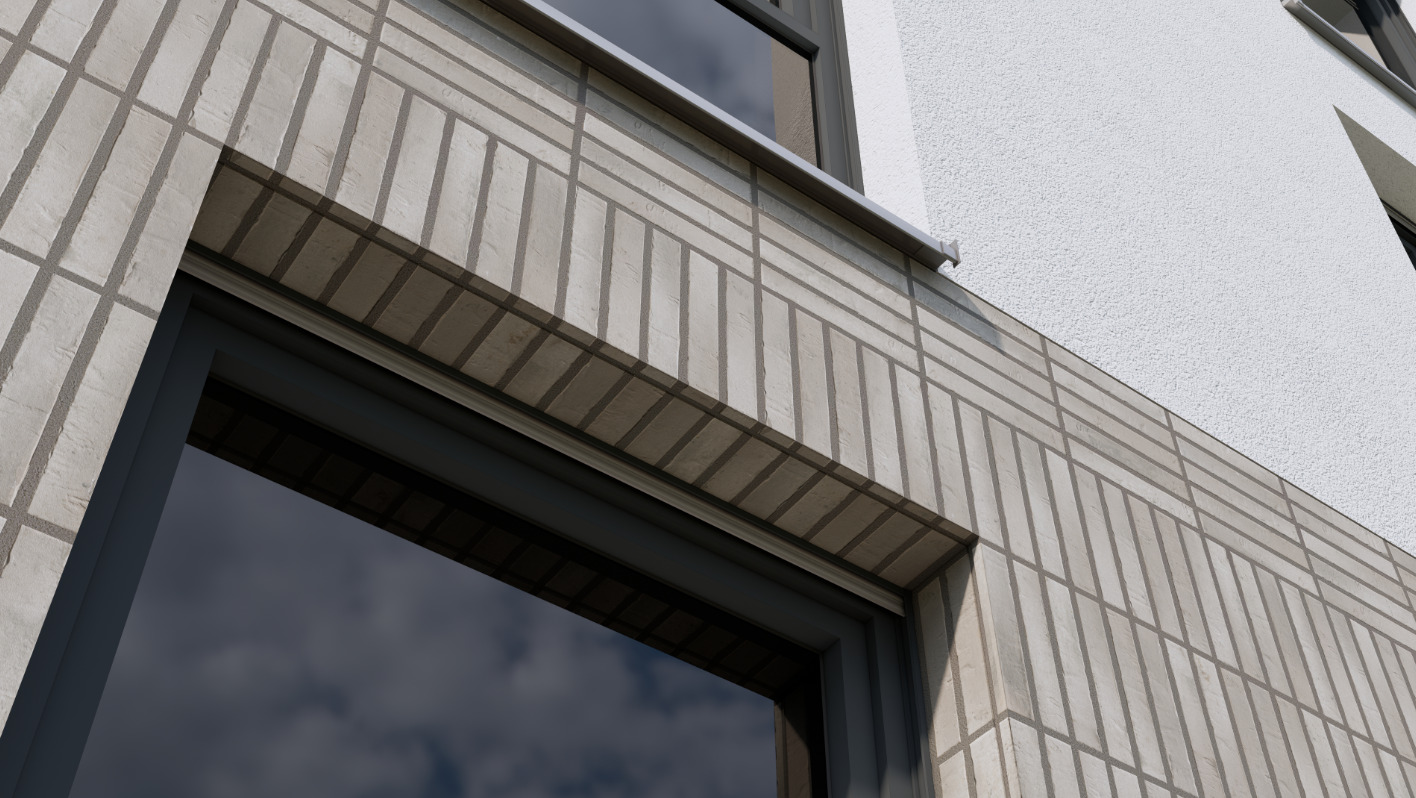
And that happens even with really small files, like the little facade detail shown here.
I’d also use all the optimization strategies mentioned above if nothing else helps, but certainly not with such a tiny file. All my colleagues are in the same boat.
(To meet my deadline, I used Enscape—a program I’m supposed to phase out. Enscape finished this project in just a few seconds—synchronization, rendering, etc.
[I’m taking a screenshot of an Enscape render to give you a visual impression of what I had to produce])
Thank you for your kind offer of help and I’ll be happy to follow up on it
First, I’d like to have our IT department check whether the issues in question are occurring on our own network.
I’m assuming this button is the one for sending a private message?