I started using D5 Render last year after purchasing a D5 Render Pro account.
I was especially attracted to the AI features, which led me to adopt D5 Render as my main rendering tool. However, while using the AI features, I discovered a problem.
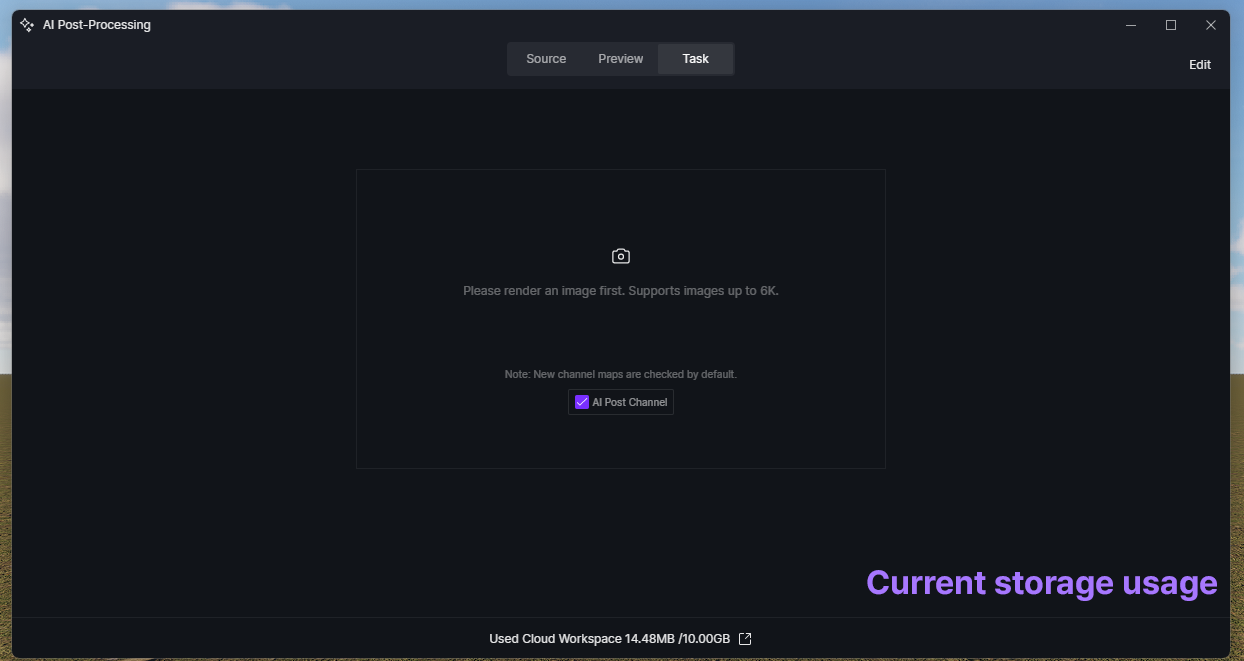
With a D5 Pro account, users are given 10GB of cloud storage. I noticed that data related to AI-generated content and related data, manageable in D5 Render was continuously accumulating in this cloud space.
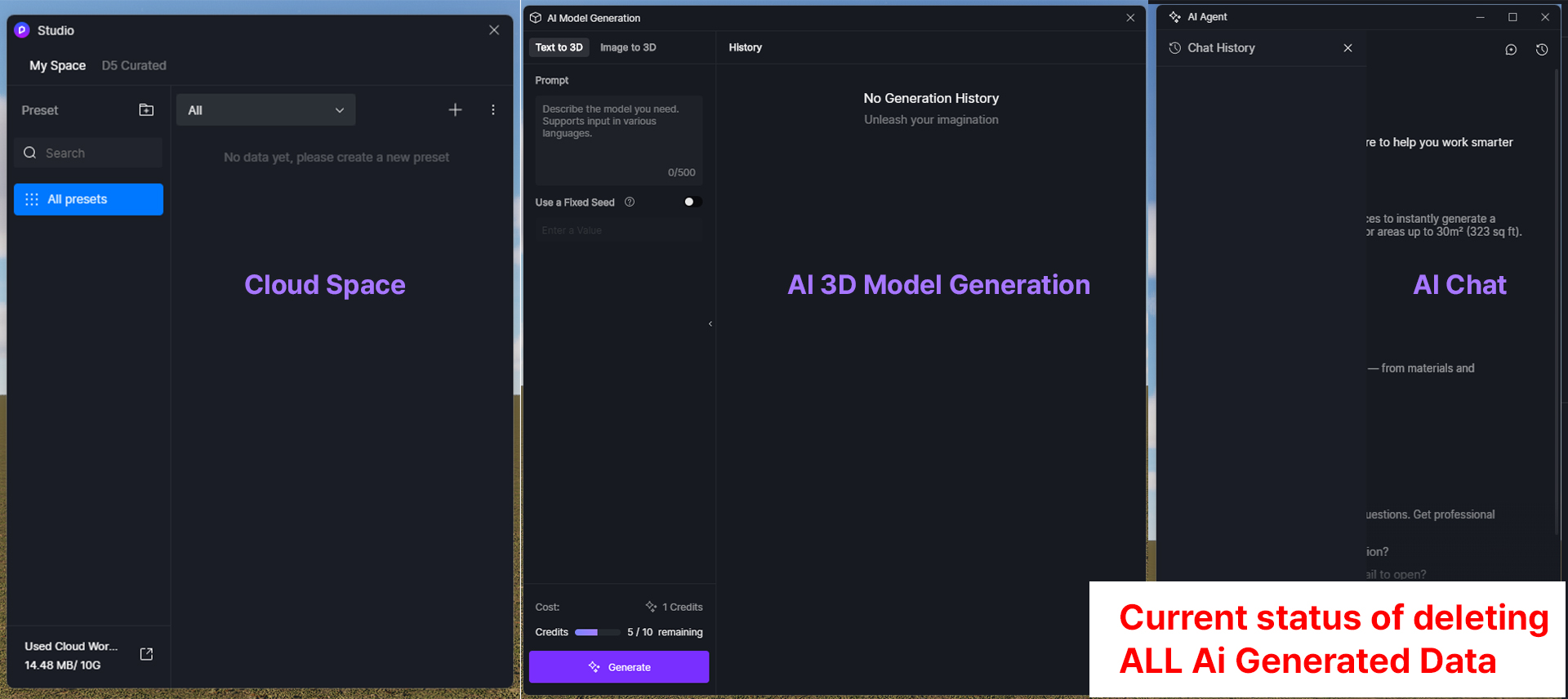
After searching the D5 Render Forum and Reddit, I cleaned up the storage that had increased while using D5. However, I found that around 1GB of data remained that could not be edited, managed, or deleted.
Because of this, when I purchased my Pro license again this year, I created a new account with a new email address and purchased a new one-year Pro license. However, I soon noticed that the same issue was happening again.
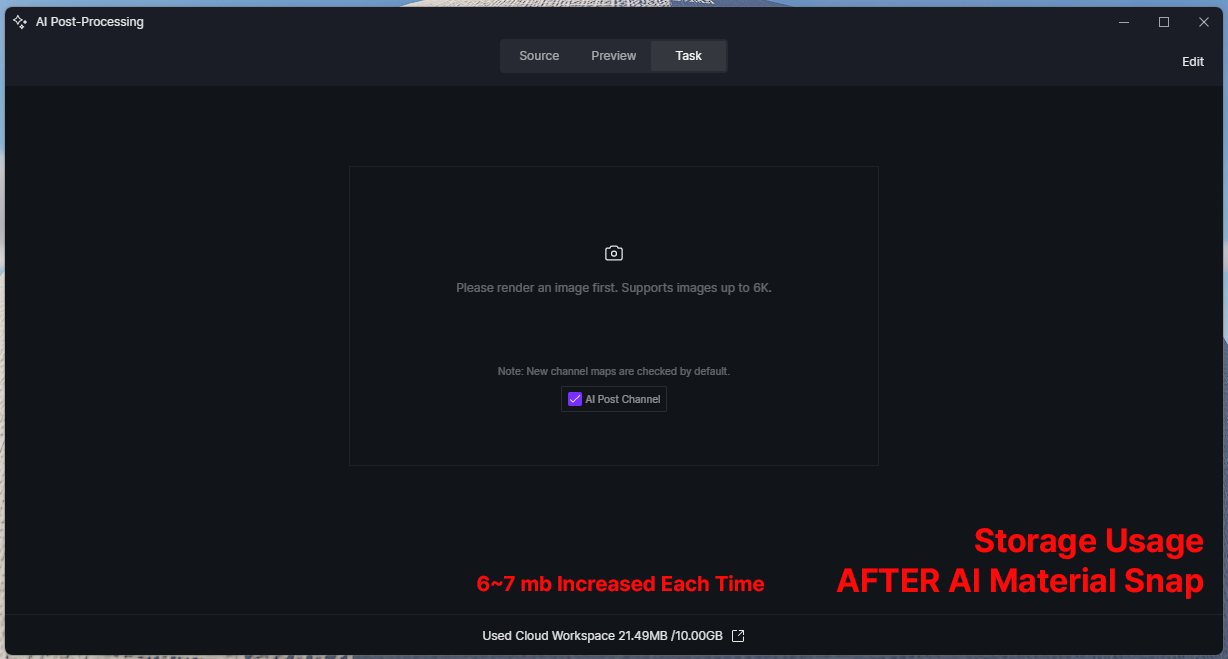
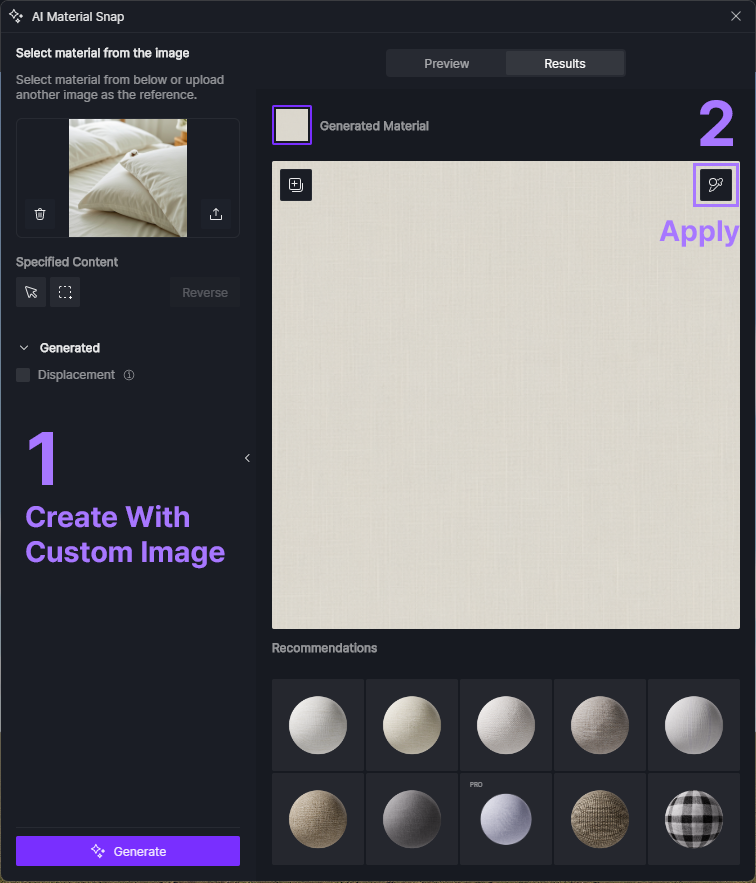
To identify the cause, I tested several AI-related features and found that the issue appears to be caused by the AI Material Snap feature.
When using AI Material Snap, whether by creating materials from the default images, using custom images, or applying them to the World with the eyedropper button, I noticed that non-deletable data continues to increase in the cloud storage.
For reference, based on my tests, features such as AI Model Generation, AI Atmosphere Match, and AI Chat did not cause this storage increase. AI Post Processing Data does increase storage usage, but that data can be deleted and managed properly.
This may not seem like a major issue in the short term, but it is a very critical problem for long-term D5 Render users. The AI Material Snap feature is currently one of the most important features in my D5 Render workflow, and I believe it is likely important for many other users as well.
However, considering the limited 10GB cloud storage provided with the Pro plan, this issue prevents users from fully using the cloud storage included as part of the Pro features. If this continues, users may have to create a new account with a new email address every year just to keep using D5 Render without running into this storage issue.
If there is currently any way to resolve this issue, or if there is any action that can be taken on the user side, I would greatly appreciate your guidance.
If there is not yet a solution, I kindly ask the D5 Render team to consider adding a feature in an upcoming version that allows users to properly manage or delete this type of AI Material Snap-related data.
P.S. After checking again, I found that the storage increases even when I only generate a material from an image, without applying the material to the World using the eyedropper button.
I also tried several possible solutions, including File > Clear Data in D5 Render, saving and reopening the project file, and manually deleting related files from the project file directory. However, none of these methods resolved the issue.
My Current D5 render Version : 3.0.1.0683