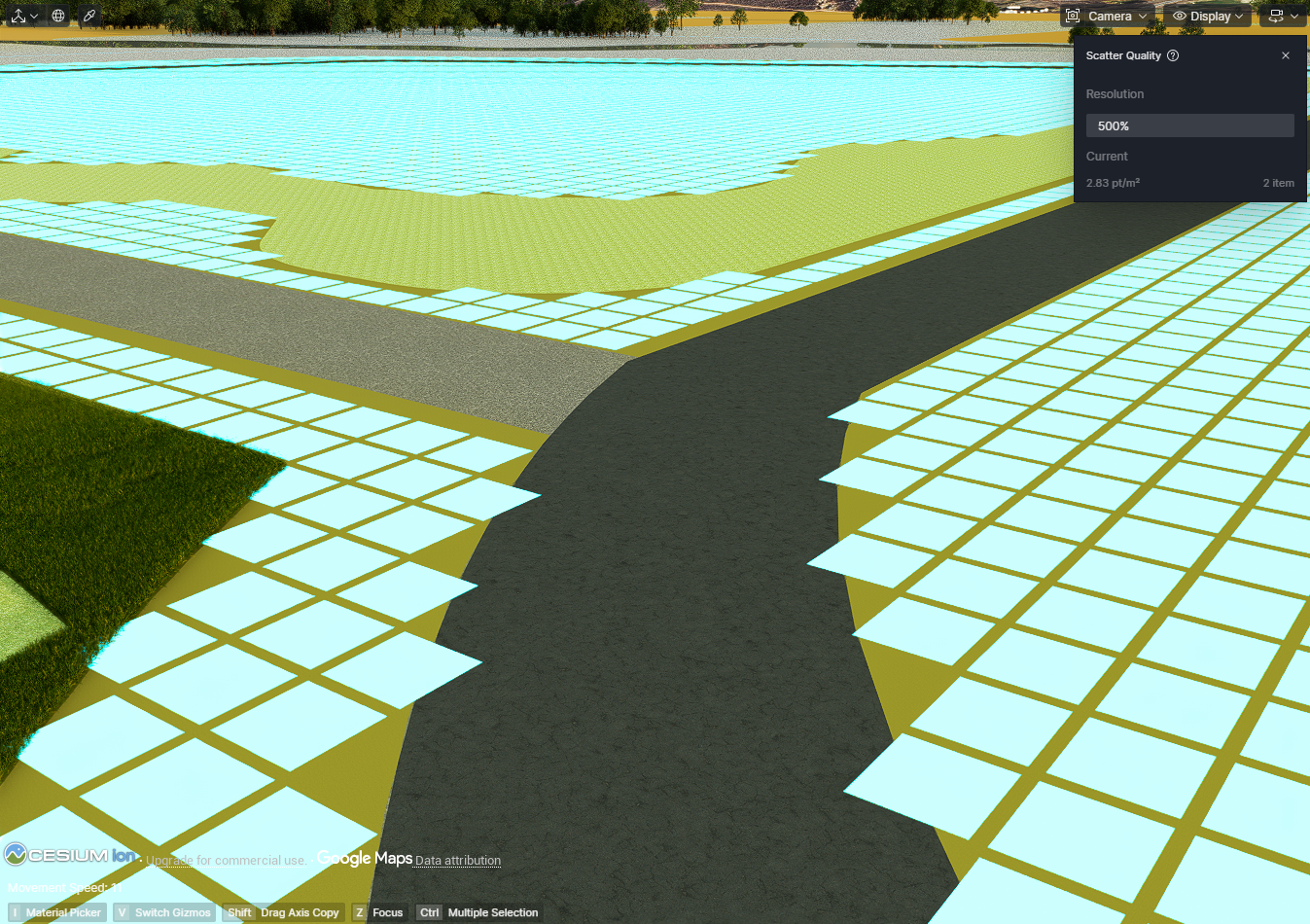
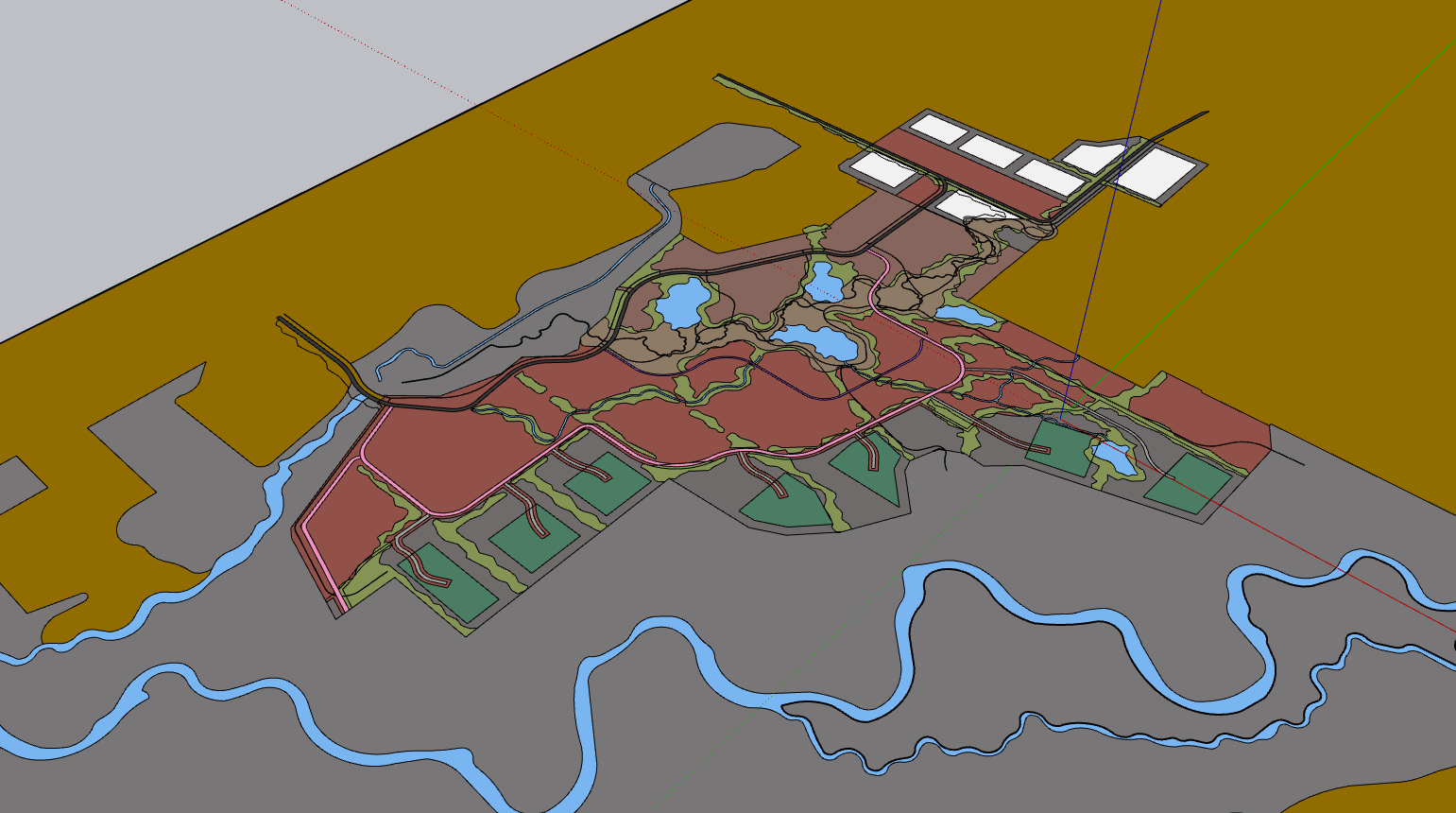
I’m working on a fairly large project; it’s around 200 acres. I am wanting to utilize the scatter feature, but it isn’t painting the entire surface and is leaving small gaps. (See attached Screenshot). I have even increased the scatter quality to 500% resolution. Is anybody aware of a workaround that can improve the accuracy of the scatter surface? Do I need to alter my SketchUp model for this to work?

In my experience you must divide this area to smaller ones. There is many issues with scatter on larger areas. For example scatter cluster feature doesn’t work completely see here : Scatter Cluster issue - Get Help / Tech Support - D5 RENDER FORUM
1 Like
Yeah as Smolak said, divide the areas into smaller ones. I find that it also depends on the shape of the terrain you’re trying to scatter. I make a grid in Rhino 250x250 meters for projects this large and then divide the surfaces into that grid with the splitting command. Then you assign every single grid etc. to an individual material, which is really annoying.
I’ve tried with 500x500 grid and that still skews with the size of the scatter areas despite changing quality to 500%. 250 is alright but 100 would be better, but on projects your size it’d take forever to assign materials in my experience.
I’d suggest you focus on what you think your views will be, and work accordingly to that. Instead of dividing 200 acres into a grid you should divide the most important parts for your views/scenes.
1 Like