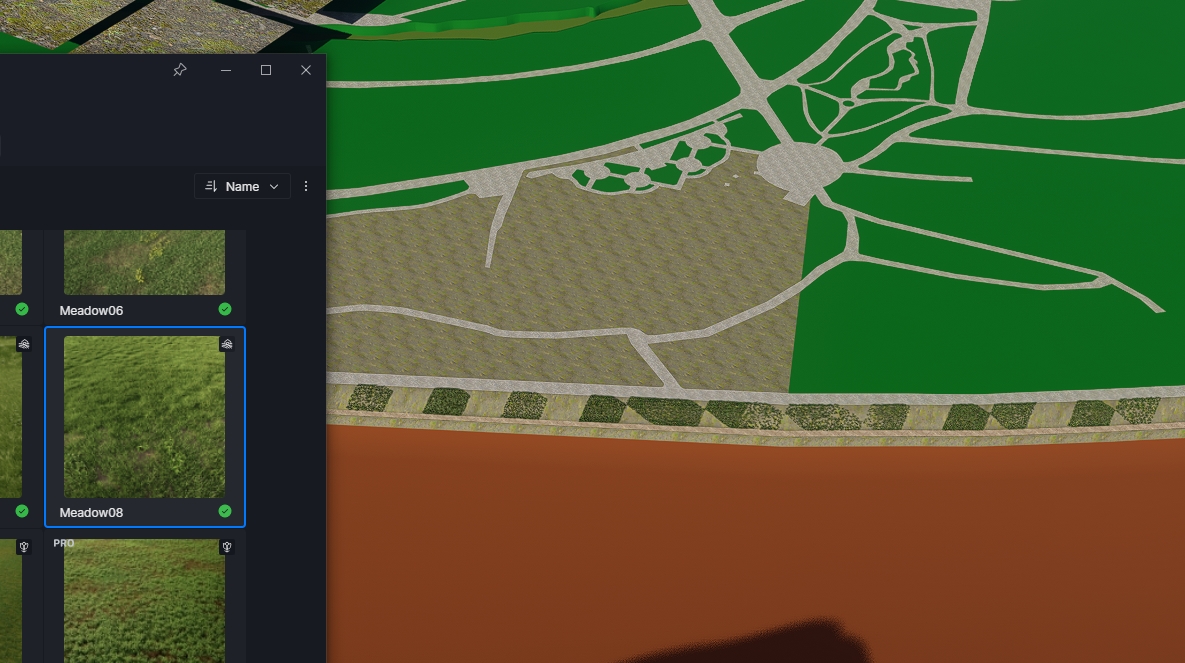
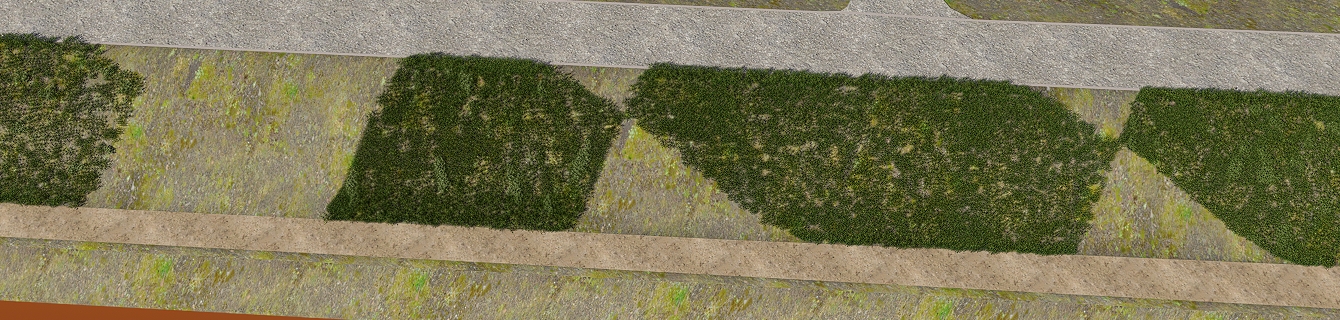
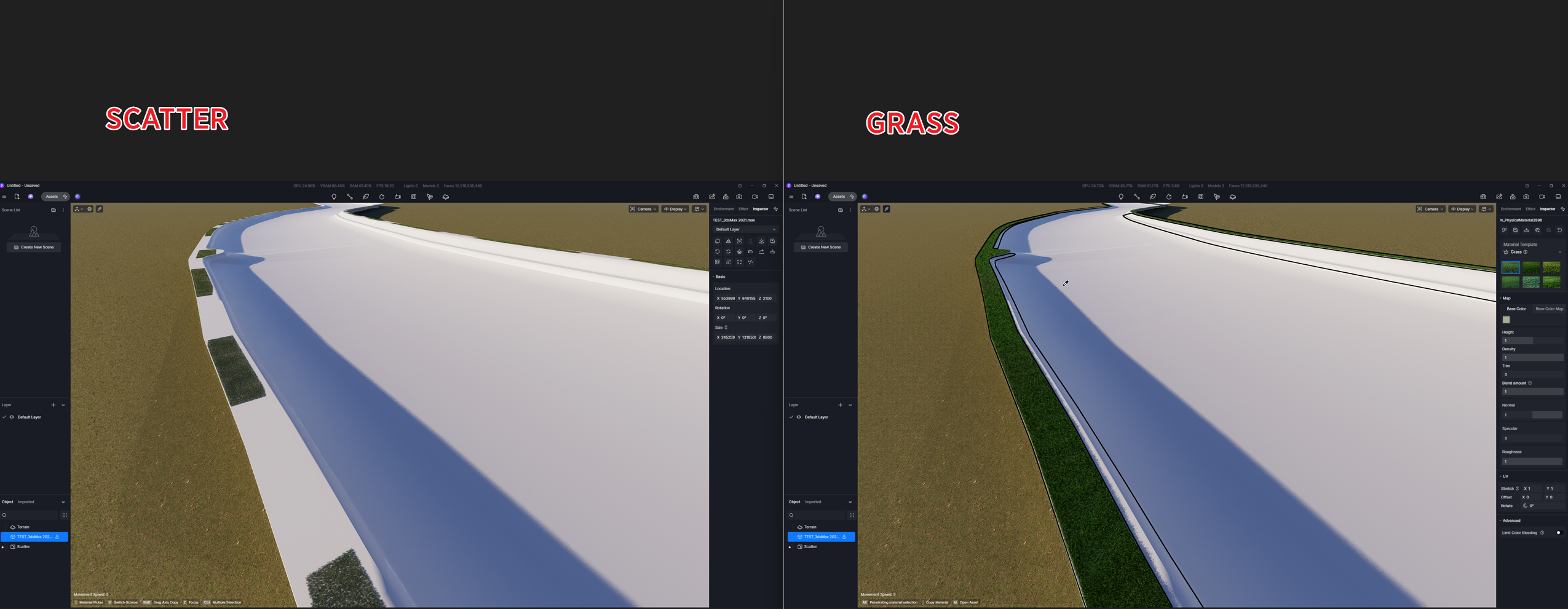
The scatterer is not working properly.
Please tell me how to fix it.
- Apply UVW map in 3ds Max (box 300030003000)
- Export fbx file
- When applying scatter after importing into D5 render 3.01, a scatter error occurs as shown in the attached image.
The scatterer is not working properly.
Please tell me how to fix it.
Hi @anishop77
HI Clov
Hi @anishop77
Could you please send us your files? Specifically, we would like your 3dsMax file and your D5 file. If you’re unable to share the entire 3dsMax file, it would be helpful if you could isolate the specific portion or surface of the model that we can test. Thank you!
TEST.zip (1.9 MB)
I have attached the 3ds Max file and the converted FBX file.
Please test the scatter.
@Clov
I cannot upload the D5 file due to the size limit.
Please import the uploaded 3dsMax or fbx file and perform a scatter test.
It looks like the same issue which I described here : Scatter is broken on large irregular areas - Get Help / Tech Support - D5 RENDER FORUM
Scatter doesn’t work on large areas while using clusters. It generate striped pattern.
Try the same on smaller area or divide areas to smaller ones. I did that and it works as workaround.
hi @Smolak
Thank you.
That is one way to do it!
It improved a lot when I divided the material into multiple parts and made them into smaller areas.
Thank you.
Hi @anishop77
We were able to test your file, and it yields the same result, even with the Livesync Plug-in.
Hi @anishop77
We’ve confirmed that this follows the same logic as Smolak’s other forum post.
Hi @Clov, please prioritize because this is major issue inside major D5 feature.
Also you are little wrong about Scatter Quality - lowering this value to 50% can help to resolve this problem. It looks that there is internal limitation of overall instances. Increasing quality with increasing amount of instances can trigger this issue. And this is related to Cluster Size parameter only.
I’ve run into similar scatter glitches after importing heavy geometry from other apps. Sometimes rebuilding the scatter area or slightly simplifying the mesh fixes it unexpectedly. D5 seems pretty sensitive to messy topology in some scenes.