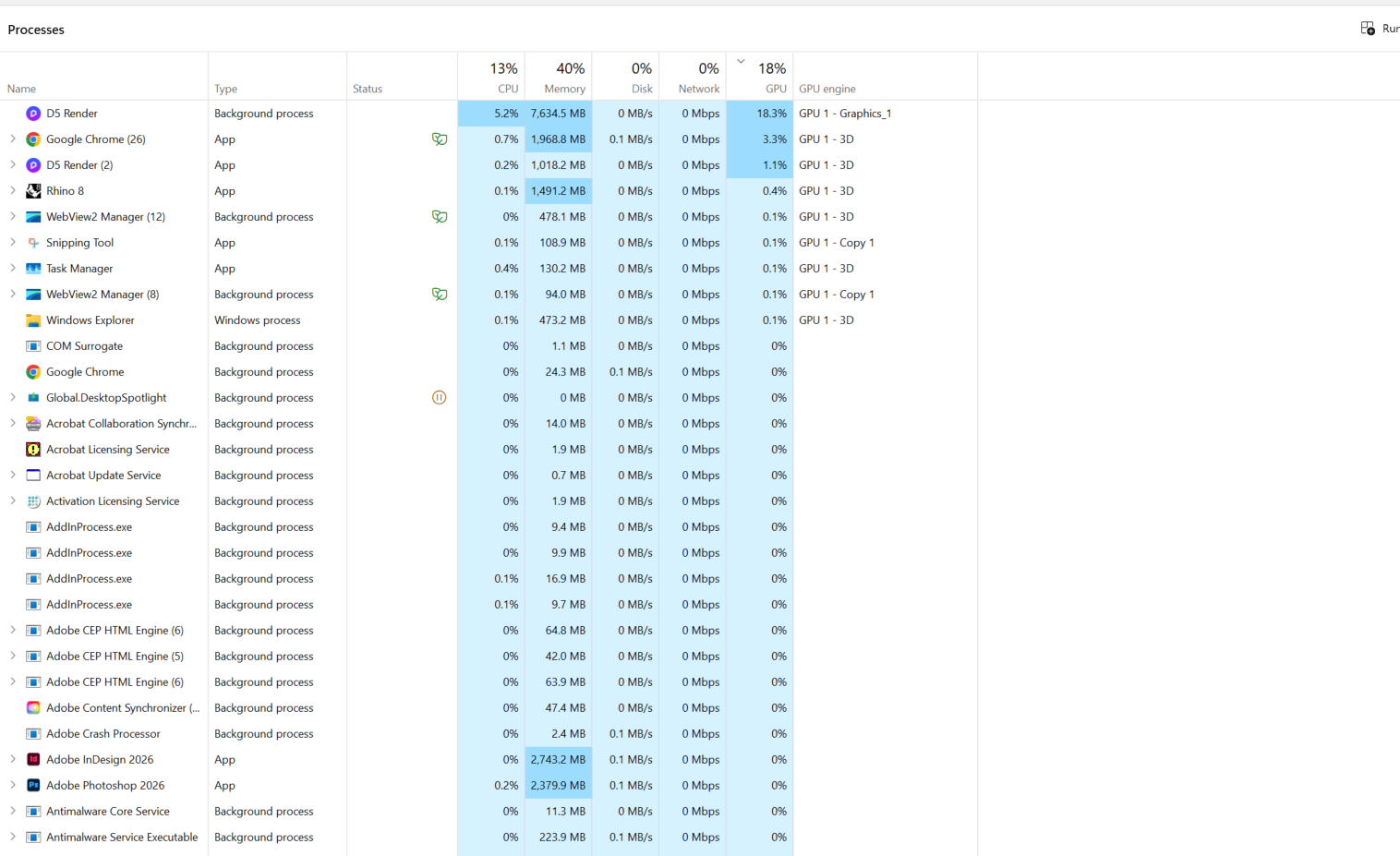
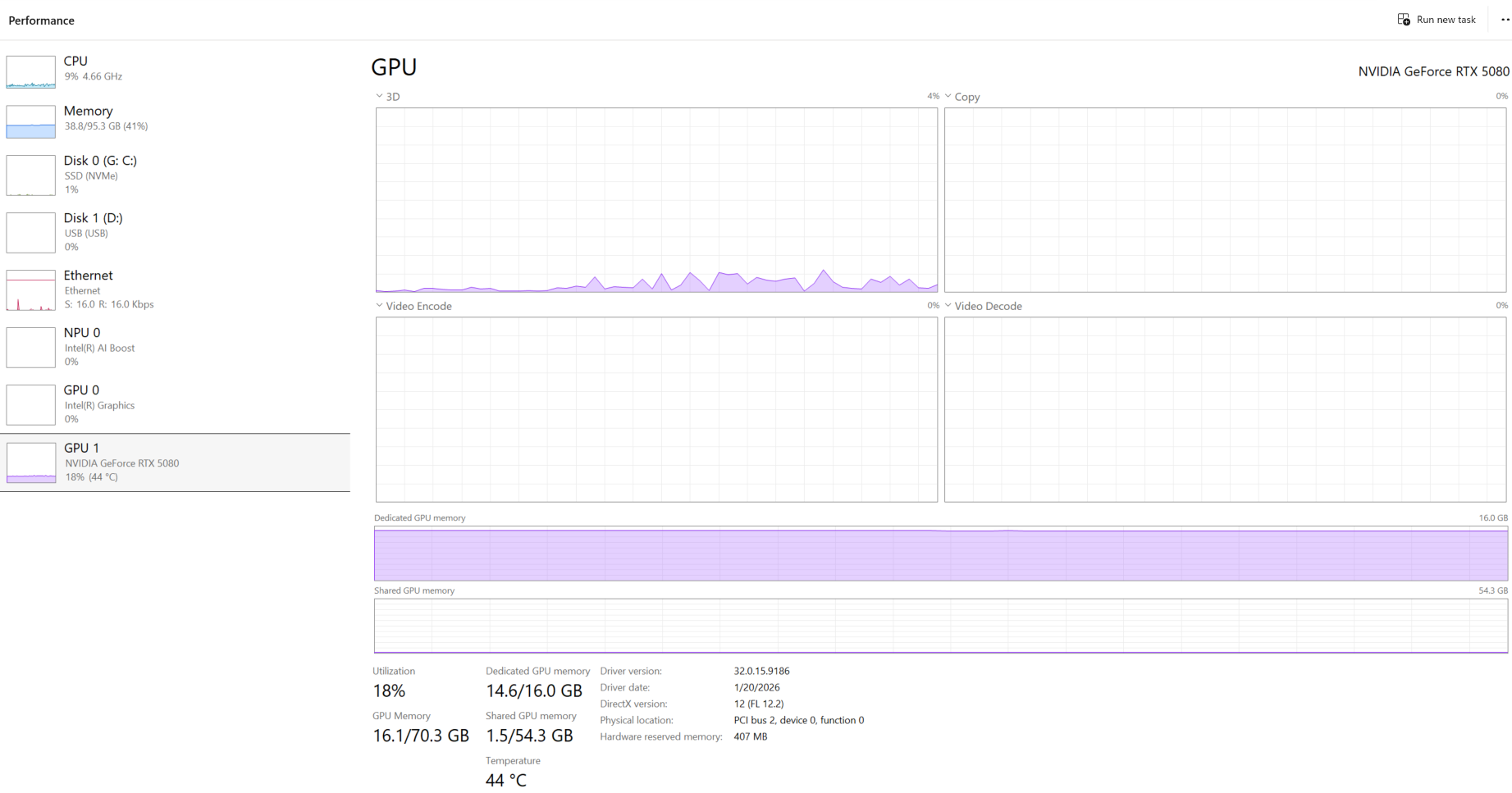
Hi, I’ve been using D5 for a few years now. I recently moved to a new practice and am working on a new computer, but I’ve been experiencing major performance issues with this setup.
Previously, I was able to smoothly navigate models during Zoom presentations. Now, when I do this, the Zoom audio becomes so garbled that I can’t present. I was previously using a Quadro A6000 and, more recently, run a 5090. Anecdotally, the 6–7 year old A6000 felt like it performed better than when i was one the new rig with the 5090. I experienced frequent crashes when using D5 Live Sync with Rhino when i moved to the 5090 rig.
Can you provide us with a screen recording on your end showing the issue? We will also be testing the software you mentioned while screen-sharing on Zoom.
What was your device’s previous VRAM? Higher VRAM would work well for complicated scenes with a lot of vegetation.
We haven’t had similar reports with the same situation as yours. Generally, RTX 5080 and RTX 5090 are all high-end GPUs, which are expected to work smoothly with D5 (given that the file size is not too big and is enough for your VRAM
There were reports with RTX 5090 before, but they were resolved with the GPU Drivers update.
If you’re able to send us the D5 file, that would also be best.
unfortunately the files i have to demonstrate are all with clients with NDA’s. Therefore i cannot share the file or screen recording. Yes my previous machine had higher vram (double) I have downgraded from two 4k monitors to two 2k monitors to lighten the load. I have also changed some setting withe zoom to force zoom to use the onboard graphics card which has helped some.
However performance when I’m using Miro and have d5 with large complex landscape masterplans open is still crippling, so i avoid opening the two at the same time.