얼마 전에 노트북이 고장이나 새로 전부 깔았는데, 라이노8과 D5 라이브 연동이 안 됩니다ㅜ
저와 비슷한 사례를 찾아보고 할 수 있는 전부 해봤습니다… 라이브싱크가 안됩니다 Rhino 8 LiveSync Version Error
이분하고 매우 비슷한 경험을 하고 있습니다. 개별적으로 작동되지만 라이브만 안되는 경우입니다…ㅜㅜ
제발 도와주세요…ㅠ
Hello,
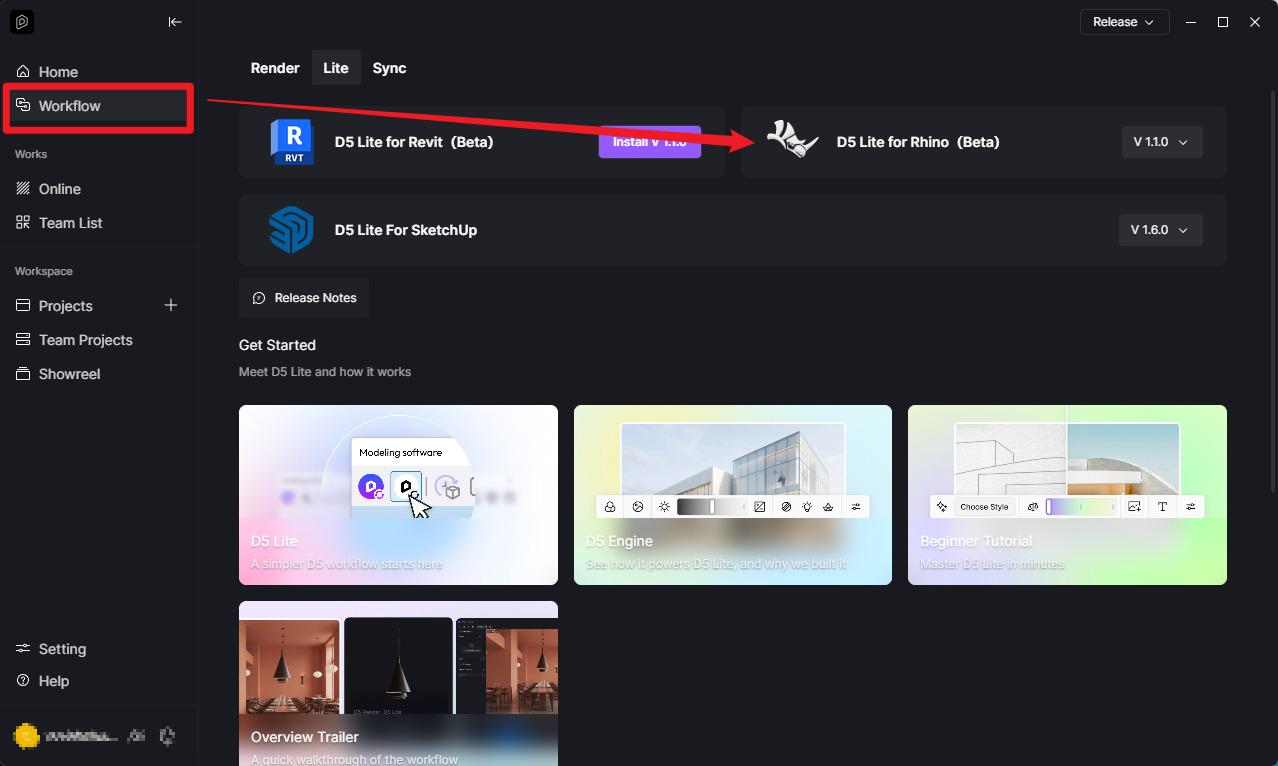
I am using Rhino 8 and D5 Render 3.11, but Rhino LiveSync is not working.
When I try to use D5 LiveSync in Rhino, I get the following error: “The current version of D5 Render does not support current version of Rhino Sync Plugin, please upgrade to version 2.7 and above.”
My versions are:
Rhino 8
D5 Render: 3.11
D5 Launcher: 1.2.0.0122
D5 LiveSync for Rhino: 1.1.3.0016
My D5 config.ini also shows:
InstallerVersion=3.1.1.0758
LauncherVersion=1.2.0.0122
D5 Render itself works normally, but LiveSync does not work.
I reinstalled D5 after my laptop had a hardware failure, and LiveSync worked before the laptop failure.
Could you please tell me how to fix this issue? Is this a known compatibility/version detection issue?
Hello! Thank you for your help with the guidelines.
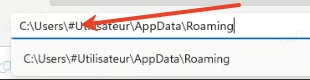
After trying the first method, could it be that an error occurs because there are Korean characters included in the path?
This is my actual path: C:\Users\홍길동\AppData\Roaming
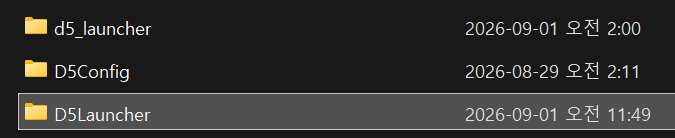
Also, would it be an issue if there are multiple related files?