라이노 8이고 라이브싱크를 최신버전으로 다운받았는데 계속 지원되지 않는다면서 업그레이드하라고하는데 이미 이게 라이브싱크 최신버전인데 뭐가 문제일까요? d5, 라이노 따로따로 돌리면 다 정상작동 합니다 라이브싱크만 계속 안됩니다
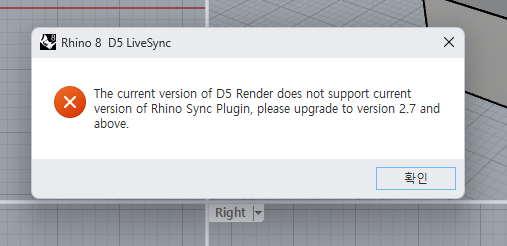
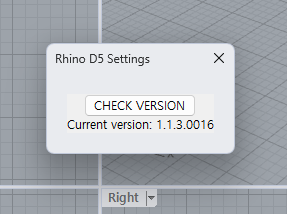
I am currently using Rhino 8 and have installed the latest D5 Render 3.0.0 and LiveSync Plugin 1.1.3.0016. Even though everything is up to date, I keep getting an error message saying, ‘The current version of D5 Render does not support current version of Rhino Sync Plugin, please upgrade to version 2.7 and above.’
Both Rhino and D5 Render work perfectly fine individually, but the LiveSync connection fails with this version error. I have already tried reinstalling the plugin, but the issue persists. Could you please check if there is a conflict between Rhino 8 and the latest plugin?
Thank you for your response. I have followed your instructions and tested several scenarios, but the issue persists. Here are the updated details:
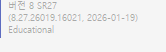
1. Exact build number of Rhino 8: I am using Rhino 8 SR27 (8.27.26019.16021, 2026-01-19) - Educational License.
2. Complete uninstallation of previous versions: Yes, I completely uninstalled any previous LiveSync versions and performed a clean reinstallation of version 1.1.3.0016. But it did not resolve the error.
3. Running as Administrator & Version Updates:
Admin Privileges: I tried running Rhino 8 as an administrator alone, and also tried running both Rhino 8 and D5 Render together as administrators. Neither of these attempts changed the result.
D5 Render Update: I noticed that D5 Render has been updated to version 3.0.1. I updated to this latest version and tried to sync again, but I still receive the same error message: “The current version of D5 Render does not support current version of Rhino Sync Plugin, please upgrade to version 2.7 and above.”
One more important detail: I recently purchased a new desktop computer, and this is my first time trying to use LiveSync on this specific machine. Previously, I used a gaming laptop, and LiveSync worked perfectly on that device without any issues. The last time I used it on that laptop was about two months ago, and it was very stable.
I apologize for any inconvenience caused, and thanks for explaining the details. Could you please share your log files with me? You may send them to support@d5techs.com, tag me, and include the link to this forum post in your email for better tracking. I’ll be happy to share this issue with our team and see what’s causing it. Thanks in advance.
Please try to open Render 3.0.1 before using the Rhino plugin to synchronize to see if it works. (Open D5 and Rhino together, then activate the livesync)
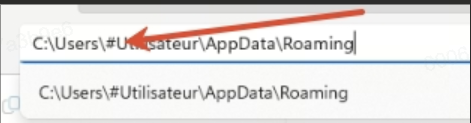
Please check this particular folder’s name; ensure that there are no special characters since there is an issue with D5 not being able to read it.
If the issue still persists:
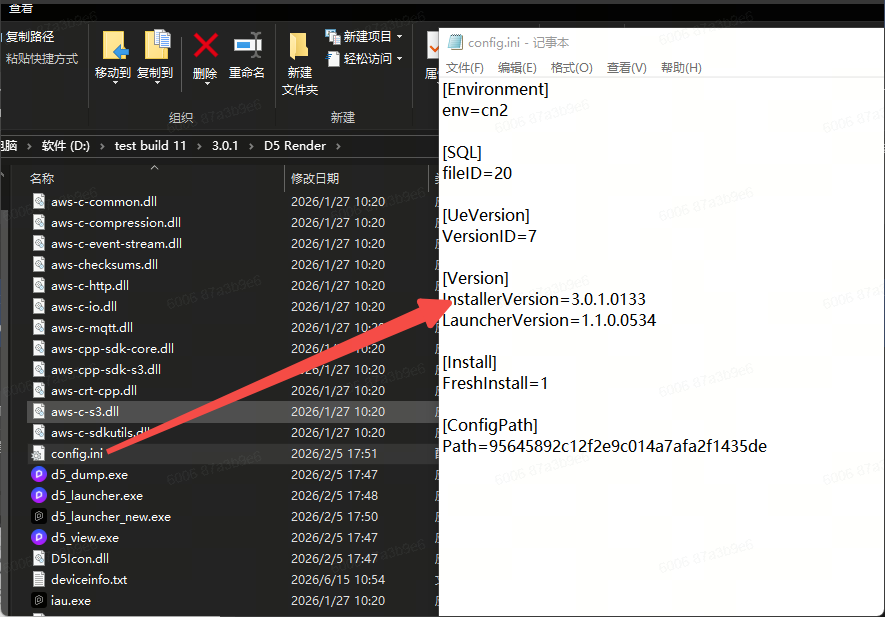
After installing Render, the content will be written under the corresponding path of the registry