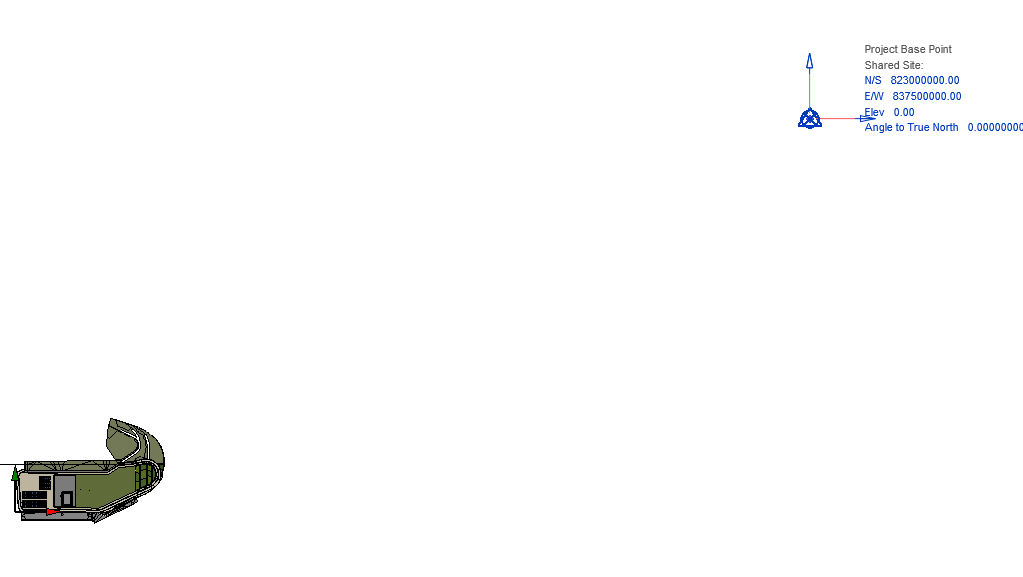
When I sync the model, D5 is interpreting Revit’s Y‑axis as the X‑axis. I have checked the Internal Origin, Project Base Point, and Survey Point, and none of them are rotated. Hopefully there is a setting that can fix this issue.
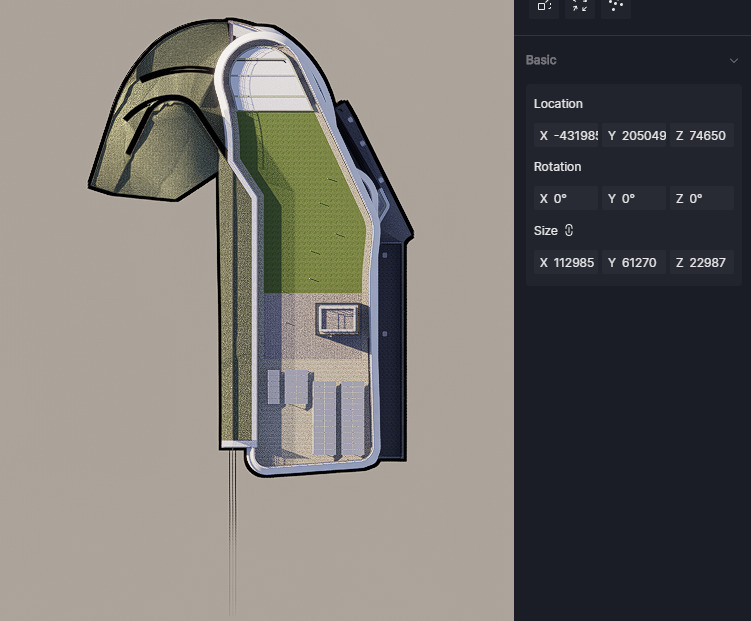
Hi @AARONKK you can use the “Sync Coordinates” feature to restore the model directly to the absolute modeling coordinates. This function is in the resource list menu on the left side.