
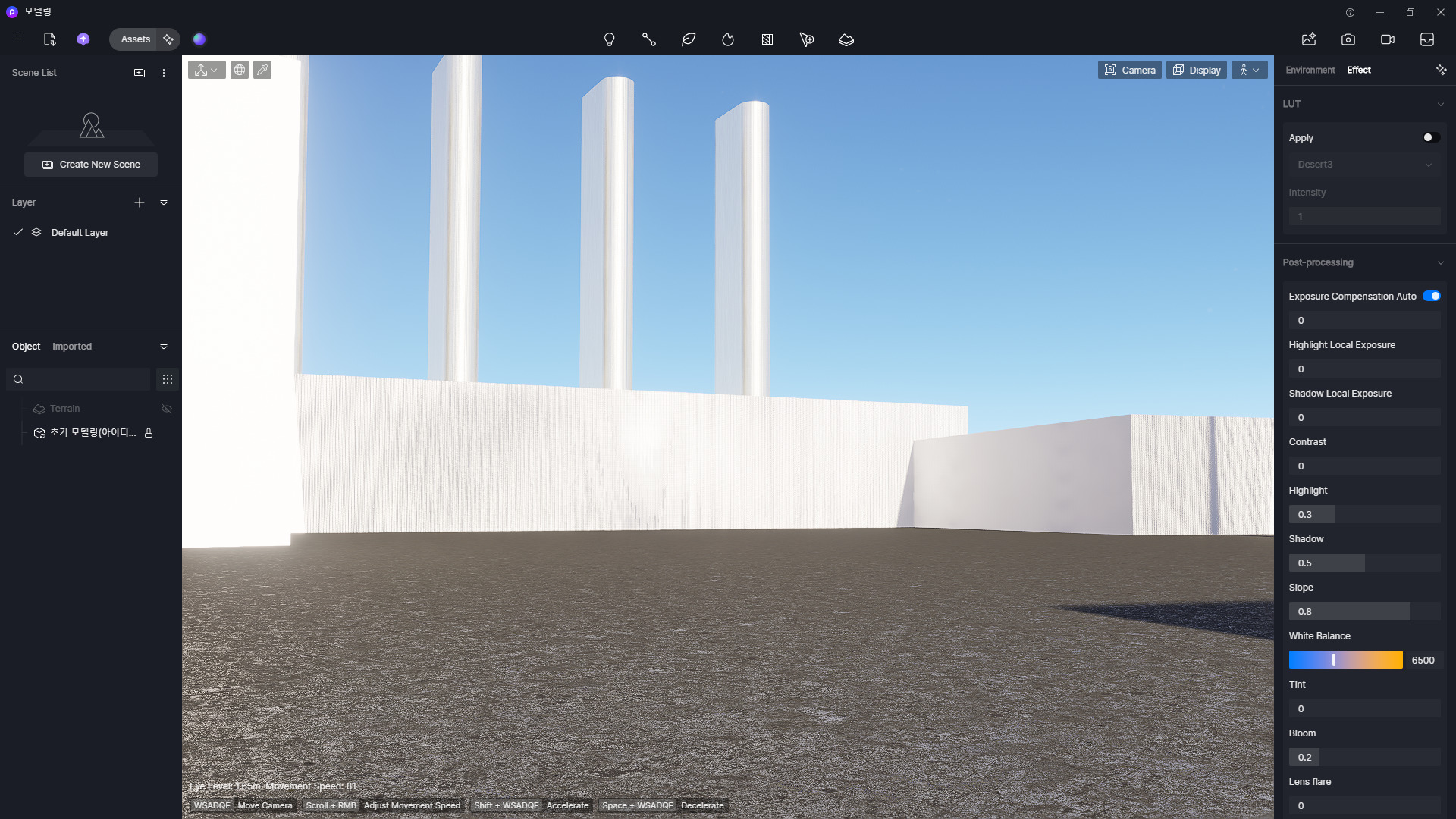
Hi @cyh21534
Hi, thanks for reaching out about this issue.
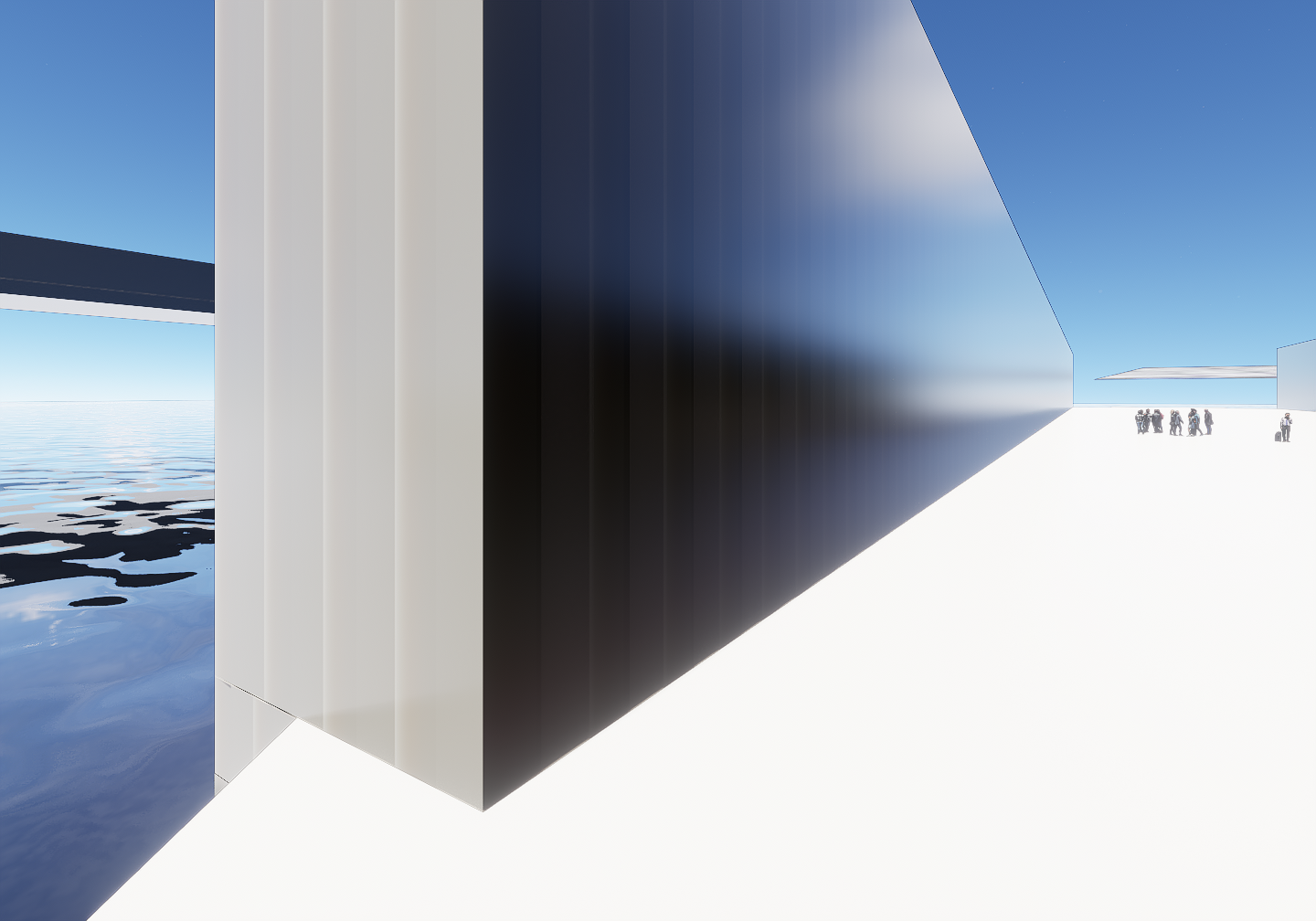
If the patterns appear on all textures (including the default ones), it could be related to rendering or display settings rather than the texture itself. To help us identify the cause, could you please check a few things and share some details?
- Does the pattern appear only in the viewport, or is it also visible in the final render output?
- Does the issue happen in all scenes or only in this specific project?
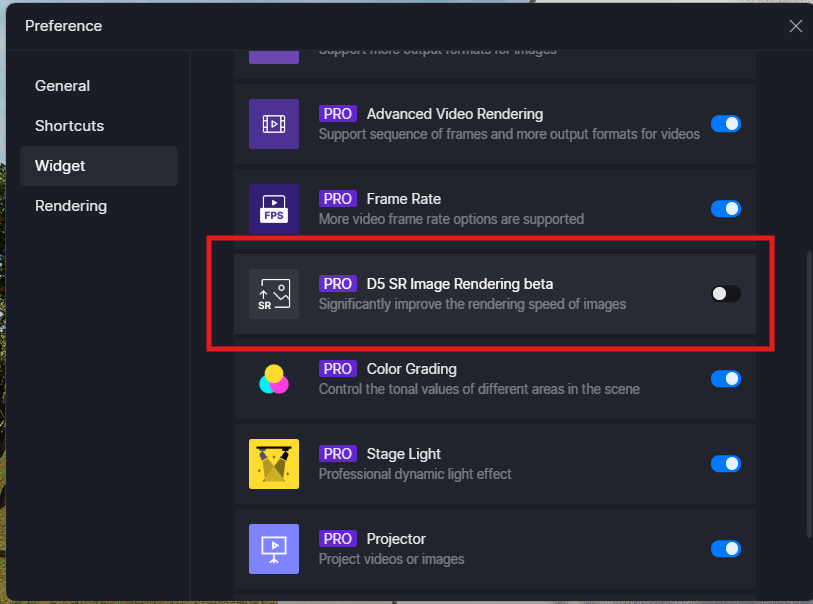
Also, if Super Resolution is enabled, please try disabling it and see if the pattern disappears. This setting can sometimes affect how textures are sampled and displayed.
Hi @cyh21534
Thanks for the update. Could you also please confirm the following?
Additionally, what version of D5 are you currently using?
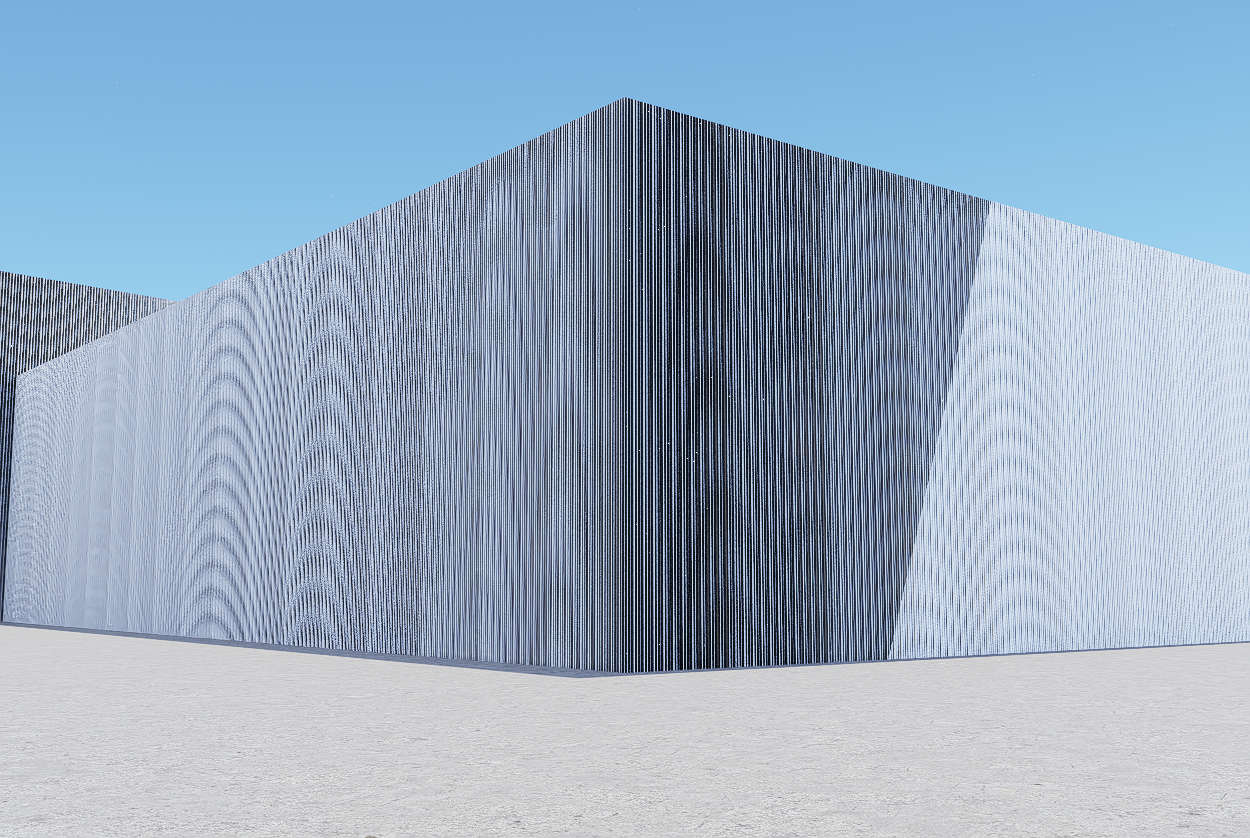
My version is 2.11.0, The same issue persists in the final output, and it occurs on all extrusions created from curves in Rhino 7.
Hi @cyh21534
Thanks for the update. Could you please try updating your D5 to the latest version? Some fixes have already been released, including improvements related to this issue. After the update, kindly check whether the problem still appears in the final output.
Hi @cyh21534
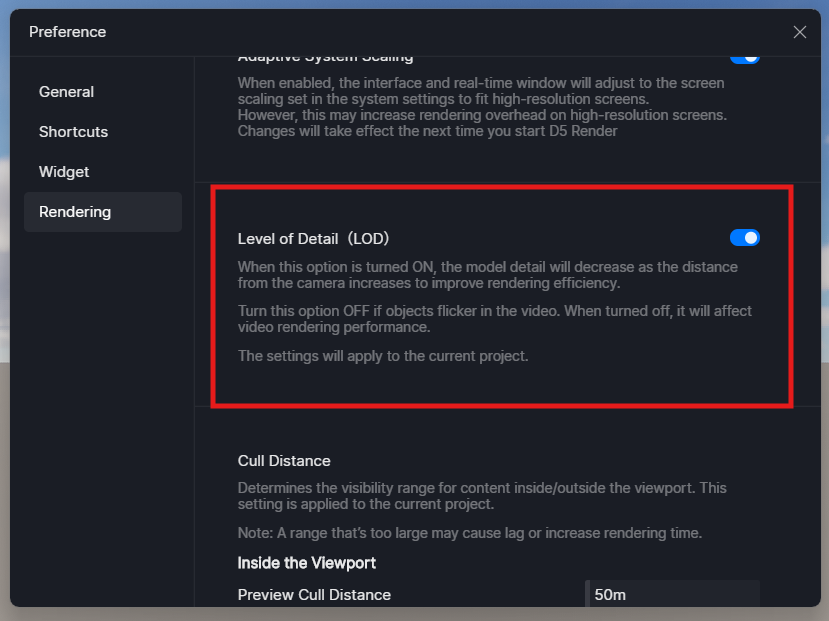
Thanks for the update. How about disabling LOD?
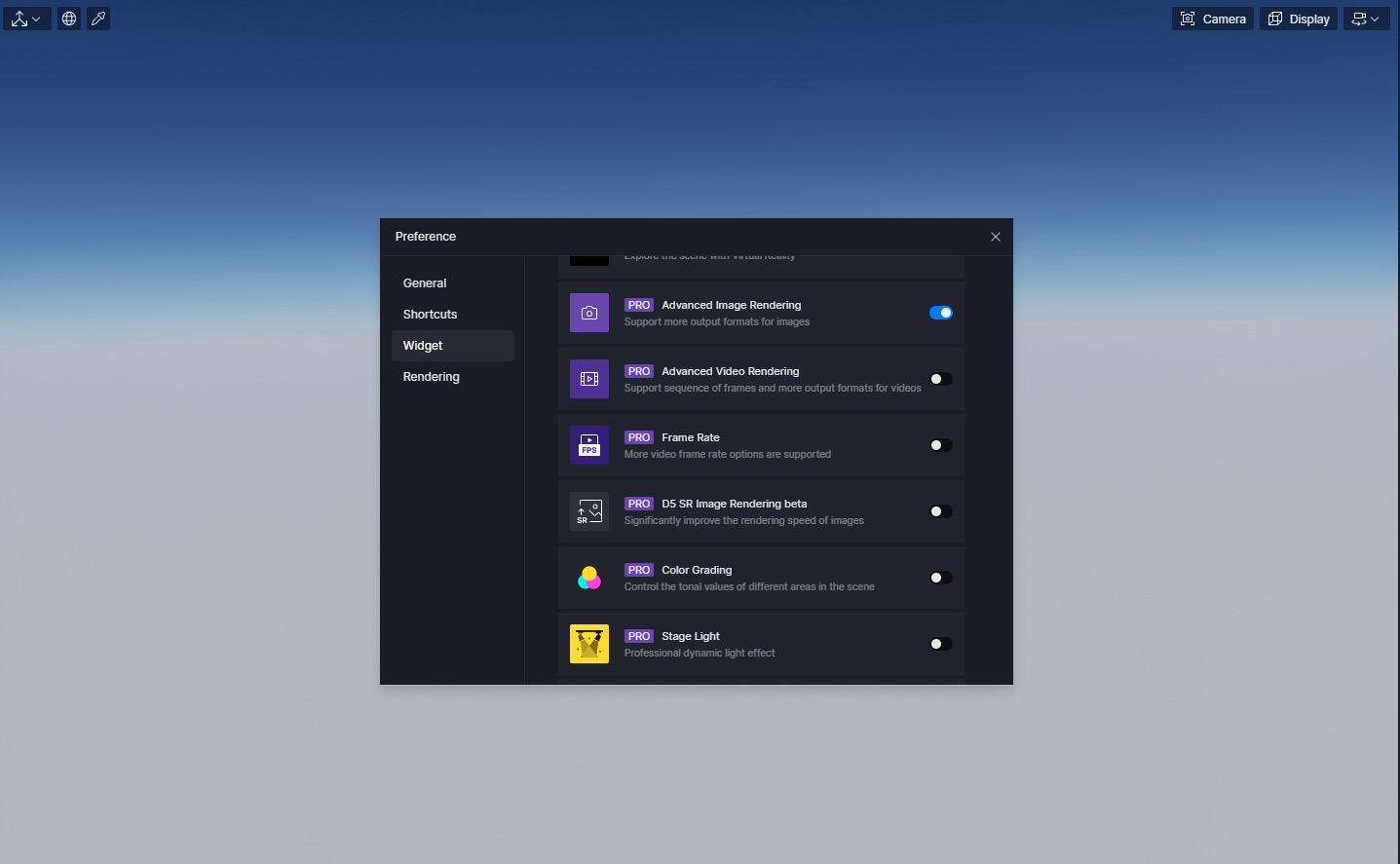
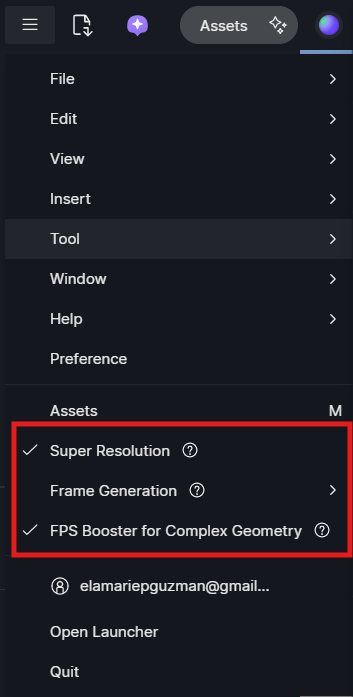
Also, please disable these three and let me know if it still persists.
Hi @cyh21534
Thanks for the update. Could you please share your test file and the latest log files with us? You can send them to support@d5techs.com. Kindly tag me in the email and include the link to this forum post for reference.