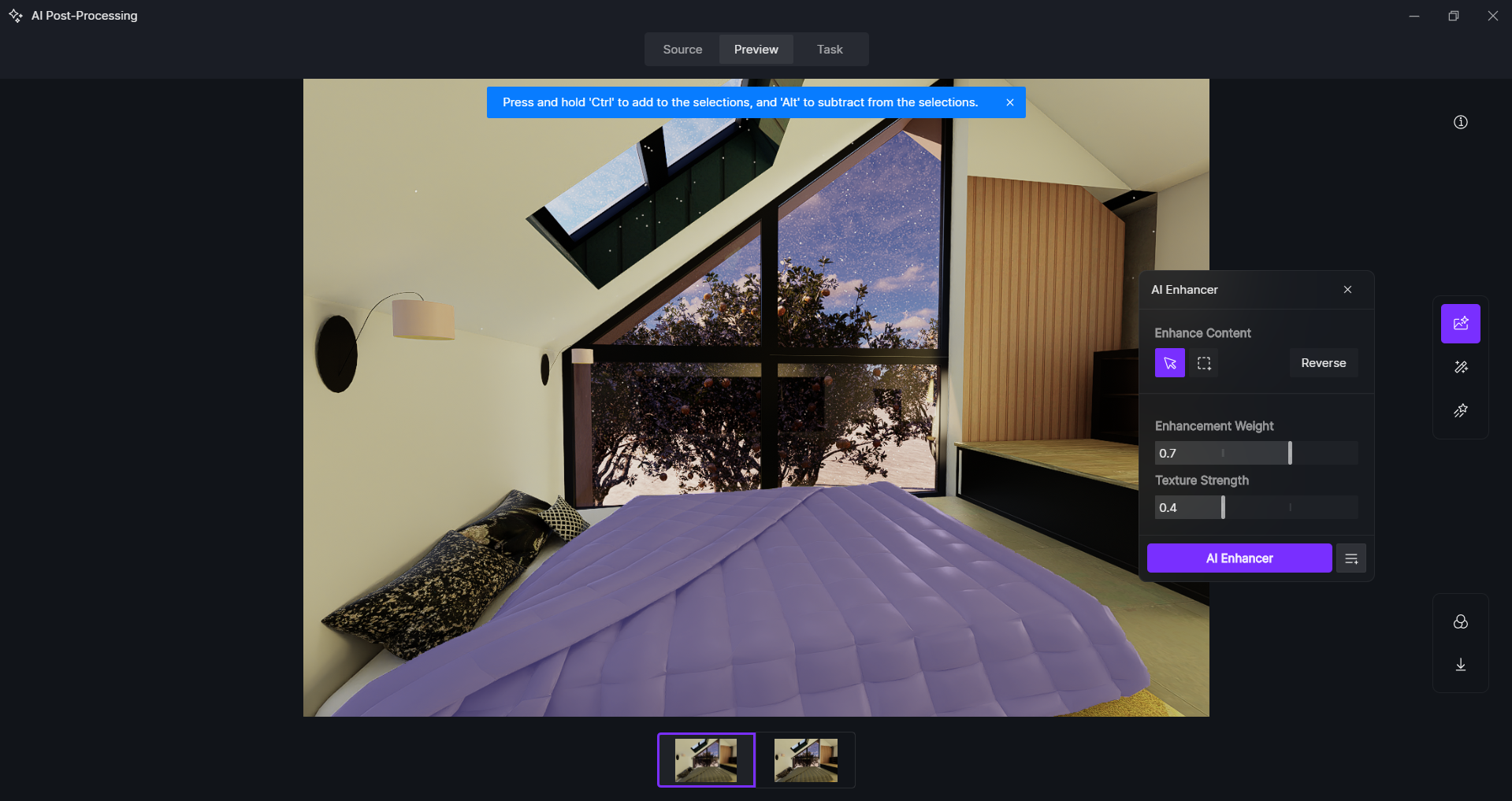
Hello everyone,
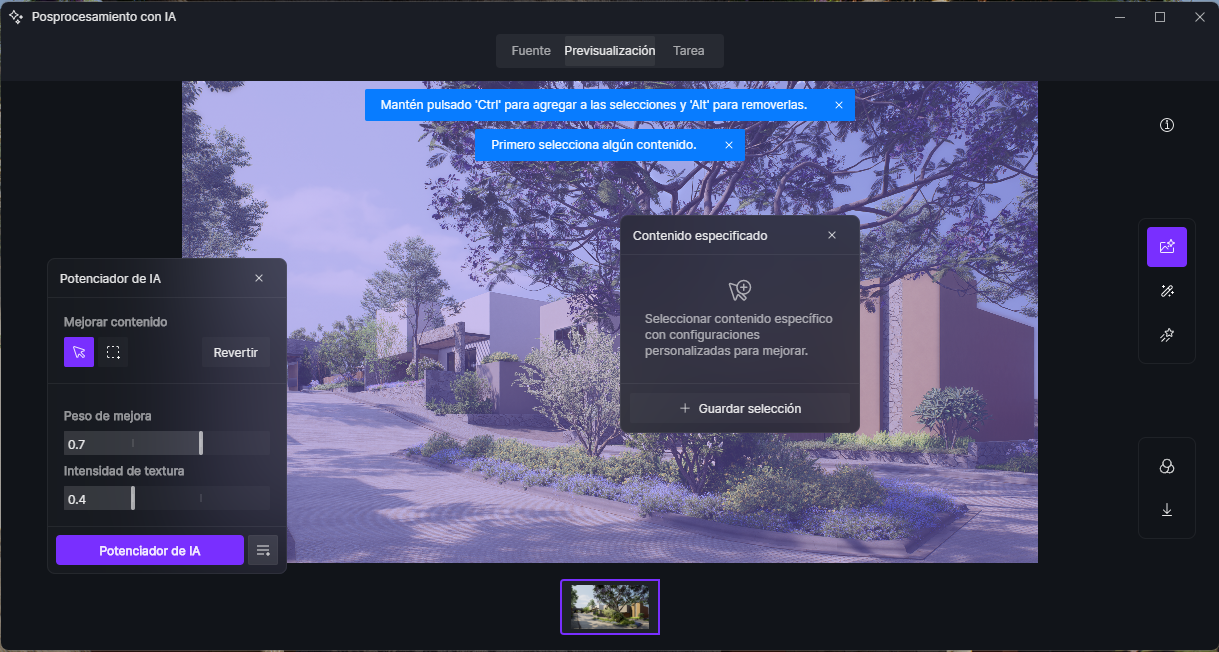
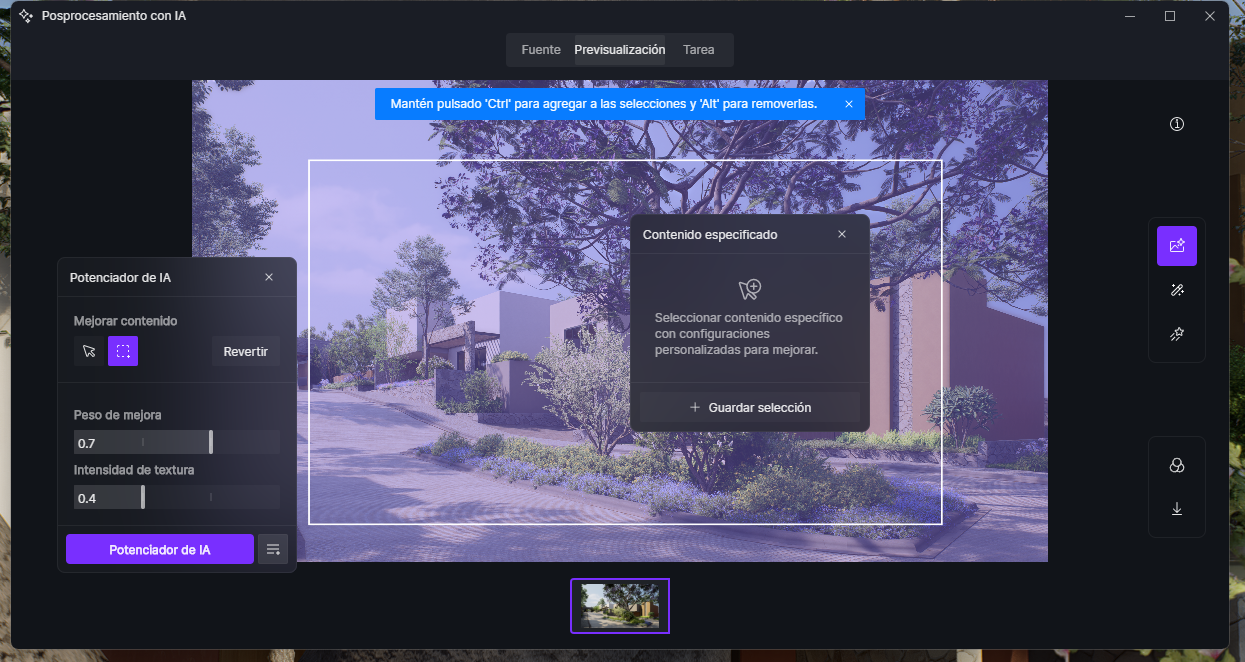
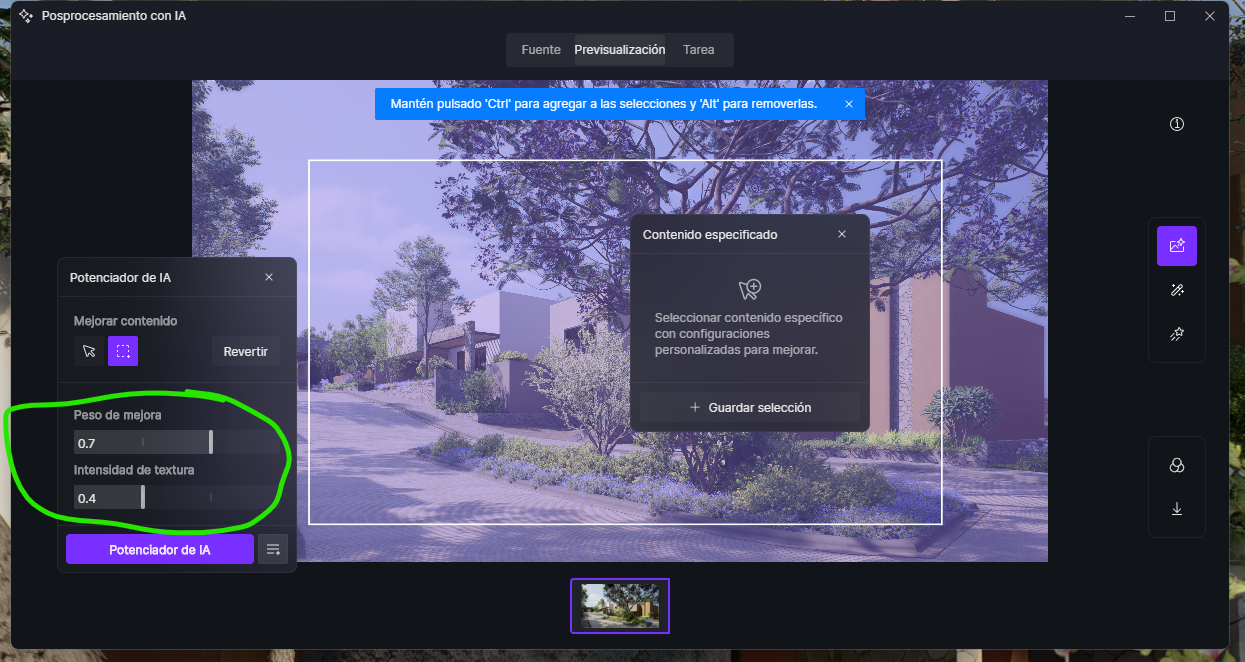
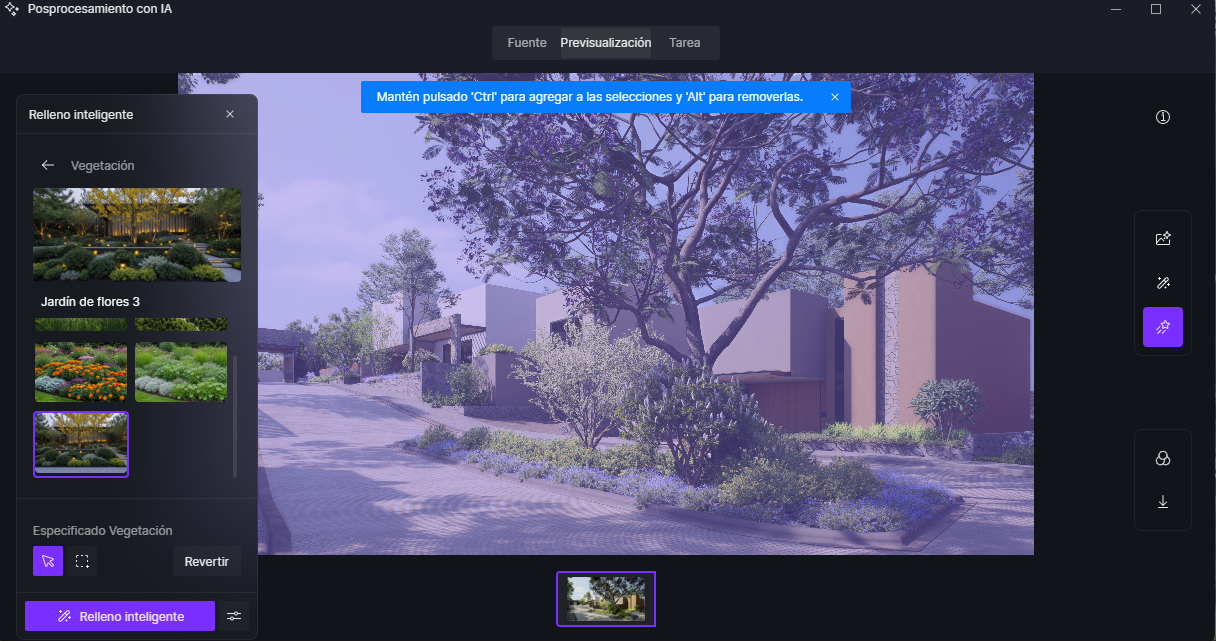
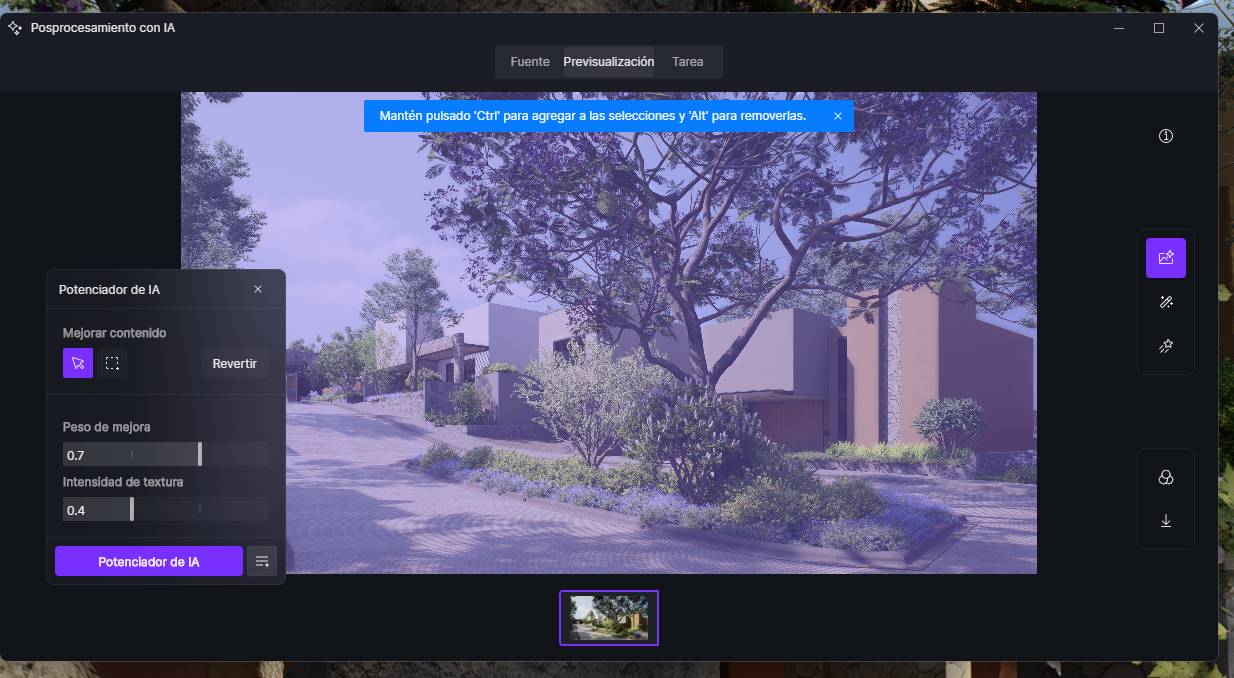
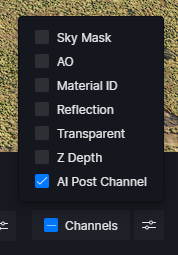
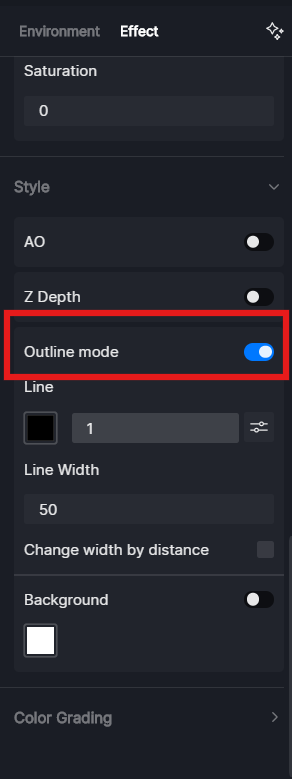
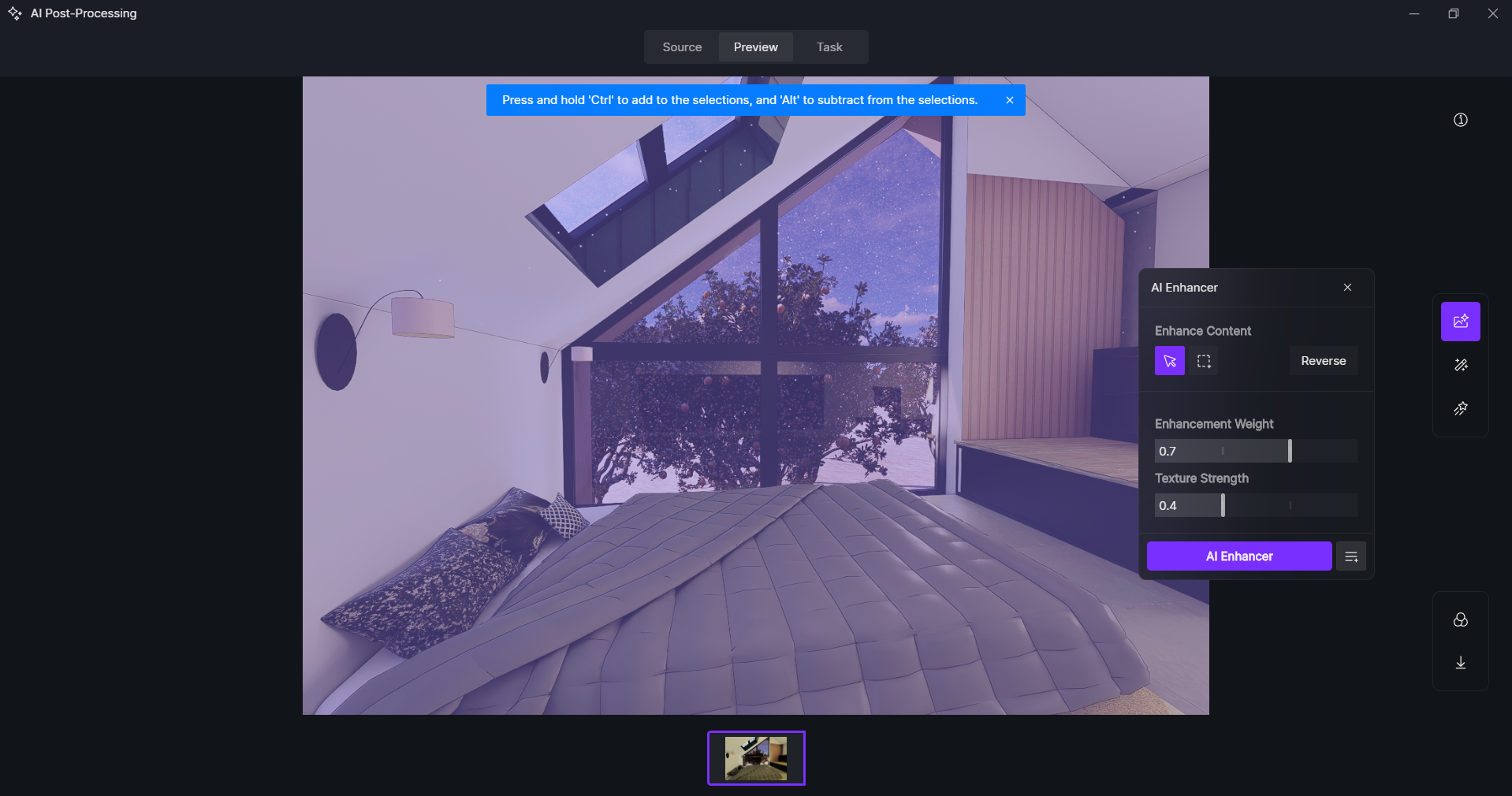
I’m having an issue with AI image processing. When I try to use this feature — either by selecting the AI Enhancer or Smart Fill options in D5 — it doesn’t let me choose individual elements. Even when I use the cursor icon to select a specific type of object, such as cars or vegetation, it ends up selecting the entire image instead of just one element.
It used to let me do it before, but I’m not sure when it stopped working. I don’t know if it’s just my computer, if it’s because of a D5 update, or if I have some function turned on or off.
Has anyone else experienced this? Any idea how to fix it?