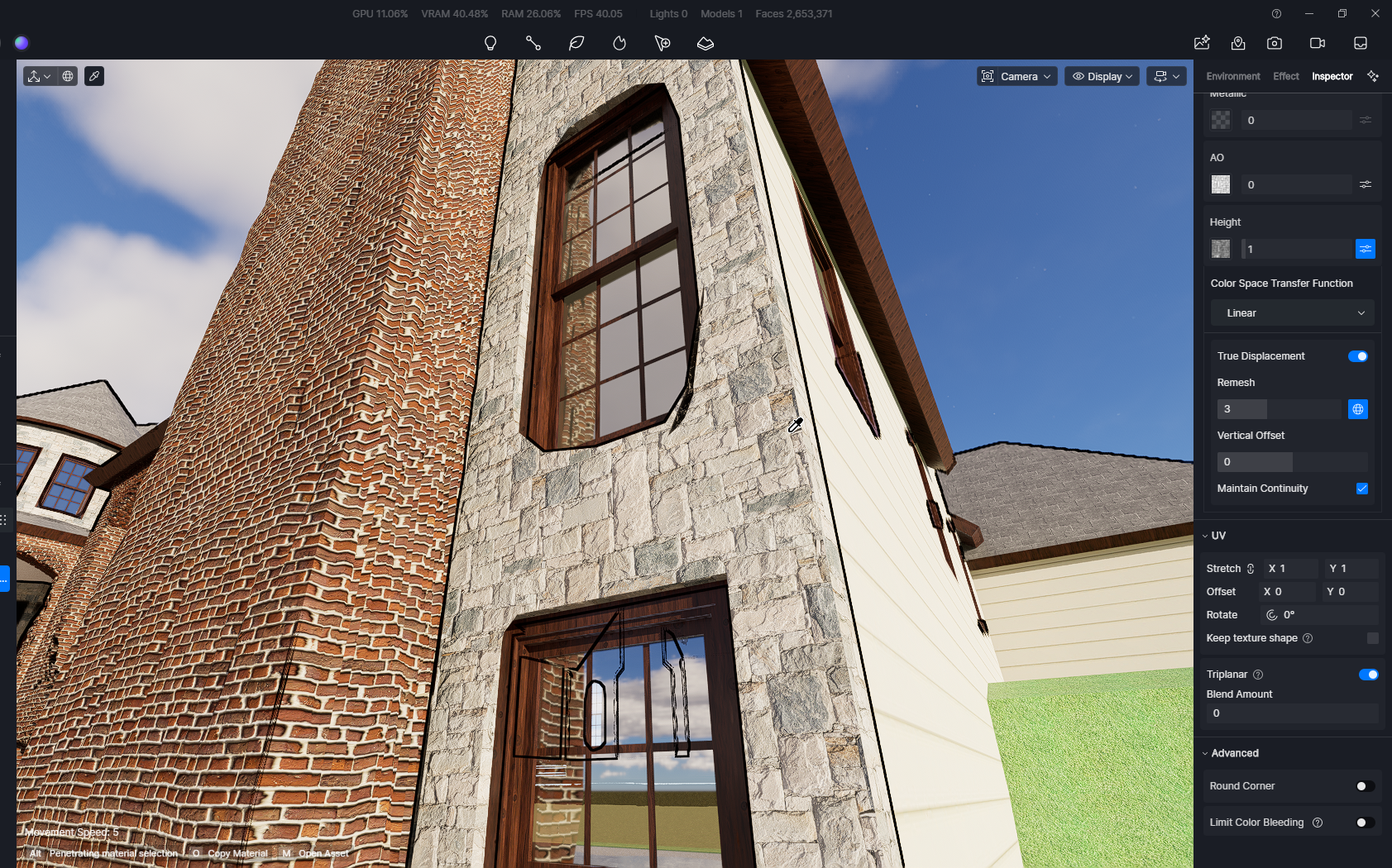
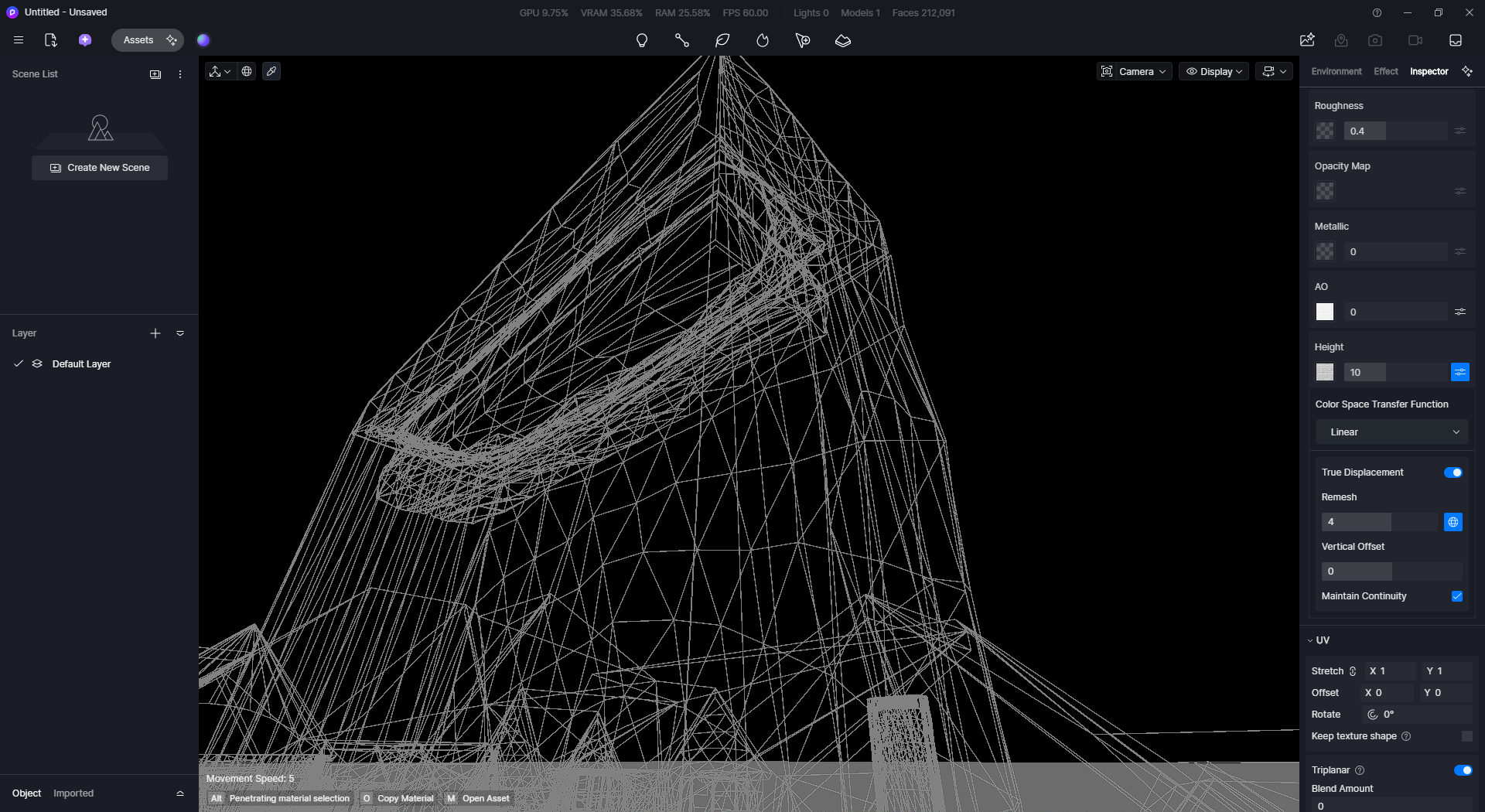
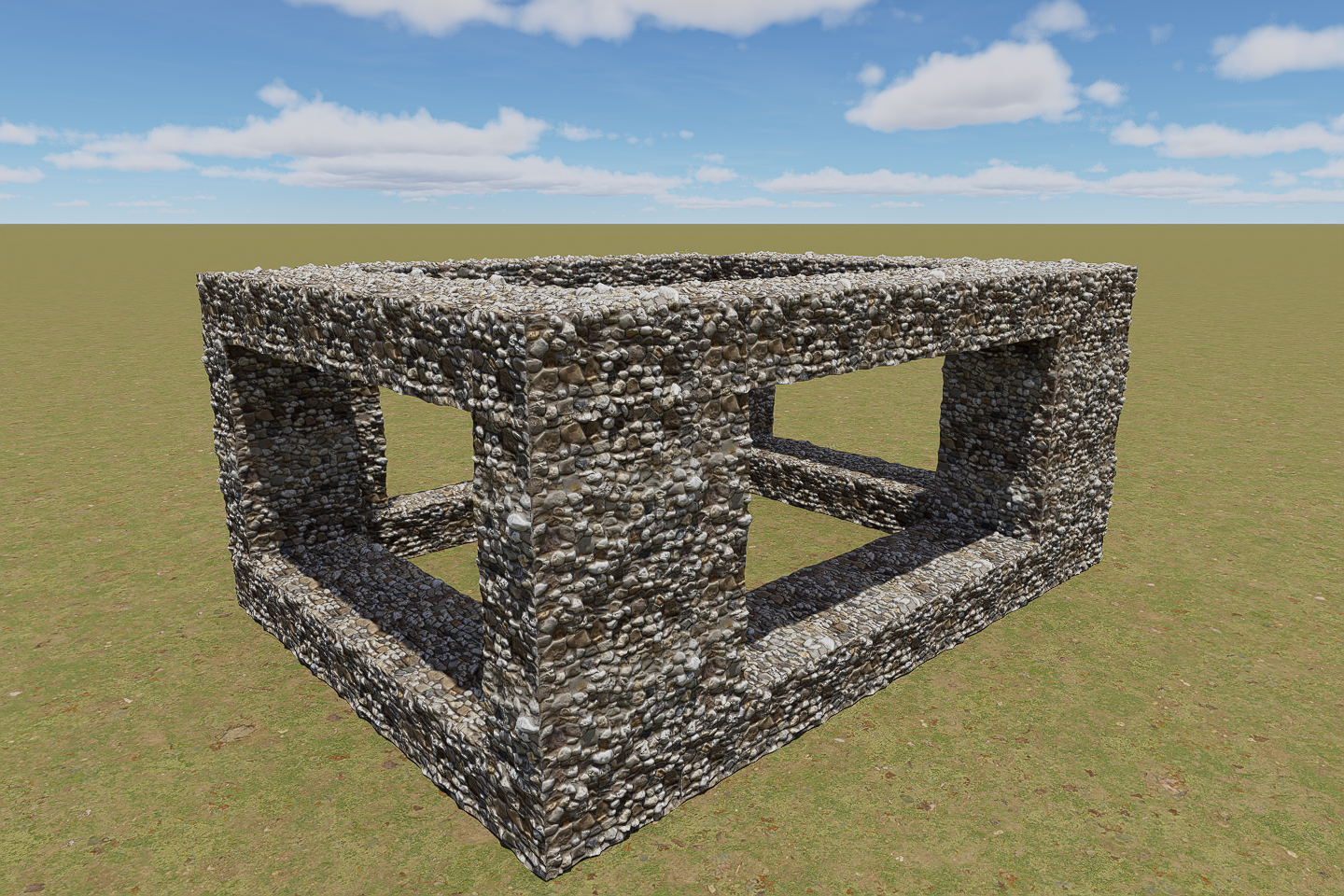
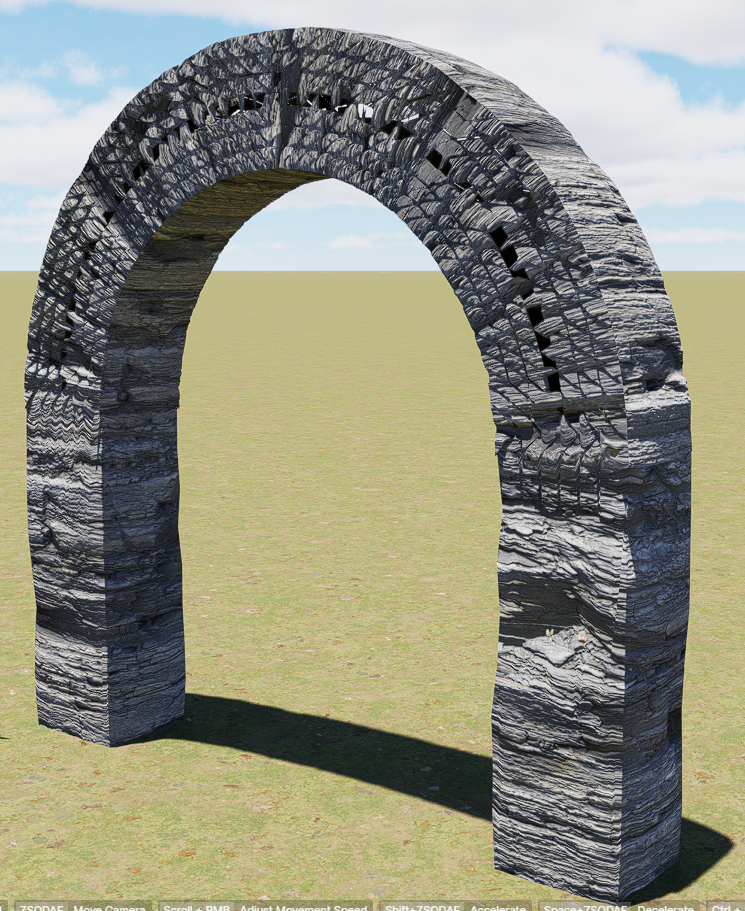
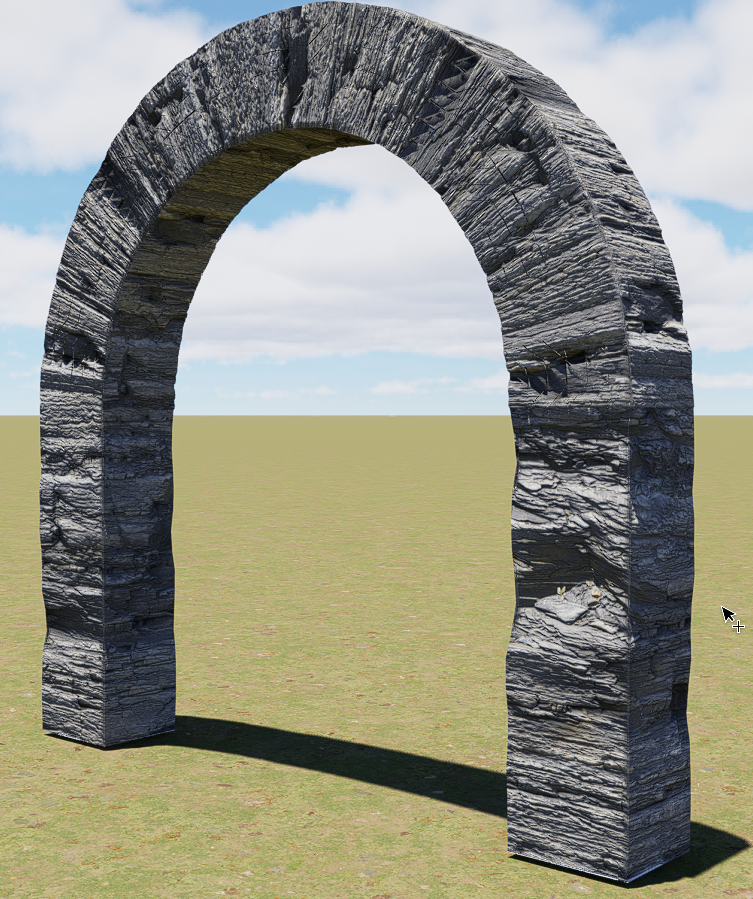
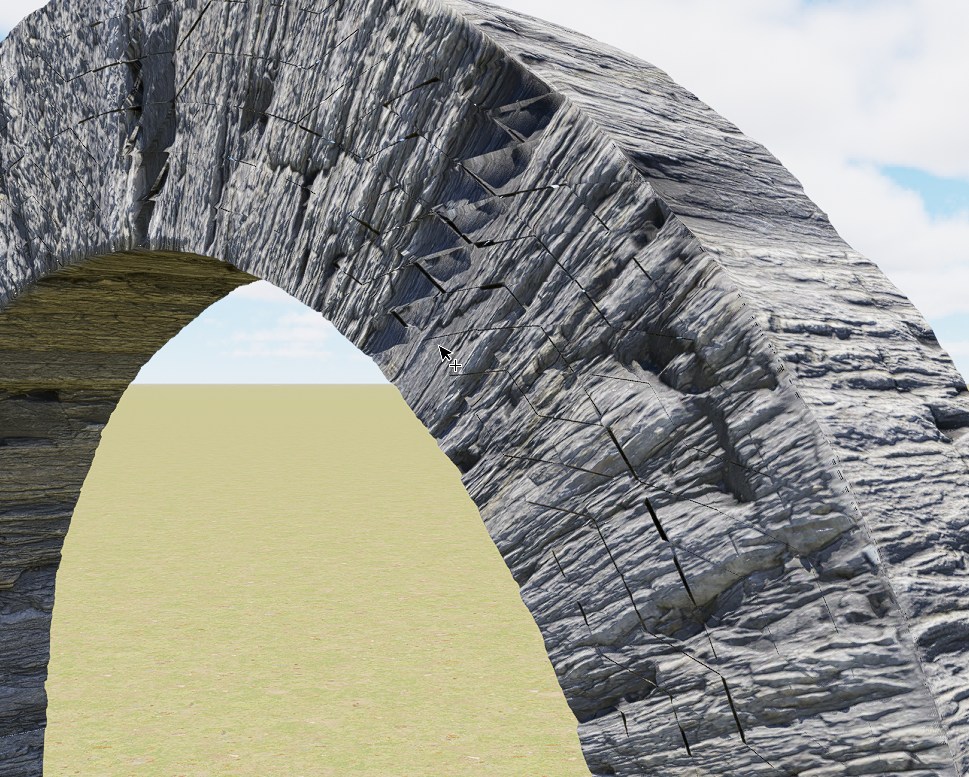
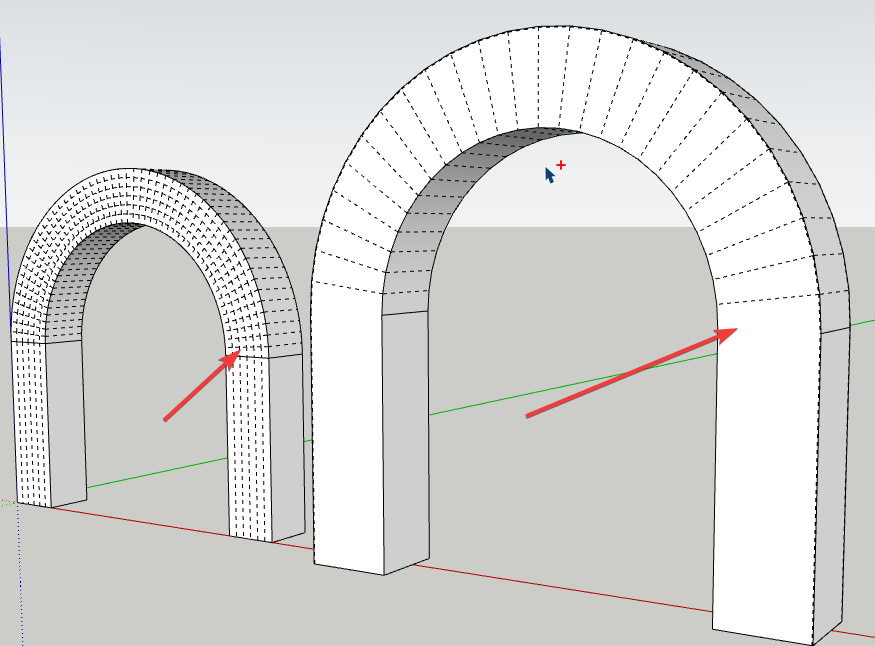
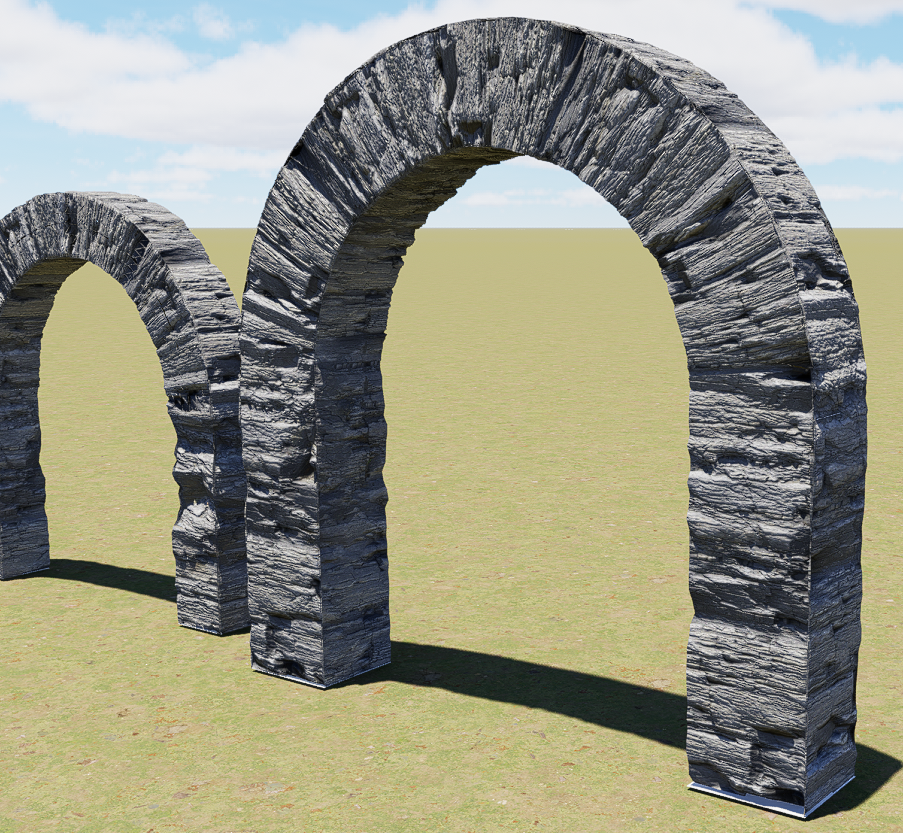
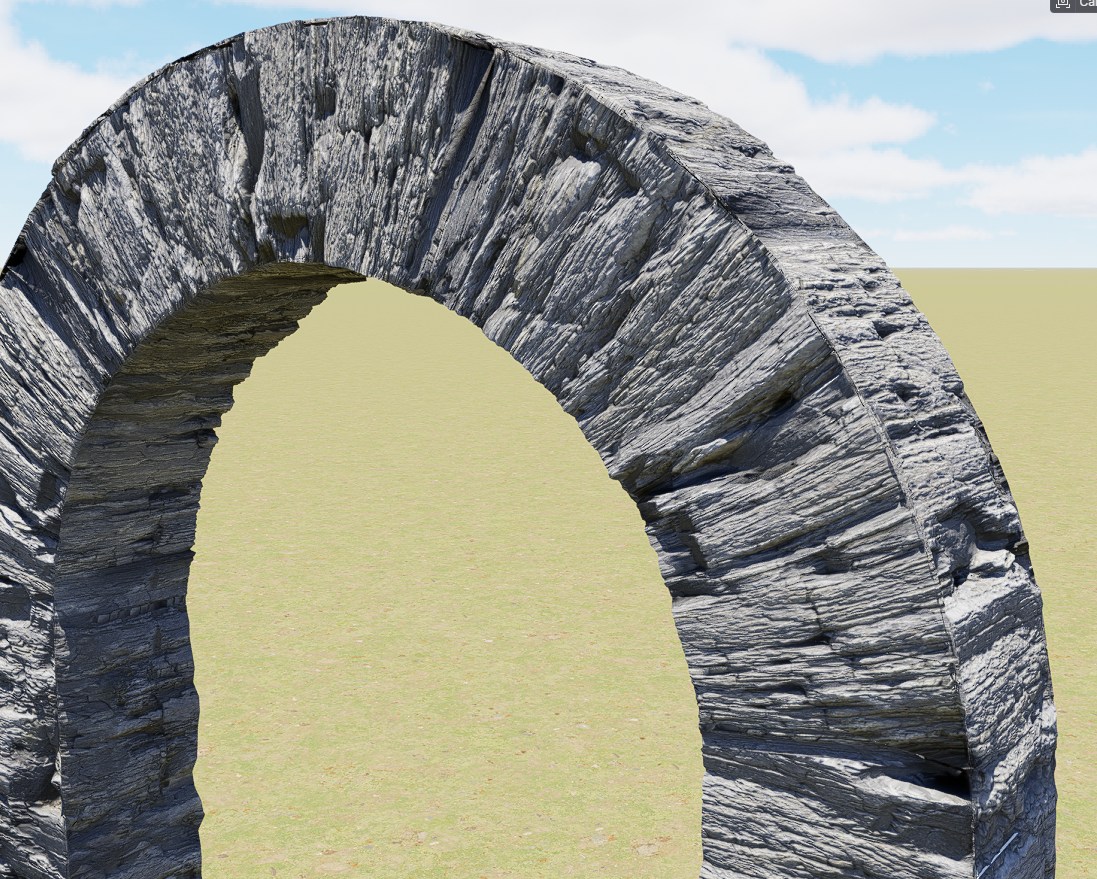
After upgrade to version 3.0.1 there are serious problems with feature True Displacement. “Remesh” completely randomly recalculates the model mesh. The density of the triangular mesh is not dense enough compared to the previous version 3.0.
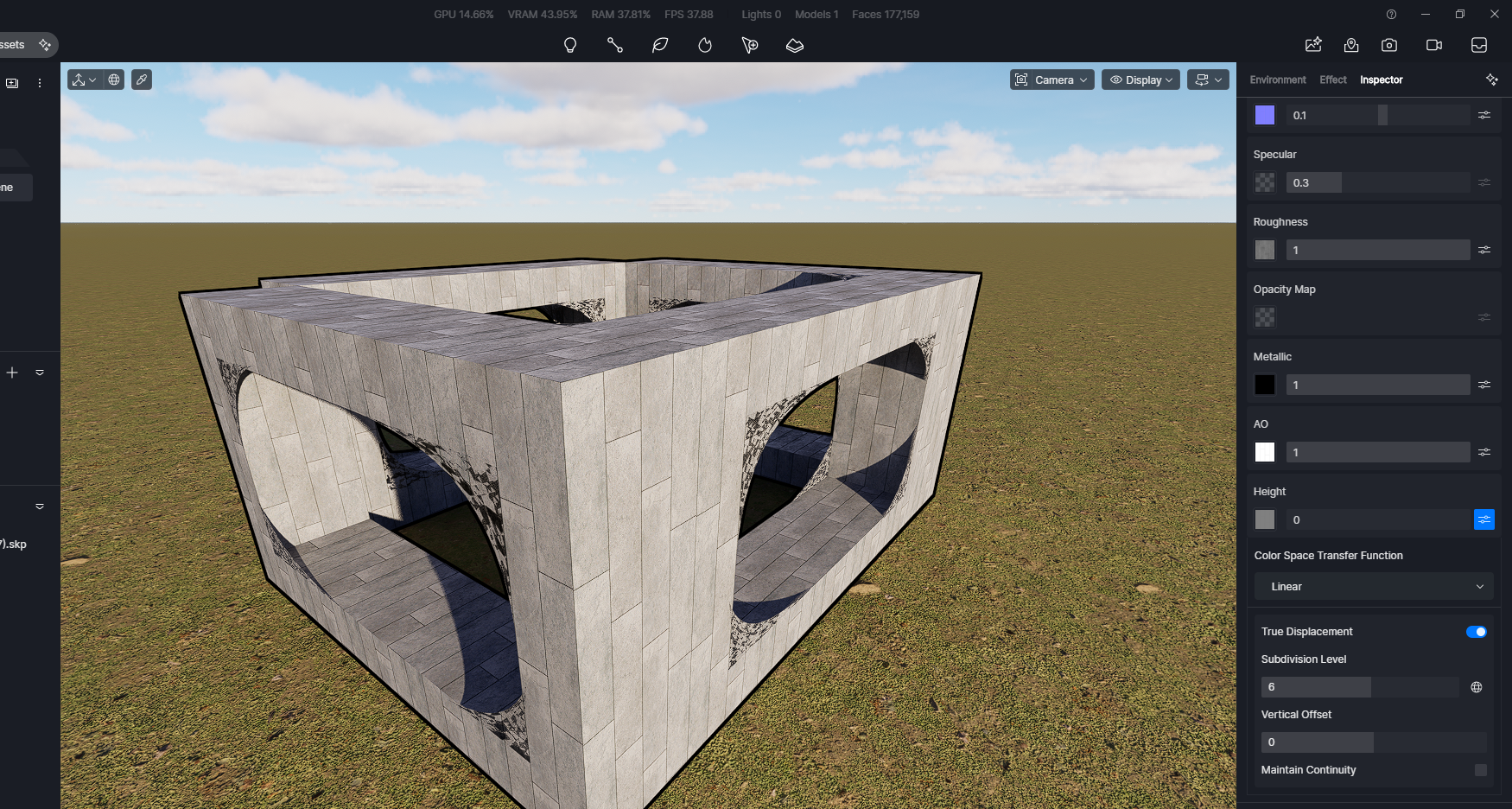
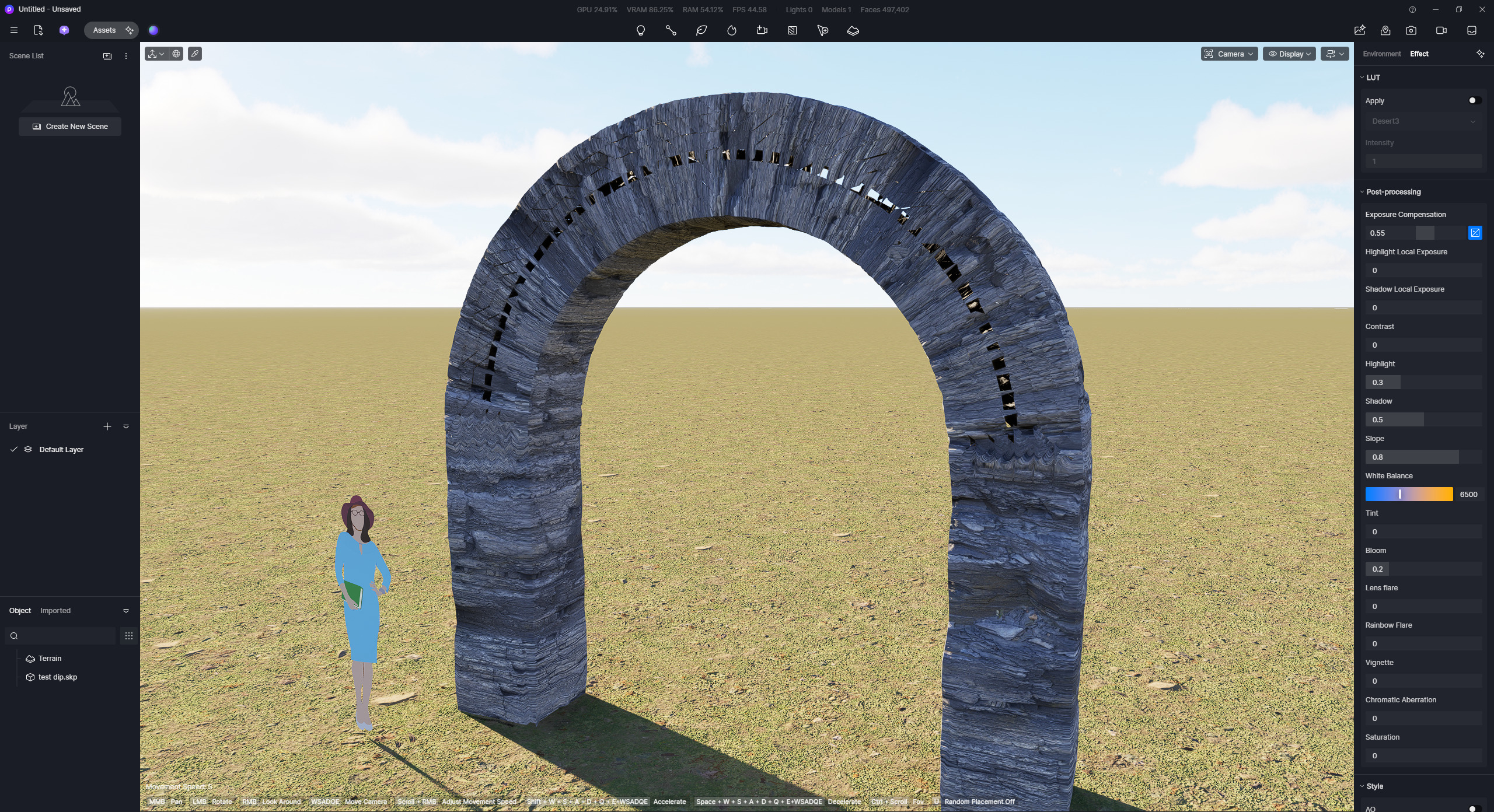
After using Remesh value more than “1”, there are created strange rounded textures in the openings (in the window openings), like a spider web. This happened to me with several models!
True displacement is unusable in this version.
Completely different results when importing the same SketchUp model and using the same textures.
When does the D5 render team plan to fix this?
The worst thing is that I don’t know how to install older 3.0 even after uninstalling 3.0.1.
Unfortunately, I am very frustrated. For the last few days, I’ve been dealing with nothing but the program crashing during work, during export, and software features not working. I was looking forward to the release of version 3.0, but now it seems that this software is not at all stable, tested, or suitable for professional work, where there are strict deadlines for delivering visualizations. I was planning to purchase the Pro version again, but such unpredictable errors after upgrading the program completely discourage me from using D5 render. The last few days have been a waste of my time (and money), clients are waiting and D5 forum moderator blocking me a week to create this topic with these problems.
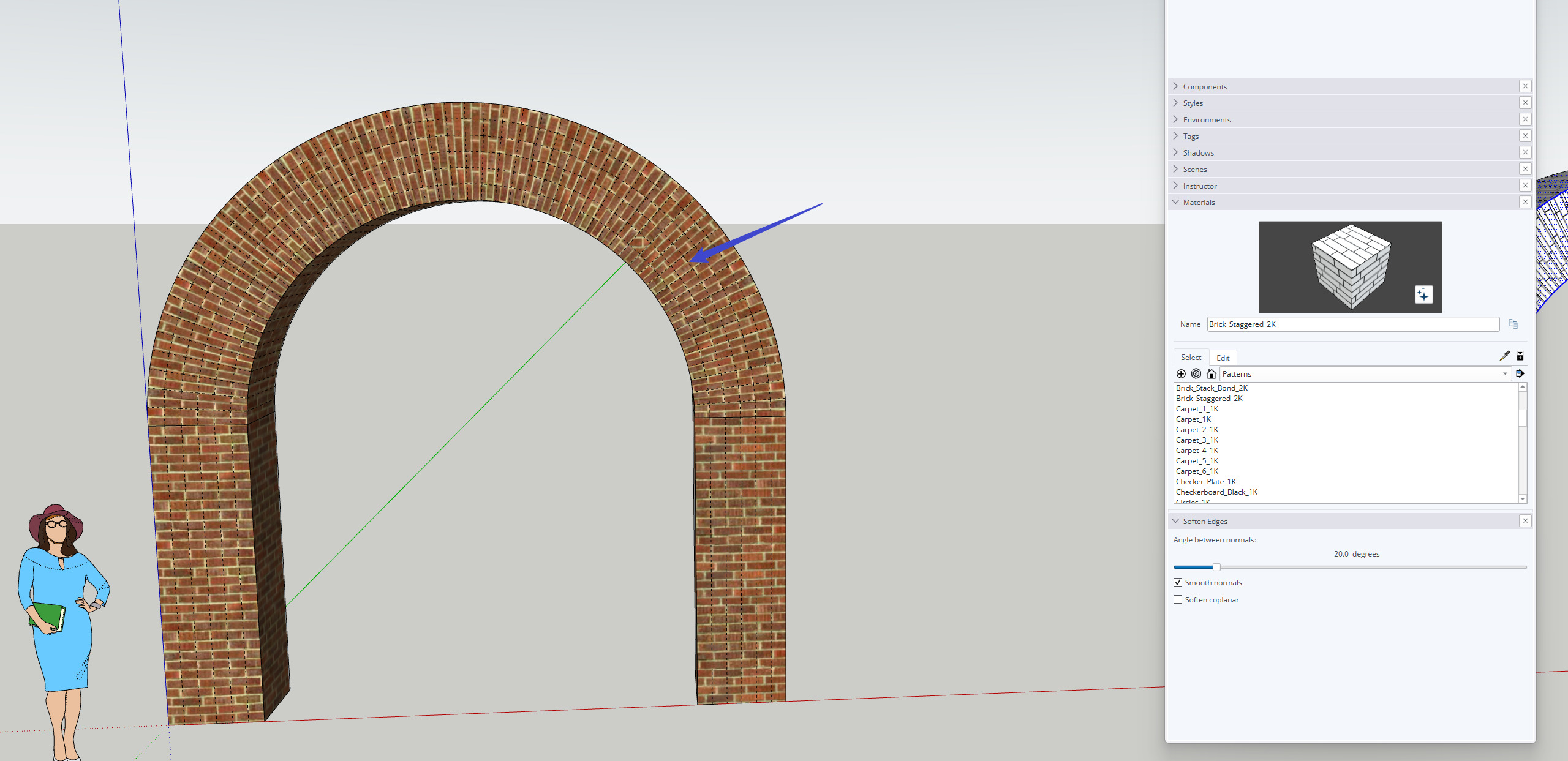
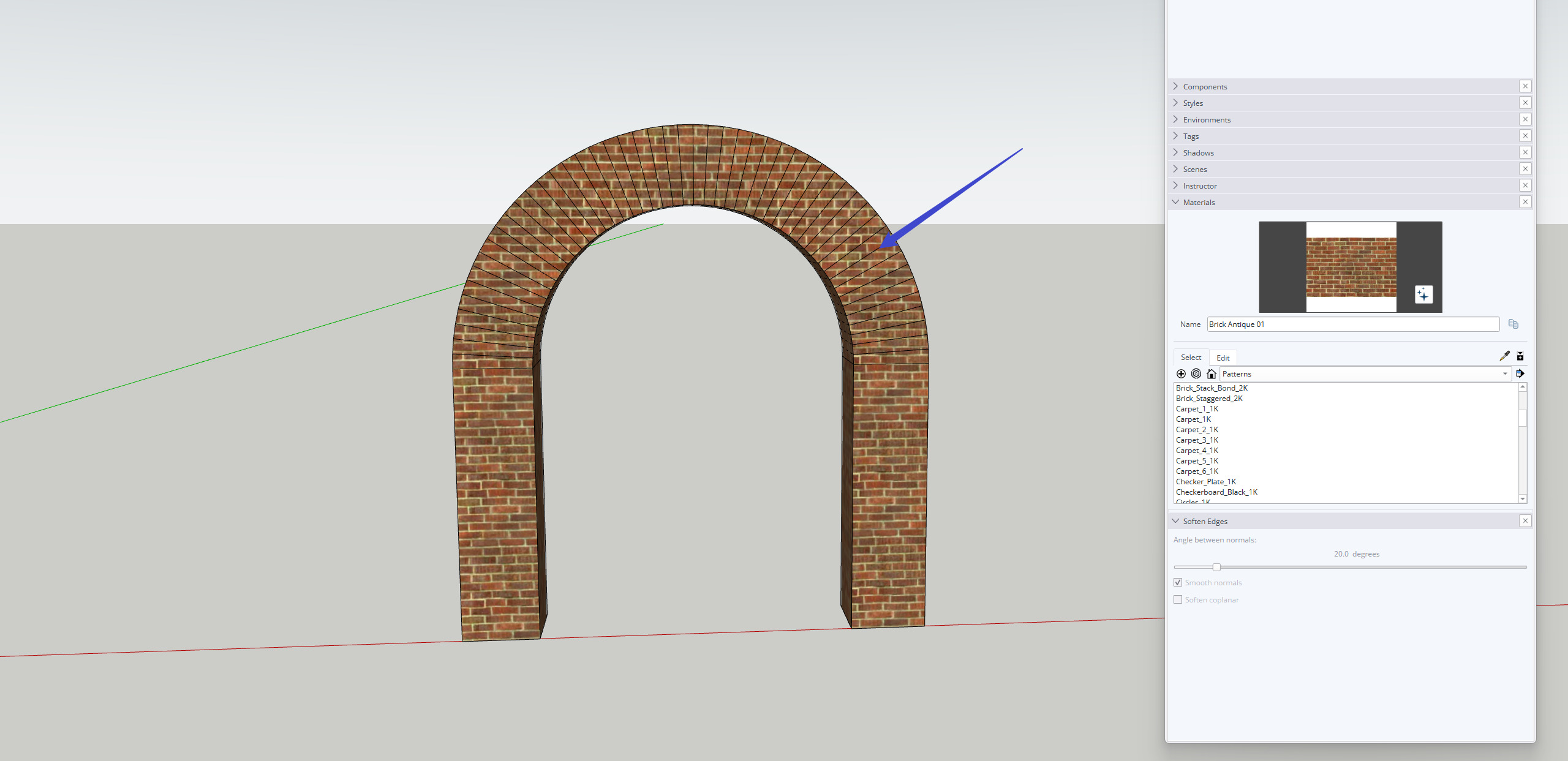
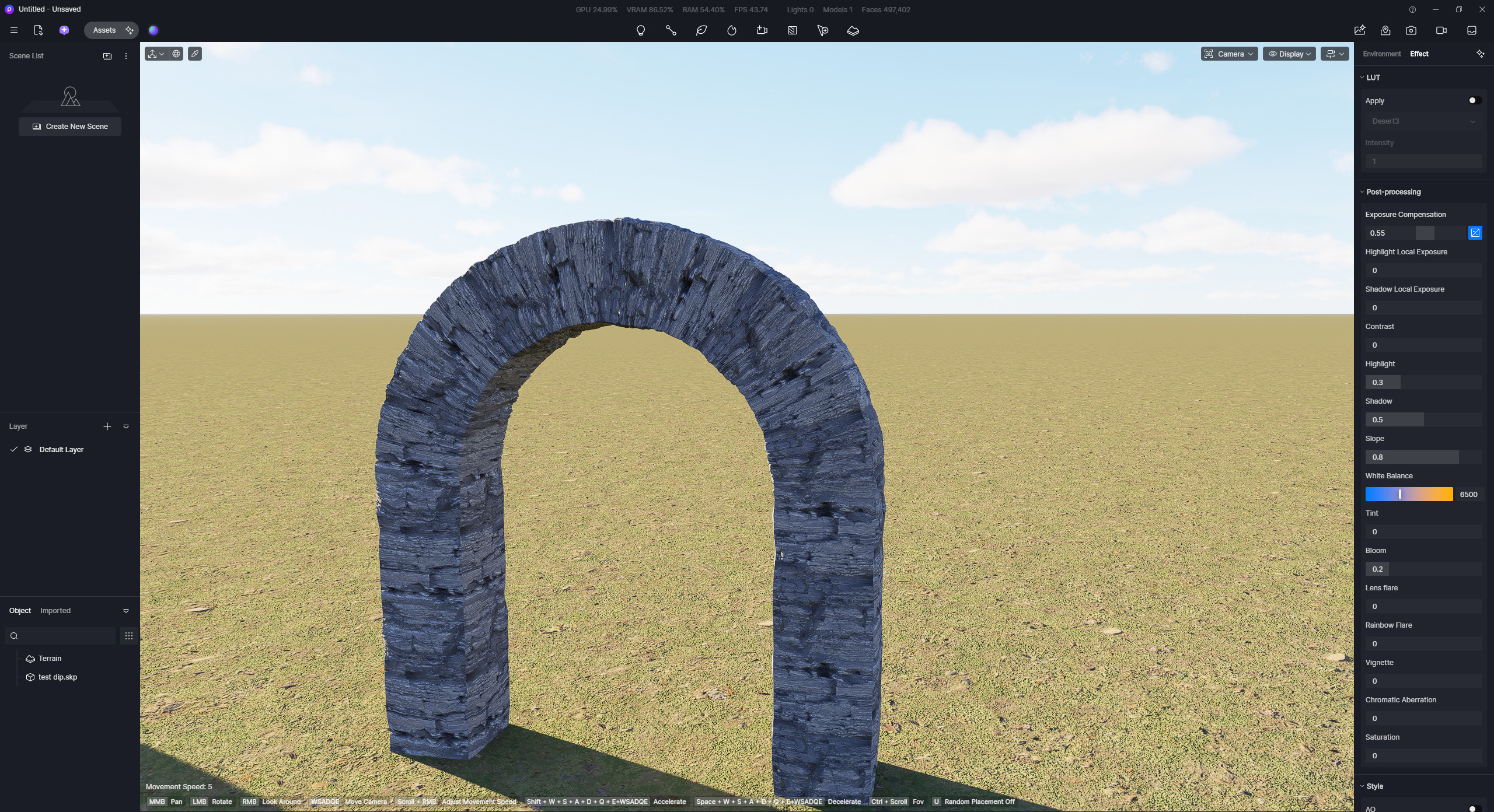
Screenshots from 3.0.1
Thank you for the detailed report, and I’m sorry for the frustration this has caused. To help us move forward quickly, could you please confirm the key points below:
Does this issue occur with all models, or only specific SketchUp files? Does this issue persist in other D5 files as well? Have you tried this in a new empty scene?
At what Remesh value does the problem start (for example, only above 1)?
Are the crashes happening specifically when using True Displacement/Remesh, or also during other actions?
What GPU and driver version are you using? Could you please share a screenshot of your D5 System Info?
Additionally, I’ve sent you a private message with instructions on how to roll back to the previous version. Please check your inbox for those details.
Why doesn’t the D5 Team test and fix this issue?
I have this problem in every project. Is this problem only happening to me?
I have this problem in version 3.0 (i7-4790k, 32GB, RTX 3060 Ti) and also in 3.01 on a newer configuration (i5-14400F, 64GB, RTX 4070 12GB).
I’ve tried so many GPU drivers, but nothing has changed.
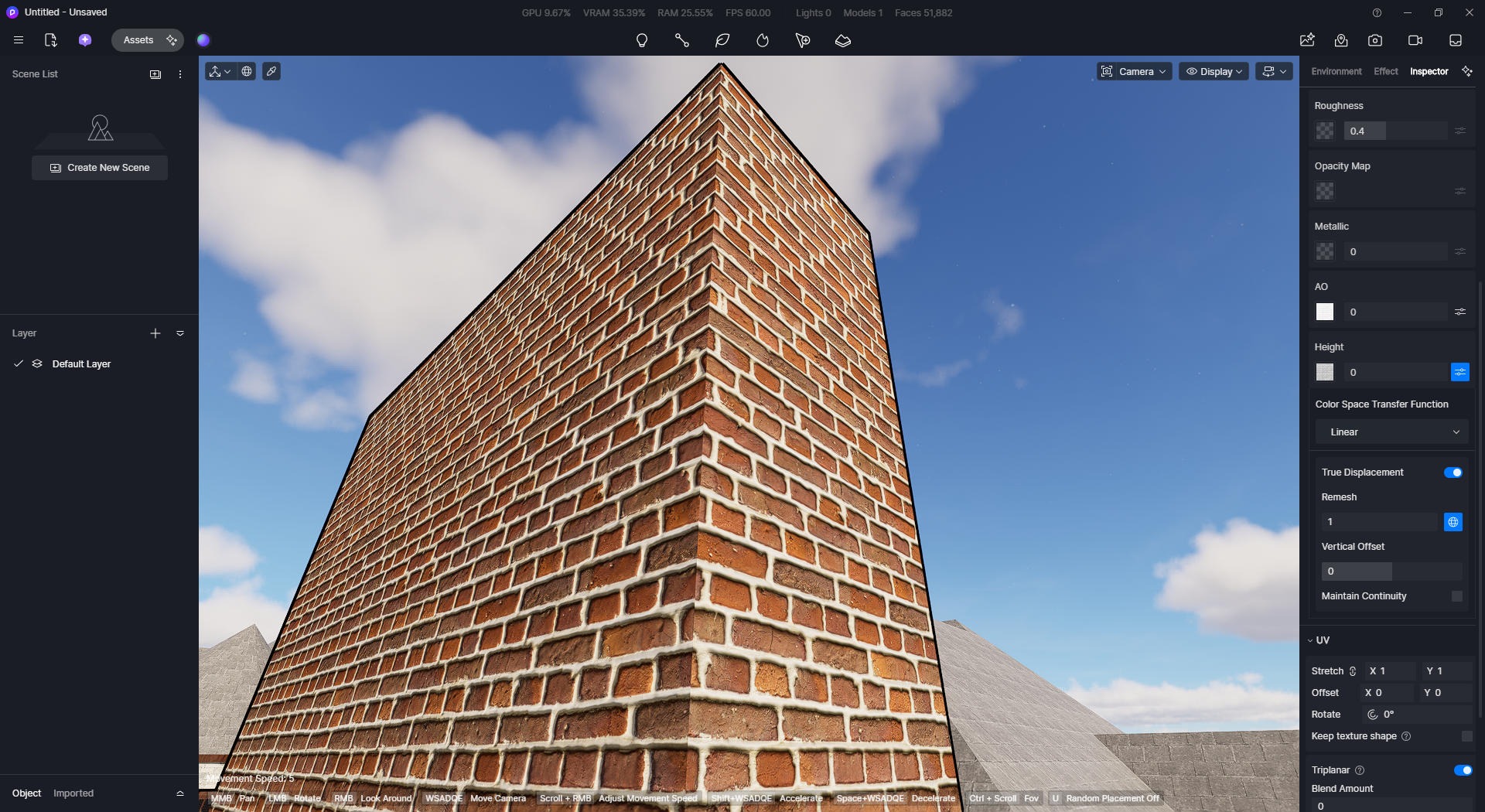
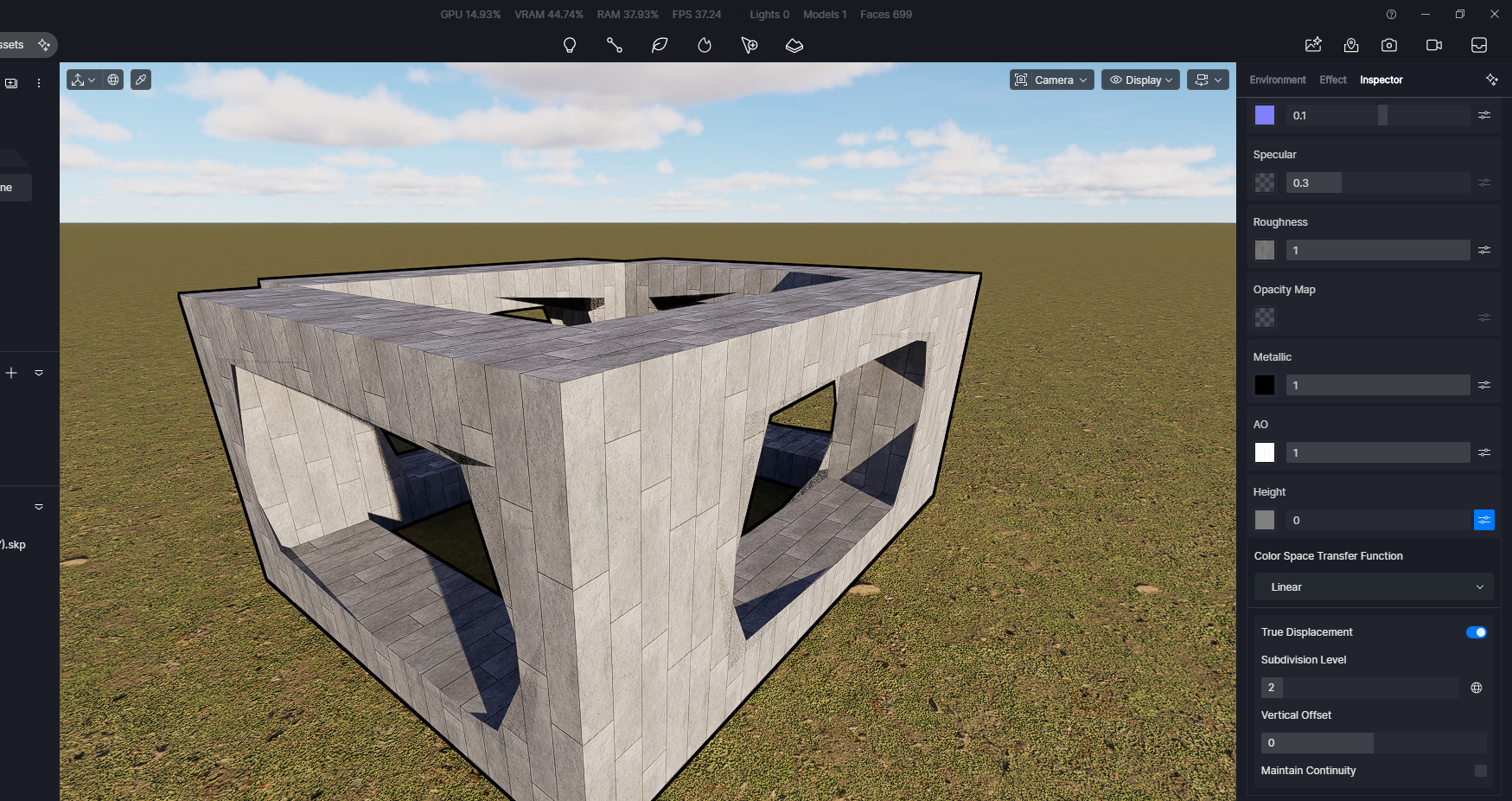
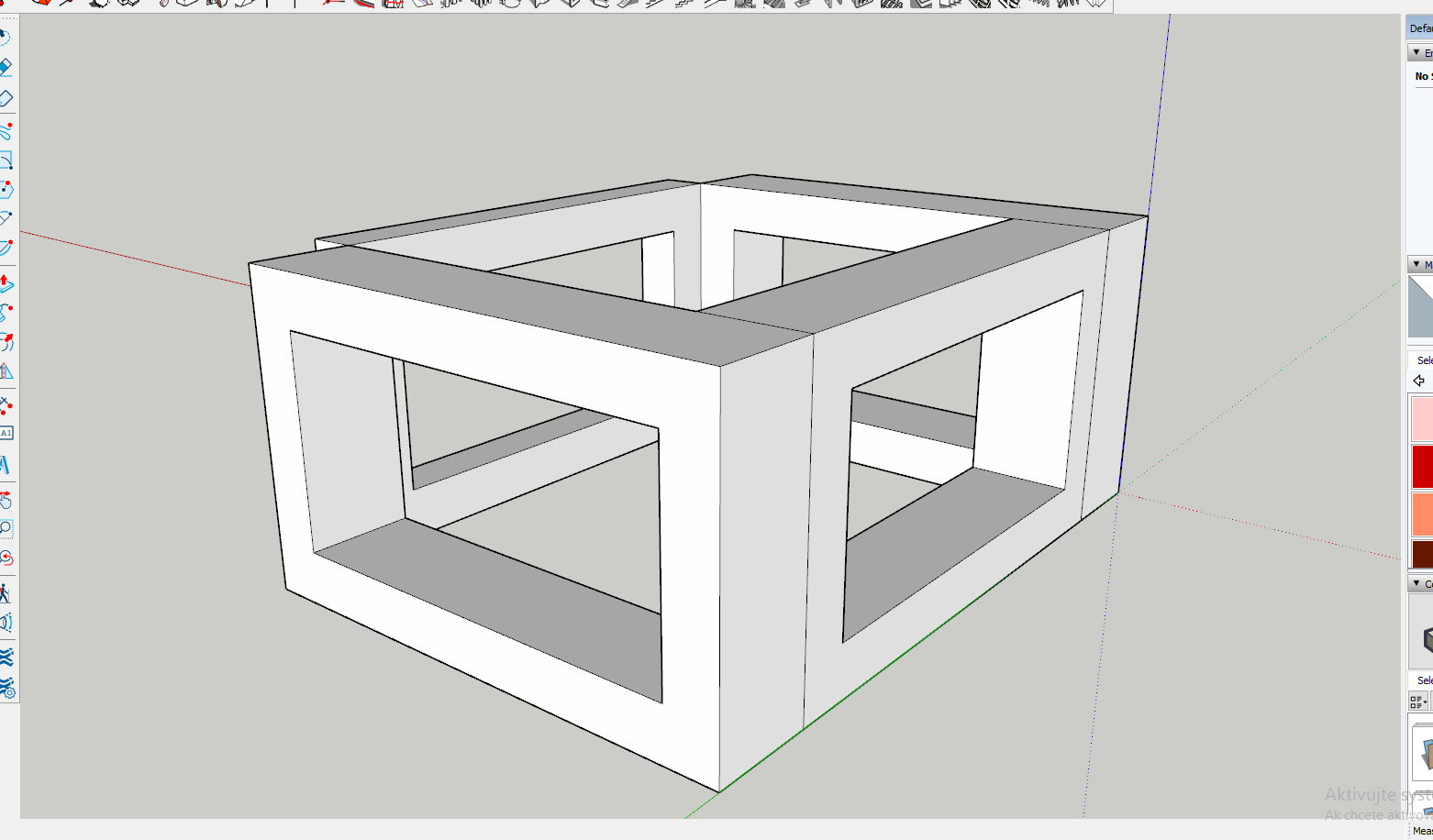
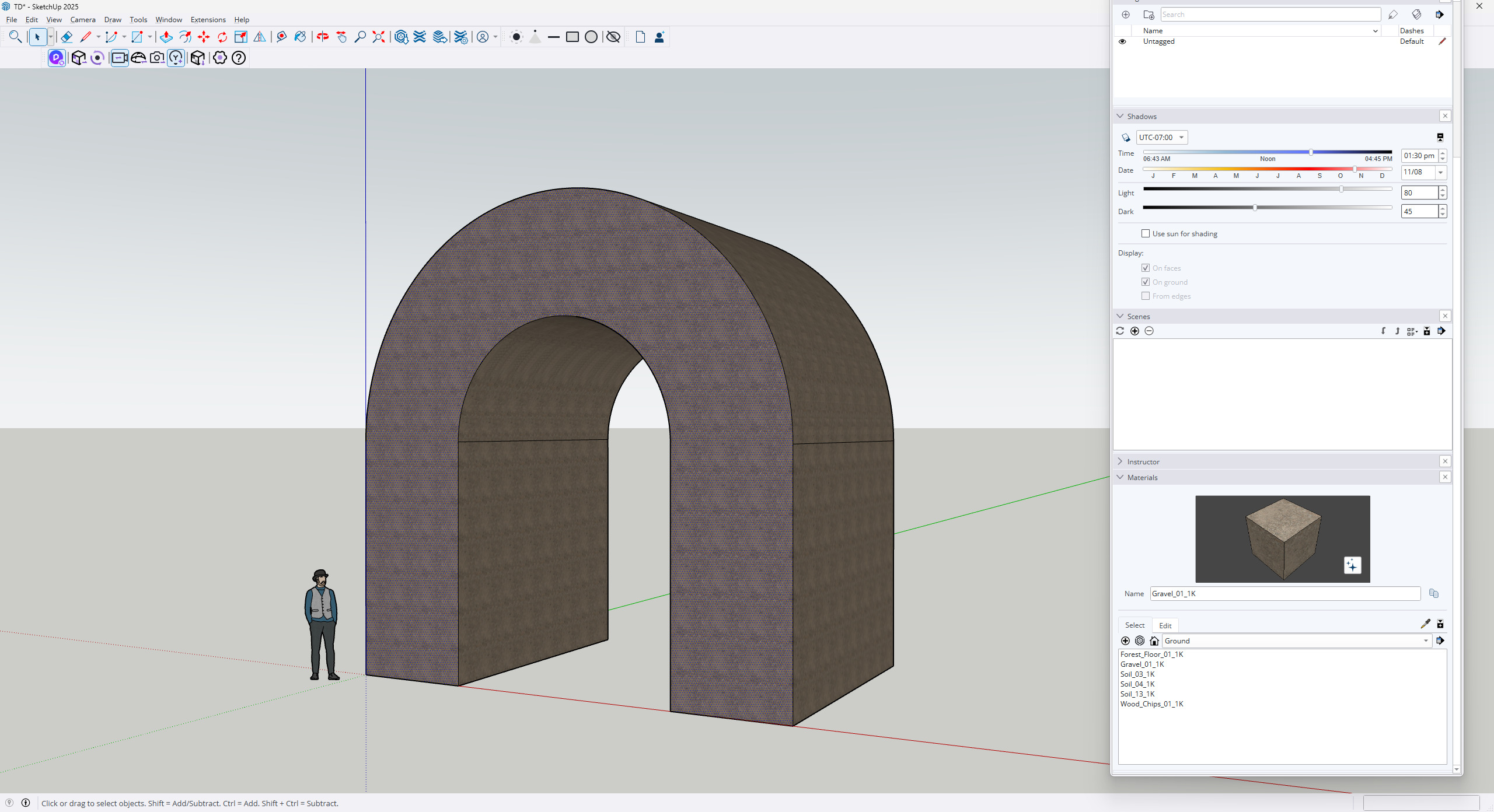
To rule out any doubts about the accuracy of the SketchUp model, I created a simple test today
a test SketchUp file in two versions of SketchUp (2017, 2023—same result in D5)
imported into a new project
select material picker
set material template to Displacement
use Batch import PBR textures
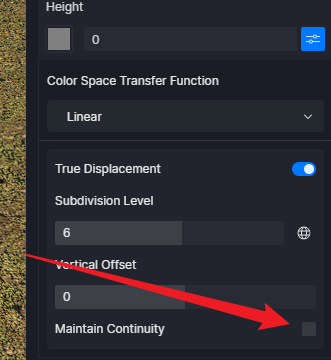
turn on True Displacement in Height
set Height to zero
set Subdivision level to 1 or 6
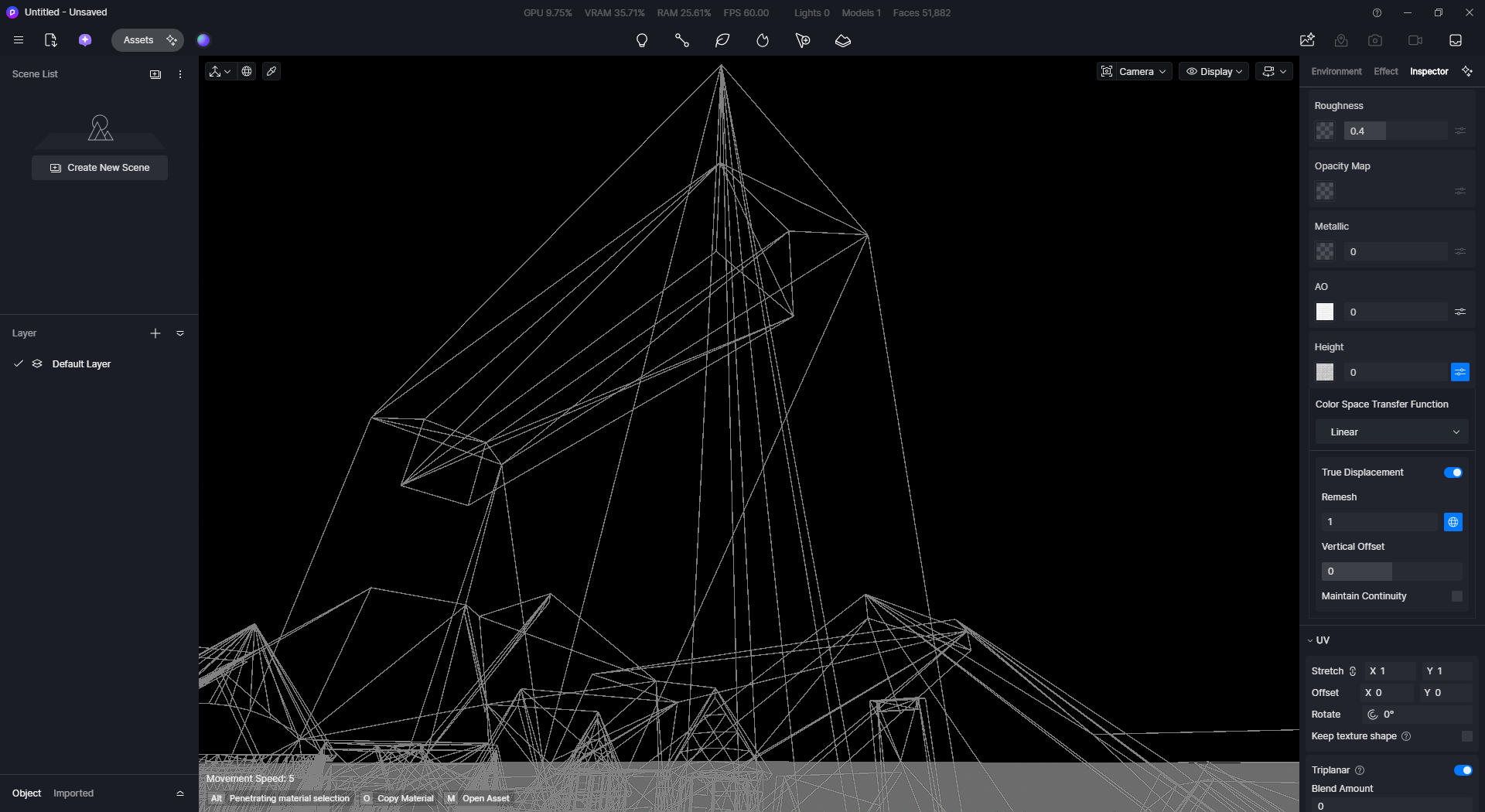
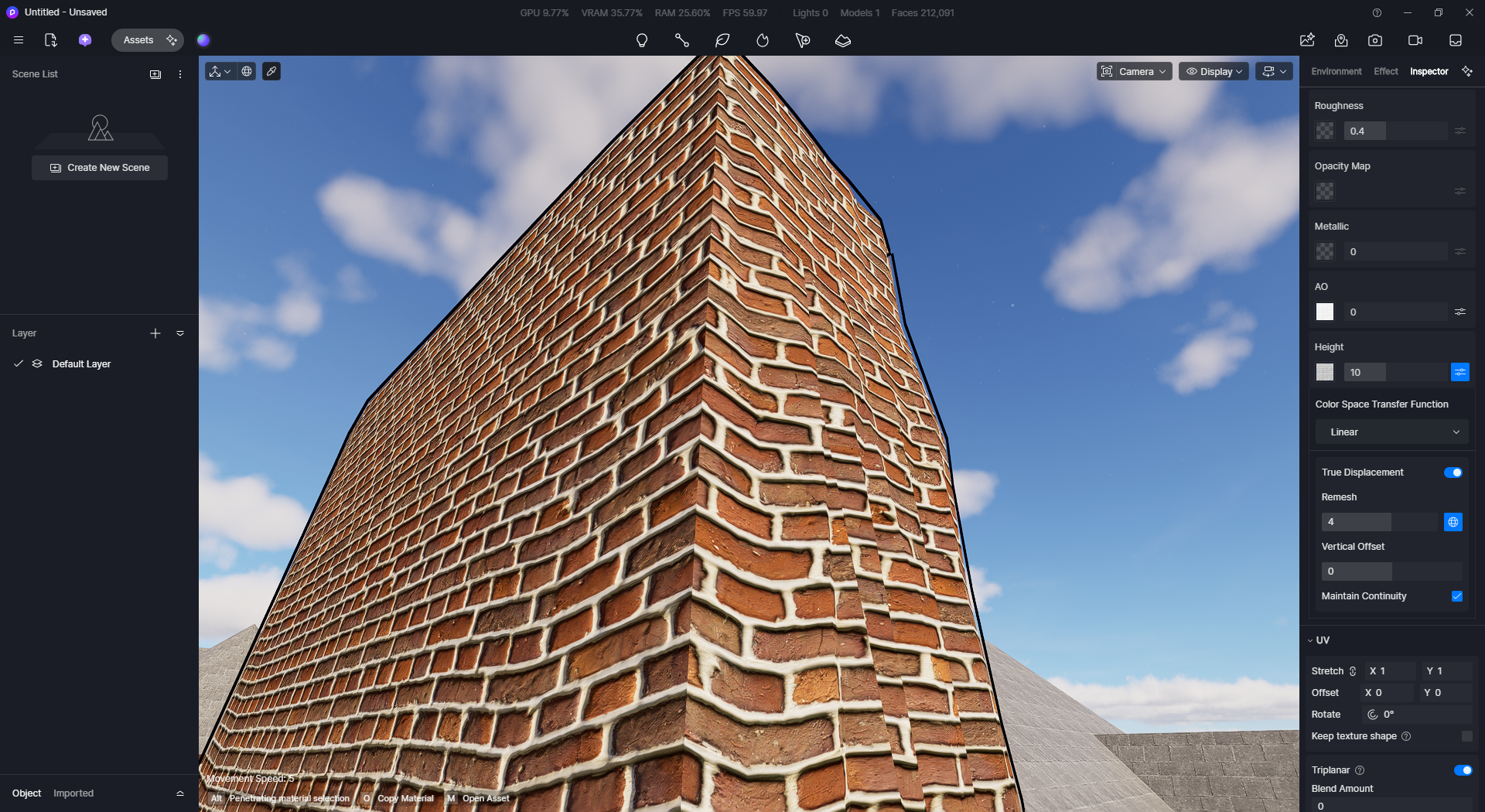
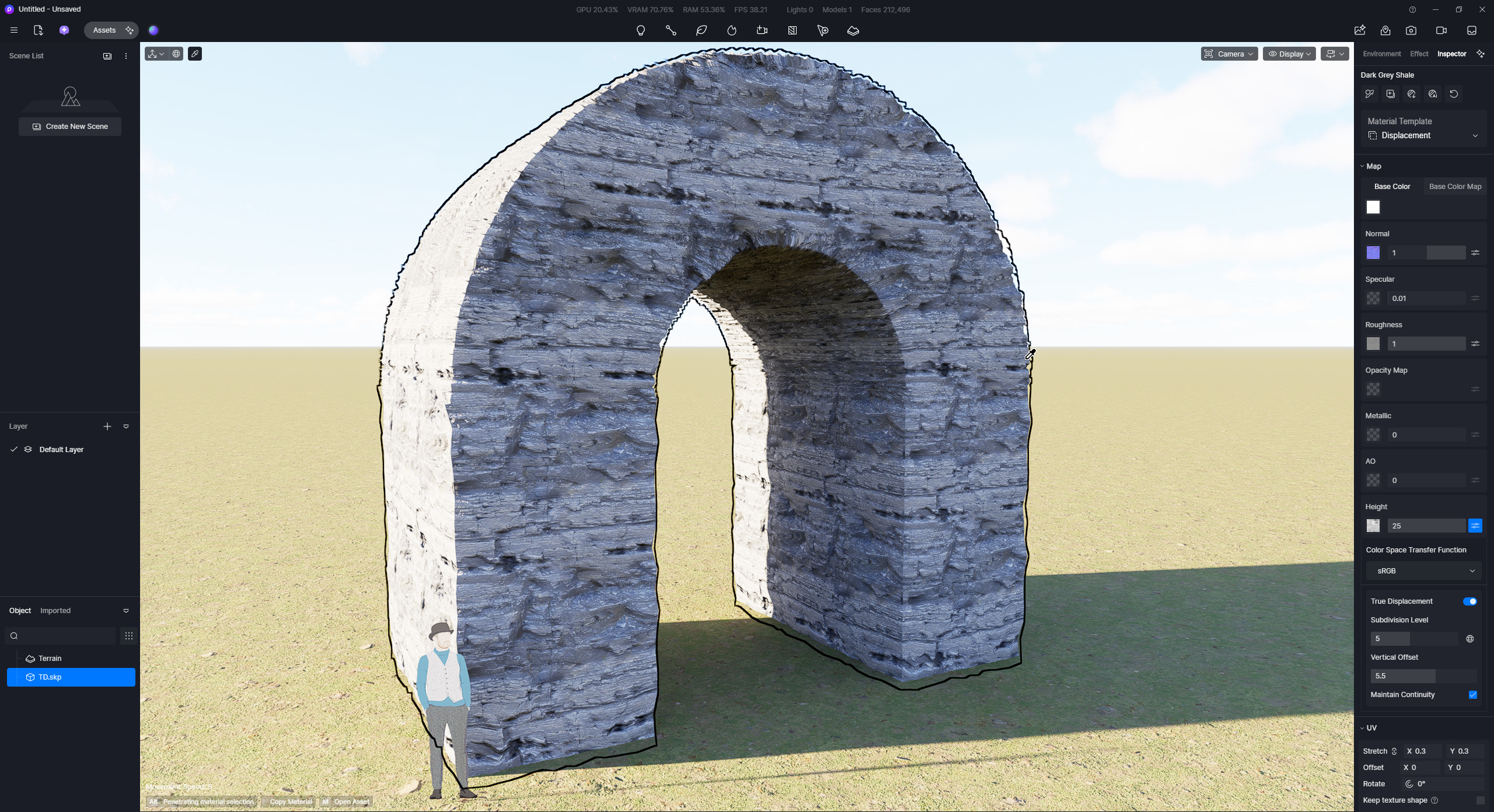
You can see the result in the attached screenshots.
When I enabled Remesh, the bug did not occur in this case.
However, in many complex models, Remesh distorts the object’s shapes/geometry, so the textures also look jagged and completely distorted.
The same thing happens in large building models, except that Subdivision/Remesh takes much longer, and sometimes the program even crashes. Which is frustrating.
D5 Support Team, please don’t ask unnecessary questions about SketchUp models, configurations, drivers…
Just take your “D5 RENDER” software and test it thoroughly on multiple hardware setups. Don’t drag this out—please don’t make customers pay for testing your software.
I’ve already wasted so much time and effort because of the instability of the new D5 Render versions
Thank you again for the detailed report, and we’re really sorry for the frustration this has caused.
I was able to replicate the issue on my end, so for now, please consider this a known issue in version 3.0.1 related to True Displacement and Remesh. We’re actively troubleshooting and investigating this further with our development team.
Also, I sent you the D5 version 3.0 installer previously. You can simply install that version, and it should revert your software back to 3.0.0.0678, which may help you continue working while we investigate the issue.
We truly appreciate your patience, and we’ll keep you updated as soon as we have progress or a fix available.
Got it. Could you please share your most recent log files to supplement the report? You can send them to support@d5techs.com and kindly tag me in the email. Please also include the link to this forum post for reference. Thank you for your patience.
This might work as a quick fix in some cases, but it’s not a solution for projects where the models have already been modeled. Remodeling the models is time-consuming.
I expect D5 Render to find a quick solution, because using the True Displacement feature is essential for high-quality architectural visualization.
But the problem I mentioned in my first post is a different case.
Remesh distorts the geometry, does not create a regular, dense structure, and thus distorts the structure of PBR textures.
We were able to replicate the issue, and it was resolved by enabling the “Maintain Continuity” setting and lowering the subdivision level. The subdivision level increases GPU and VRAM load, which can cause a crash. However, in your first screenshot, it appears that you have already enabled the “Maintain Continuity” option.
Note: Although the material direction may not be the desired one, since the UV Mapping may need to be modified in SKP. In Rhino, this can be easily modified with their UV Mapping options, but in SKP, some plug-ins may be used.
With this, is it possible to collect your SKP File?
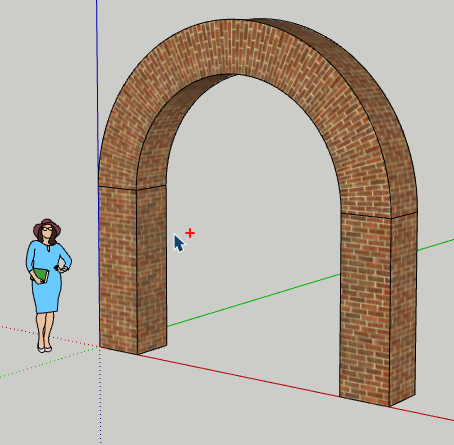
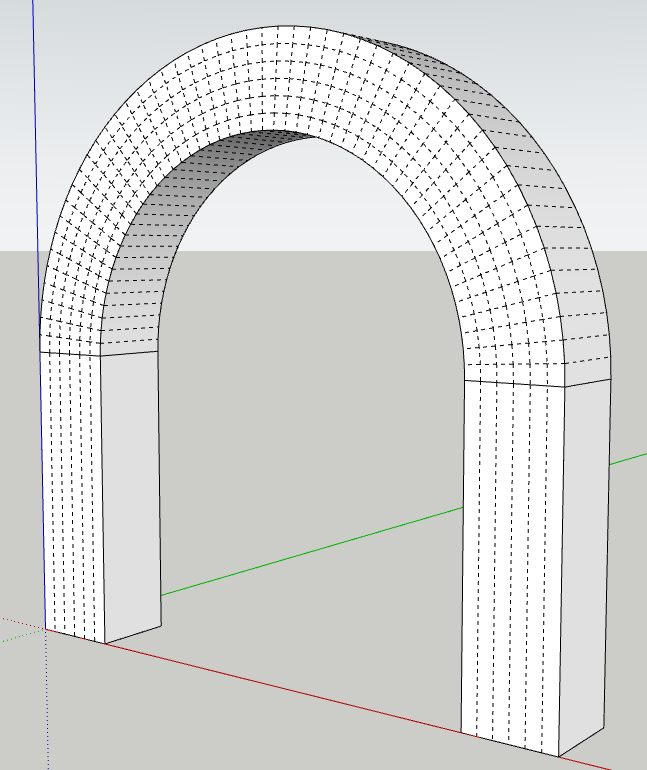
Thanks, but your geometry is simple; mine respects the direction of the bricks or stone for an arch, and when you activate “maintain continuity,” it breaks. I’ll send you the SKP file. Here is the link: SwissTransfer - Envoi sécurisé et gratuit de gros fichiers
The geometry is indeed simple since I didn’t use the plug-ins that you were using. Anyway, I did try your file and have created another model using the same plug-ins and methods.
The issue stems from these additional lines; I don’t think they’re relevant.