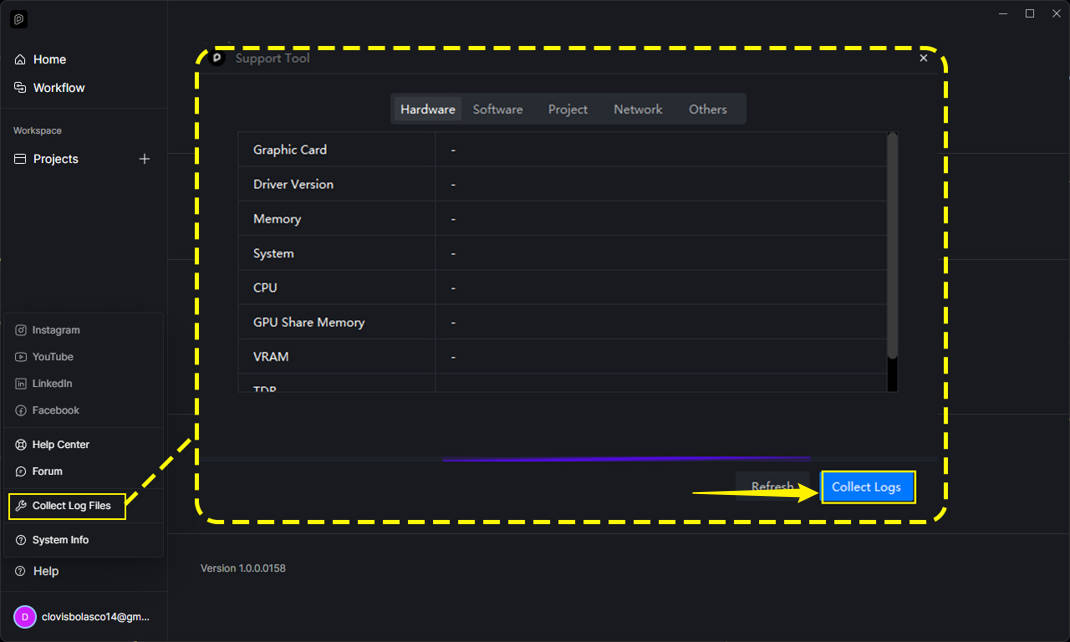
Hi!
I am writing to follow up on my situation, as I previously posted in the forum regarding a program error that forced me to completely reinstall D5 Render.
Unfortunately, the reinstallation did not solve the issue. I am currently paying for the D5 Render Pro version, but the software is still malfunctioning. It continues to crash automatically every 5 minutes, exactly as it did before.
I am also seeing a warning popup that says: “The communication to the D5 Render is abnormal, live sync abort”.
I have a very important final deadline at the end of this week, and I urgently need the rpogram to work properly. I would appreciate your quick help to find a solution. Please, if anyone can help me, I would be very grateful. I am desperate to solve this issue.
First and foremost, can you help us locate the forum post that you’ve mentioned?
We would like to ask again whether this issue occurs in:
Does this problem occur in other files? Or is it file-specific? (If empty, demo, or very light scenes has also a similar issue it may be a bug that needs to be reported as soon as possible)
Can you normally create new scene files or run D5 demo files? If the problem only exists with the current project or some of the scene files, it is likely that the file is too heavy and is taking up too much video memory, exceeding the load of your current device, and you need to lighten and optimize your file.
As for the error prompt saying “The communication to the D5 Render is abnormal, live sync abort”, this occurs when you have activated the live-sync while accessing the render page in D5 Render. It is not supported to attempt to render while the livesync is activated.
Regarding the “live sync abort” error: I want to clarify that I am not opening the final render page or attempting to render anything. The program crashes automatically within 5 minutes while I am simply working on the scene, without me touching that tab at all.
Furthermore, this crash happens both when I have my design program (SketchUp 2022) open, and when I open the standalone .d5 file by itself with no other program running. Even after restarting my computer, the issue continues to happen exactly the same way.
Now, answering your questions:
Regarding the files: This issue occurs even in older files that always used to work perfectly fine on my computer. It is not file-specific.
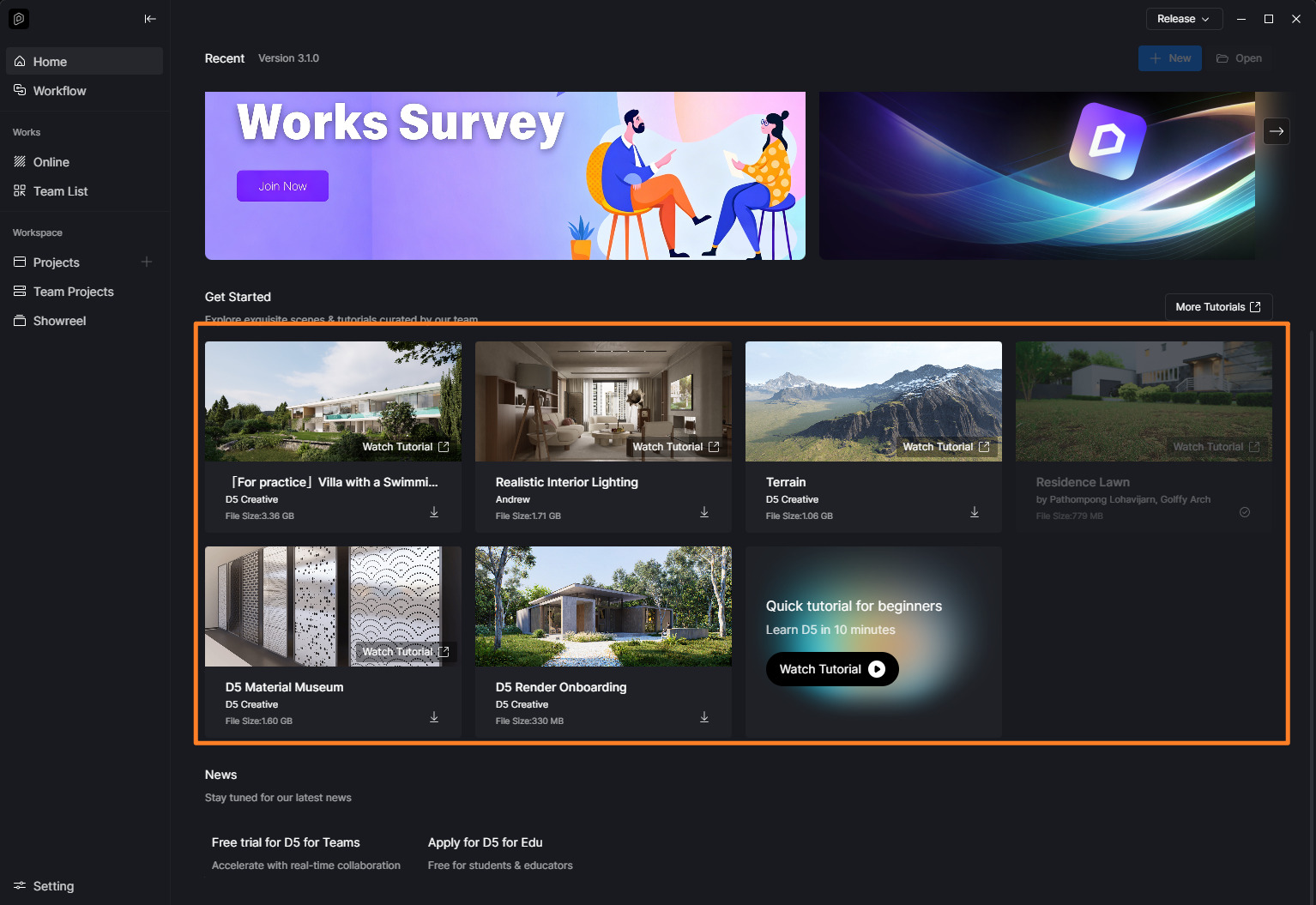
Where do i open a demo file?
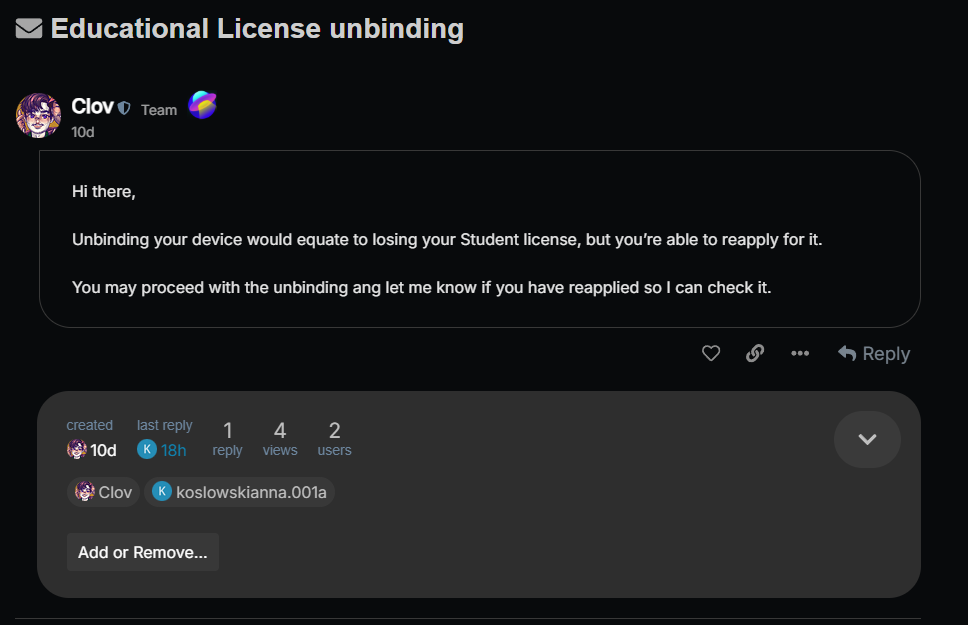
Thanks for the update. I initially thought you were referring to a recent forum post, but it looks like I was redirected to our previous conversation regarding the Student License unbinding.
Regarding the LiveSync error, “The communication to the D5 Render is abnormal, live sync abort,” this message can also appear if D5 Render crashes while LiveSync is active, so it may be a symptom rather than the root cause.
Anyway, the live sync error The communication to the D5 Render is abnormal, live sync abort also occurs when live sync is activated and the D5 has crashed.
Just to clarify,
You mentioned that your previous projects also crash. Does the same issue occur when opening a new, empty D5 project?
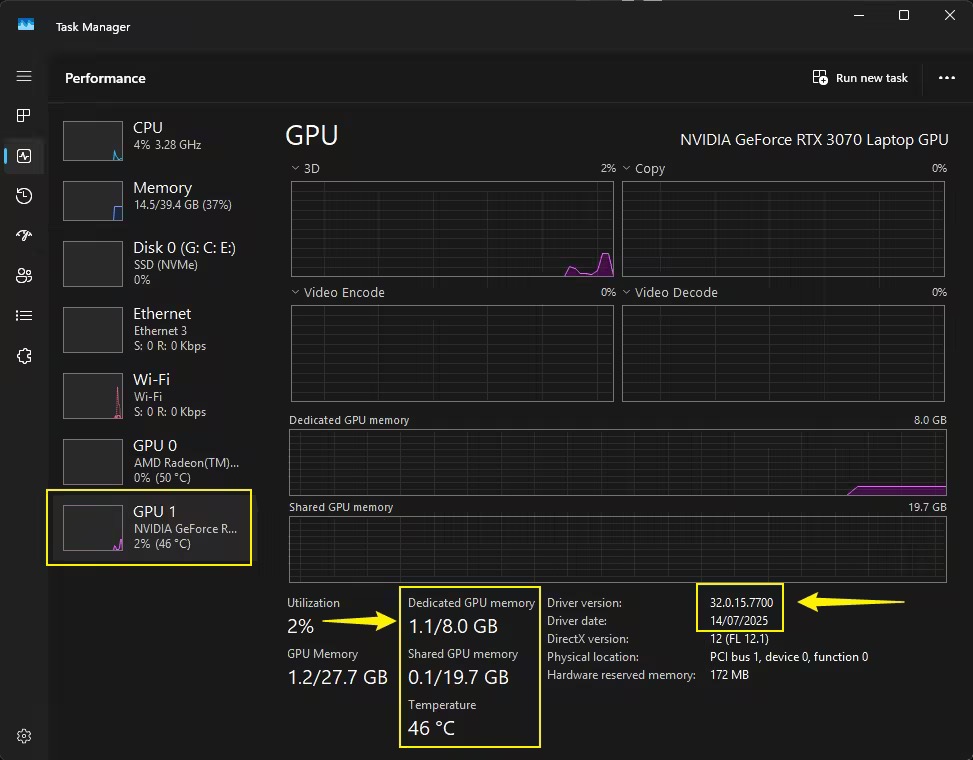
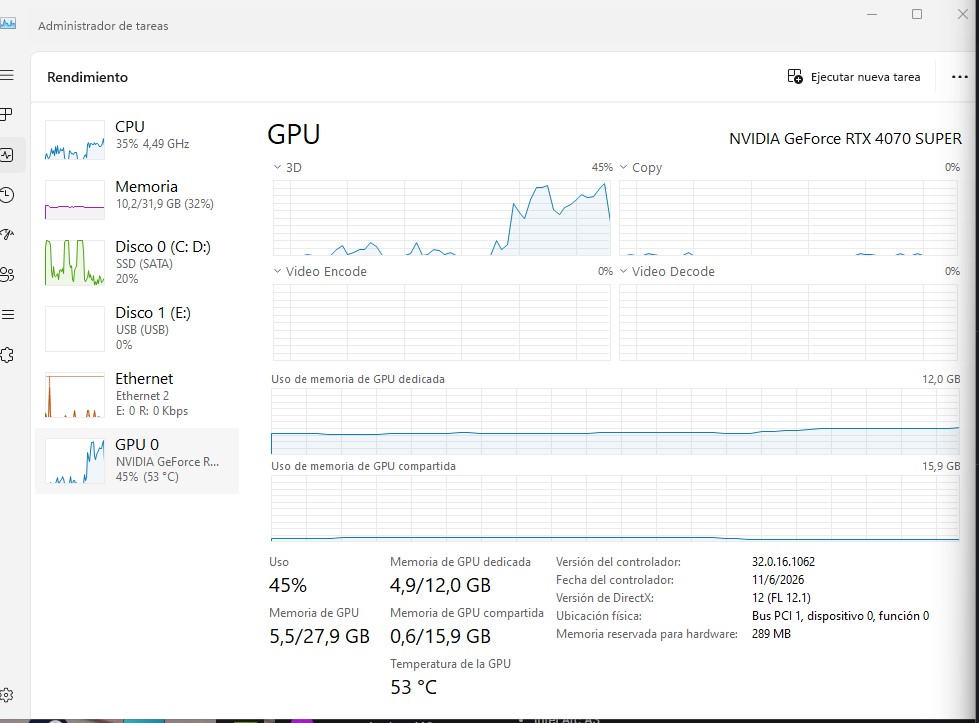
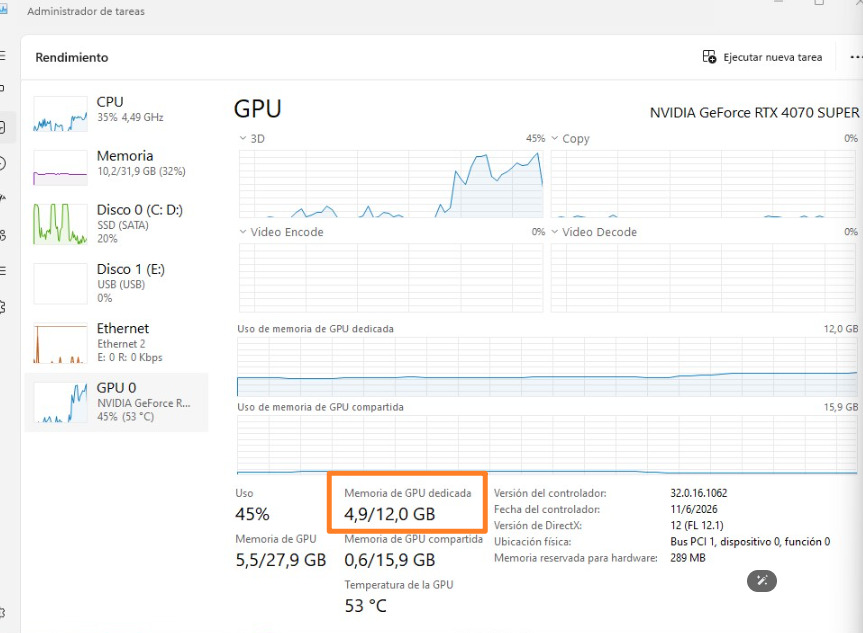
Is the VRAM usage shown below what you observe when opening the affected project?
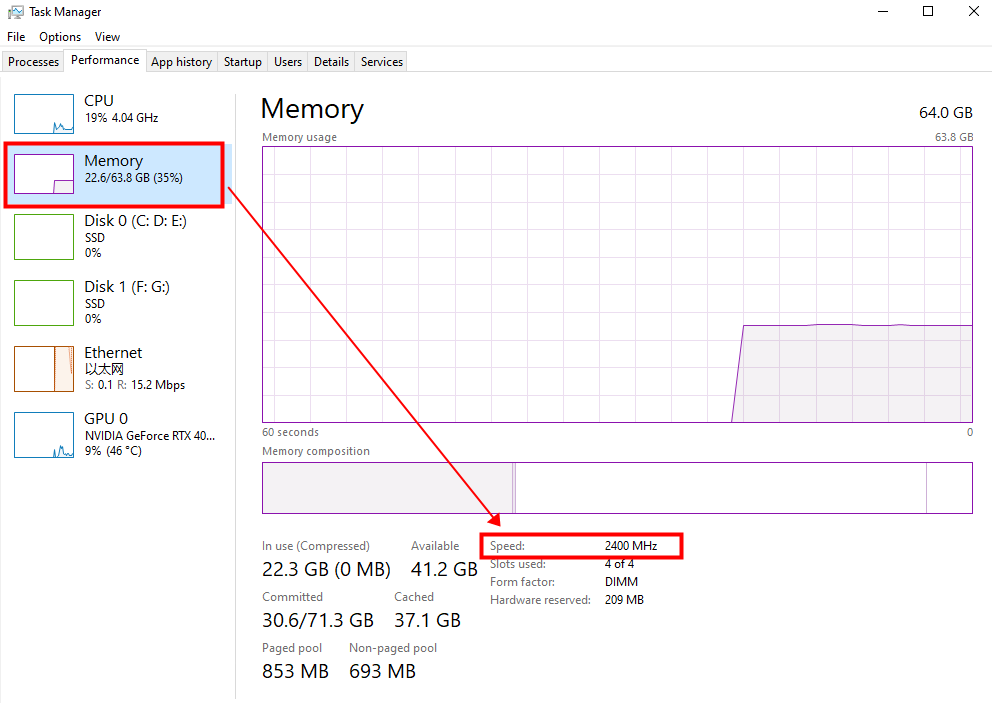
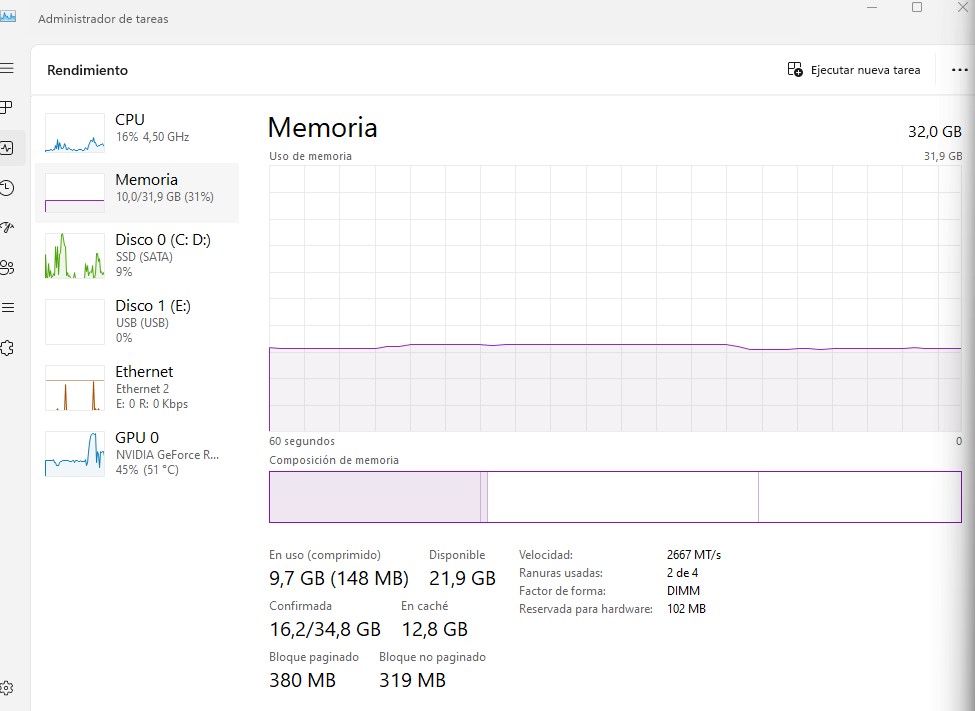
Disable any CPU or GPU overclocking, including BIOS overclocking features such as XMP, EXPO, Turbo Mode, or similar performance profiles. We’ve seen several cases where disabling these settings resolved similar crashing issues. If you prefer, you can also use tools like ThrottleStop to temporarily limit CPU boost behavior for testing purposes.