Hello. I’ve noticed that even with version 3, D5 render still hasn’t fixed the transparency issue with PNG images. Why is that? I’ve attached an image of my SketchUp mockup and what I see in D5 render. Best regard’s
Uploading: D5 render-noTransparency.png…
Uploading: oeuvre-transparency.jpg…
Hi @j_gingras90
I apologize for any inconvenience caused.
It seems the attachments didn’t fully upload, so I’m unable to open them. Could you please upload the files again? Once we have the images, we can take a closer look at the PNG transparency issue you’re experiencing. Thank you
Sorry about that. Here are the images.
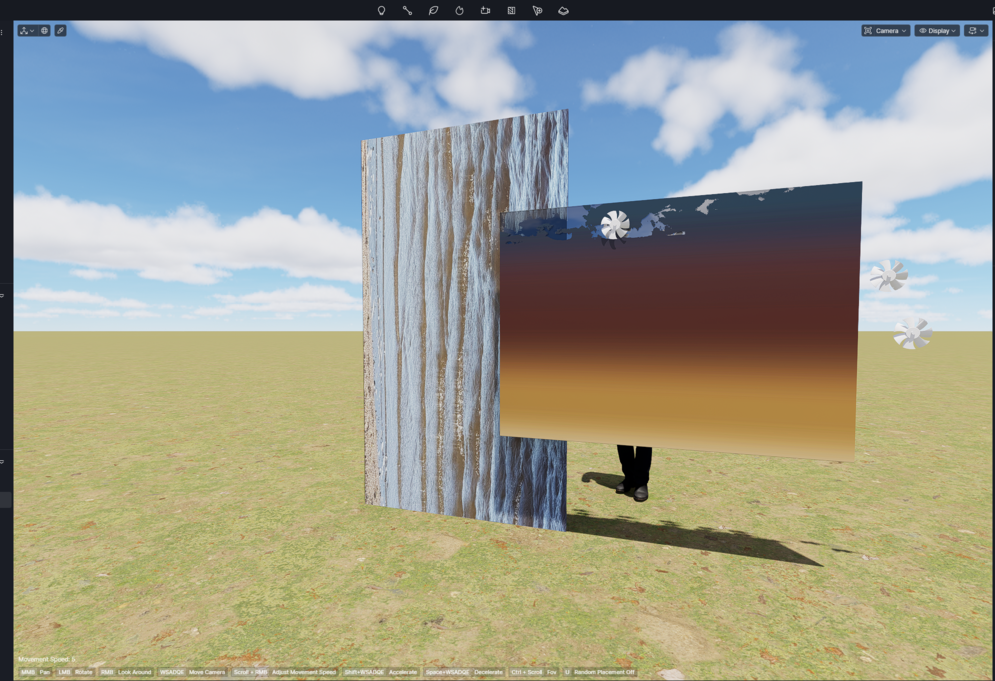
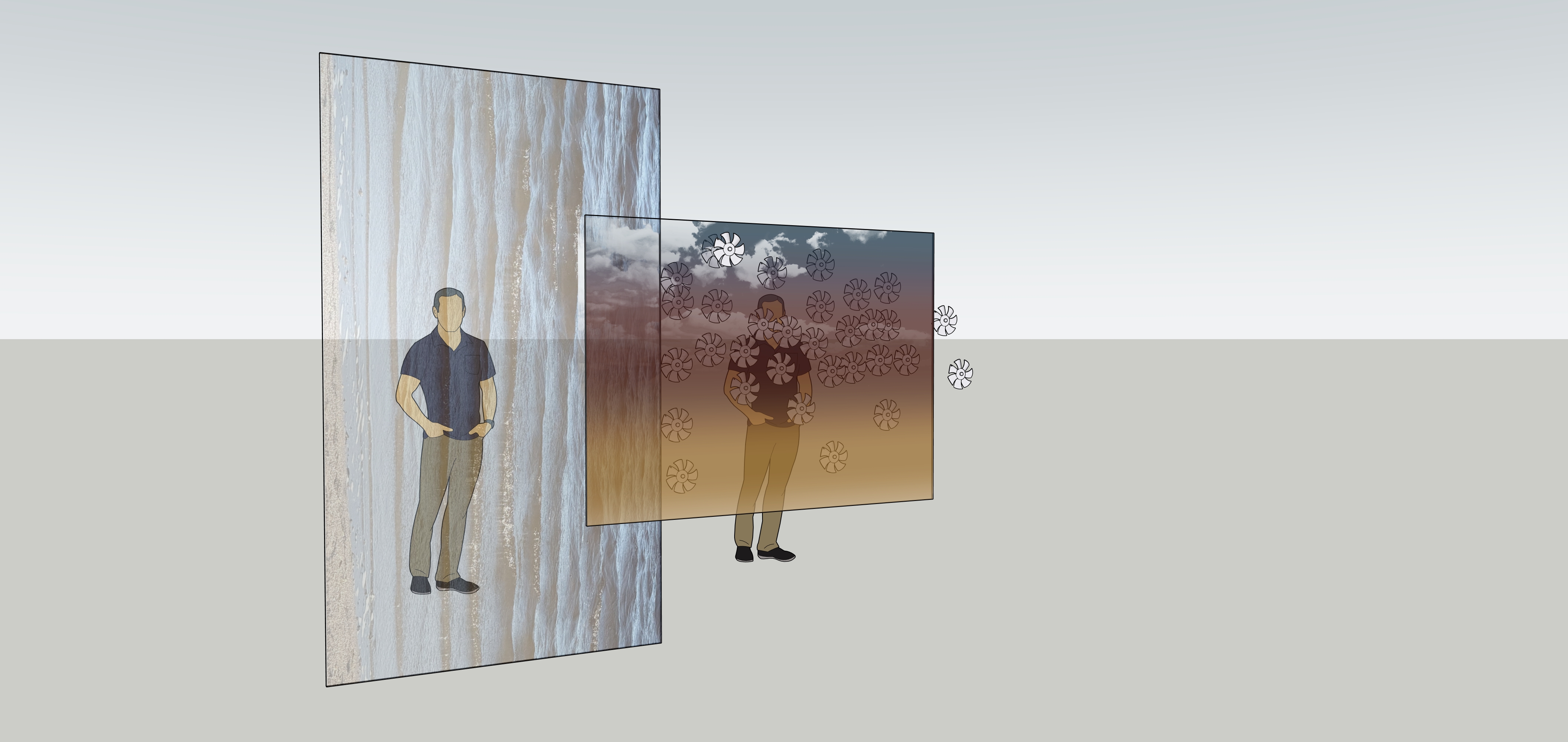
Works great with Lumion!!

But I absolutely want to do it with D5 Render since my Lumion subscription ends in 2 days!
Hi @j_gingras90
Thank you for attaching the images.
Would you mind sharing your SketchUp (.skp) file with me so I can test the issue on my end? You may send it to support@d5techs.com and kindly tag me in the email along with a link to this forum thread for reference.
In the meantime, have you tried using the Transparent Material template in D5 and adjusting the opacity settings to see if it improves the result? Thank you for your patience.
Hi. It was done a few days ago, but I still haven’t received a response? Best regard’s
Hi @j_gingras90
Thank you for sending over your file. I was able to achieve a result similar to what you’re aiming for. Here are the steps I followed on my end:
- Import the SKP file to D5 Render via Livesync
- Select the target model in D5 and set it to Transparent. At this stage, it will appear like a standard glass material
- Click on the Base Color map of the model
- Insert the image you’d like to use. Once applied, the image will show through the transparent material as expected
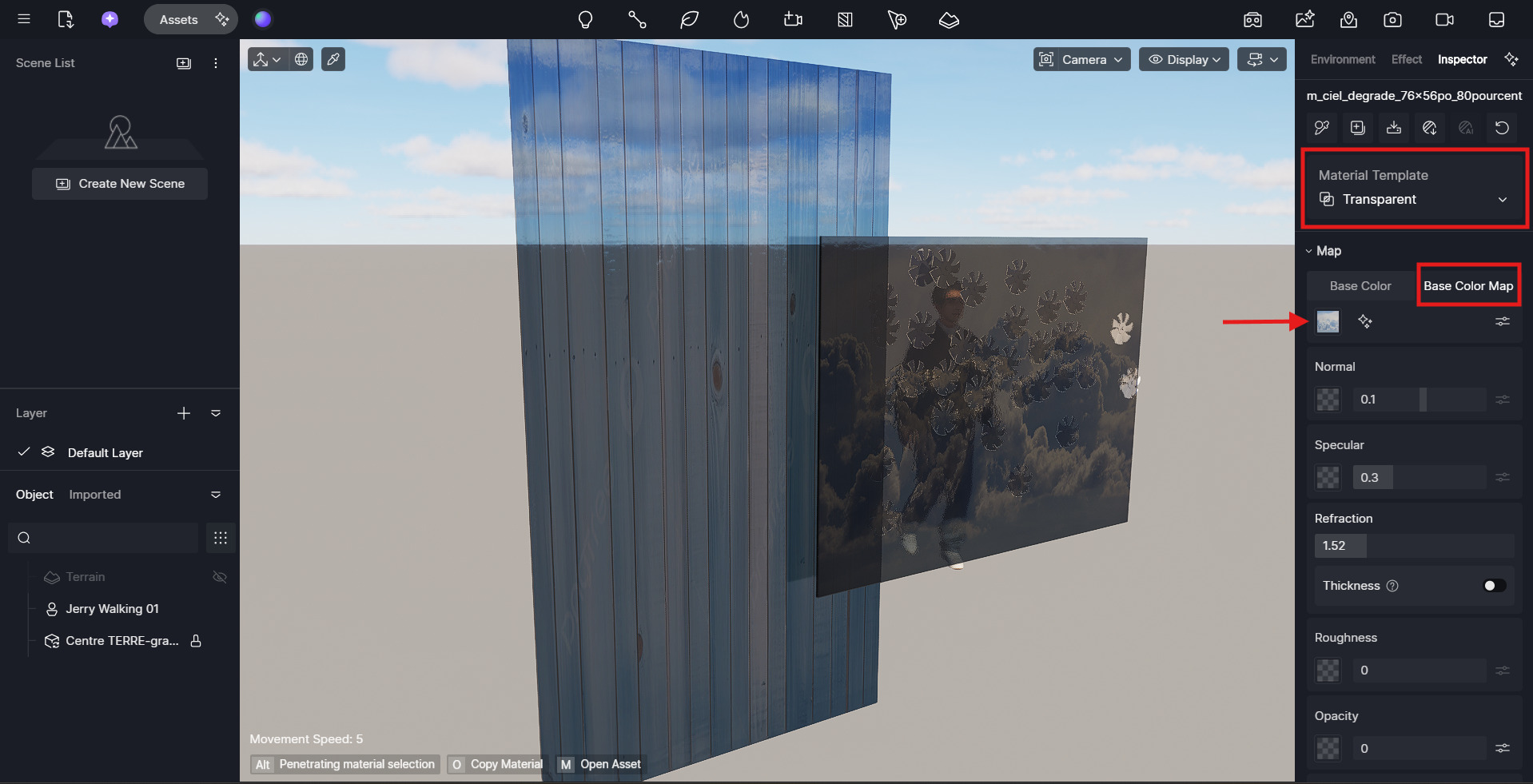
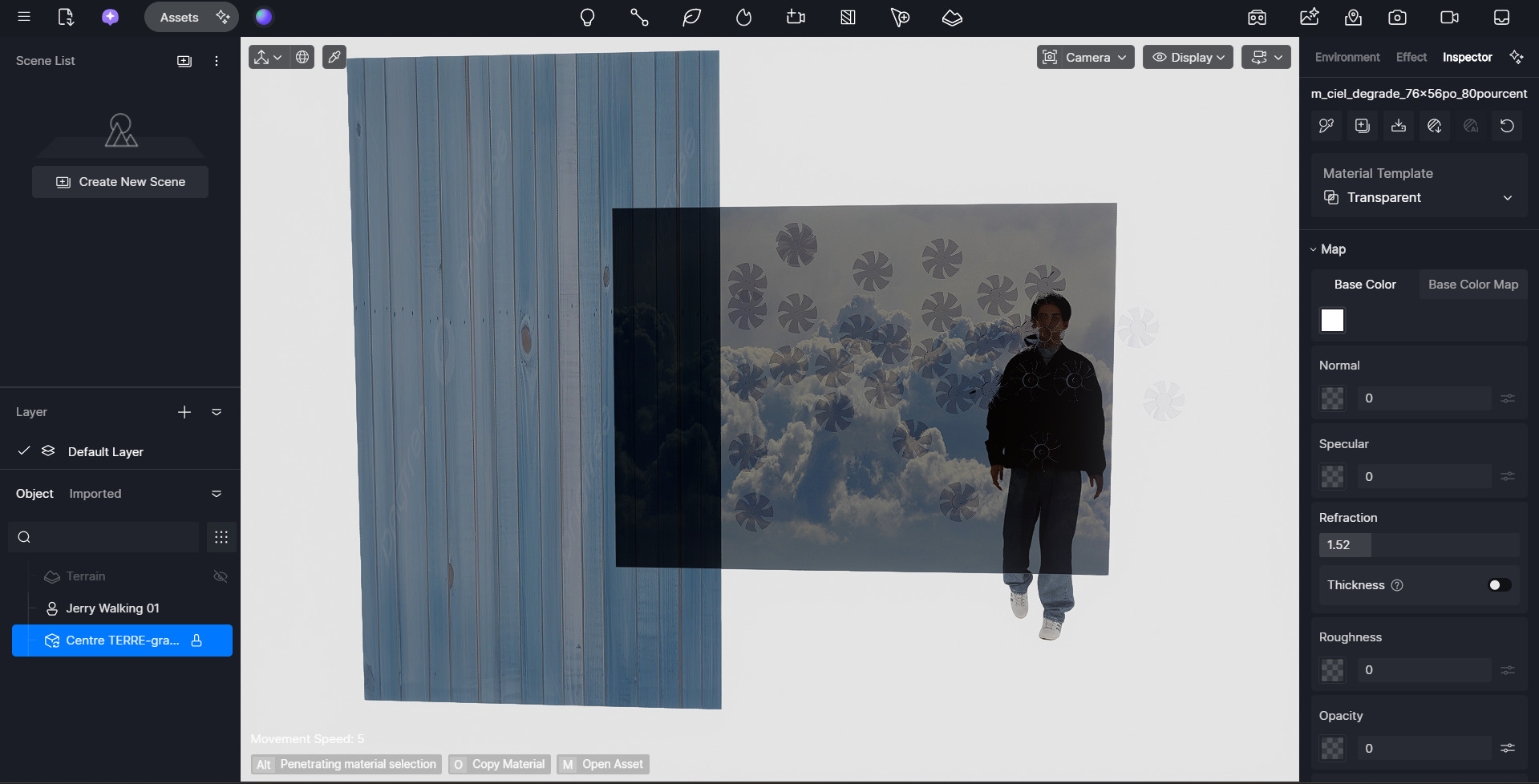
This approach allowed the material to display the image while retaining transparency. Please try these steps on your end and let me know if they work for you or if the results differ from what you’re seeing. Thank you
1 Like
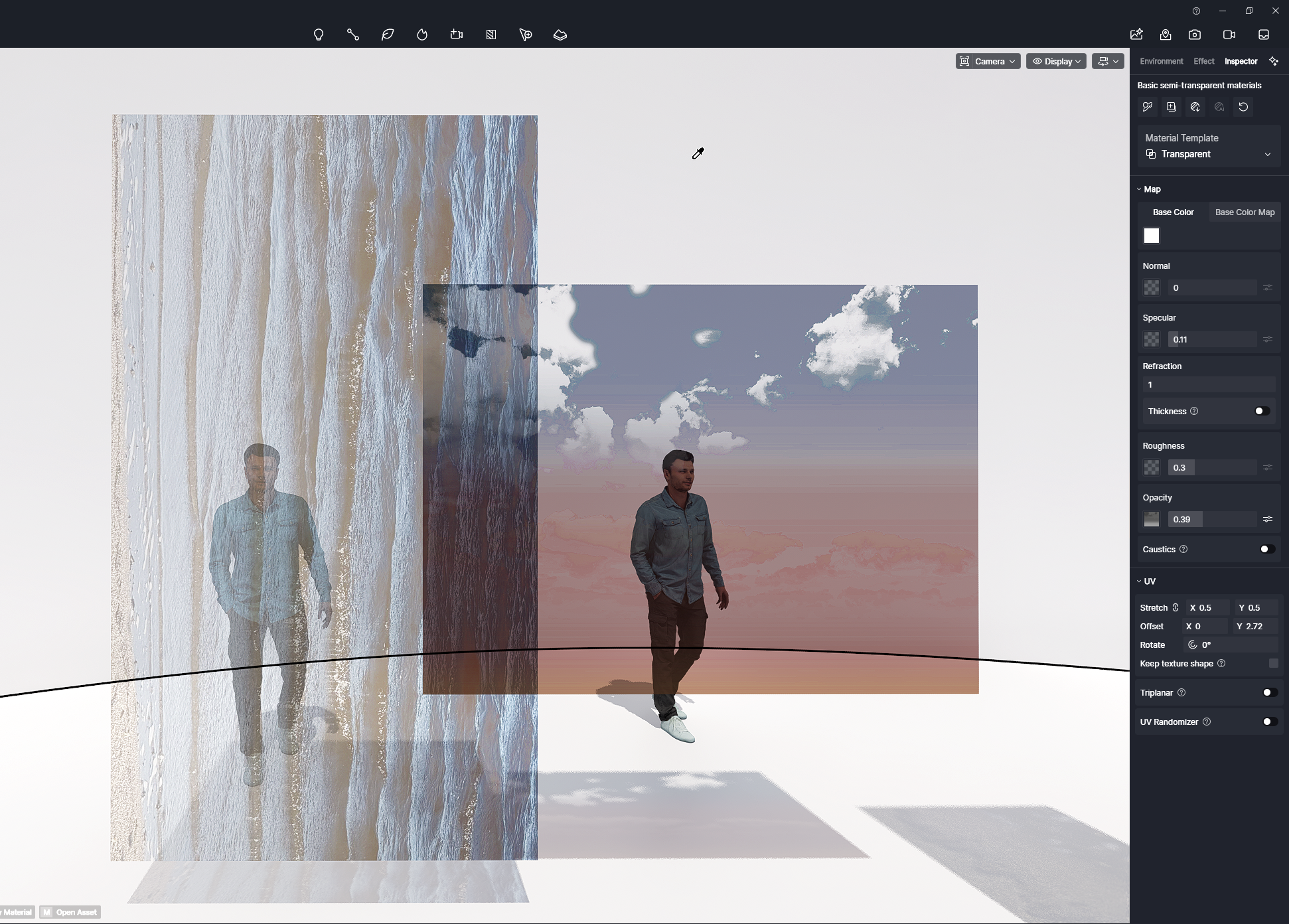
Hi. I had already tried this method, but the image was too dark and too transparent. I got a better result with the semi-transparent glass texture. With this method, I can also control the image opacity. Furthermore, I added an opacity mask since there’s no texture in certain areas of the clouds. I can’t use the SKP LiveSync plugin because SKP is on a different computer than D5 Render. If D5 Render could integrate the recognition of a transparent PNG with an opacity mask, as is the case with Lumion, that would be fantastic. Thanks again for your help. Best regard’s
Hi @j_gingras90
Thank you for the detailed explanation and for sharing your workflow and feedback. That’s a great suggestion regarding transparent PNG recognition with an opacity mask. I’d recommend posting this in the Ideas & Requests section of the forum. This also helps our team better track and evaluate feature requests based on community interest.