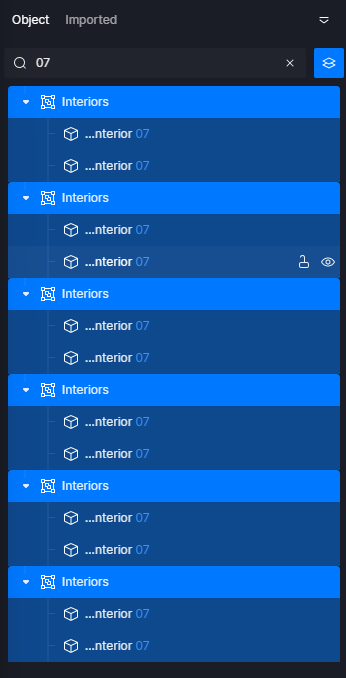
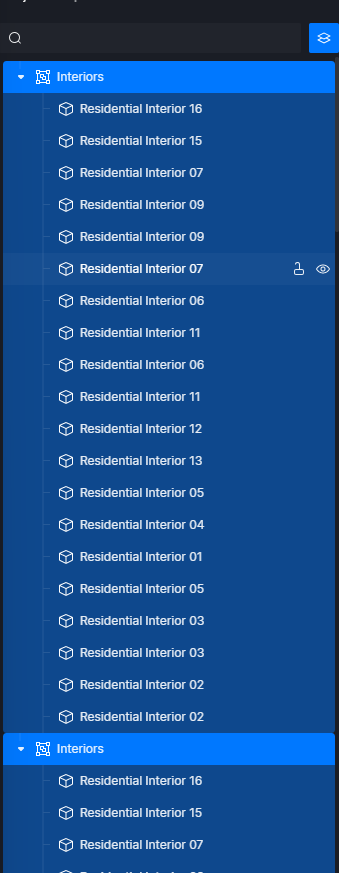
Anyone knows how to select all filtered objects in Object Manager ?
Filter > Select which one > Click the first object > Hold Shift while holding the left mouse button > click the object at the bottom
If this is not the answer you’re looking for, please clarify. Thanks.
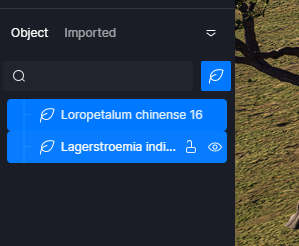
Hi @Clov, Yes it works but only if filtered objects are the same types.
I noticed that selecting filtered objects select not only filtered but all others in group hierarchy.