When transferring lights from 3ds Max to V-Ray, spot lights keep their IES profiles, but they are converted into point lights, so be careful.
When transferring via LiveSync in 3ds Max, this issue occurs.
However, only the V-Ray lights are affected — default lights are transferred correctly.
All V-Ray lights are imported as point lights, so they need to be manually switched back to spotlights.
Is this a bug?
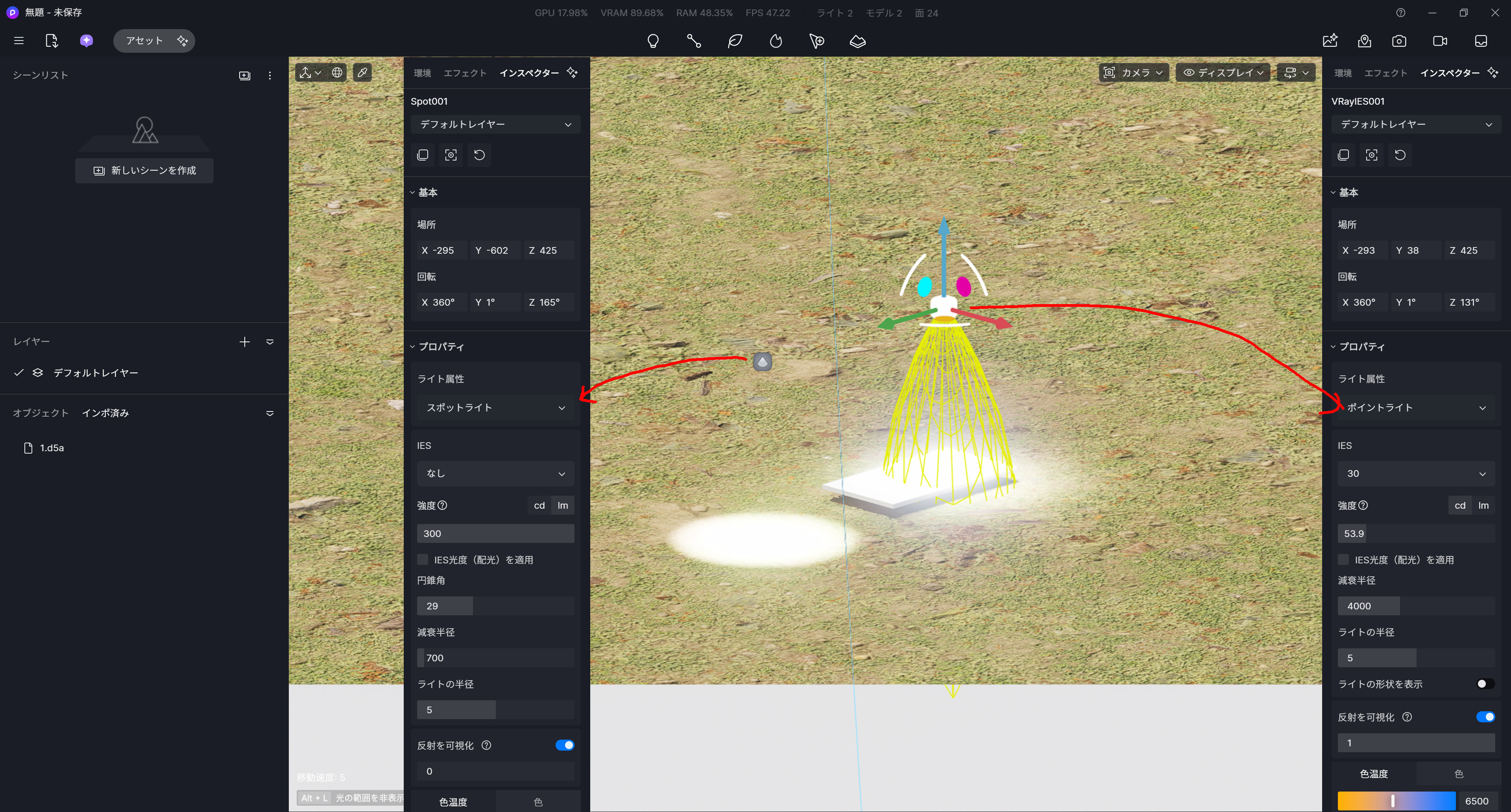
This issue still hasn’t been resolved. Are there any plans to fix it in the future?
Hi @d5-pl-01
To clarify, only VRay Sphere and VRay IES are mapped as point lights, while the remaining types are mapped as surface, disc, or spotlight lights, depending on their shapes.
| MAX Light Type | V-Ray Subtype | D5 Mapping Type |
|---|---|---|
| VRayLight | Plane | Rect (Area Light) |
| VRayLight | Disc | Disc (D5 ≥ 2.10.10) |
| VRayLight | Sphere | Point (Point Light) |
| VRayLight | Dome | Spot + HDR Environment Map |
| VRayLight | Others (fallback) | Spot |
| VRayIES | — | Point (Point Light) |
| VRaySun | — | Spot |
May we know the following:
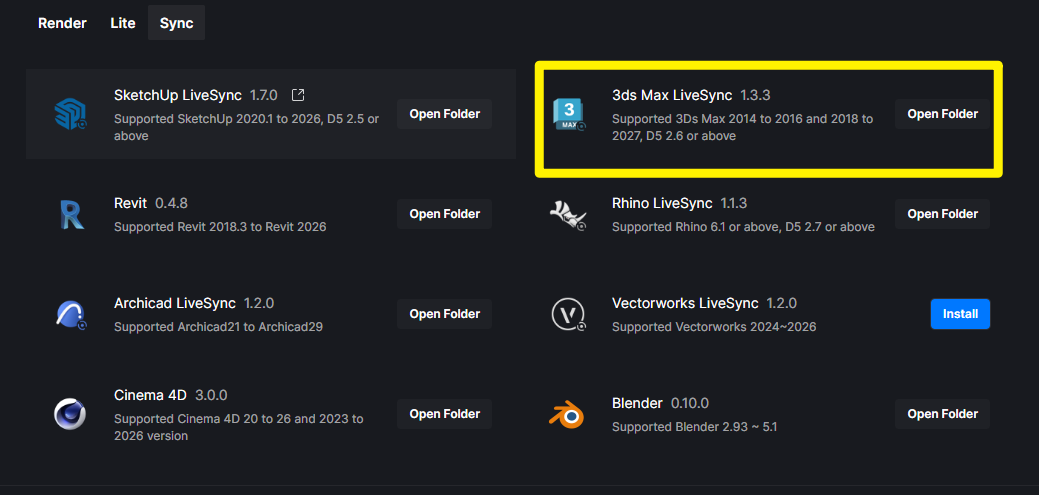
- Livesync version that you’re currently using? Ideally, you should be running the latest one. You may update it via D5 Launcher.
- Which D5 Render Version are you using right now?
VRayIES is currently treated as a point light. Since it’s mostly used as a spotlight, I really hope this gets fixed/improved in a future update
3dsmax LiveSync1.3.3
Hi @d5-pl-01
Regarding the VRayIES mapping behavior, our team currently considers Point Light conversion to be the more appropriate default interpretation when importing these light sources into D5. As such, there are currently no plans to modify this behavior for now.
For workflows that require spotlight-like behavior, you may group the imported lights and manually convert their type to Spot Lights after import.