Team user. There’s no option for updating D5. My colleague updated yesterday.
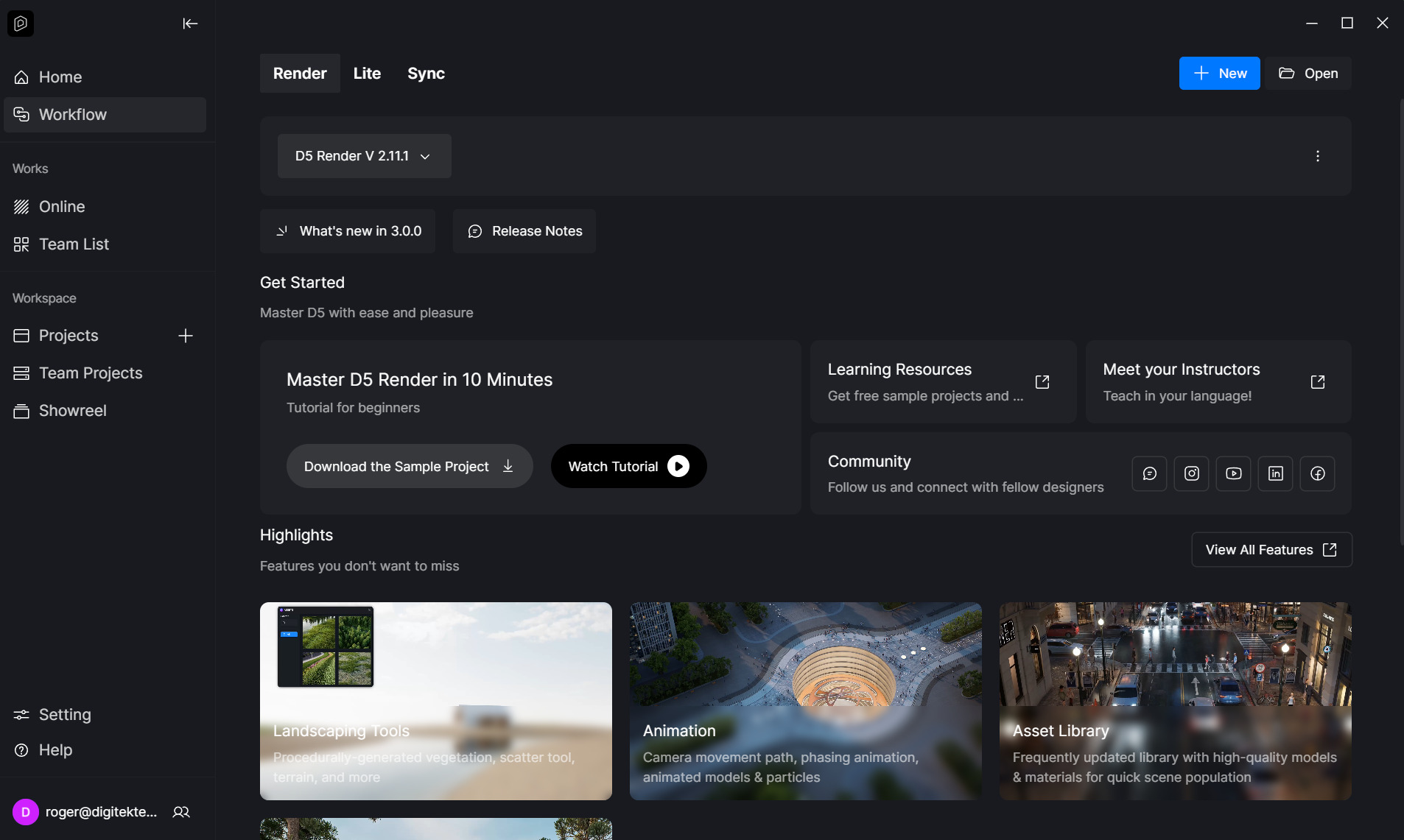
Had this issue as well. Try restarting your PC. worked for me 
Thx, but no luck 
Also, make sure you don’t have any projects open while trying to update . Nowadays, the launcher is separate thing, isn’t it
Should the Launcher have the update on it? I am on a Teams account and dont see anything yet
I could be wrong but there’s no option for manually downloading the update. The only option is reinstalling the launcher, but there’s no guarantee that will help at all.
Same here i cant seem to download the update, anyone found the solution?
Hi everyone, I apologize for the trouble.
Currently, Team user accounts are unable to see the upgrade option directly in the D5 Launcher. This upgrade option is only available for Individual accounts at the moment.
Do we have a timeline on when this is available for Teams users?
Hi everyone,
For Teams users, there isn’t currently a direct upgrade option within the team account.
The workaround is to:
- Log out of your Teams account.
- Log in to your individual account and perform the upgrade there.
- Log out again and log back into your Teams account.
We are still working on enabling a direct upgrade for Teams accounts, but there is no official timeline yet. Thank you for your understanding.
So the most expensive subscription does not get the benefit of updating early?
I had to log in again (as an individual) in order to update. Why aren’t this being communicated to team subscribers??
Hi @roger1
We’re sorry for any inconvenience this may have caused. We understand the frustration.
For team subscribers, we typically wait until a new version has proven stable before rolling it out to all team accounts. This approach allows us to monitor the initial release with individual users first and address any issues.
Thank you for your understanding and patience.
Is this version considered ‘stable’ now, I am seeing it come up in the Launcher for Teams accounts so just want to know whether its worth the upgrade? I am still seeing lots of problems being reported.