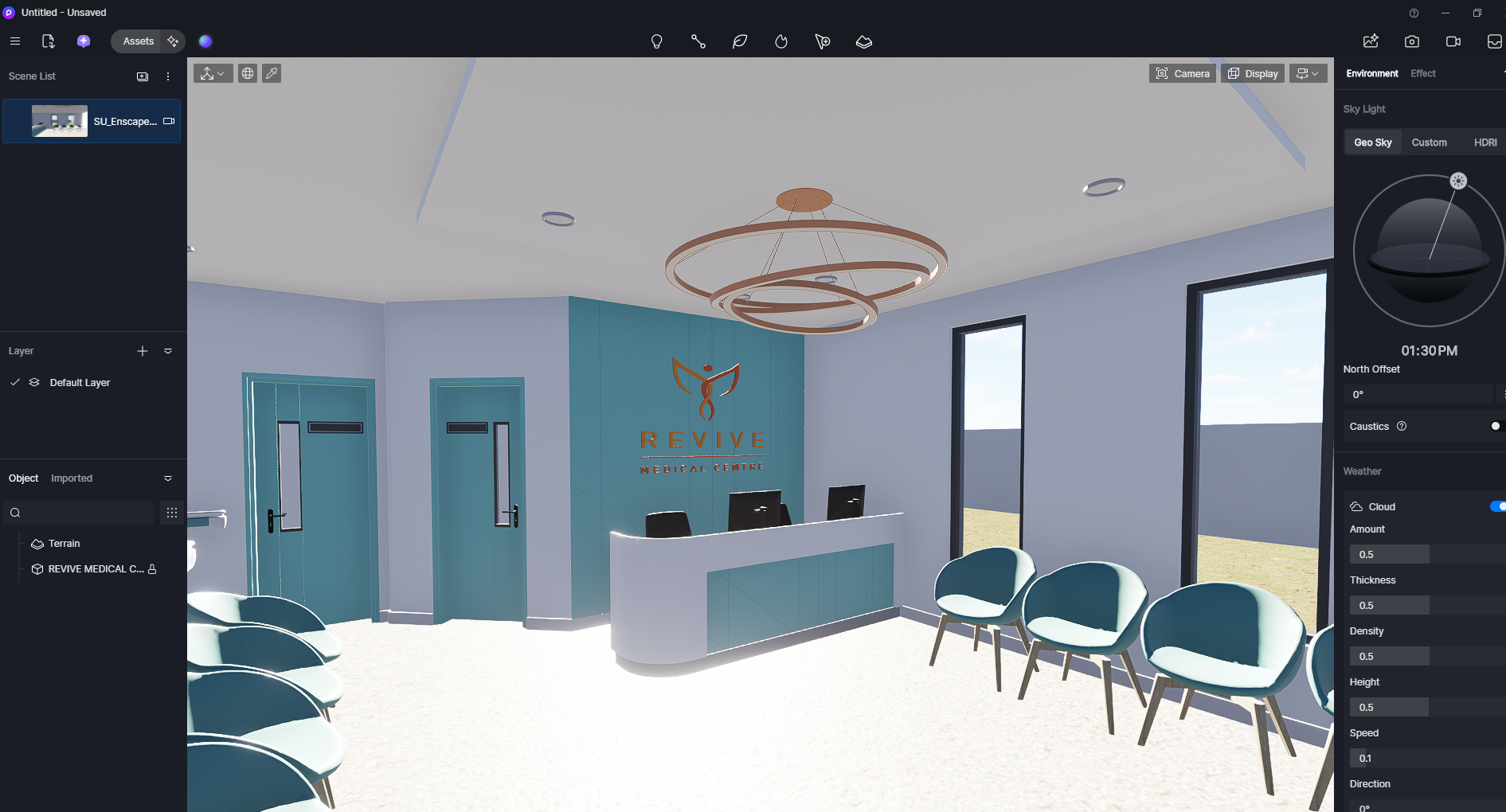
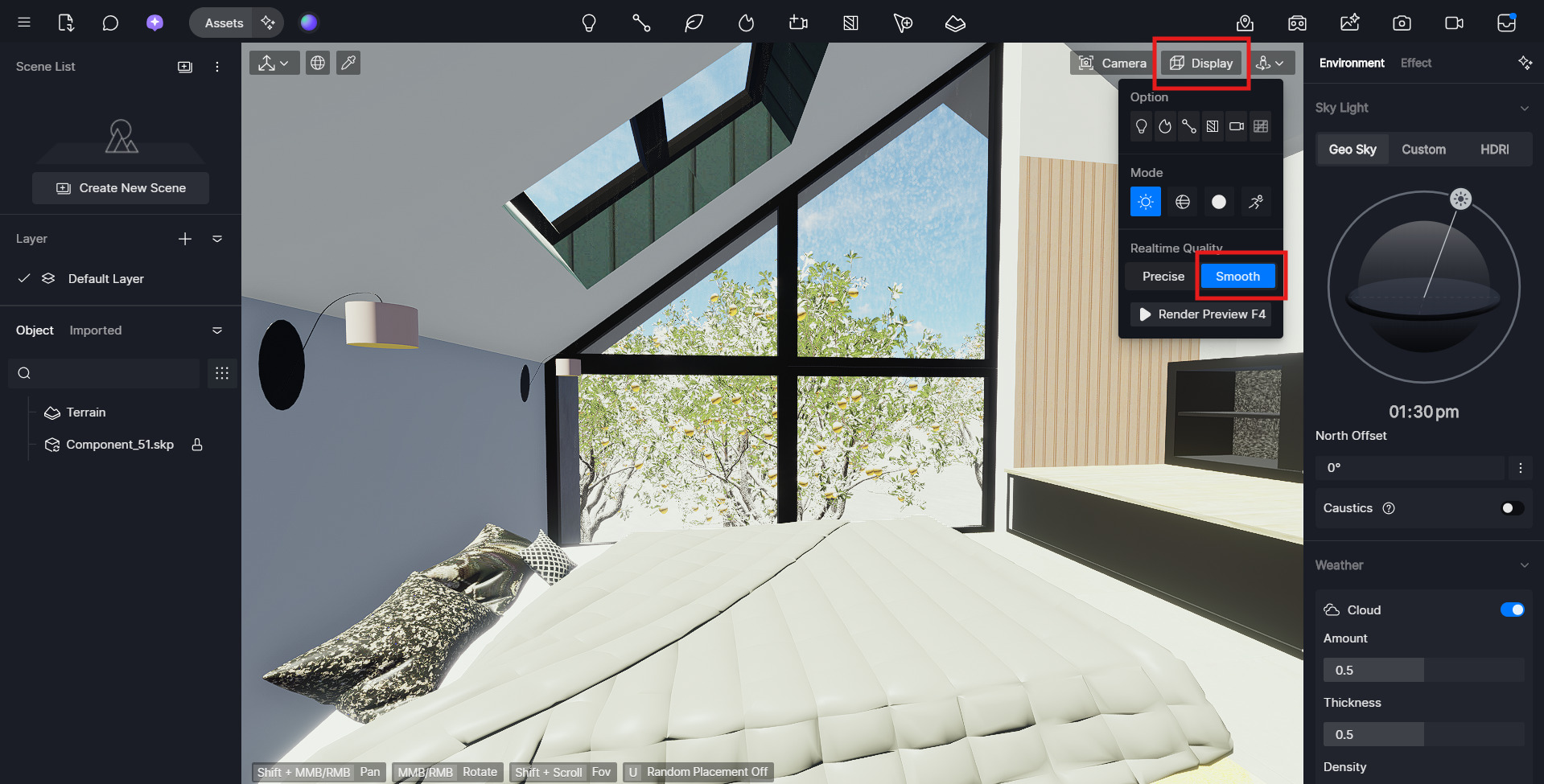
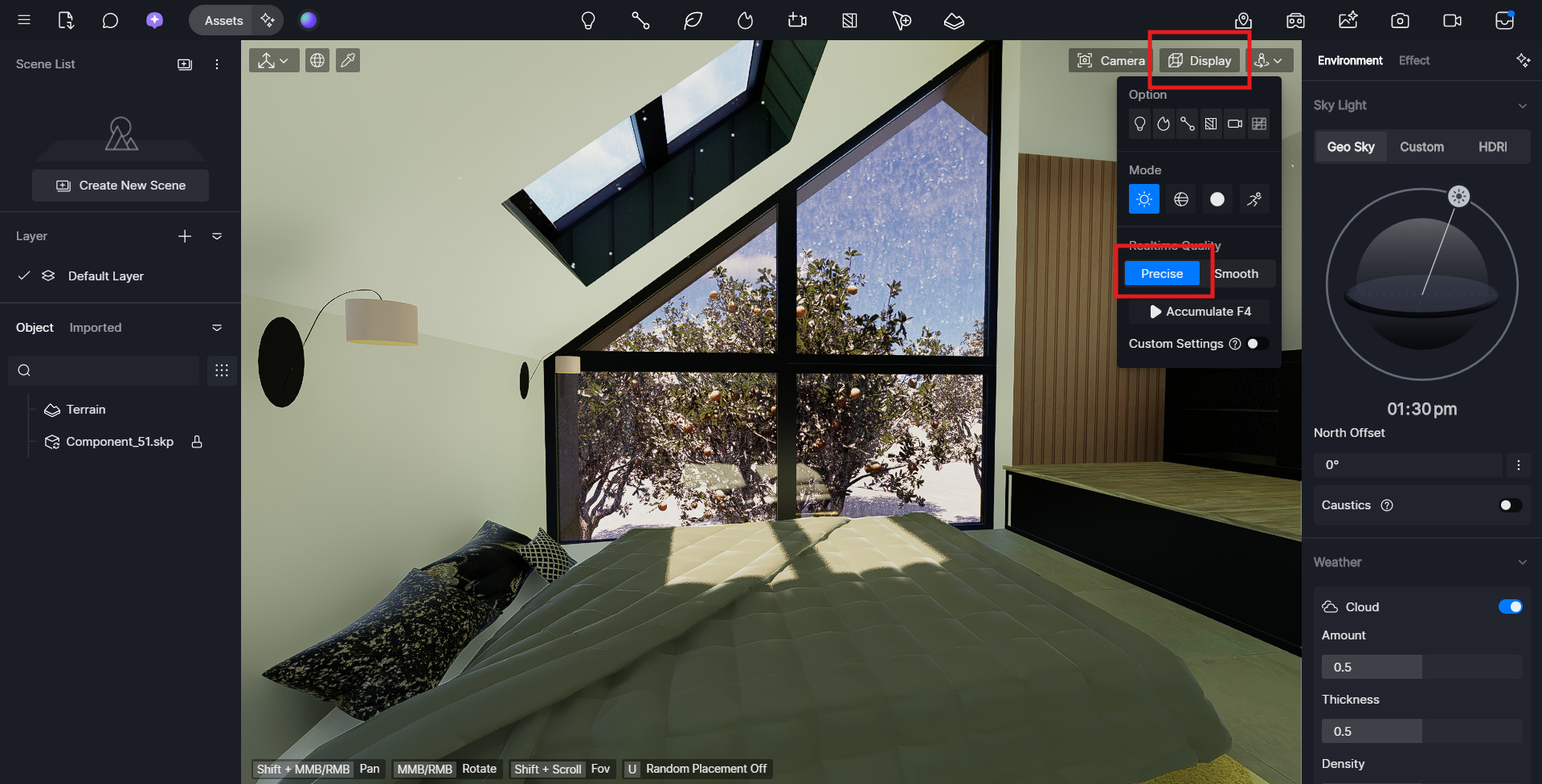
I’m experiencing an issue in D5 Render 2.11.1.0623 where every new project opens with extreme overexposure, even in closed rooms with no direct sunlight. The sun, Geo Sky, and camera exposure settings are all at default, but the scene still appears blown out the moment the file opens. I’ve checked HDRI, indoor lighting, and Auto Exposure settings — the problem happens even in an empty new scene. It feels like a global post-processing or lighting mode is stuck on, but I can’t find a “Reset All” option in 2.11 to confirm, and I don’t know how to fix this.
If anyone has encountered this or knows how to reset all visual settings back to true defaults, I’d appreciate the help. Thank you
Here is a picture of how the file appears when I open it, along with how it used to look like when I was previously working on this project.