Hello everyone,
My name is Lee, and I work as an exhibition booth designer in Korea.
At my company, D5 Render is our main visualization software. I’m posting this because I often have difficulty creating translucent plastic materials, especially materials similar to frosted glass.
I’m finding it very difficult to create realistic materials such as clear acrylic, translucent acrylic, frosted acrylic, and other plastic materials.
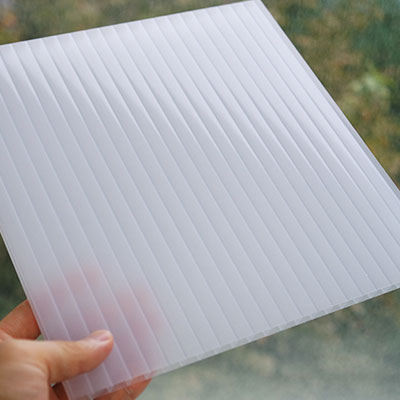
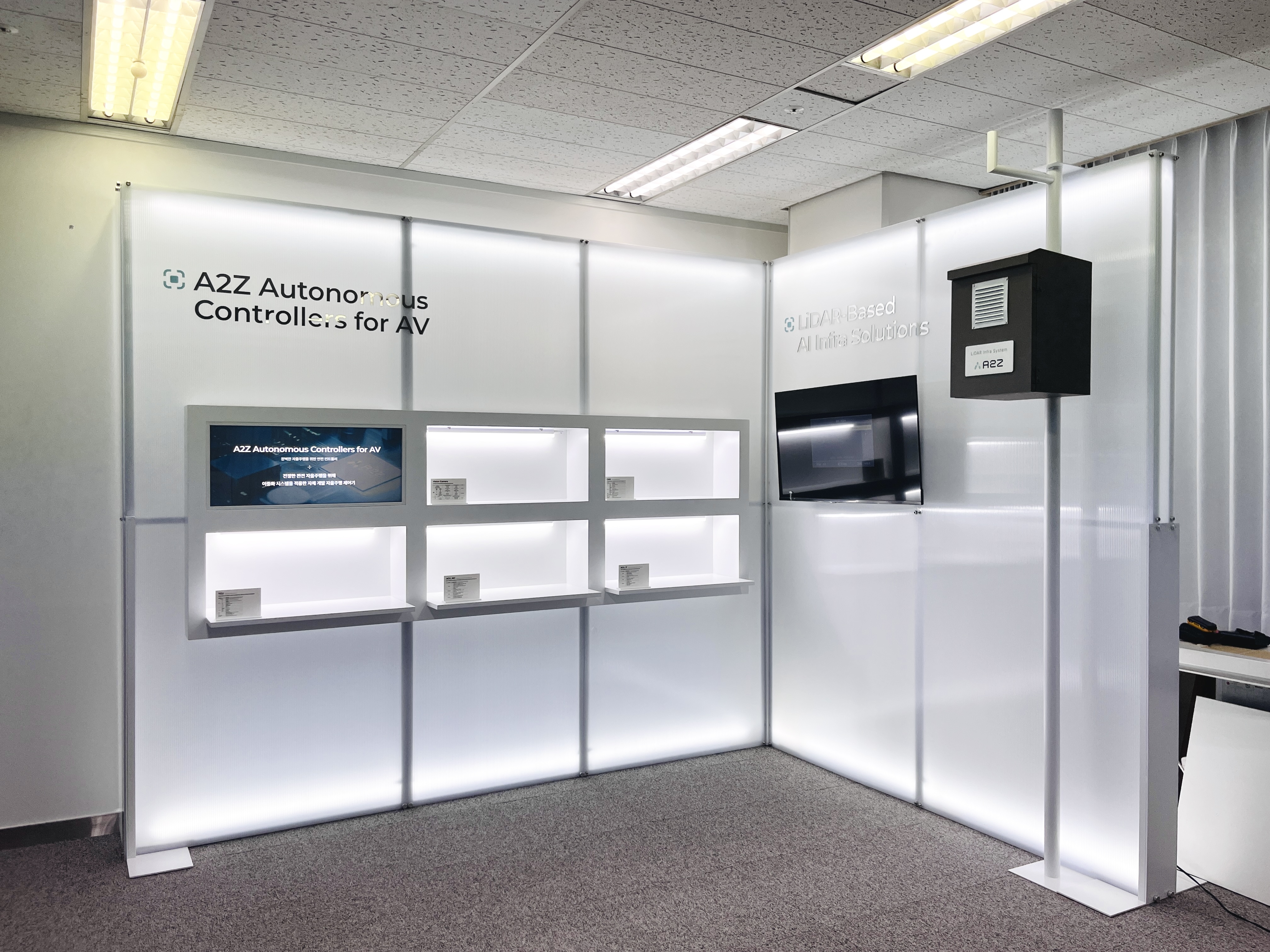
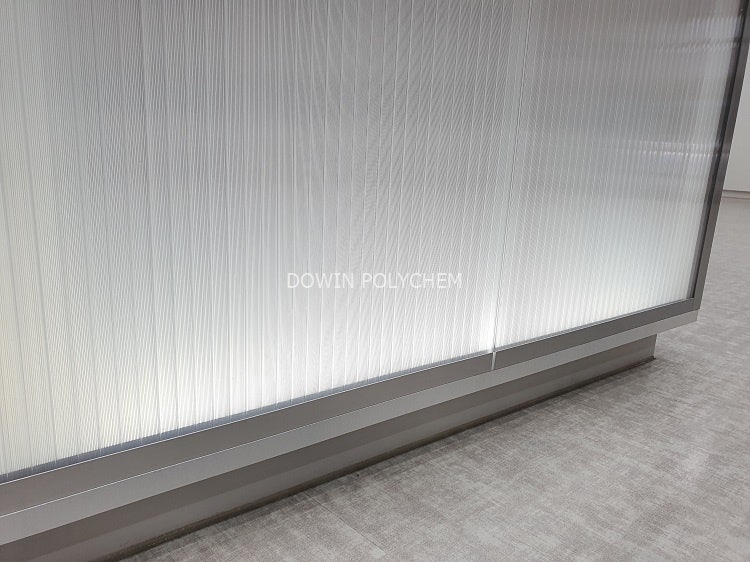
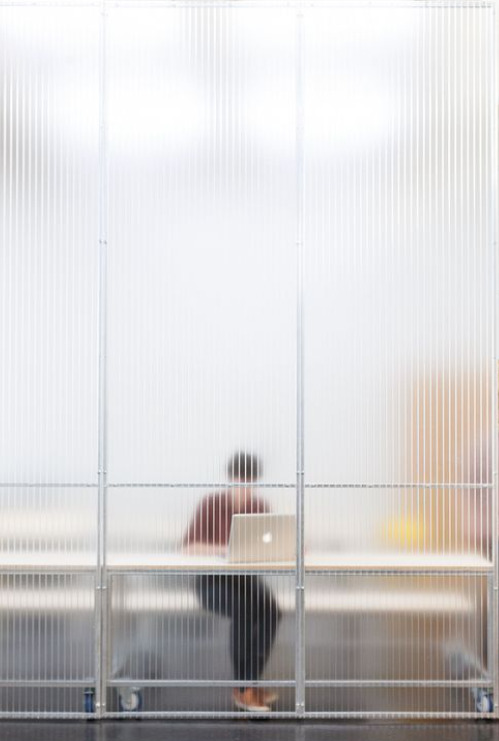
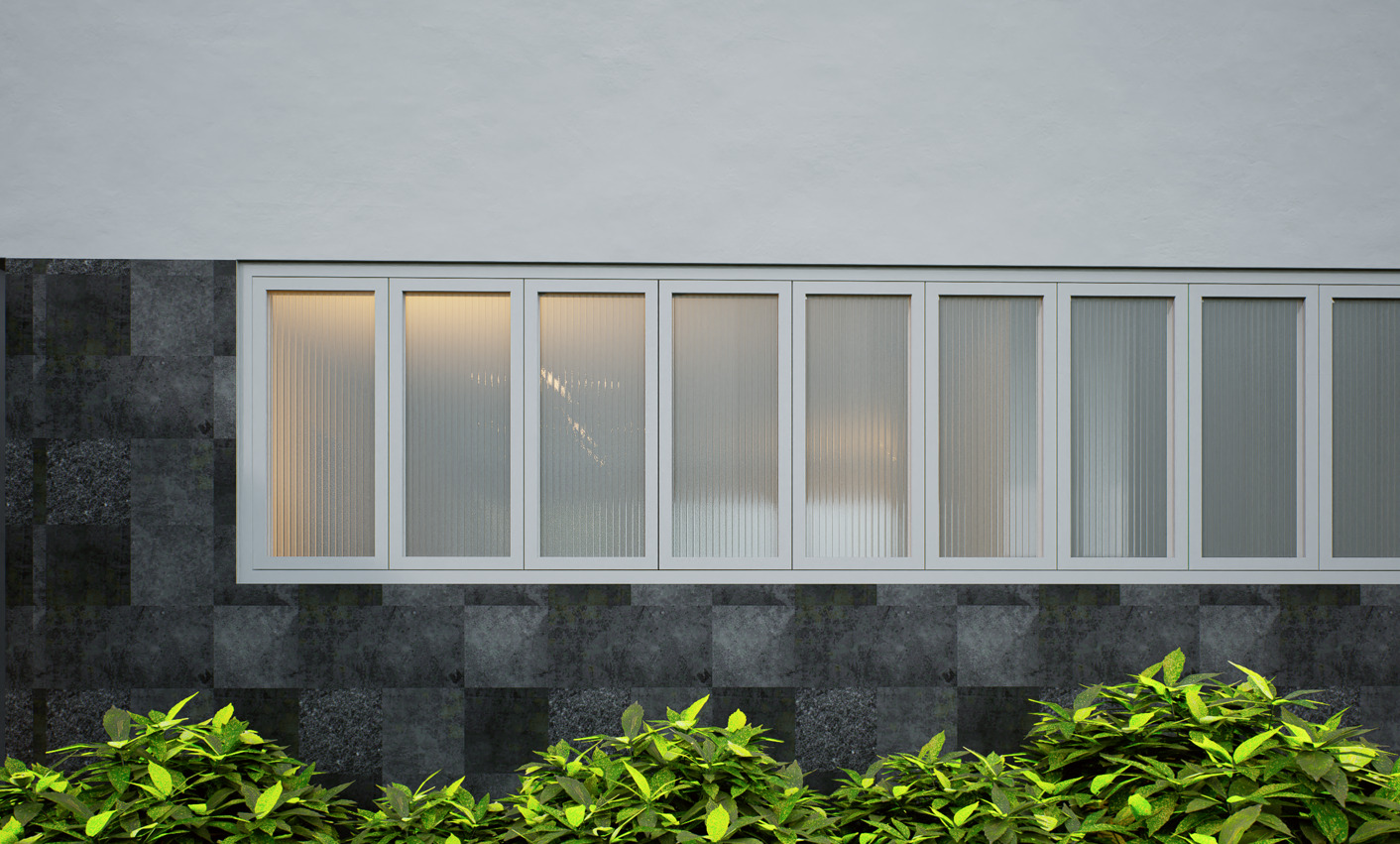
The material I’m having the biggest problem with is Multiwall Polycarbonate Sheet , like the one shown in the reference photos.
For a clear multiwall polycarbonate sheet, I can get a decent result by using the Moru Glass texture included with D5 Pro.
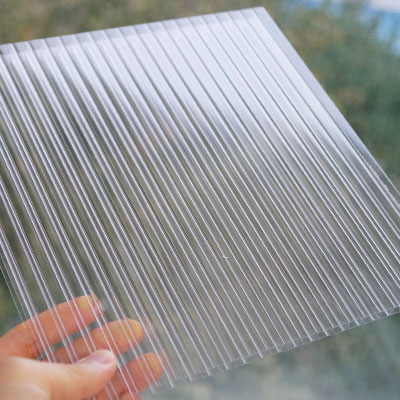
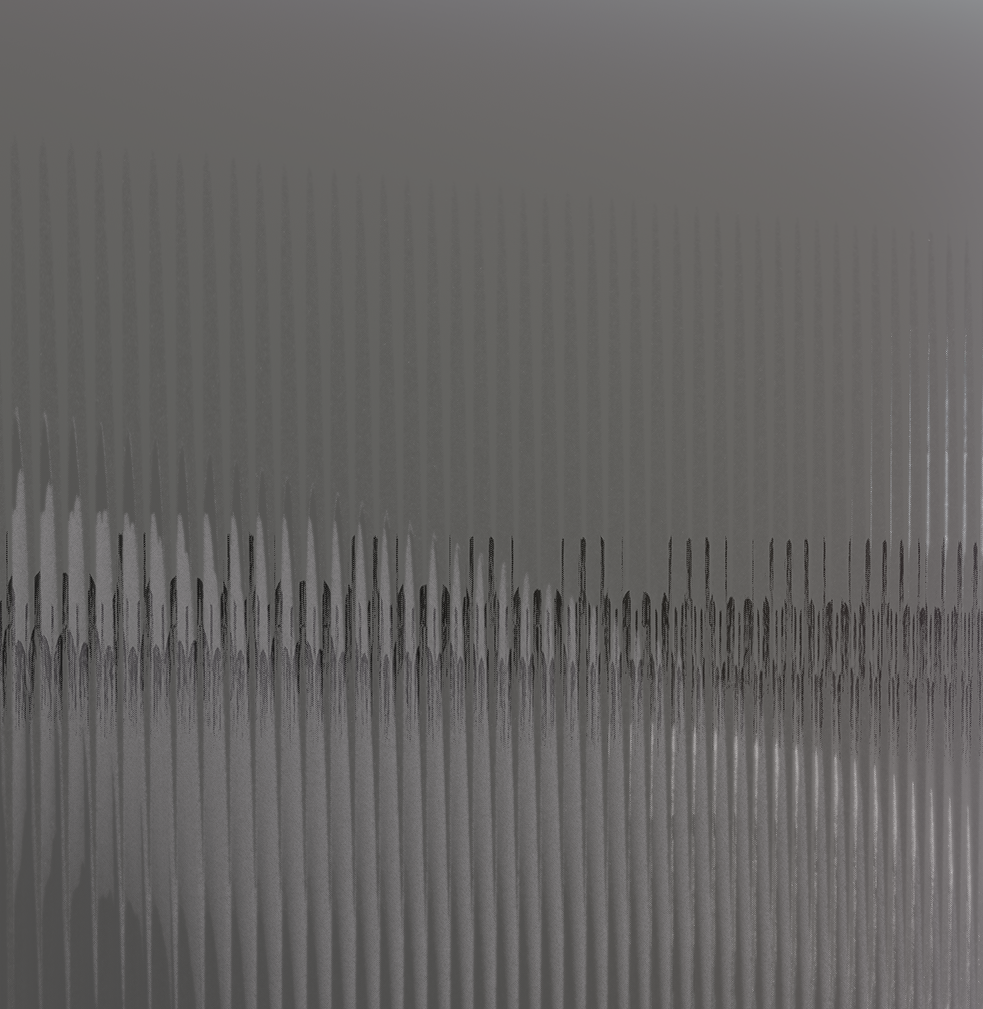
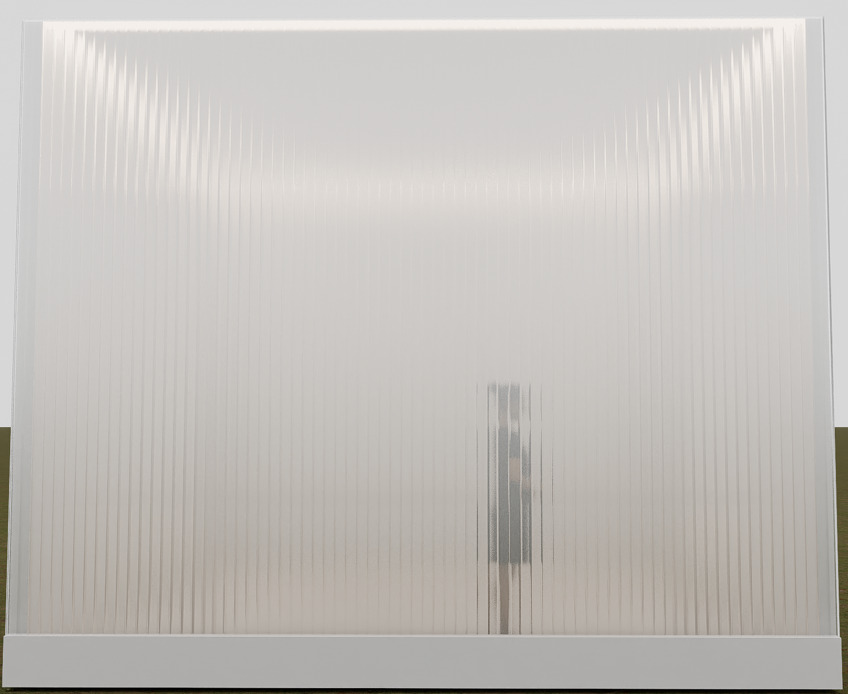
However, I’m struggling with a translucent multiwall polycarbonate sheet. In real life, when lights are placed behind this material, the light becomes soft and diffused, while only the edges of the material appear slightly brighter and hazy, as shown in the reference images.
I’ve tried many different material settings in D5, but I haven’t been able to recreate this effect.
The most difficult part is that the surface should still look glossy and reflective , while the light behind the material should appear blurred and diffused at the same time. I haven’t found a way to achieve both of these characteristics together in D5.
Could someone explain if this is possible in D5, or share any tips, settings, or workflow that could help? I would really appreciate any advice.
I used a translator to write this post, so I apologize if some parts sound unnatural.
Thank you very much!