My D5 and 3ds Max files are on the desktop. It started happening that the scene turns almost completely white, losing all applied materials, while the D5 blocks like plants and people still have texture. All white materials become custom materials with the slots all empty ( ao, specular, etc.
I updated my Live Sync to the latest version today, and D5 as well. I have been using D5 for 2 years and this has never happened before. When opening the file, it remains white, so I have to save every 2 minutes for fear that this will happen again. What could be happening?
From what you described, your scene is not actually losing data; it’s more likely that the sync is overwriting material slots incorrectly during communication.
Could you please confirm:
Does this happen only when using Live Sync, or also with direct import?
Does it happen in all scenes or only in this specific file?
In the meantime, you can try:
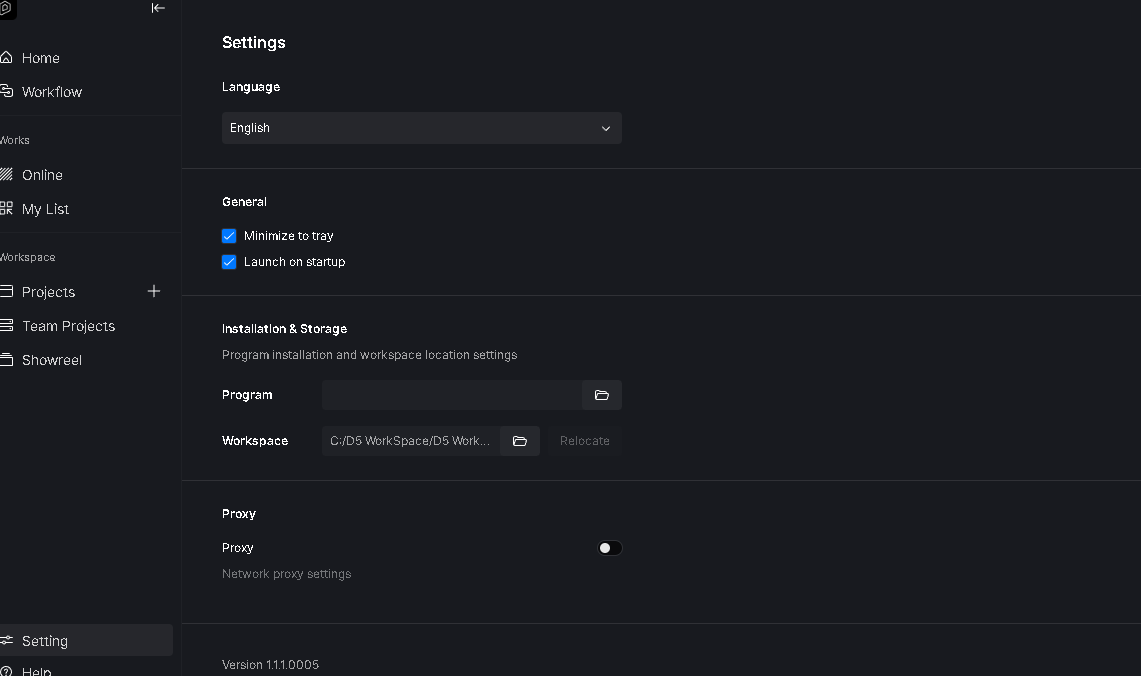
Moving your project files to a dedicated local folder
Reconnecting Live Sync (disconnect → restart both apps → reconnect)
Hi clov, yes it happens while using live sync. Im alteady using a dedicated folder to all files. Ive tried to close everything and sync again and it still all white. Its my first time using live sync, i was using the old.method before witout ant problems
This issue tends to recur if the model file or d5 file is placed in a cloud storage or shared network path. To avoid this issue, the files should be placed on your local C or D drive.
yes ive started using the new livesync, nad it happens ramdomly, somedays this problem doesnt occurs, today has already happened 3 times. ill send it soon
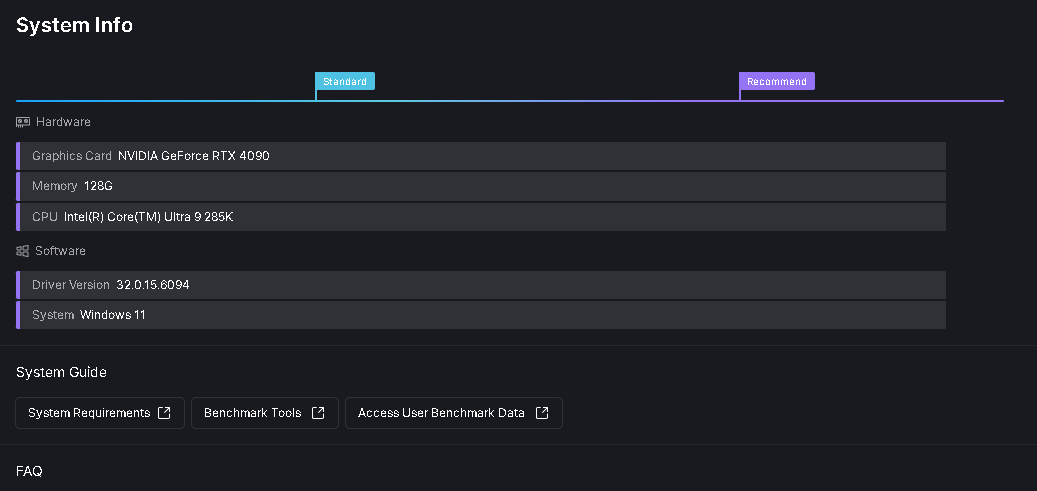
I believe the Clear Cache and TDR Value are not related to the issue you are currently experiencing. Regarding avp.exe, I found that it is Kaspersky Antivirus, which has been known to cause issues with D5 in the past. Please try deactivating it and check if your file’s behavior changes.
If the problem persists, please send me the Log Files, D5 file, and the 3D file. Thank you!