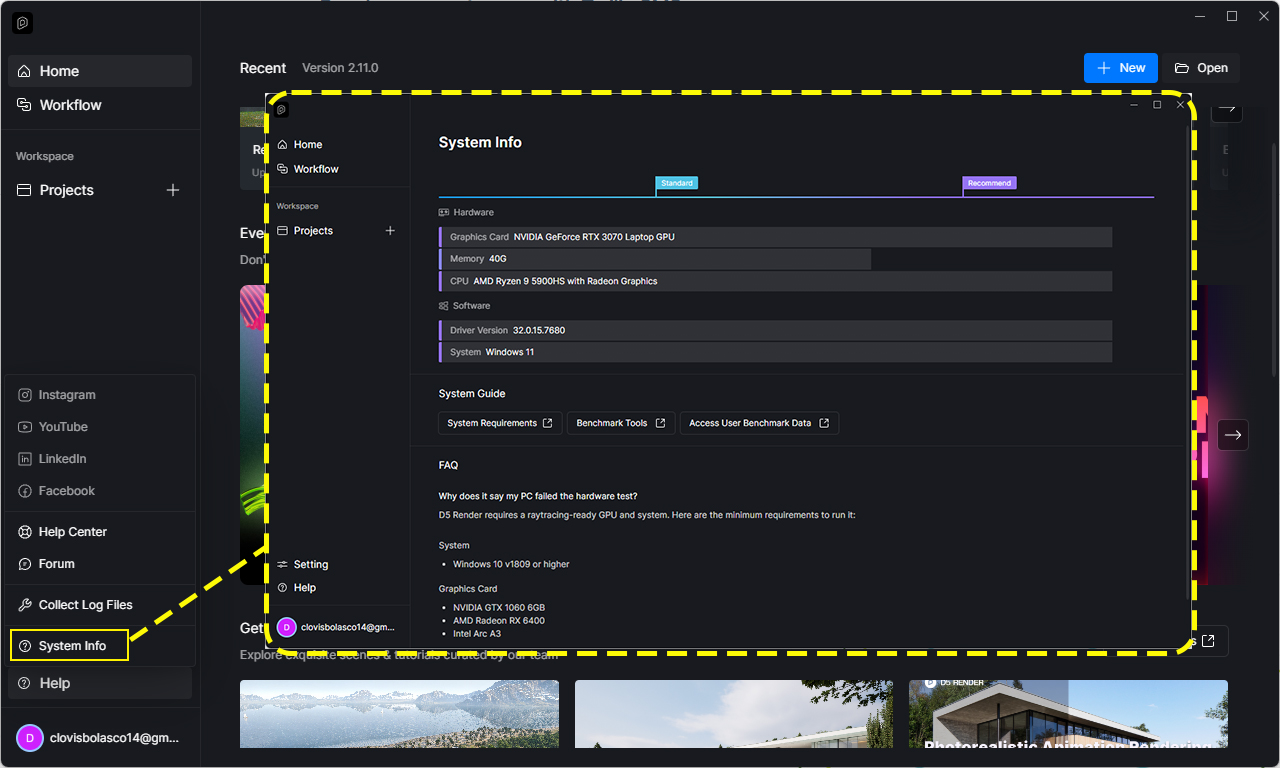
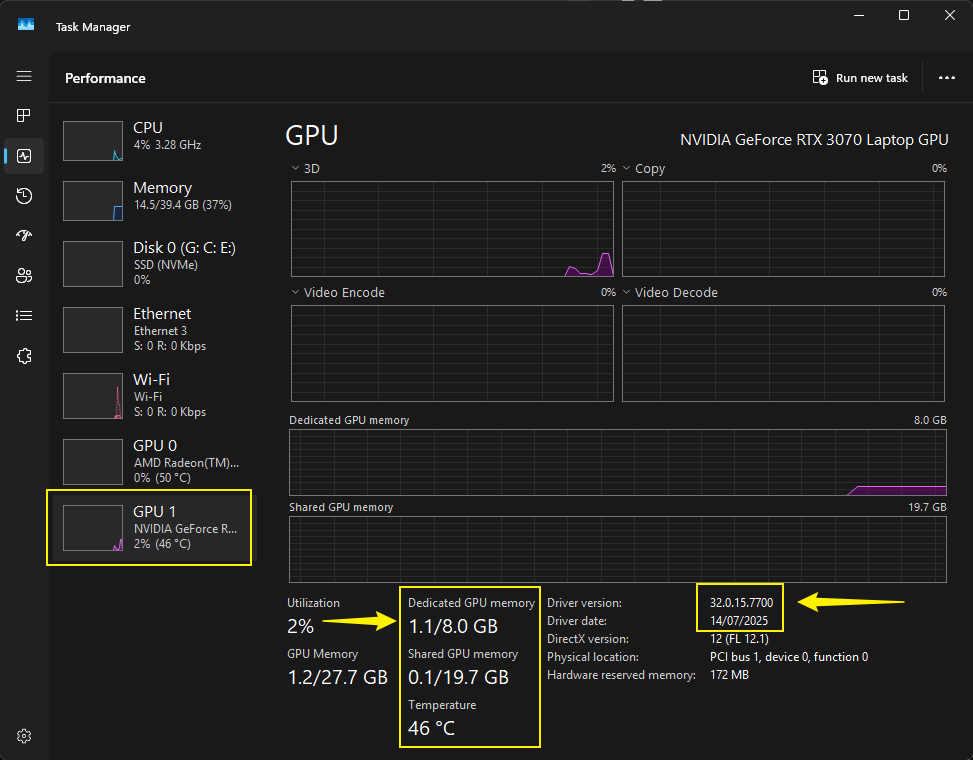
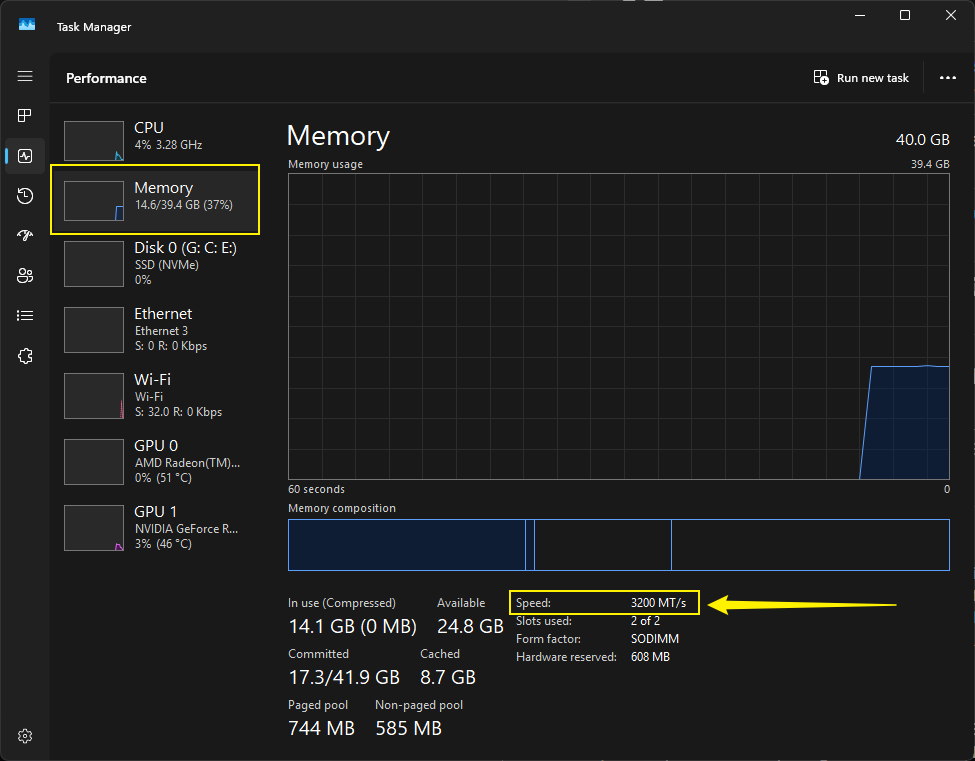
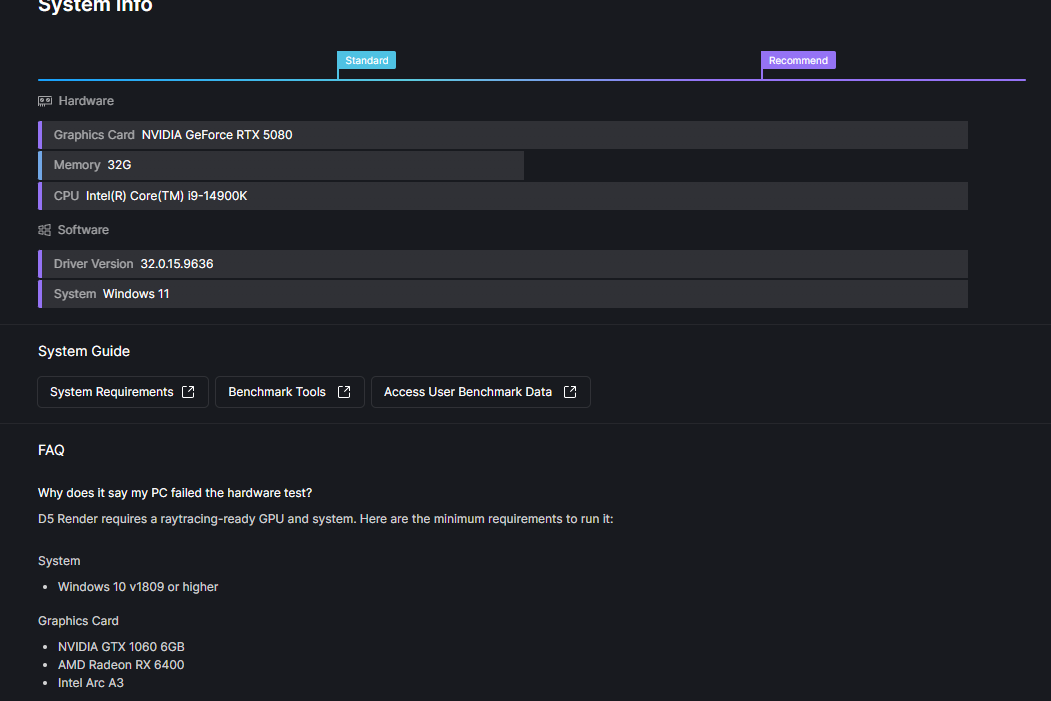
Does this problem occur in other files? Or is it file-specific? If empty, demo, or very light scenes also have a similar issue, it may be a bug that needs to be reported as soon as possible.
Can you normally create new scene files or run D5 demo files? If the problem only occurs with the current project or some of the scene files, it is likely that the file is too large and is consuming too much video memory, exceeding the load of your current device, and you need to lighten and optimize your file.
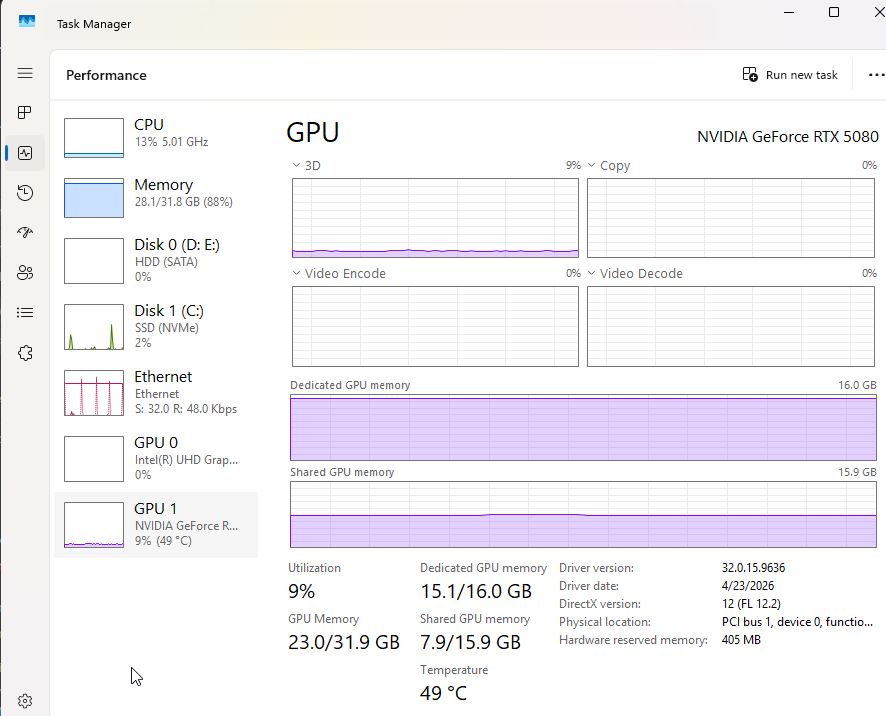
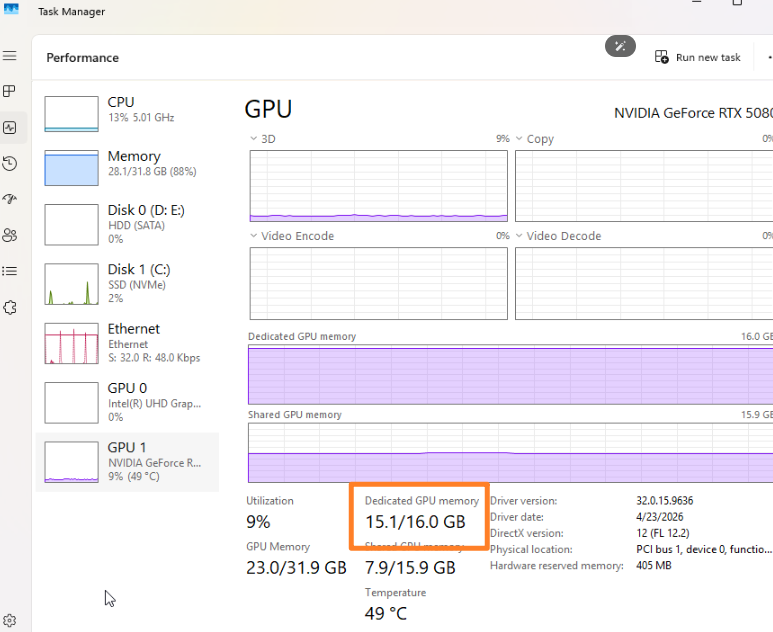
Additionally, if this is the only file that’s causing the issue and it’s consuming 15GB/16.0 GB in your VRAM, a crash is expected. You may want to optimize your file and reduce its load.