Hi D5 Team,
I keep getting logged out. It is very annoying when I’m doing my projects.
Situation: I only work in 1 computer at the office.
Having tried solutions:
Disable VPN
Delete cid.dat file
Check Internet connection - work well & stable.
Can you suggest any other solutions for my issue?
Log File link (valid in 7 days only, please download & check): https://twk.pm/6fl637uga5
Check whether someone knows your D5 Account; if someone attempts to log in while you’re using it, this will result in immediate logout.
Major network fluctuation will result to your account being logged out, please try to connect to a different network, perhaps your mobile data, just to see if the issue persists.
I still can re-log in my account successfully, not having the same issue as the link you provided. I was working on my project when I was unexpectedly logged out. Fortunately, my work was not lost. It’s just frustrating to have to keep signing back into the account while I’m working.
Hi Team,
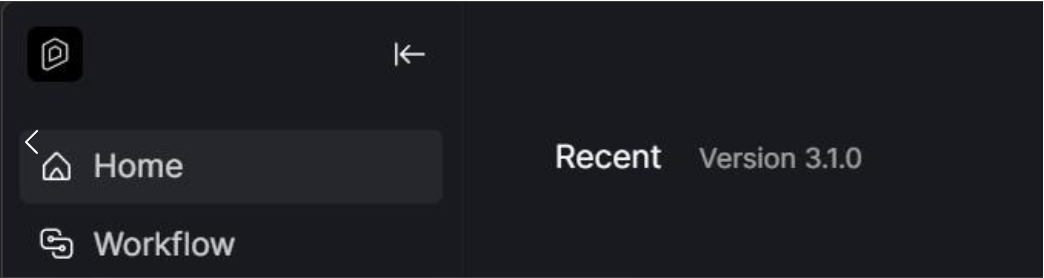
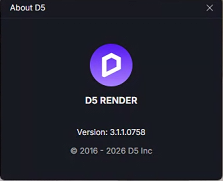
My D5 license had been working fine for a while, but since last Friday, my account has started logging out again. I’m currently using the latest version, 3.1.1.
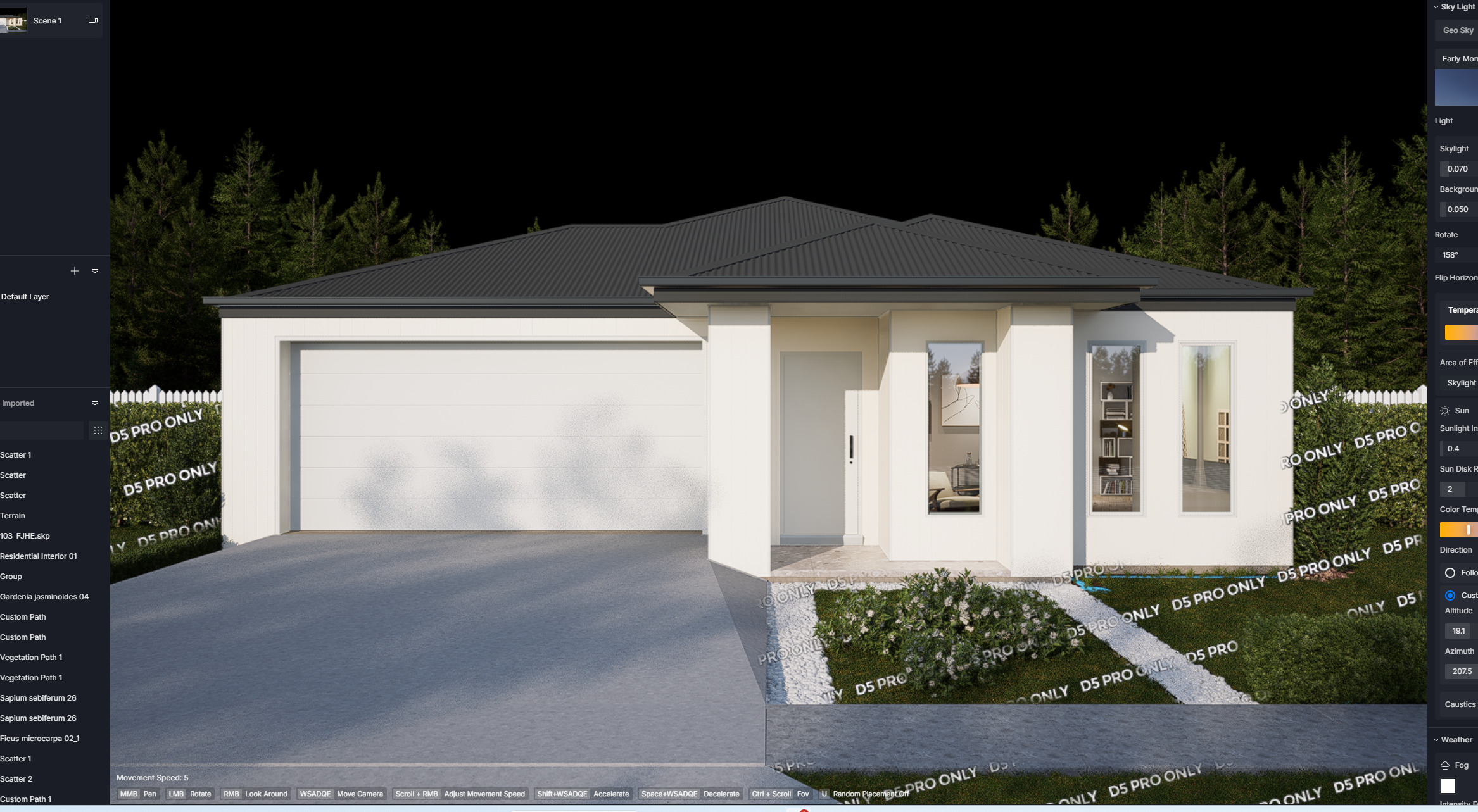
I’ve attached a screenshot showing the sign-in screen that appears when I need to log in again.
Could you please advise what we can do to prevent this issue from happening again?
Thank you for your support.
We currently don’t have any server issues or known issues with accounts getting logged out, so this may be an isolated case specific to your environment.
There are several possible reasons as to why this is happening.
D5 needs a consistent connection to validate your account status and access online features. Brief network drops, VPNs, proxies, or corporate firewalls can all cause authentication to fail and force a logout.
Security software can block the connection D5 uses to keep your session alive, or strip authentication tokens in transit.
Each D5 account can only be actively used on one device at a time. If you’re logged in on a second computer (home PC, office PC, laptop), the first session will be kicked offline.
Please check/do the following:
Try switching to a mobile hotspot. if the problem goes away, your network is the issue
Temporarily disable VPN and proxy software
If you’re on a company/school network, ask IT to whitelist D5’s authentication domains
Flush your DNS: open Command Prompt as admin and run ipconfig /flushdns
Note: Make sure no other device is using your D5 account.
I believe there might be an issue with the new version because I’m using the same version, 3.1.1, and it has recently started logging me out frequently.