Could any help me to select multiple objects from left corner while making video? Actually I need to create scene that 2 or more objects move to another position with the same direction. what I could do now is moving one by one.
I just want to confirm that I understood your question correctly: You’d like to select multiple objects when entering video rendering mode, correct?
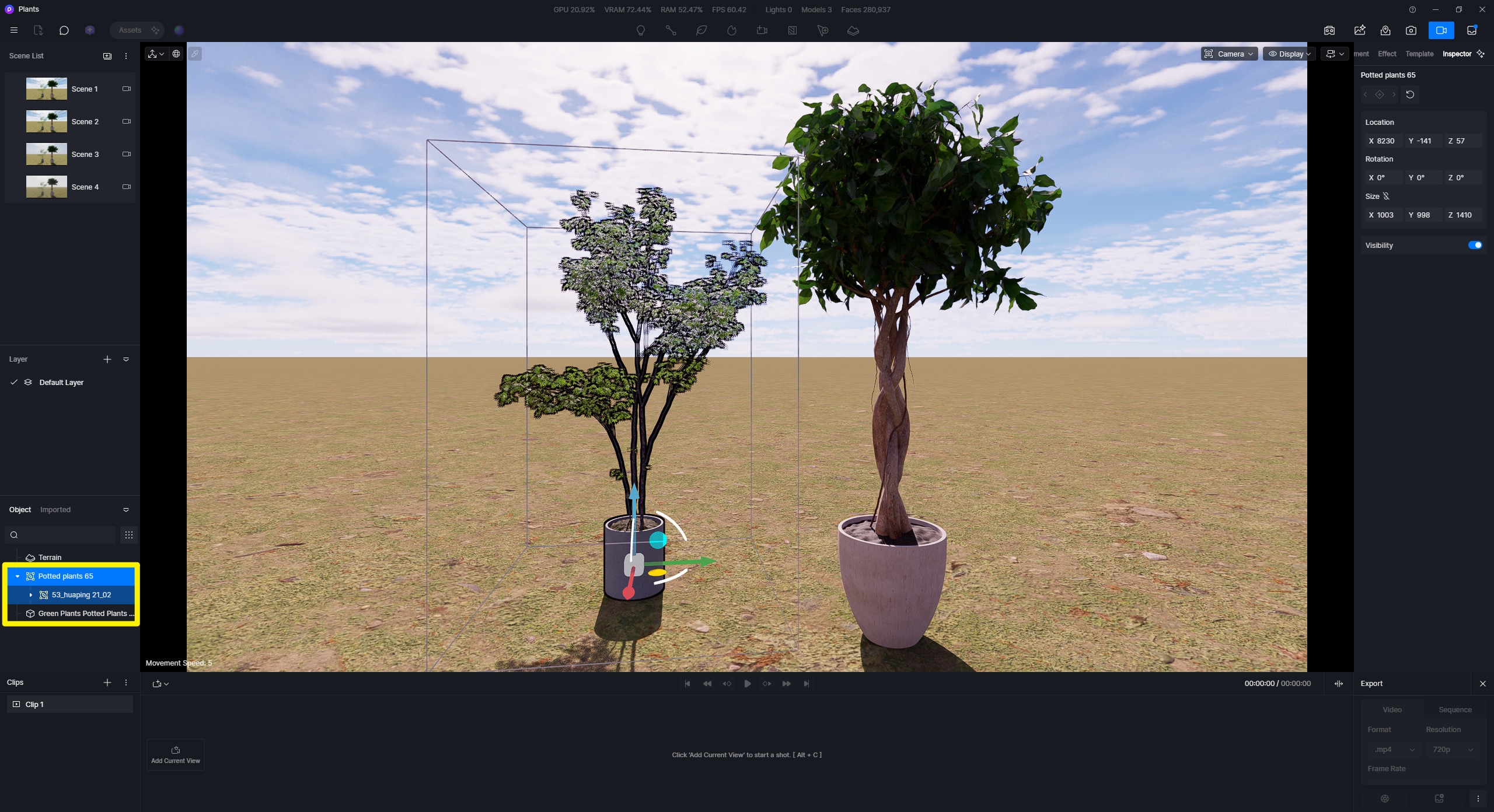
- I was able to replicate the issue on my end. Unfortunately, I can’t select multiple objects, even when I press Shift or select all objects in the object list. I may need to consult with our team to determine whether this is expected behavior or a bug.
Thank you for your corresponding. I use this software to render automatic warehouse to make a good presentation but if I can do some basic animation, it must be very good.
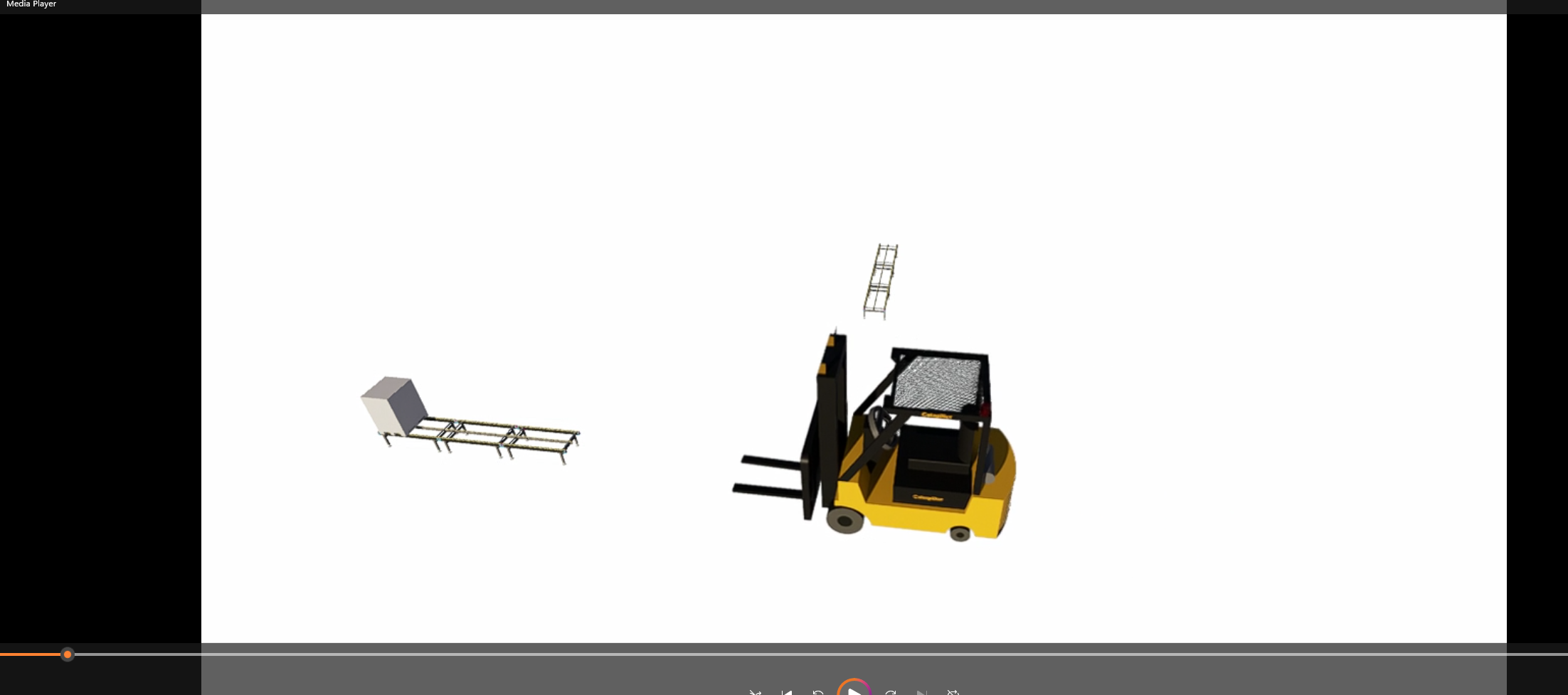
What I’m trying to do is forklift moving from 1st location to 2nd location then fork itself moves up to pickup pallet from conveyor. That means I have to import 2 objects which are main body of forklift and fork. Once I would like to start the scene to move forklift body and fork together by adding keyframe. I cannot select both objects at the same time.
I’m still waiting for the solution or any answer. Is there any update?
I apologize for the late response. 
 This is currently under expectation.
If independent movement of the fork is required, a workaround would be to create the animation in dedicated 3D animation software and export it as an animated model (.abc file), provided your workflow supports it.
- D5’s built-in animation tools are currently designed primarily for presentation and visualization, and they do not yet offer the same level of object hierarchy, parenting, or rigging controls as full-featured animation software.
We’ve also forwarded similar requests for object grouping, parenting, and more advanced animation controls to the product team.