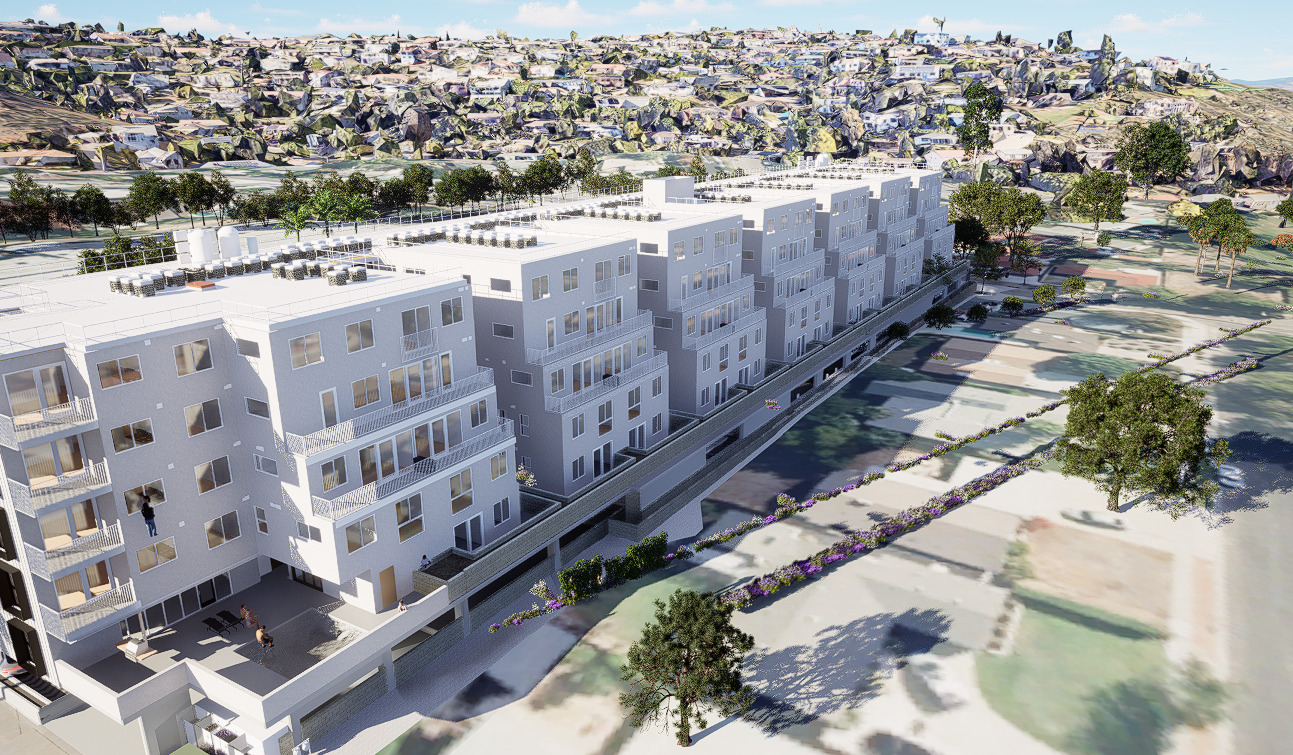
I got a new survey so I updated the toposolids in Revit. I also got a plumbing revit file and a mechanical revit file which I linked in. I didn’t change anything else.
Now when I synced it to D5, everything rotated.
What do I check to get it back into the right location without “guessing” or eyeballing it?
Did it somehow read the model locations from a linked revit file?
Revit uses a different coordinate system compared to most 3D modeling tools (e.g., SketchUp, 3ds Max, Rhino). When models are synchronized from Revit to D5 via LiveSync or direct import, this discrepancy can cause unexpected rotation or misalignment.
This is not a bug in D5, but a fundamental difference in how Revit defines world space (e.g., Revit’s Y-axis often aligns with architectural “North,” while other tools use Z-up or Y-up conventions).
There’s currently no automatic alignment for this case; manual adjustment is required.
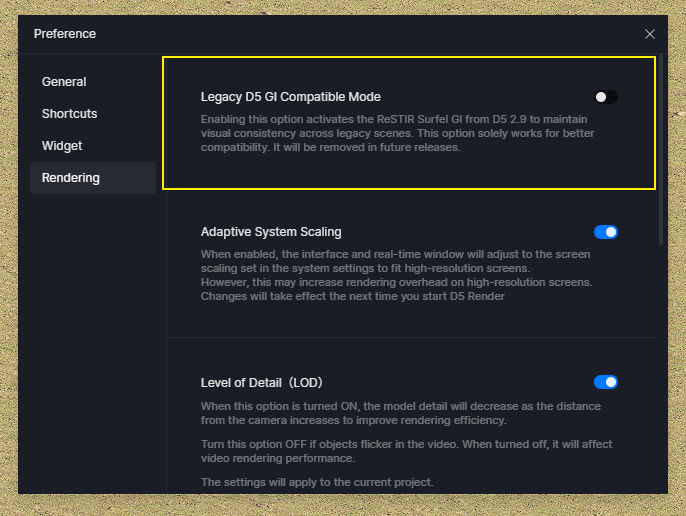
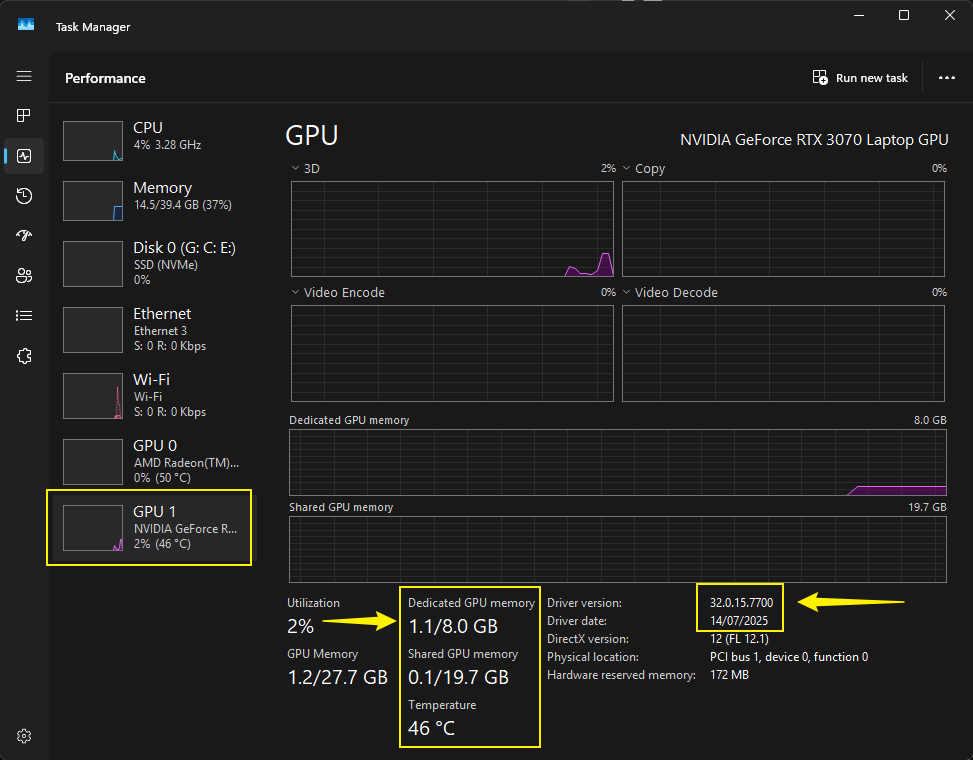
This is taking a long time to resolve. It takes several minutes to open the D5 model, and it is now crashing upon loading. I’ll try restarting the computer…
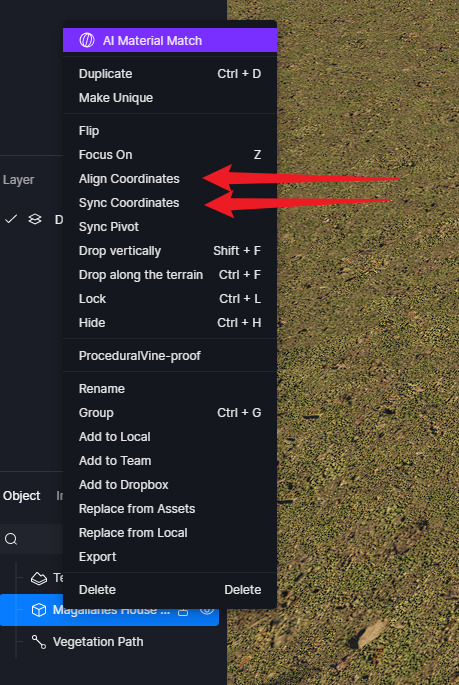
I just tried replicating the issue on my end. Please try using these options and see if it will revert to its original position. Otherwise, if it didn’t do anything, there’s a huge possibility that your Revit Model may have been rotated or of similar action without you noticing it.
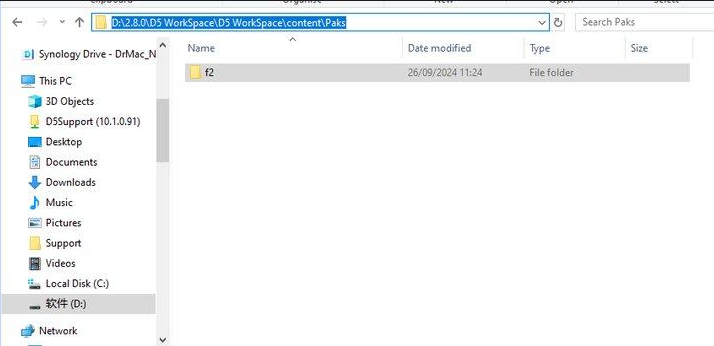
A temporary solution would be to delete your pak files (this is just a band-aid solution), then after opening and before clicking “Update” on your assets, please optimize your scene.
I am able to open it now without crashing, but after reloading the D5 model several times to revert to the original without the rotation, it can no longer open and I suspect I will need to restart the computer.
I still get the rotation after syncing the model from Revit though.
I tried the “Align Coordinates” and “Sync Coordinates” after I updated the model, but it only seems to change the camera position.
I am using D5 Sync 0.4.8.0006 (“use survey point” toggled on) and D5 version 3.0.1.0683 and Revit 26.4.10.51, 20260406_1515(x64), 2026.4.1
Should I try deleting the pak files or was that just for the crashing issue? I can, but what do you mean to optimize the scene?
Can you send us your Revit and D5 File so we can test it on our end? You may generate a link containing these files either using WeTransfer or Google Drive. You can share the link to me privately here in forum message.