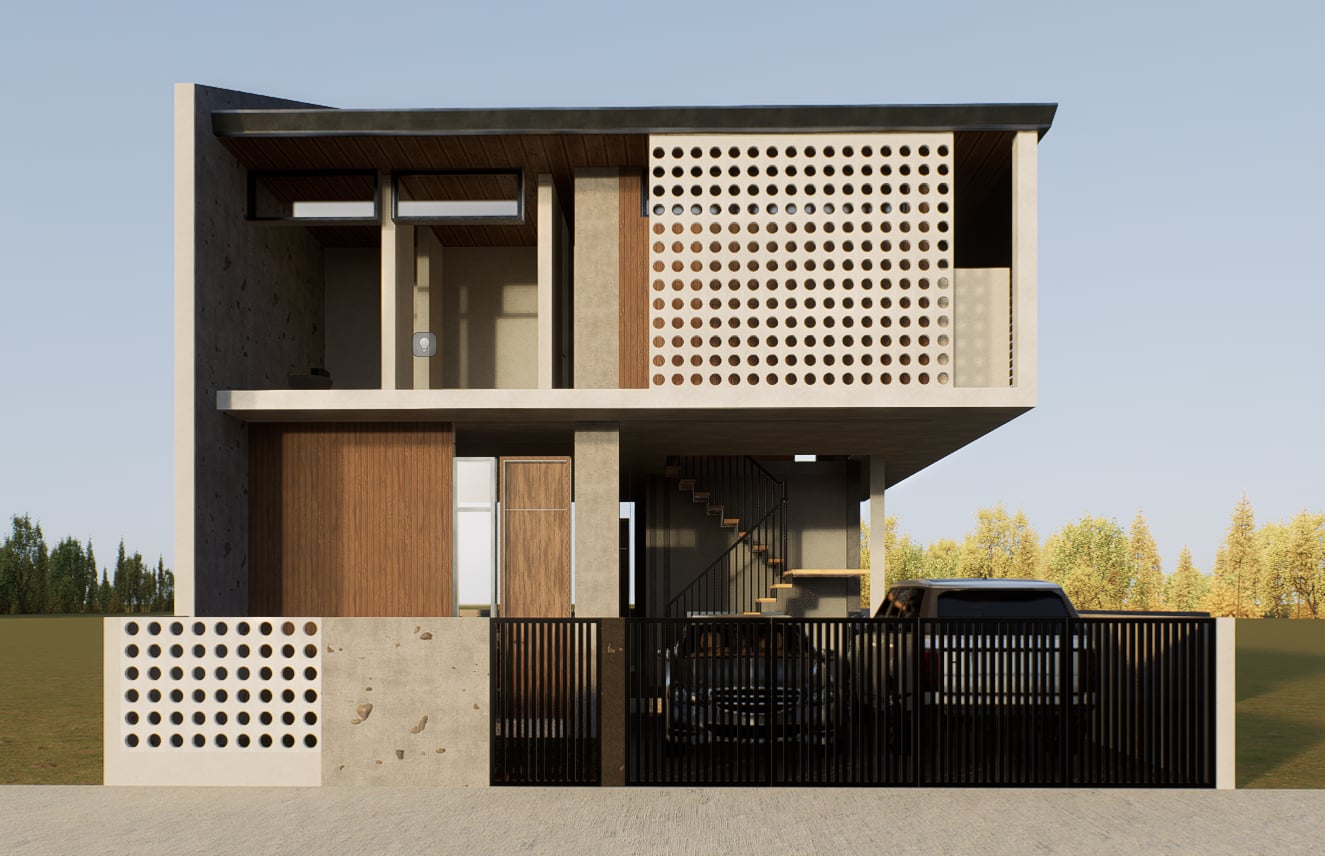
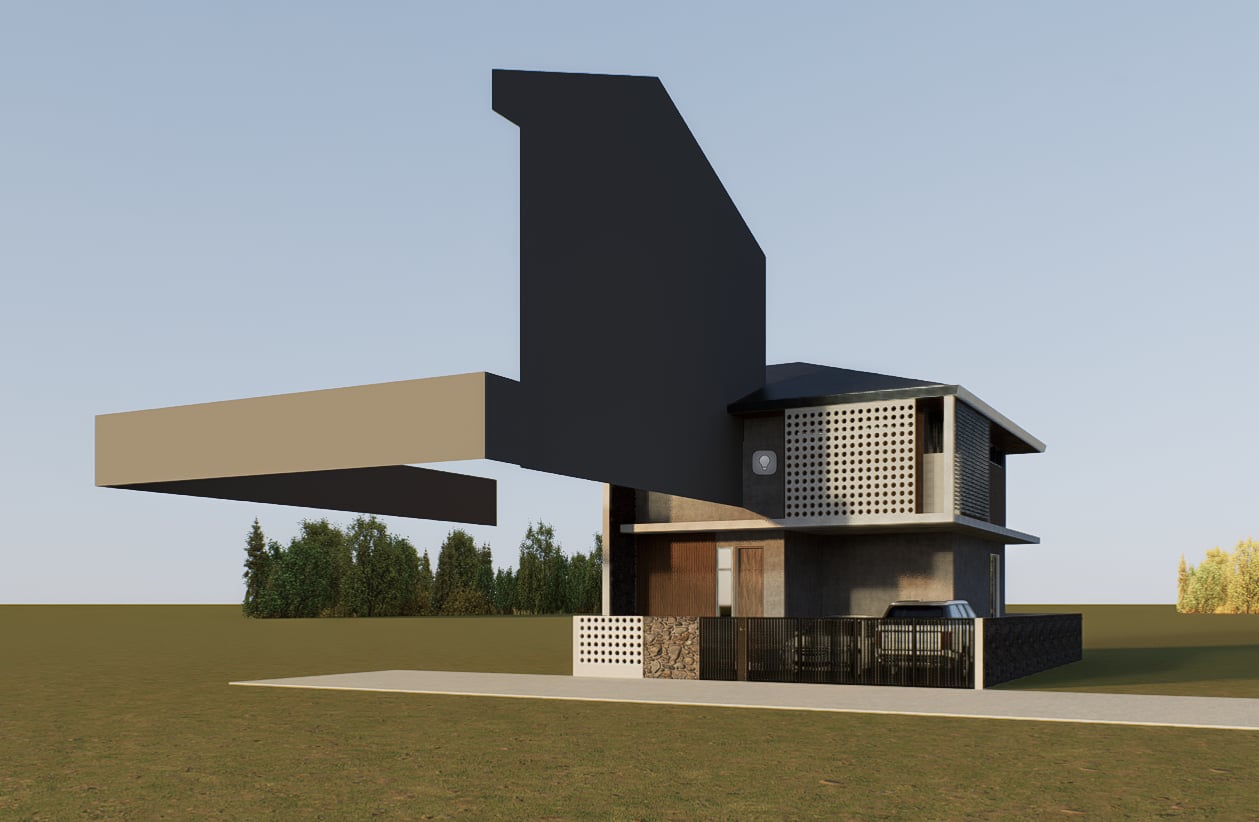
I’m encountering an issue where whenever I sync D5 to Revit, walls or parts of my model appear in random places (e.g floating walls, floating floors, detached roof, missing walls, mismatched materials).
I’ve only encountered these problems/issues recently, and I’ve been using the software for years now. I’ve tried to restart D5 and Revit separately, and I even created a new project file in D5, but nothing changes.
I’ll attach a reference image on what I’ve been experiencing.
Thank you for reporting this issue. Problems like floating walls, detached elements, or missing parts after syncing with Revit are usually related to coordinates, linked models, or plugin/version changes.
To help us identify the cause, could you please confirm:
Your Revit version, D5 version, and Revit LiveSync plugin version.
Whether your model uses linked models or shared coordinates.
If this started after a recent update (Revit, D5, or LiveSync).