But I can’t find it anymore. I stored it in Local but I can’t get texture names because file location is greyed. Is there any way to check which texture it use or find it again in Asset Browser ?
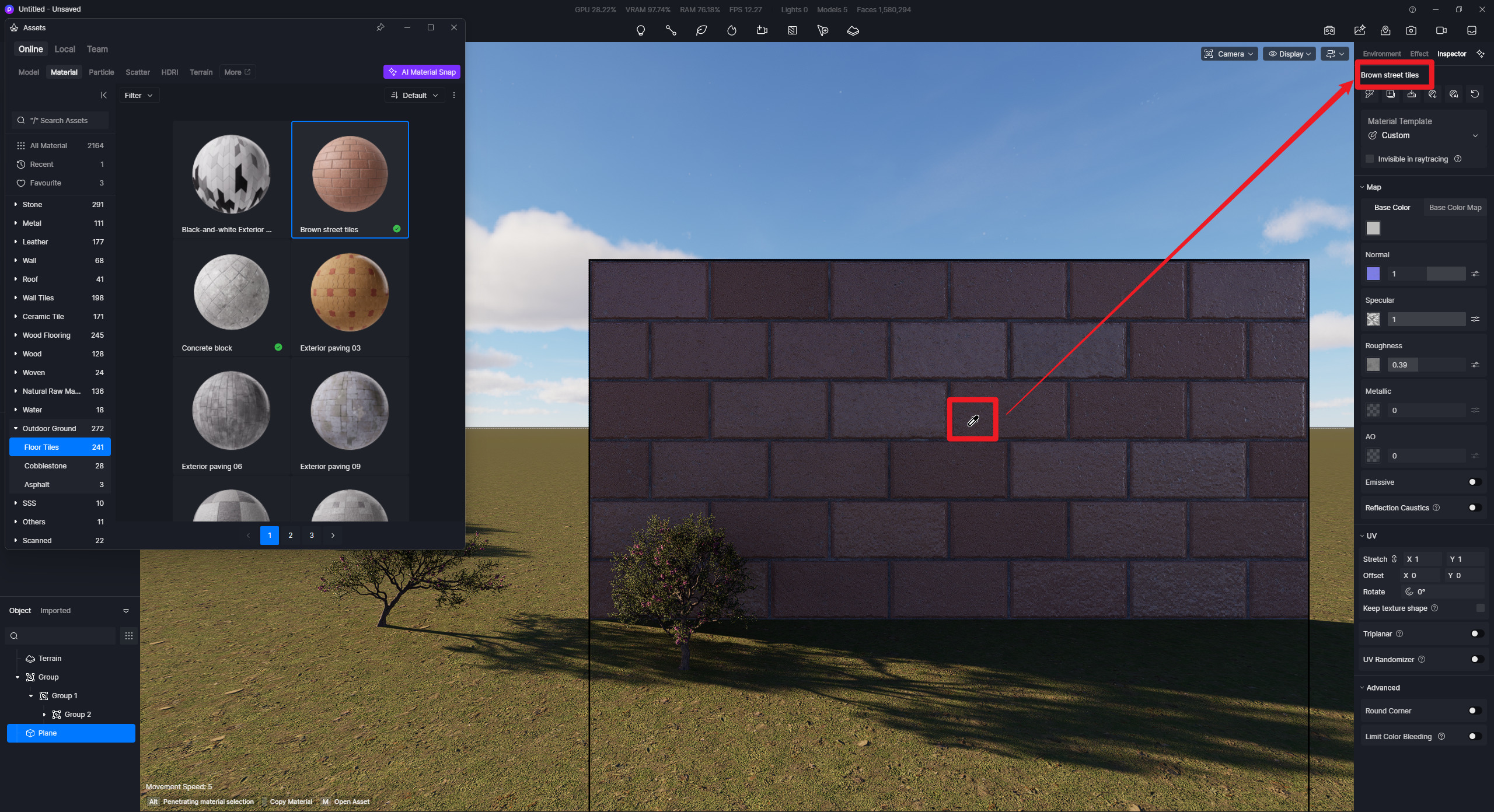
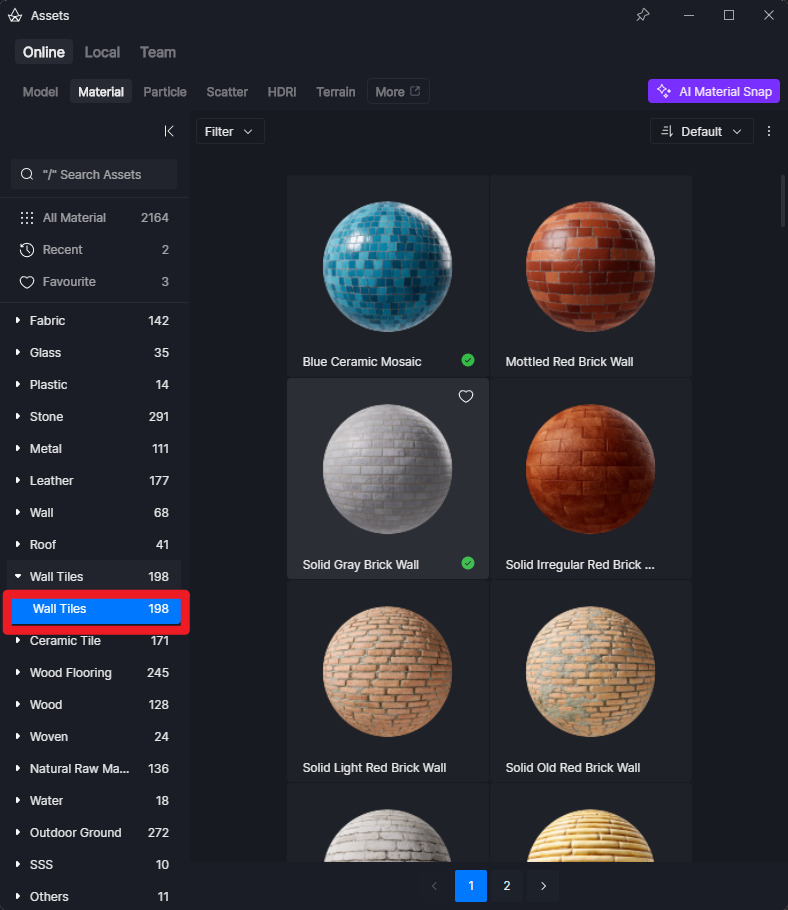
Use the Material Picker Tool (Shortcut “I”), then click the surface. There should be information that states the name of the material, and then you can search the material in D5’s Asset library. If it’s from our library, then it should appear.