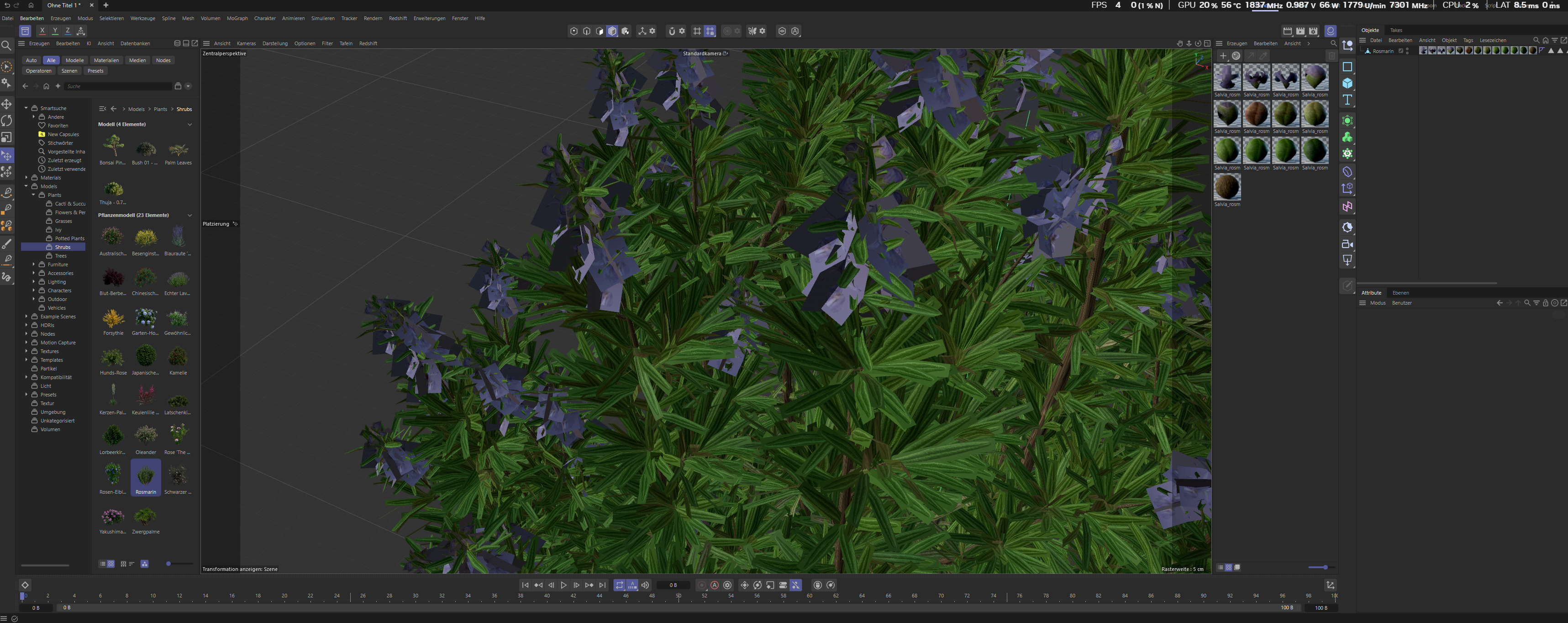
I’m having an issue importing a Laubwerk plant (Rosemary / Salvia rosmarinus) from Cinema 4D 2026.0.0 into D5 Render Pro via FBX export, and I can’t figure out how to fix it.
Setup:
Cinema 4D 2026.0.0 (Student License)
D5 Render Pro
Laubwerk Plants Kit (purchased, now integrated via Maxon)
Export format: FBX with embedded textures
Workflow:
Place Laubwerk plant via Asset Browser in C4D
Convert Plant Object to editable mesh (C key)
Export as FBX (embedded textures enabled, animation disabled)
Import FBX into D5 Render
The problem:
The plant object in C4D has 13 material tags assigned to one single polygon mesh. Most material groups transfer correctly into D5 as individually selectable sub-objects (e.g. leaf01 through leaf06, bark etc.) and I can assign textures to them manually using the Foliage template with the correct diffuse and alpha/opacity maps.
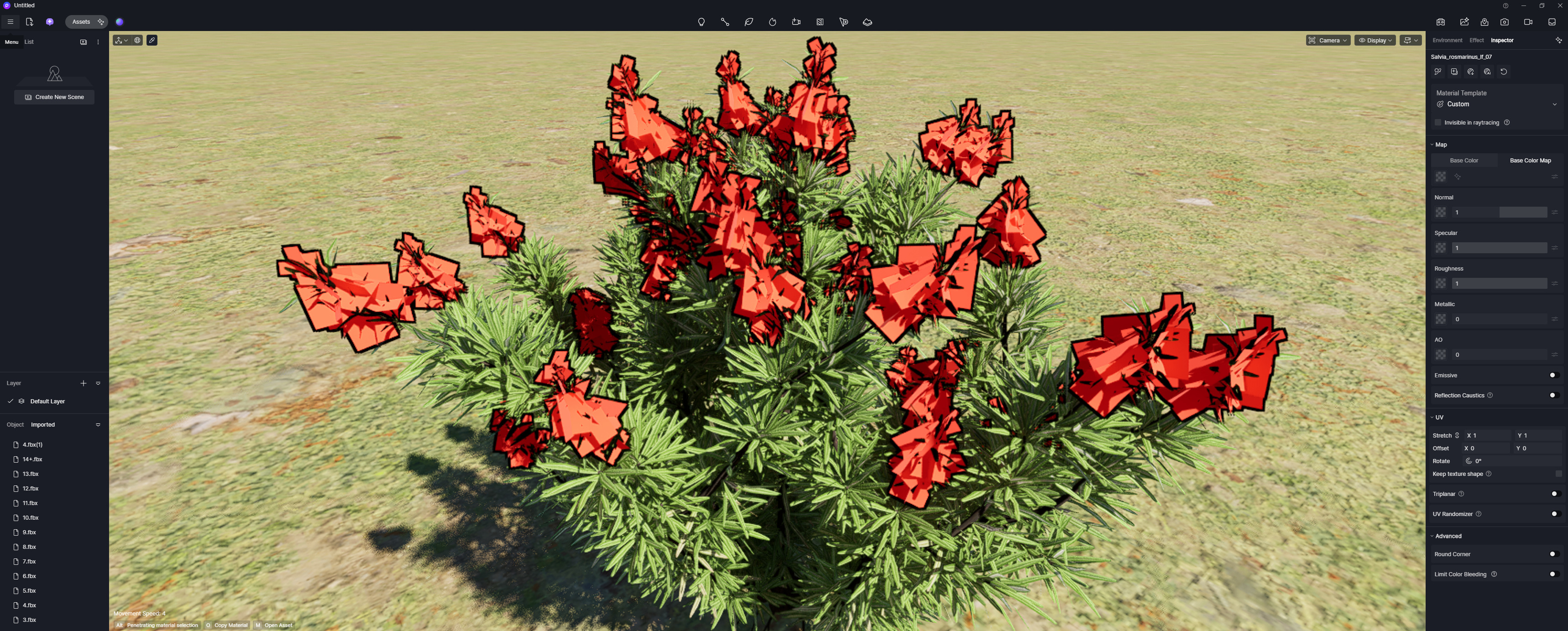
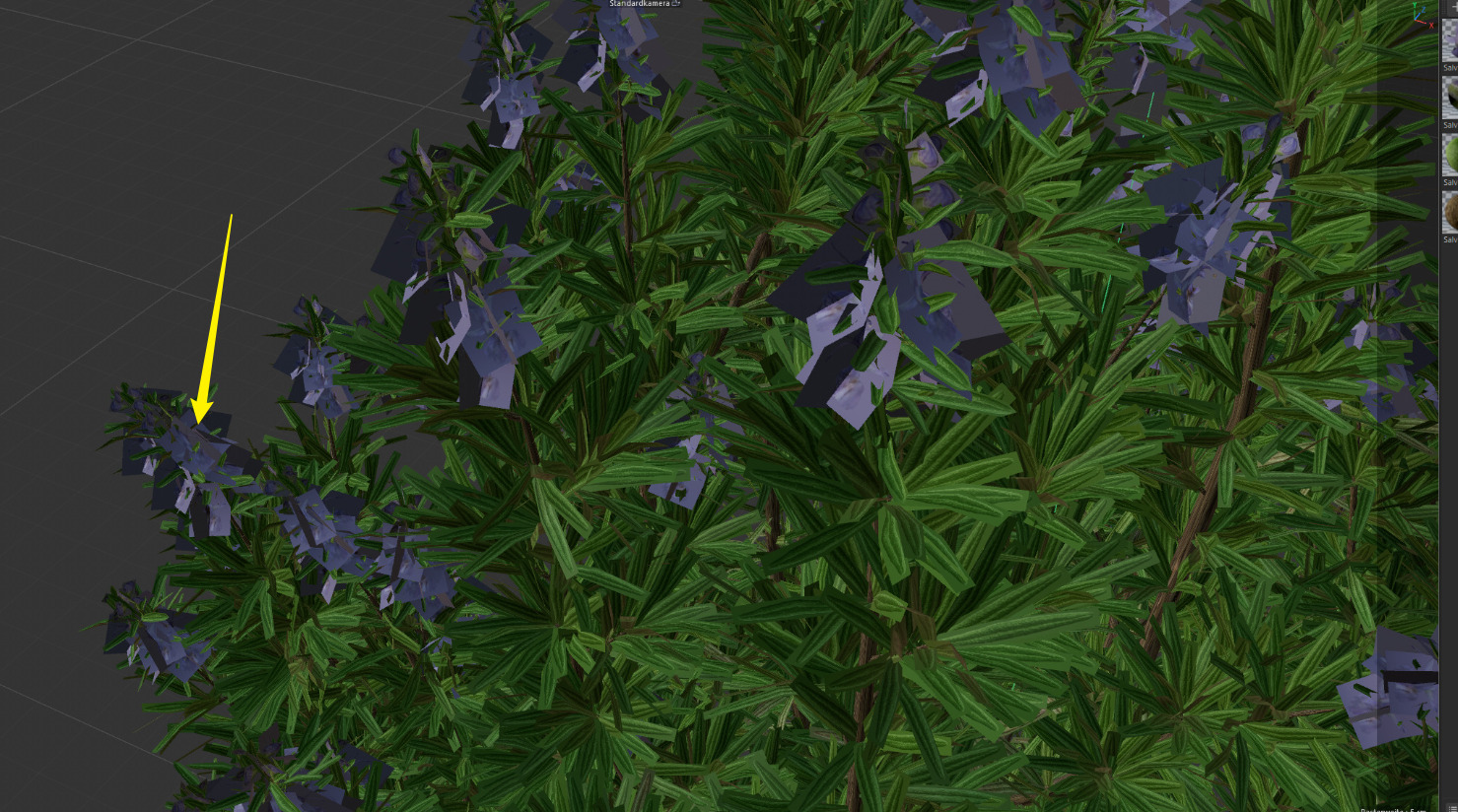
However, the flower/blossom geometry — which clearly uses 4 separate material groups/maps in C4D — arrives in D5 as only ONE single selectable object, making it impossible to assign the 4 different flower maps separately. The flower textures (diffuse, alpha, normal etc.) exist in the Laubwerk texture library, but I cannot assign them correctly because D5 only shows one sub-object for the entire flower geometry instead of 4.
In C4D the flowers are rendered correctly with all 4 material zones visible. The issue only occurs after FBX export and import into D5.
Question:
Is there a way to force D5 to recognize and separate the flower material groups as individual sub-objects? Or is there a specific FBX export setting in C4D that preserves all material groups as separate objects?
Just to clarify, only this flower/blossom geometry has 4 separate materials/maps, right? I was assuming that the image from C4D only shows one separate material since they’re all similar in distinction/color.
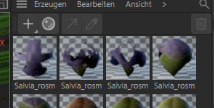
thanks for looking into this! To answer your question: yes, exactly — the flower/blossom geometry specifically uses 4 separate materials/maps. The green leaves also use 6 different textures, which get assigned correctly. You can clearly see this in the C4D material editor, where 4 distinct Salvia_rosm textures are assigned to the blossom part of the plant (different maps for the flower geometry). So ideally D5 should output these as 4 individually selectable sub-objects, just like it correctly does for the leaf geometry.
What makes it even more confusing is that in D5 the flower sub-object gets labeled as “leaf07” instead of something blossom-related — so it seems like D5 is not only merging the 4 flower materials into one, but also misidentifying the geometry entirely and assigning the wrong material name to it.
I’m happy to share the C4D file including all assets and textures. since the texture files might be quite large I’ll share it via WeTransfer and post the link here.
Thank you for sending your files. We will test them to determine whether this is a bug or simply unsupported. We will get back to you as soon as possible.
Could you please confirm if you have used the Livesync plug-in to transfer your model to D5 Render and whether it works better with the plugin?
We attempted to open the C4D file, but we couldn’t locate the corresponding model in the scene. I wanted to ask if you could provide an exported FBX file, as we can verify it by importing into other DCC/rendering engines.
If possible, please include the FBX file you used. Thank you!
quick update — I just tried using the D5 Live Sync tool instead of FBX export and it actually worked! The flower/blossom geometry now comes through correctly with all 4 material groups as individually selectable sub-objects in D5, and the material naming is correct as well.
I’m still attaching the FBX file via WeTransfer in case you want to test and investigate why the FBX export causes the issue — might be useful for other users running into the same problem.