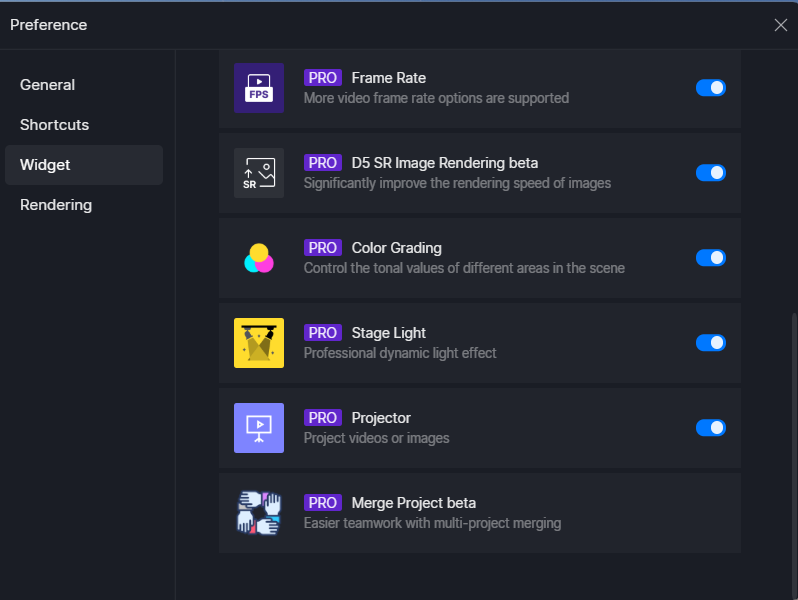
Hi, I can’t merge 2 projects. On widget it does not appear the button to activate merge project.
I tried to go on recent, but there if I click the right button, nothing happens.
Hi @iulia_serb
Can you perhaps record a screen-recording showing the whole process?
Why did the project merger fail??
There may be the following reasons:
-
The project file is corrupted.
-
The currently selected file version is lower or higher than the added version.
-
Project file version is not supported.
-
Insufficient disk space.
-
File/folder copy failed.
-
Merge project location contains files with the same name.
-
Merge project location is not available.
What need to do before merging projects?
-
All project files must be saved successfully.
-
The selected project files must be of the same version.
-
The archive version must be 2.1 (or later) and support the project merge function.
-
The remaining free space on the disk where the merged archive is located must be larger than the sum of all the archives to be merged.