Hi there,
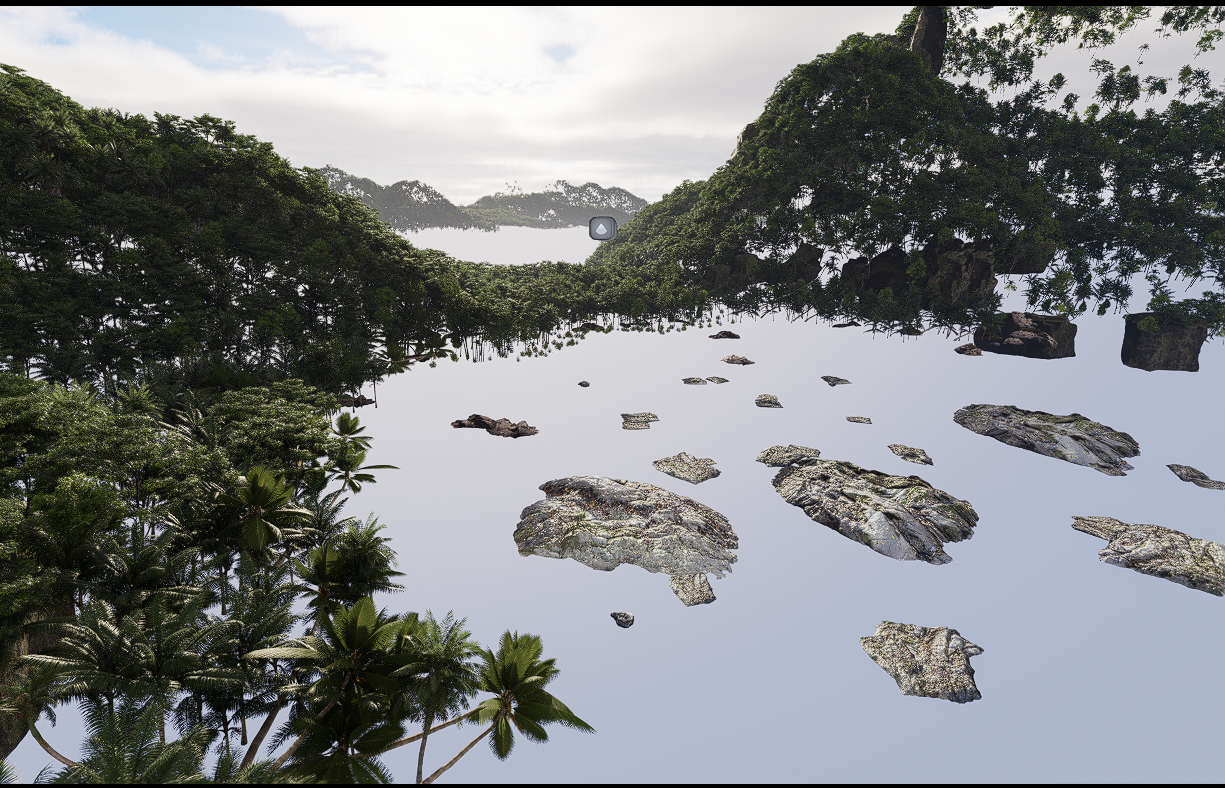
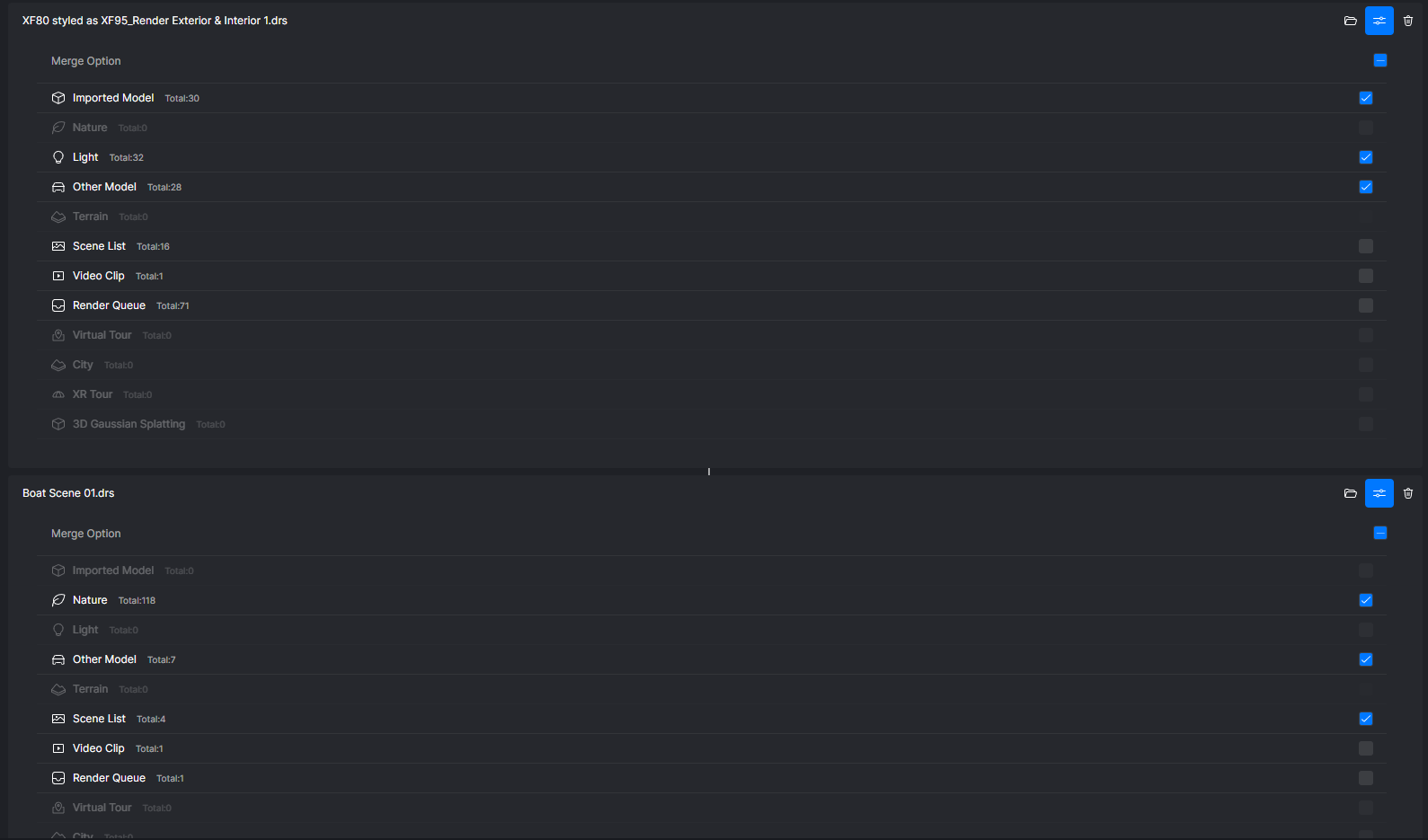
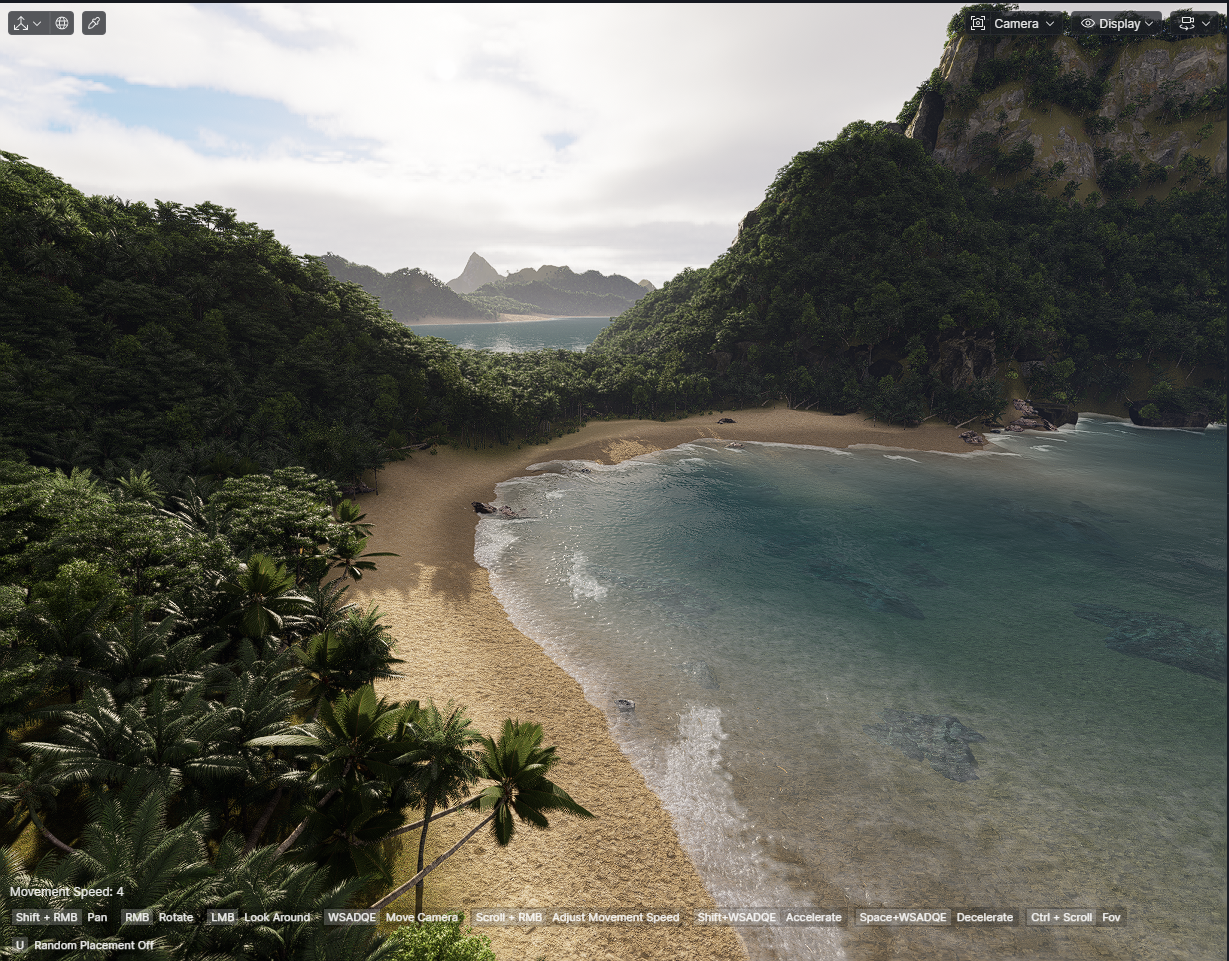
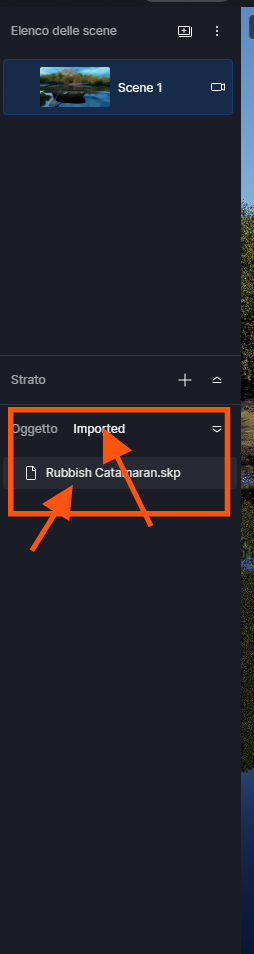
I’m trying to run a D5 merge function. One file is an island scene, and the other is a detailed boat to place in the scene. Upon using the merge project function, everything merges together nicely except the terrain from the island scene. It is greyed out as an option in the merge project selection criteria, and says Total:0, even though there’s definitely terrain there. Is there something I’m missing here? Or can we not import the terrain yet as a merge project function?
PS The boat and its materials imports perfectly here, it is just out of view in these screenshots. There is no saved terrain in the boat model, only the island scene.
Hi, try this way, if you have two terrains that fit together, but are divided into two files, but saved with different names, the first terrain in (A) and the other in (B) which are georeferenced, i.e. with correct coordinates that are linked like a map in synchronize with the D5 files, i.e. the same one (A), a window will open and ask you if you want to merge it, in this case the synchronized (B) should link perfectly, like georeferencing.
Good job, sorry for the English
1 Like
Hey, thank you for your response. I’m not sure I follow or understand this though. Are you saying they should be named the same or different? Currently I have no terrain in the boat file, and only terrain in the island scene, thinking that the only option for the merge is to use the terrain in the island scene. However, it just isn’t an option to select it for importing. Cheers.
Hi again, I’m a colleague of yours and I live in Italy, now it’s 00:30 at night, and I was going to sleep, so as not to make you wait I’ll tell you this.
They are two files that belong to a program you use, so if you open the first file called Rossi and it has a swimming pool without a solvent, in the second file called Bianchi there is the same swimming pool in the same position but with a life buoy in the centre, all I do is copy the life buoy and paste it onto the open Rossi file with the xyz coordinates.
In this case, if you have the two terrains on different files (and it is important that they have different names) all you have to do is open the first file in D5 and then from the graphics program you use open the second file and synchronize it with the open one, you will see that a window opens, do not select anything, it must be on a new one, so it merges with the other terrain. I hope I helped you.
Sorry for the English
PS: REMEMBER THE RULES TO GET THE LAND YOU WANT
Hi Riccardo, thank you for trying to help, appreciate your time. I’m still not sure I follow sorry, could you potentially provide screenshots so I might better understand? My issue is that I cannot merge terrain built in one D5 file with another D5 file. I’ve rendered the boat file in D5 already, and want to merge that D5 file with the island scene D5 file. I don’t have any issues syncronising from my native 3D software. Cheers
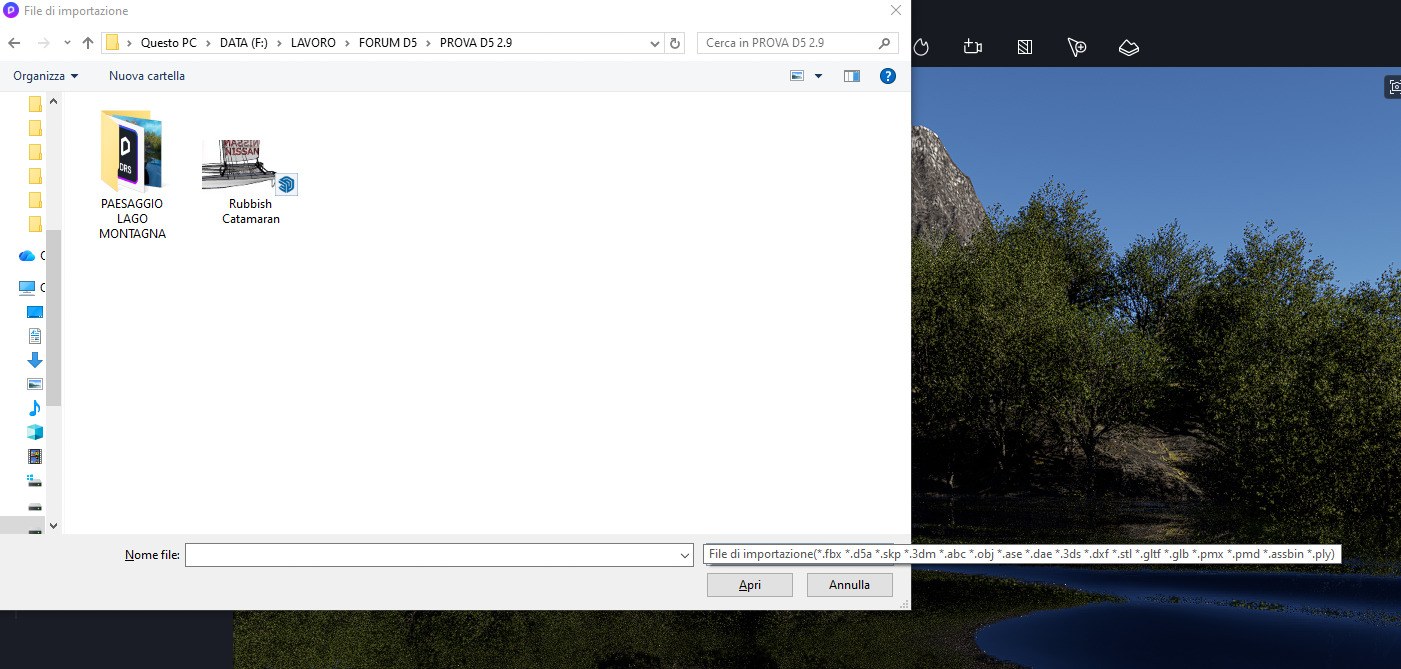
Hi, You can also do it this way, if you use a graphics program that you have on your PC, that is, if you use 3d max, I have Rino, I have Archicad or even better SKP i.e. SketchUp, you can import the boat as an object in the SKP or .OBJ or .FBX format, there is on the tab on your left the import for objects, even entire scenes, but they will always be particles that you can move as you want, like the D5 particles that are in the library.
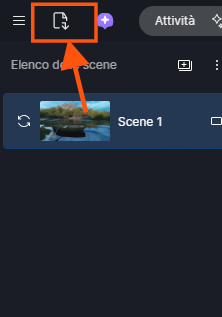
This is the import icon, just click on it and you can take your file in the formats that the window that opens will indicate
here you will see the import of the boat when it loads, just click on it and insert it as you do with the D5 library
and here is the boat