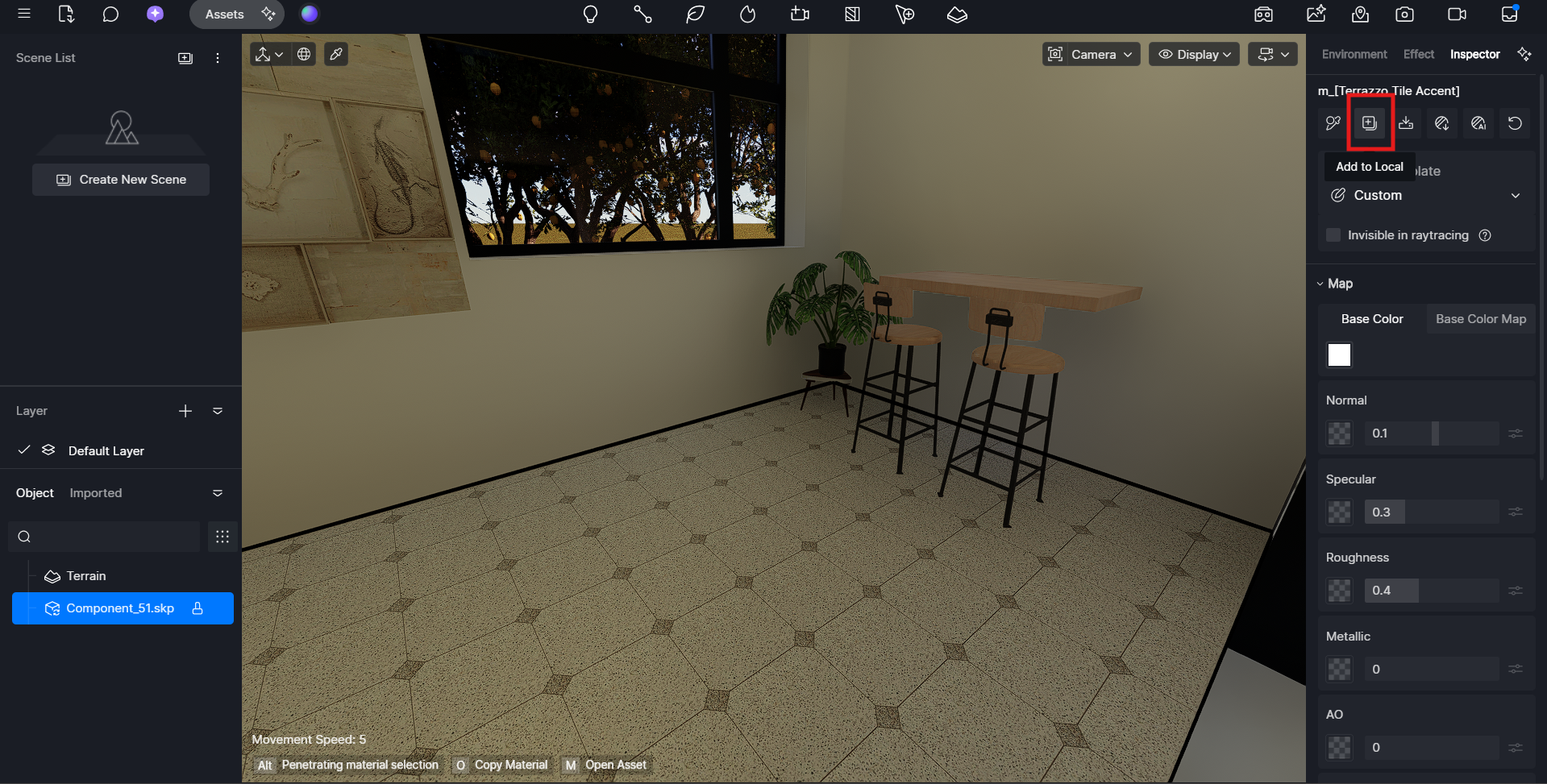
I am working on a new elevation project. I have created two models, one in sketchup and the other in 3dsmax.
SketchUp was the first model where i had applied all the textures, and 3dsMax is the latest model where i had refined everything. Now i am trying to se material picker to copy and paste the textures from sketchup file to the Max file, but the textures are not being applied properly.
The settings and parameters are being copied properl,y but the effect is not. any help or suggestions?
Just to clarify—are the textures and materials you’re trying to copy coming from the D5 Asset Library?
If so, those materials cannot be transferred to external modeling software like SketchUp or 3ds Max. D5 library materials are proprietary and only work within the D5 environment, so while the material settings or parameters may appear to copy over, the actual visual effect will not apply correctly outside of D5.
I recommend applying standard materials in SketchUp or 3ds Max first, then reassigning or replacing them with D5 materials after importing the model into D5. Thank you
Both the models are already imported in D5, and I had applied a texture from the D5 library to the SketchUp file, but when I use the material copied and apply the same text in the same placein the Max file, the results are very different.
I copied the texture from the floor and tried to paste it on the floor in the 3dsMax ( which shows as brown in the 3dsmax file)
Since SketchUp and 3ds Max handle UVs differently, the same D5 material may look correct on one model but appear different on another (for example, turning brown or losing texture detail).
To help us narrow this down, could you please confirm the following:
Are the floor surfaces in both models single continuous meshes, or are they made up of multiple elements/material IDs?
Does the texture look correct in the 3ds Max viewport before importing into D5?
Are you using LiveSync for either SketchUp or 3ds Max, or were both models imported as static files?
If you manually adjust the UV scale or rotation in D5 after pasting the material, does the result improve?
As a workaround, you may also try saving the material from the SketchUp model to your local material library in D5, then applying that saved material directly to the 3ds Max model instead of using copy/paste. This can sometimes give more consistent results.