Hi. I created a room in Sketchup (v15 Pro) and I put the moldings to be white and the walls linen. But when imported in D5, the moldings seem to be the same as the walls instead of being separate color as I set it up. Any idea why this is happening?
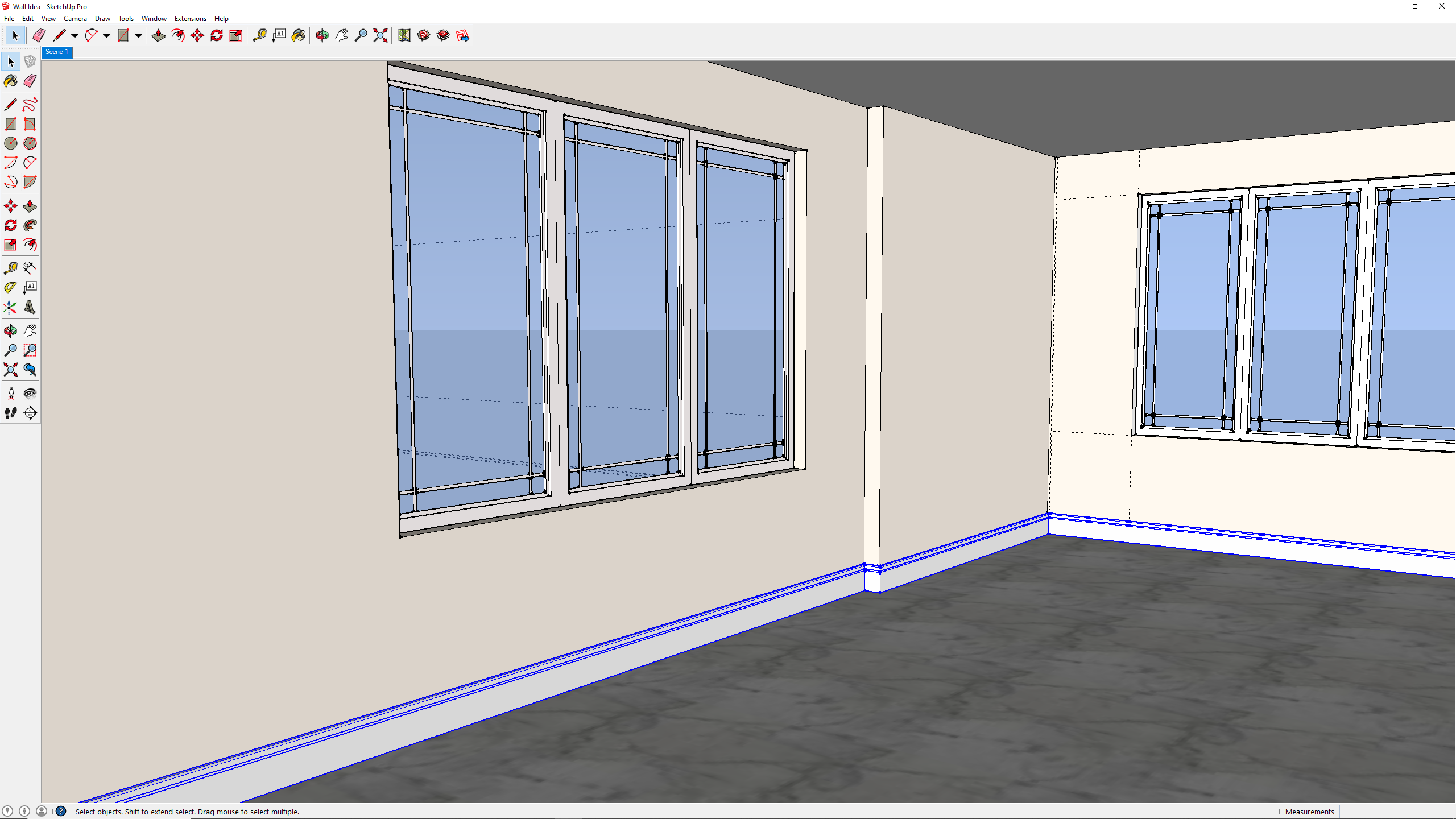
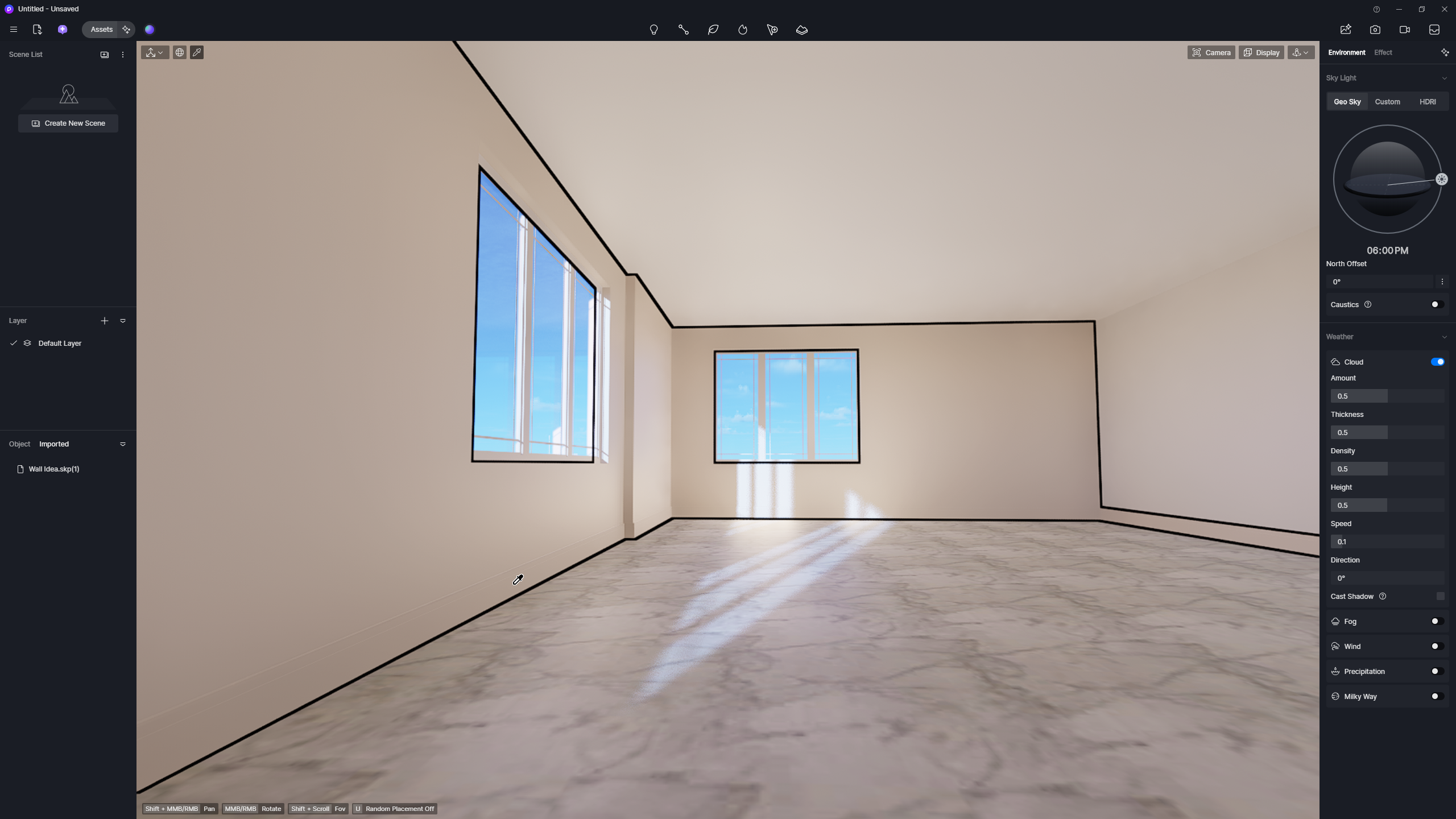
If all surfaces are using the default or unassigned material, D5 may treat them as a single material, causing the walls and moldings to appear the same color.
Here’s what you can do:
- In SketchUp, make sure each surface (walls, moldings, etc.) has a distinct material applied.
- Assign base colors to each material (e.g., white for moldings, beige for walls).
- Save your SketchUp model, then re-sync into D5.
This ensures that D5 recognizes the different materials separately and preserves your intended colors. Thanks 
1 Like
Thank you. I went back in Sketchup and redid the moldings with Profile Builder to get a clean component. All good now.
1 Like