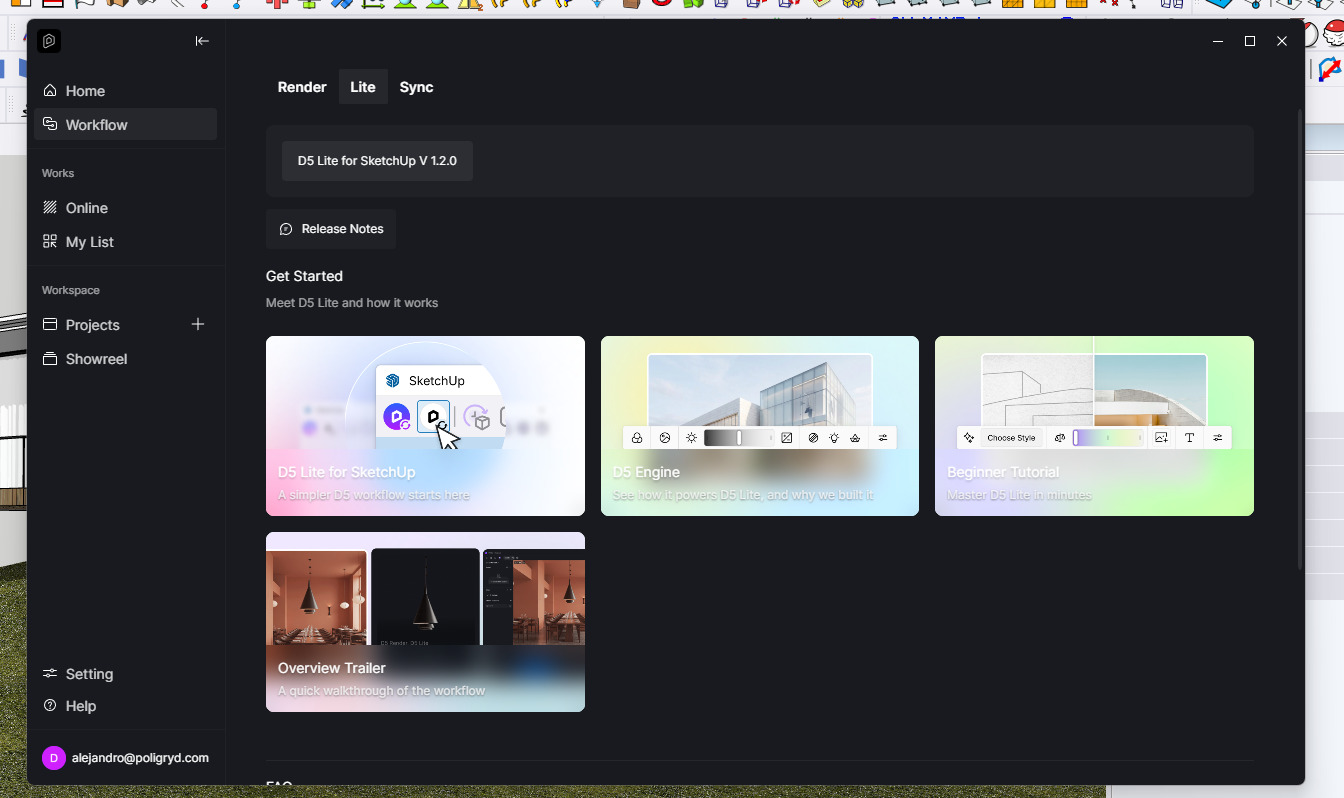
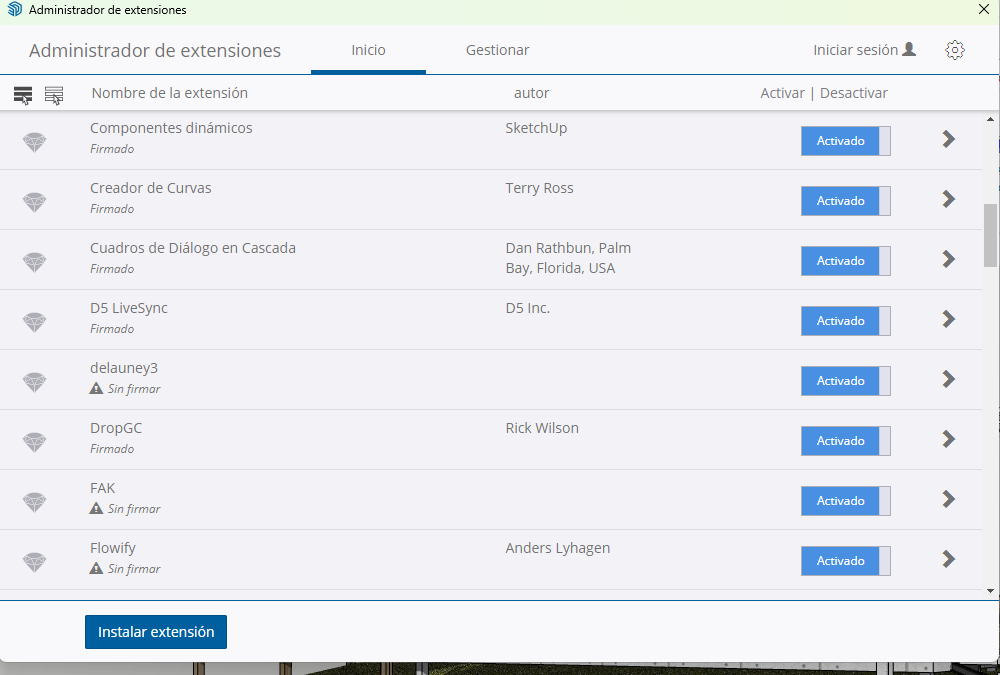
Hi guys, I’m trying to download the Lite plugin from the D5 Launcher, but it gets stuck at “Downloading 100%” and never completes. Because of this, the plugin doesn’t appear in SketchUp—neither in the toolbar nor in the Extensions menu.
What should I do to fix this? I’m using the Pro version.
Finally i manage to instal Lite. But I cant run it. Y pess de Lite icon in t tool bar, but nothing happens. Should I instal everything again or is there other solution?
Thanks for the update. After installation, make sure you launch SketchUp and start D5 Lite from the SketchUp menu bar. You can also go to the Extensions menu in SketchUp and select the D5 Lite plugin from there.
Could you also confirm these two:
What GPU are you using?
What version of SketchUp do you have installed?
Currently, Lite is only supported on SketchUp 2021.1 through 2026, and it requires an RTX GPU to run properly. If your system doesn’t meet these requirements, the plugin may install, but won’t launch.
My GPU is a 4070Ti, and currently using SKP2024. So I should not have any problem.
I deleted the LiveSync plugin to start fresh. I downloaded it again and installed it in SketchUp, and when I go into the D5 Launcher and check the workflow section, it says D5 Lite for SketchUp is active—but it’s not showing up in the extensions.
In your screenshot, it seems that D5 Livesync is still active. We recommend deleting the Livesync plug-in via Control Panel > Program > Uninstall Program > Find the D5 plugin for SKP > Uninstall
After uninstalling, reinstall D5 lite and see if it now shows in SKP