I have been playing around with the new background colour option but the issue i have is when i render out 2k or 4k i get visible jaggy edges around my model next to the background colour.
Hi @nigel
Sorry for any inconvenience caused. Could you confirm these few things for me?
- Does the jagged edge issue occur only with a solid background color, or does it also happen when using an HDRI sky?
- Are you rendering with Super Resolution (SR) enabled or disabled?
- Does this happen across different projects, or only in a specific file?
Additionally, could you please share a screenshot of the rendered output showing the jagged edges around the model? Thank you, and I look forward to your update.
Hi ,
See comments below:
-
Does the jagged edge issue occur only with a solid background color, or does it also happen when using an HDRI sky? - Only when changing solid background colour with new feature
-
Are you rendering with Super Resolution (SR) enabled or disabled? I have tried with both settings and the issue still occurs
-
Does this happen across different projects, or only in a specific file? Yes across any project in which i change the background color
Interestingly as a work around- if i render as a still from an animation there is no problem- the issue is purely with the render.
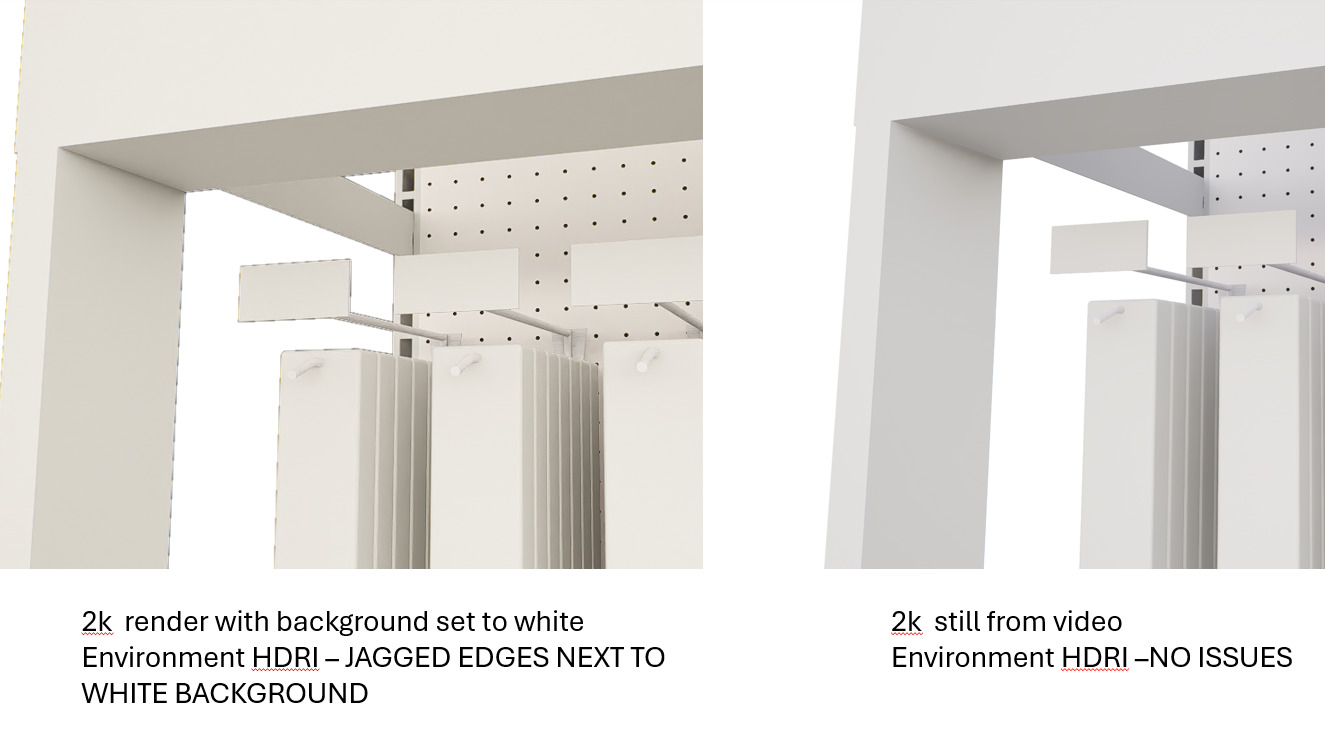
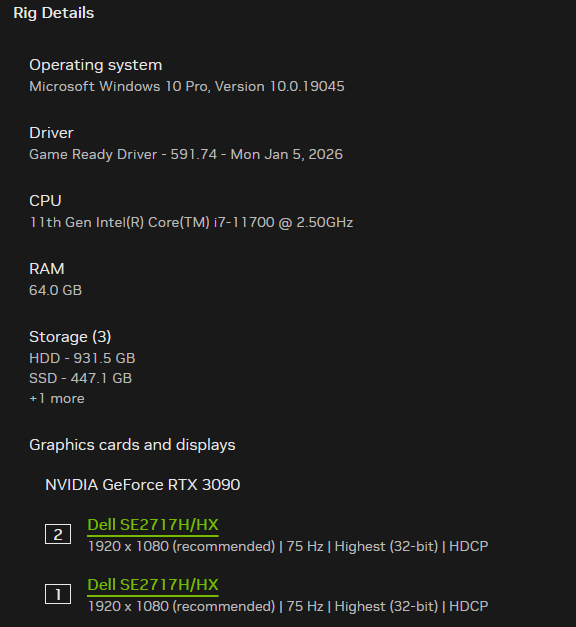
Just installed the update but i see the problem is not resolved?
Hi @nigel
Apologies for the delayed response. Would you mind sharing your project file and log file, if possible, so I can test the issue on my end? You may send them to support@d5techs.com. Please tag me in the email and include a link to this forum post for reference. Thank you for your patience.
Hi any update on this problem?
Hi @nigel
Thank you for following up. I’ve already created a record for your case. I was able to replicate the issue on my end, and it will now be further reviewed by our team.
We appreciate your patience and will keep you updated as soon as we have more information.