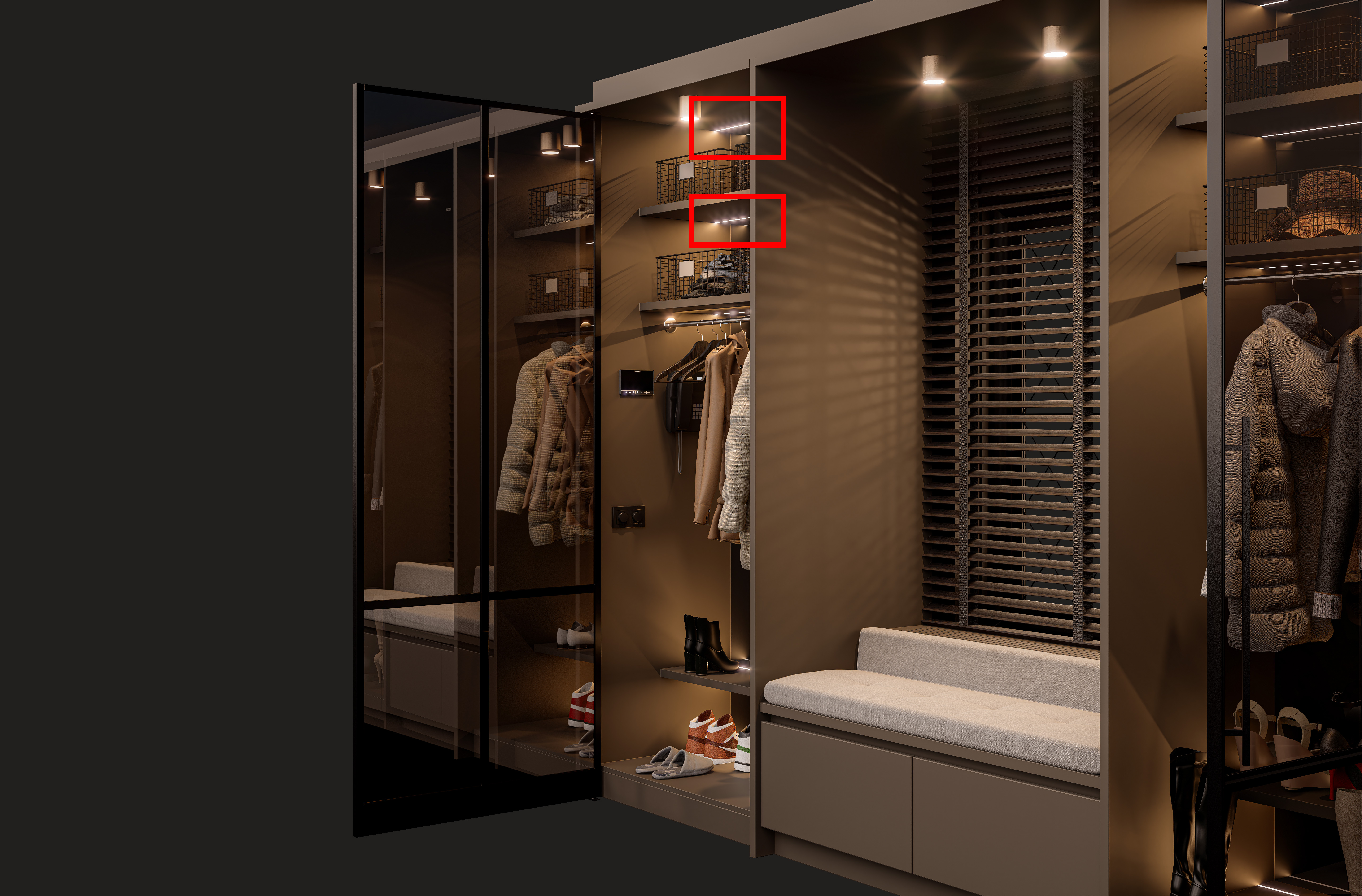
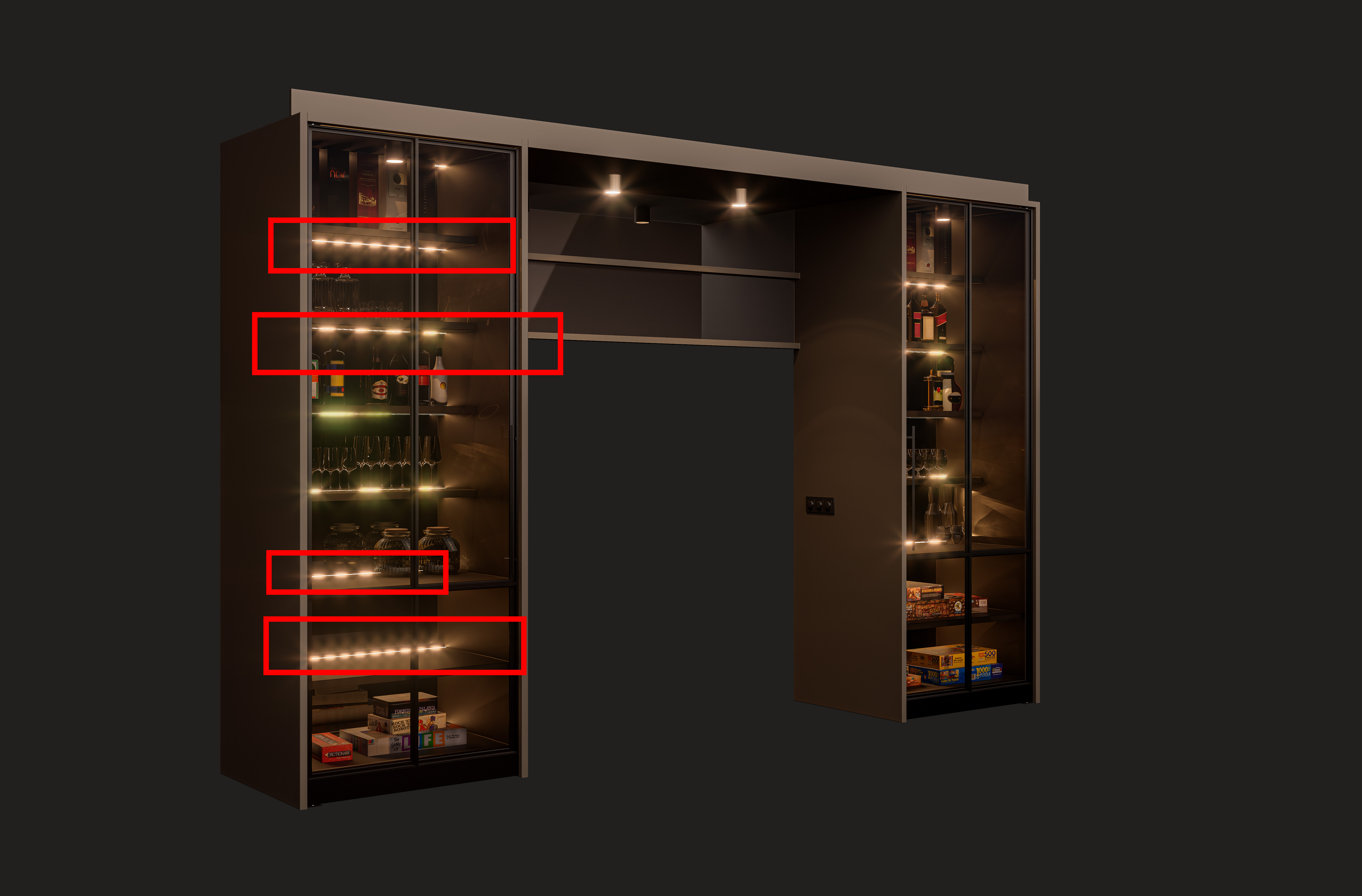
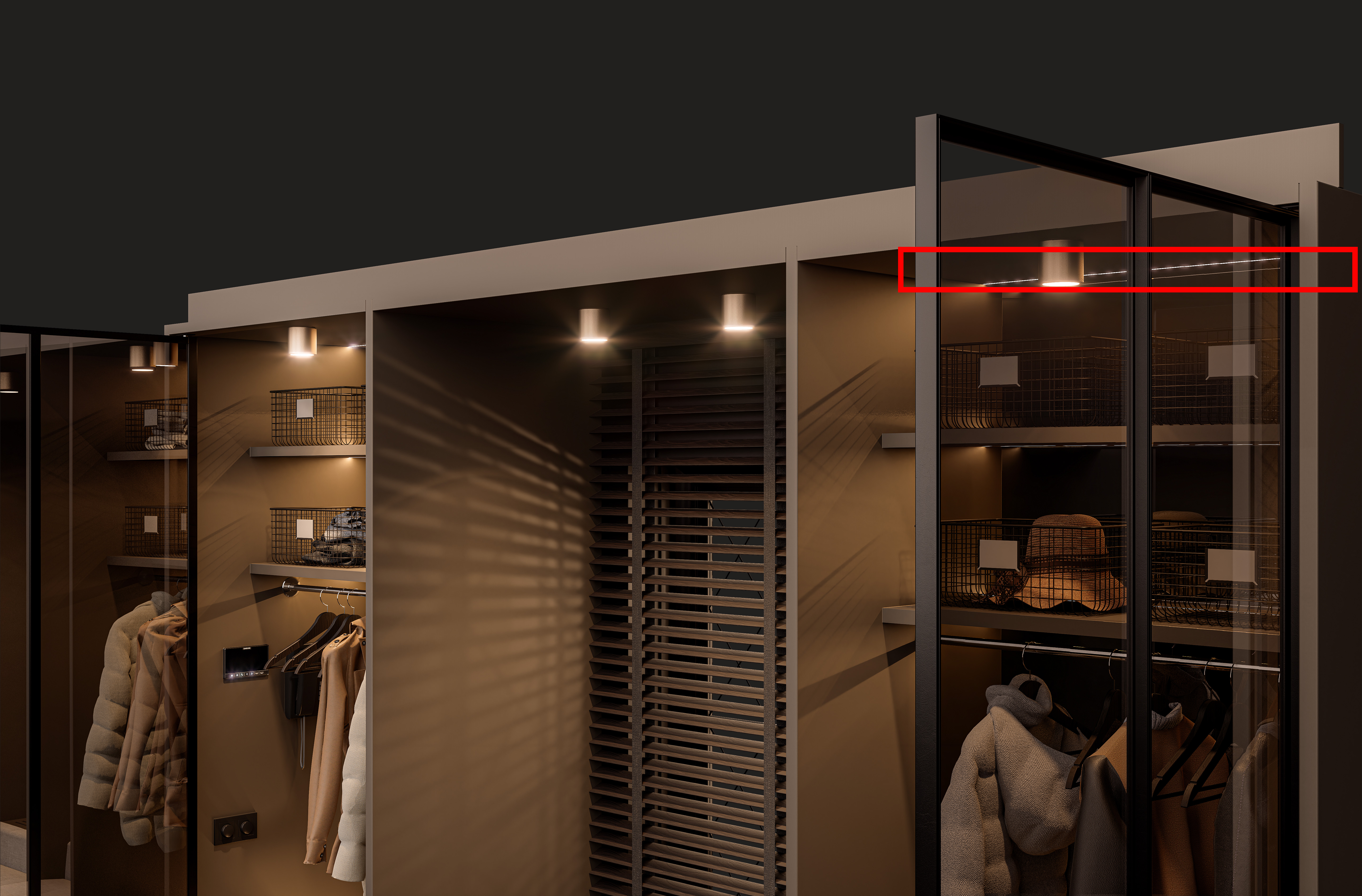
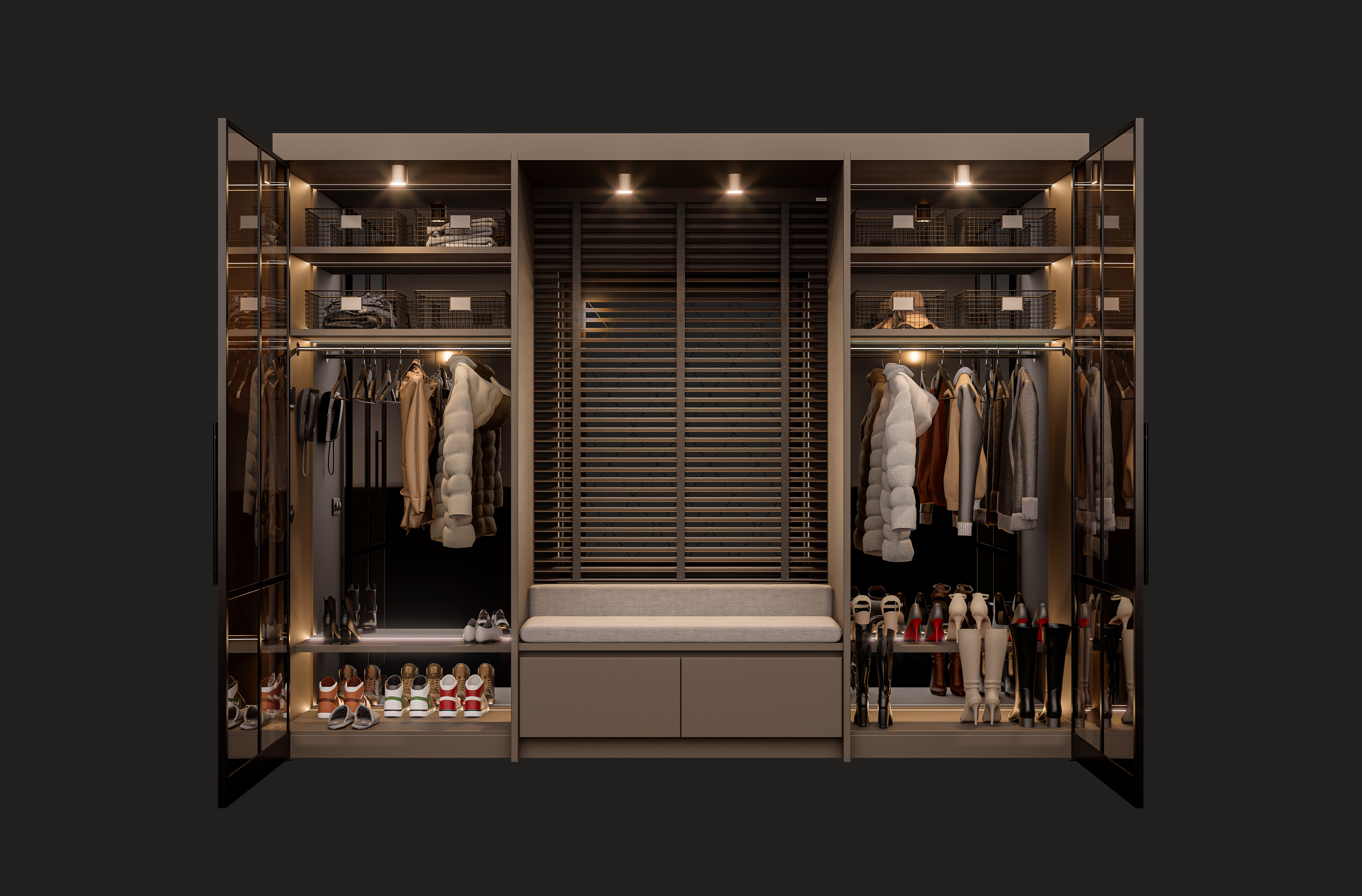
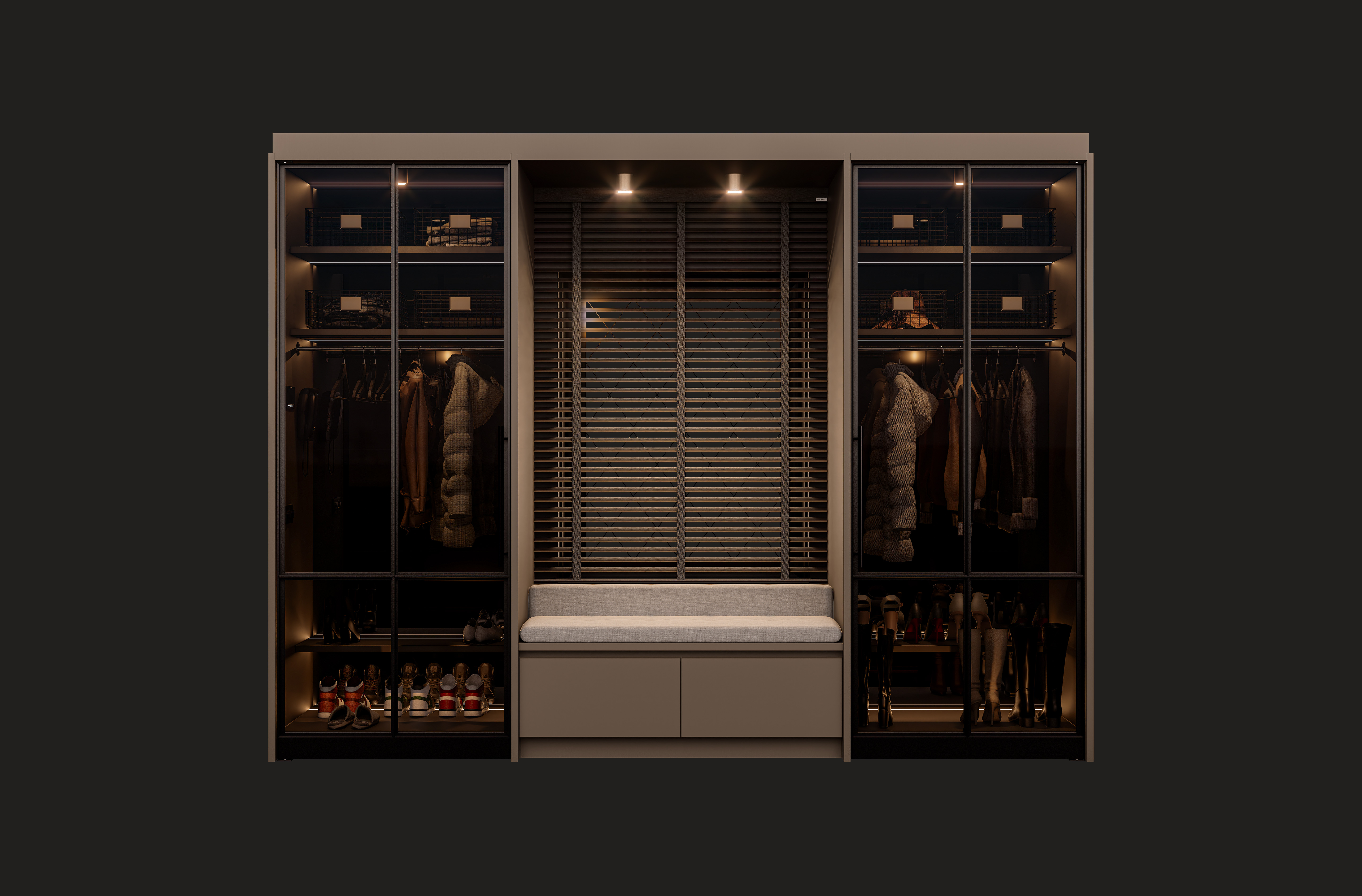
I’ve been experiencing issues with the rendering of LED strips in several versions of D5 Render when viewed from an angled perspective. When viewed straight on, everything looks fine, but from an angled view the LED strips appear segmented. The only way I’ve found to resolve this is by disabling bloom, but this causes the lighting to lose its characteristic “glowy” appearance.
Yesterday I updated to version 3.0, hoping this issue would be fixed, but unfortunately the problem still persists.
My question is: are there other users experiencing the same issue? And if so, is there a known solution or workaround?
I’m already using an emissive material in combination with an invisible light source. The emissive material lines are 12 mm wide, but in this example they are 30 mm wide and I’m still seeing the same issue. So width doesn’t seem to be the problem.
How wide would you suggest making them? Going much wider than 12 mm isn’t very realistic, since real LED strips aren’t that wide either.
Also, how is it possible that the same 12 mm LED line renders correctly when viewed straight on, or from a less angled perspective?
are the emissive strip lights flat planes? maybe you can try a downward curved shape (cylinder) instead, so that the strip light is a bit “thicker” towards the camera and has more emissive faces
Hi, sorry for the English, you have to reduce the Bloom effect, because the more power you give to the LED the more that defect is visible, I could also be wrong.
I understand that it is easier to do it graphically and put an emissive element, than to put the program LEDs. Do it this way, lower the power of just the LED, so you leave the Bloom as it is, then put the D5 LED in it to give more brightness after having removed the emissive material, but remember that the emissive material must be different from that of the spots, to have the Bloom effect on the wardrobe spotlights.
Sorry again for the English