Is there a way to add colors to show zones of a floorplan similar to this image in D5- to show specific areas of a large floorplan?
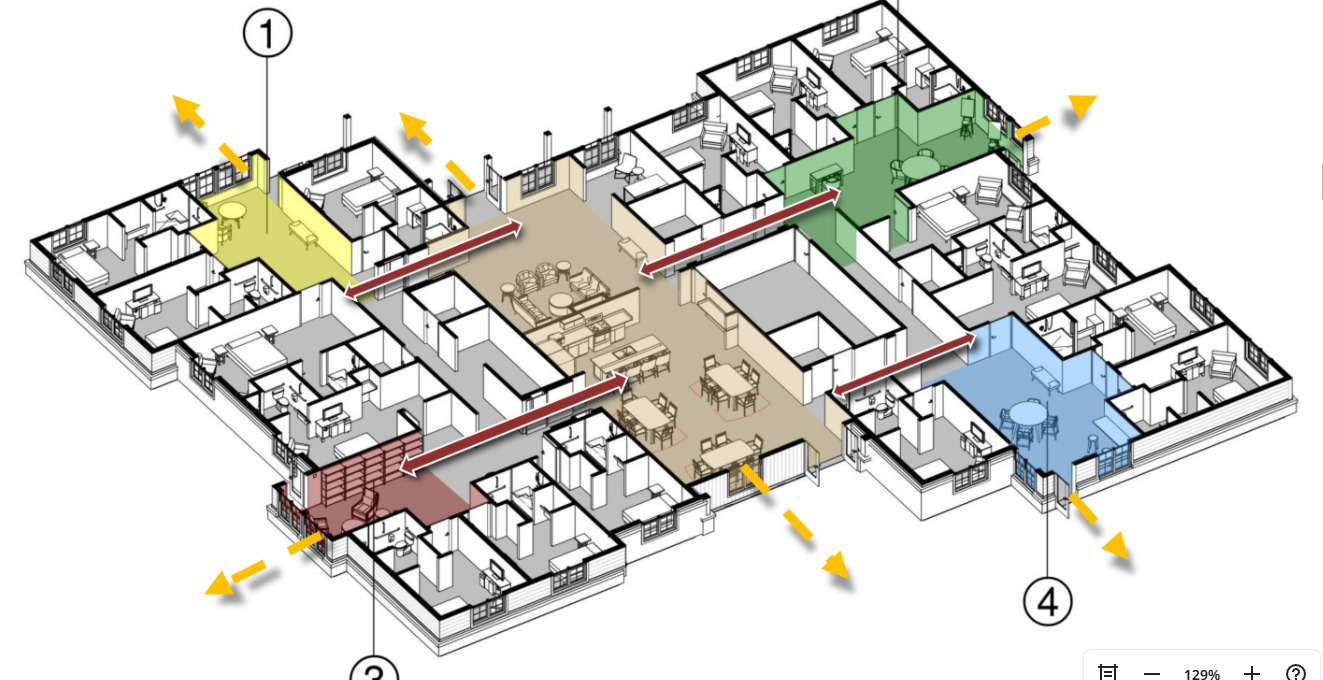
Currently, D5 doesn’t have a built-in ‘zone’ color tool for sections, but a quick way to do this is to place a thin, semi-transparent plane or a simple colored ‘Cube’ (from the Assets library) over the zone in your scene. Set the material to ‘Transparent’ or ‘Emissive’ with low intensity. When you use the Section Tool, it’ll highlight that area perfectly.
1 Like