Hey everyone, I wanted to share something I’ve been noticing in D5 and see if anyone else has experienced this.
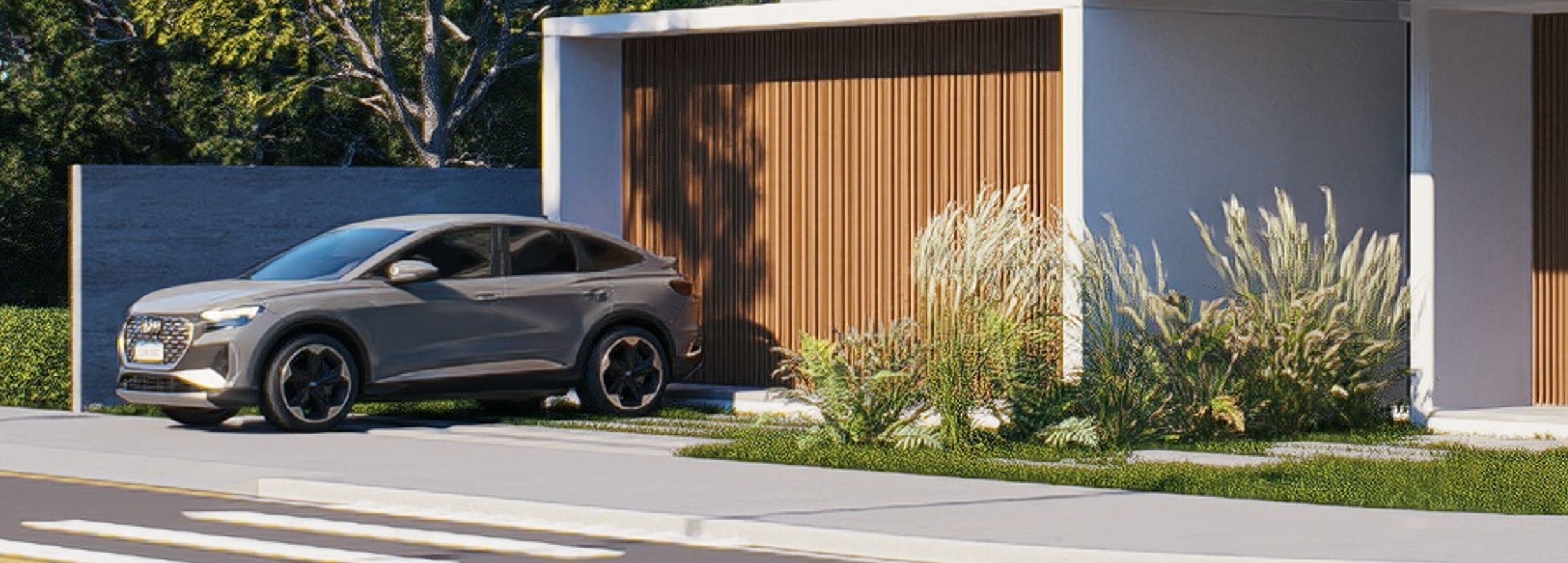
In some cases, I’ve noticed that models seem to get deformed when rendering at very high resolutions, especially when zooming in on the final image.
In the example I’m posting, I rendered the image in 8K, a resolution where, in theory, everything should look super sharp and faithful to the original 3D model.
However, when taking a closer look at the render, some elements appear blurry or with a “strange” look, as if the geometry is losing definition — even though the model itself is correct and clean in the source software.
What really caught my attention is this:
the higher the resolution, the more you’d expect the result to be more accurate, not the opposite.
So I’m wondering if this could be related to:
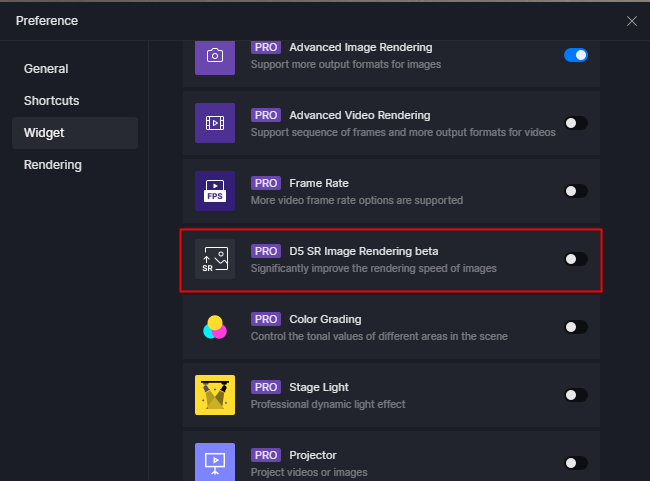
- some kind of automatic optimization / LOD in D5
- antialiasing or filtering settings
- or even a known limitation when rendering at very high resolutions
Has anyone else noticed something like this?