Hi,
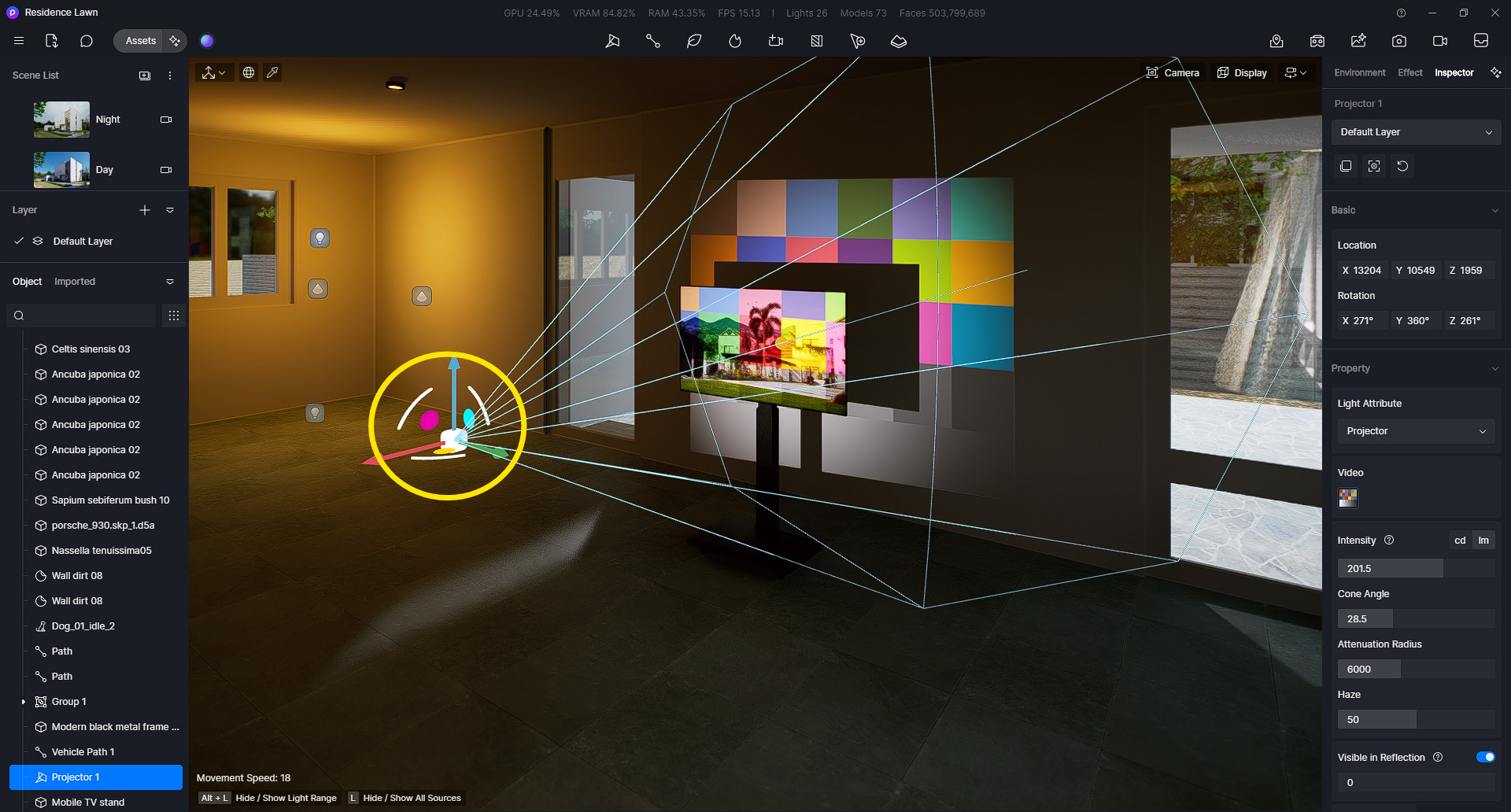
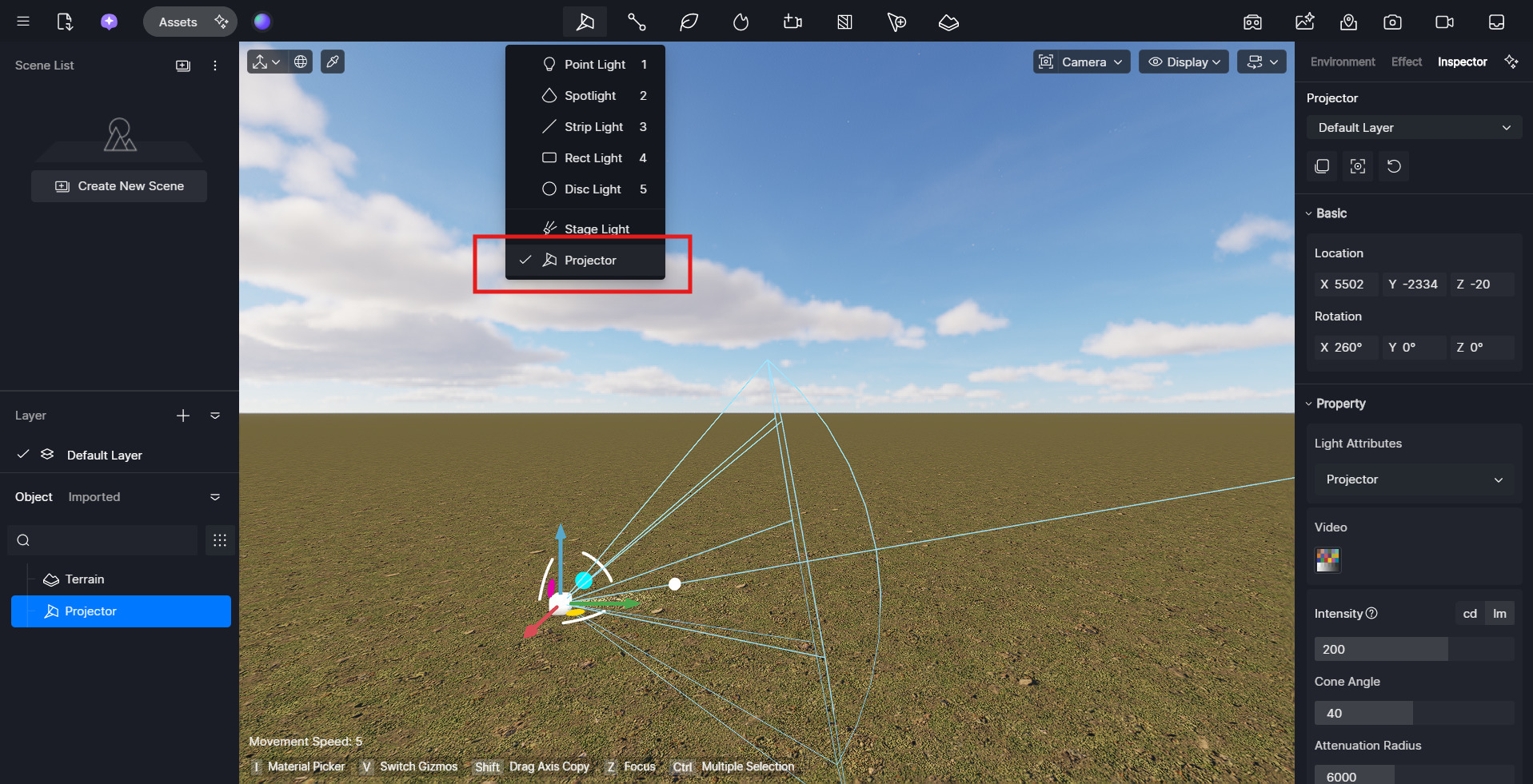
With the projector, I’m trying to put it in 16/9 (widen the image), but I can’t see how to do it.
Can anyone tell me if it’s possible to do this or not, please?
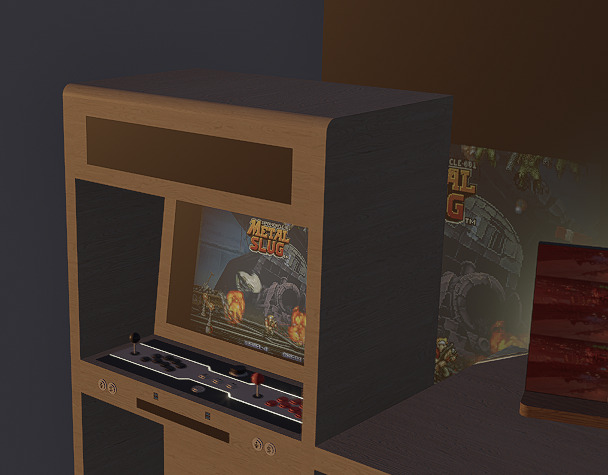
Also, when I use the projector on a computer screen, the image is projected onto the wall behind it. How can I fix this, please?
Clov
January 20, 2025, 3:09am
2
Hi there,
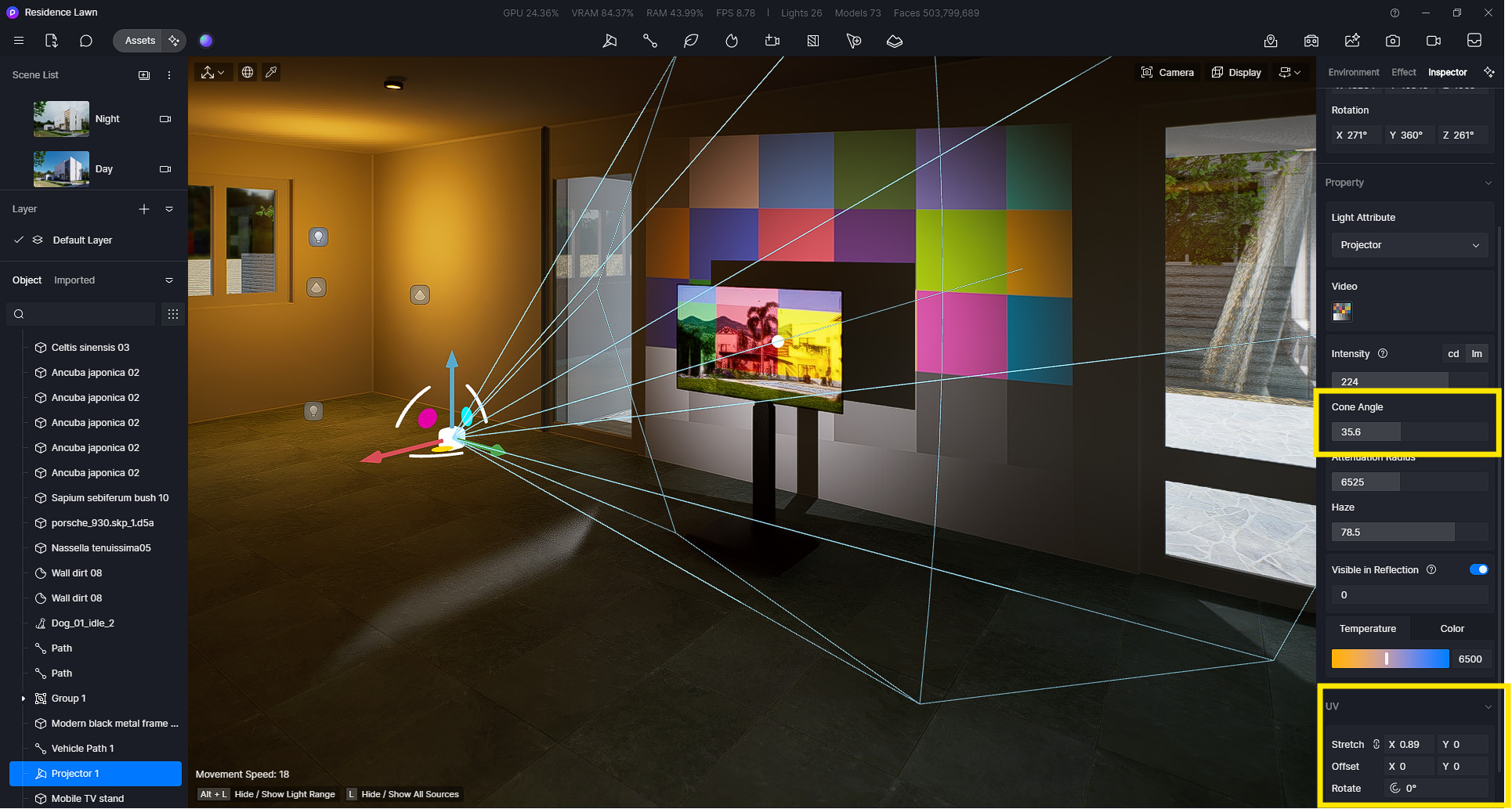
For now, we do not have an option to change the projector’s ratio but the size can be modified through the Projector’s Cone Angle and UV parameters.
As for your other question, have you tried moving the projector’s light source further from the wall?
Hello,
Thank you for your reply. Indeed, I looked after several solutions, but nothing worked.
Never mind, I’ll wait until they allow me to change the ratios.
As for my second problem, I managed to correct it.
Thanks for your help.
1 Like
Hello!
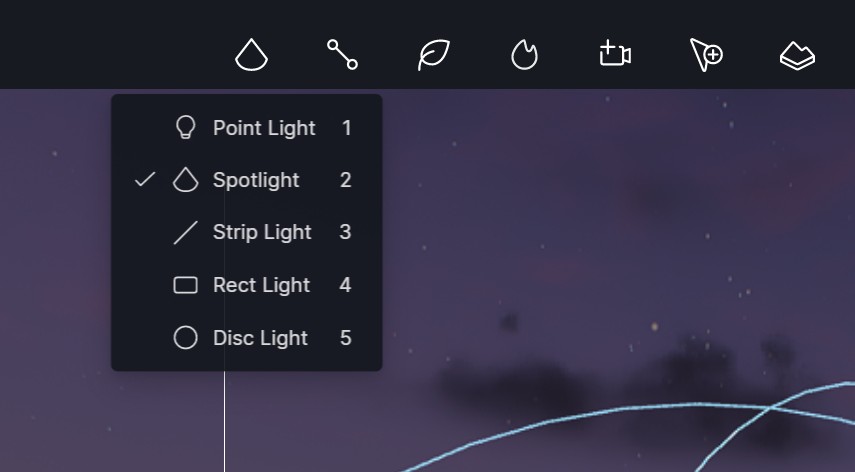
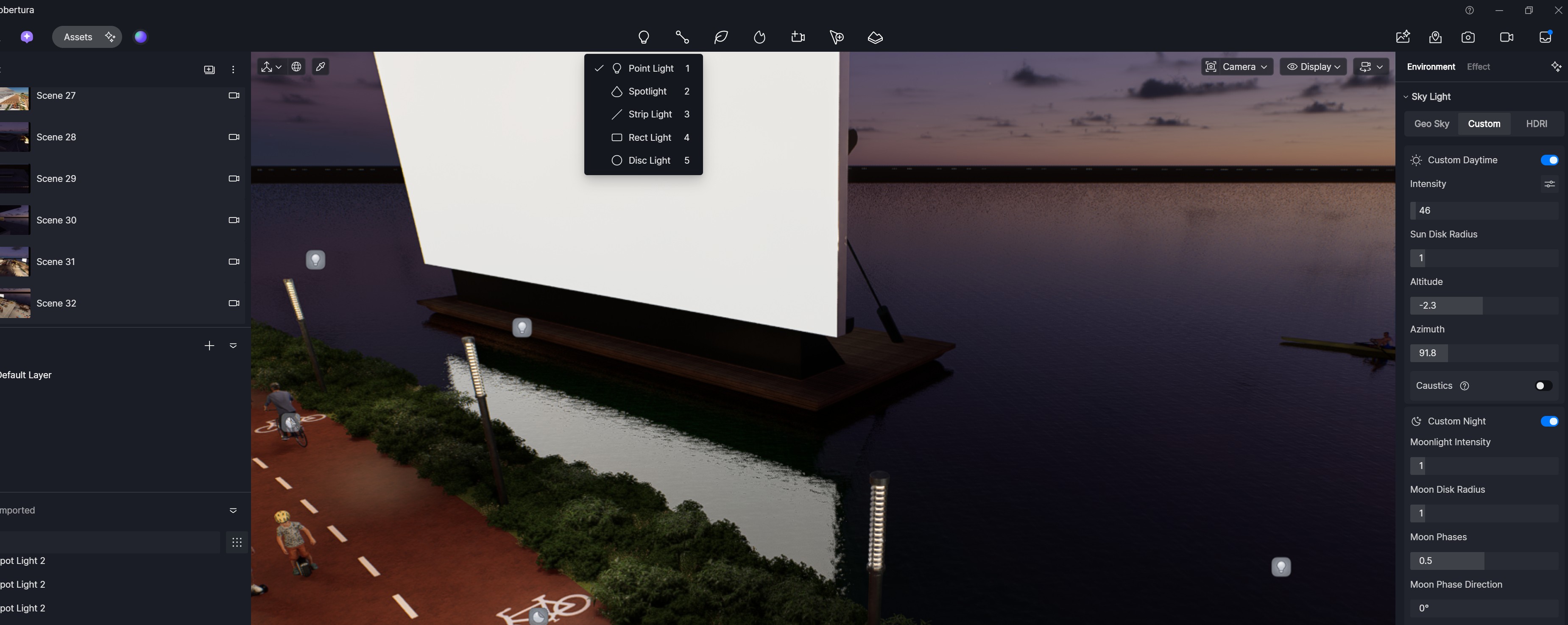
I can’t find the projector in the lights tab.
Was it removed in the last update?
ela
March 11, 2026, 3:20am
5
Hi @licencas.design
Thanks for reaching out. No, the projector has not been removed. Could you please let me know which D5 version you are currently using? Looking forward to your reply.
I believe it is the latest version.
ela
March 11, 2026, 1:44pm
8
Hi @licencas.design
Thanks for your response.
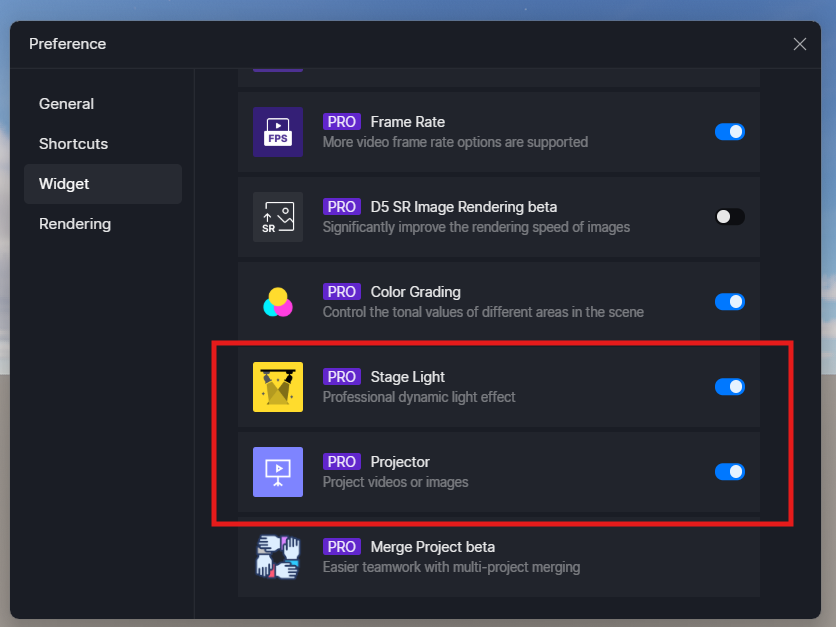
Please go to Menu > Preference > Widget to check what you have installed, toggle them on/off, and manage your widgets.
Oh yes!!! I had forgotten about that setting. It appeared for me. Thank you very much for your help.
1 Like