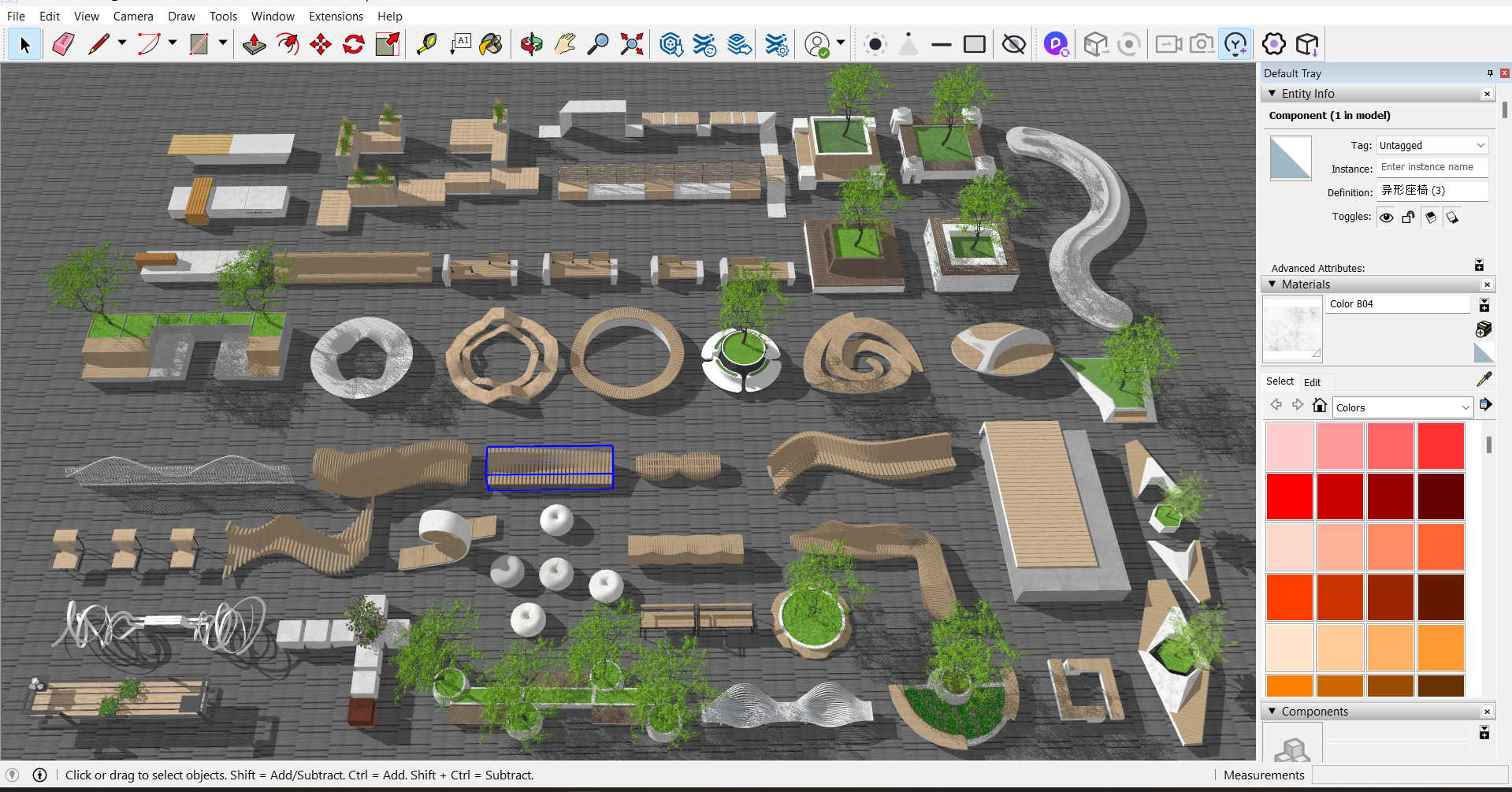
How to download custom models to D5 from launcher ?
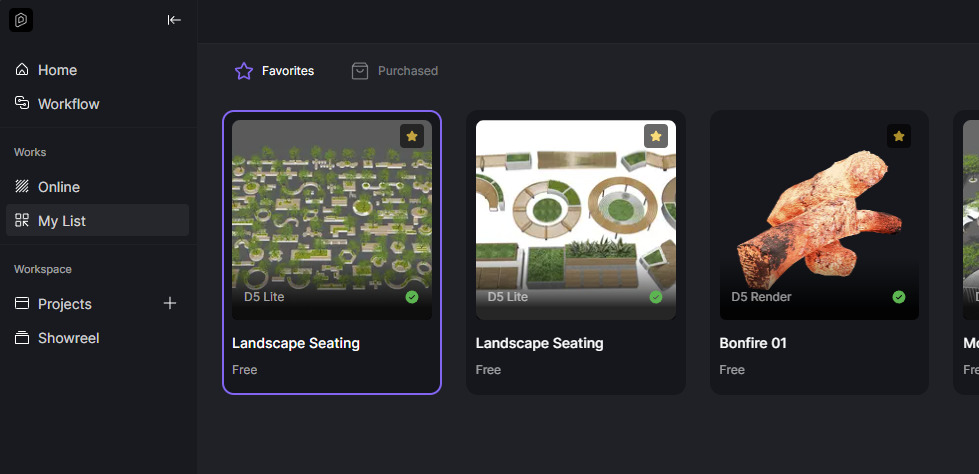
Also I noticed two problems.
- These models are downloaded in wrong path
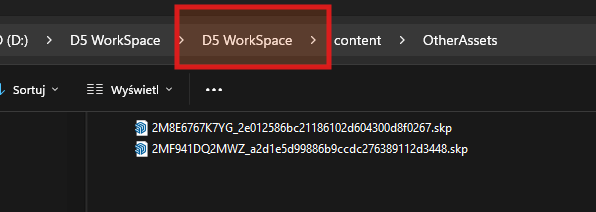
doubled D5 Workspace folder.
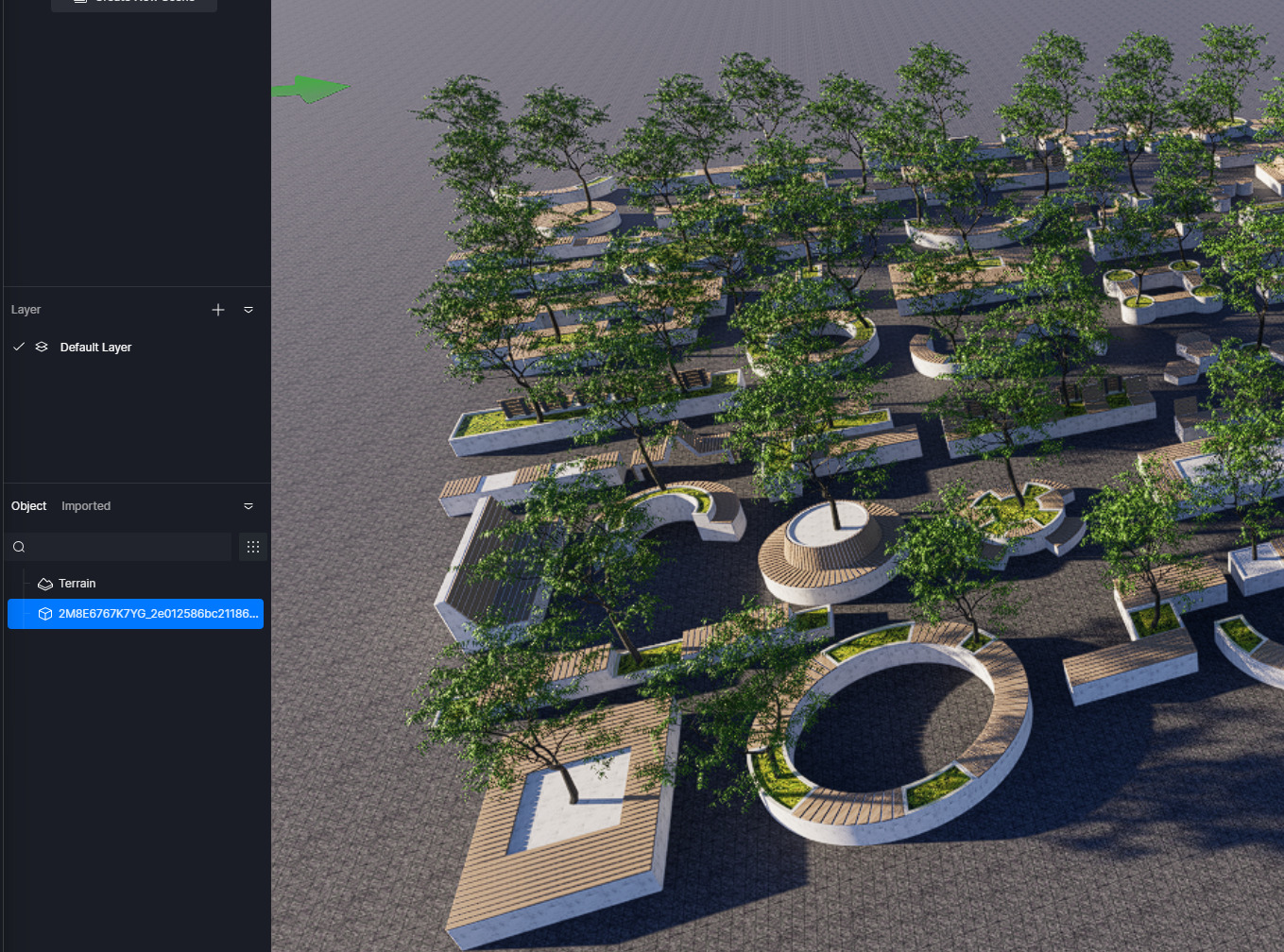
- These models are not useable because there is no way to ungroup them :
Hi @Smolak
Thank you for your message. You can view the model’s details by right-clicking on it in D5 for additional information.
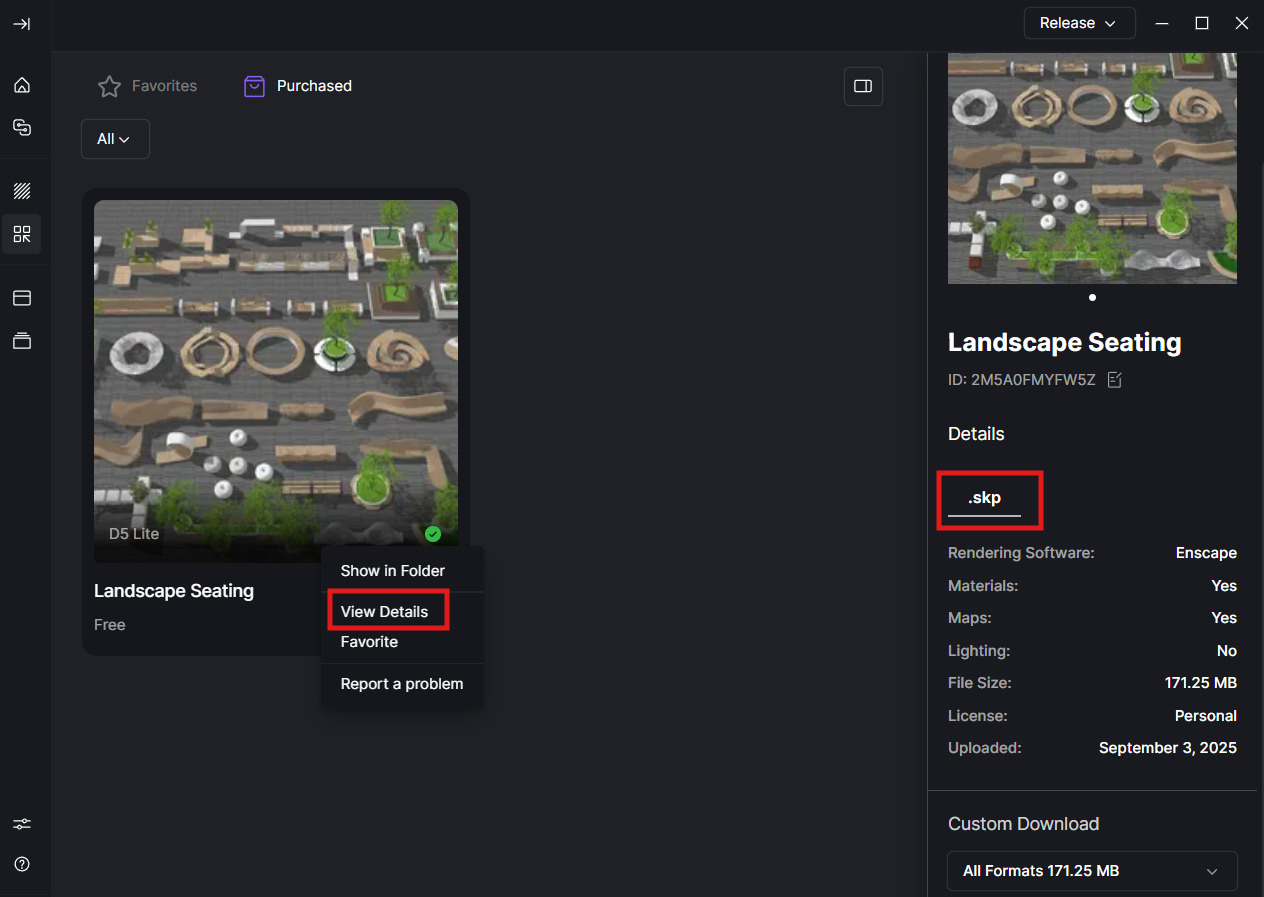
These models cannot be ungrouped directly in D5 because they are SketchUp-based. To access individual components, please open the model in SketchUp first.
Once opened in SketchUp, you can:
- Select the specific object or component within the model set that you would like to use
- Save or export it accordingly
- Then import or sync it back into your D5 project