How do I use the scatter with local models?

I’m working on a project where I need to distribute a large number of solar panels across a surface. I’ve created my own 3D model of a solar panel and successfully imported it into “Local assets”, but I can’t get it to work with “Scatter”.

Has anyone else experienced this issue?

Hi @asa

Currently, the Scatter Tool does not support any objects other than vegetation. I think what you can do is use the Custom Path Tool.

Okay, damn it.
I’m using Rhino together with D5. Does anyone know if it’s possible to create a custom path based on a polyline in Rhino?

That way, I could build the grid I want directly in Rhino and then bring it into D5 more efficiently.

Hi @asa

Custom paths can only be built in D5 Render, and there is currently no option to export Rhino Polyline, which will convert it toa Custom Path in D5. :disappointed_relieved:

Hi, I’m getting a little frustrated because I can do it one minute and then I can’t anymore. I add an object locally, a ball for example. Then I try to animate this ball in a custom path. I click on “more” to add an object to this custom path, and it appears in the slot, but nothing happens at all. I’ve tried increasing the density… yet, damn it, I know it works, but I often can’t get it to work! Please help me, I don’t understand it at all, probably just tiredness.
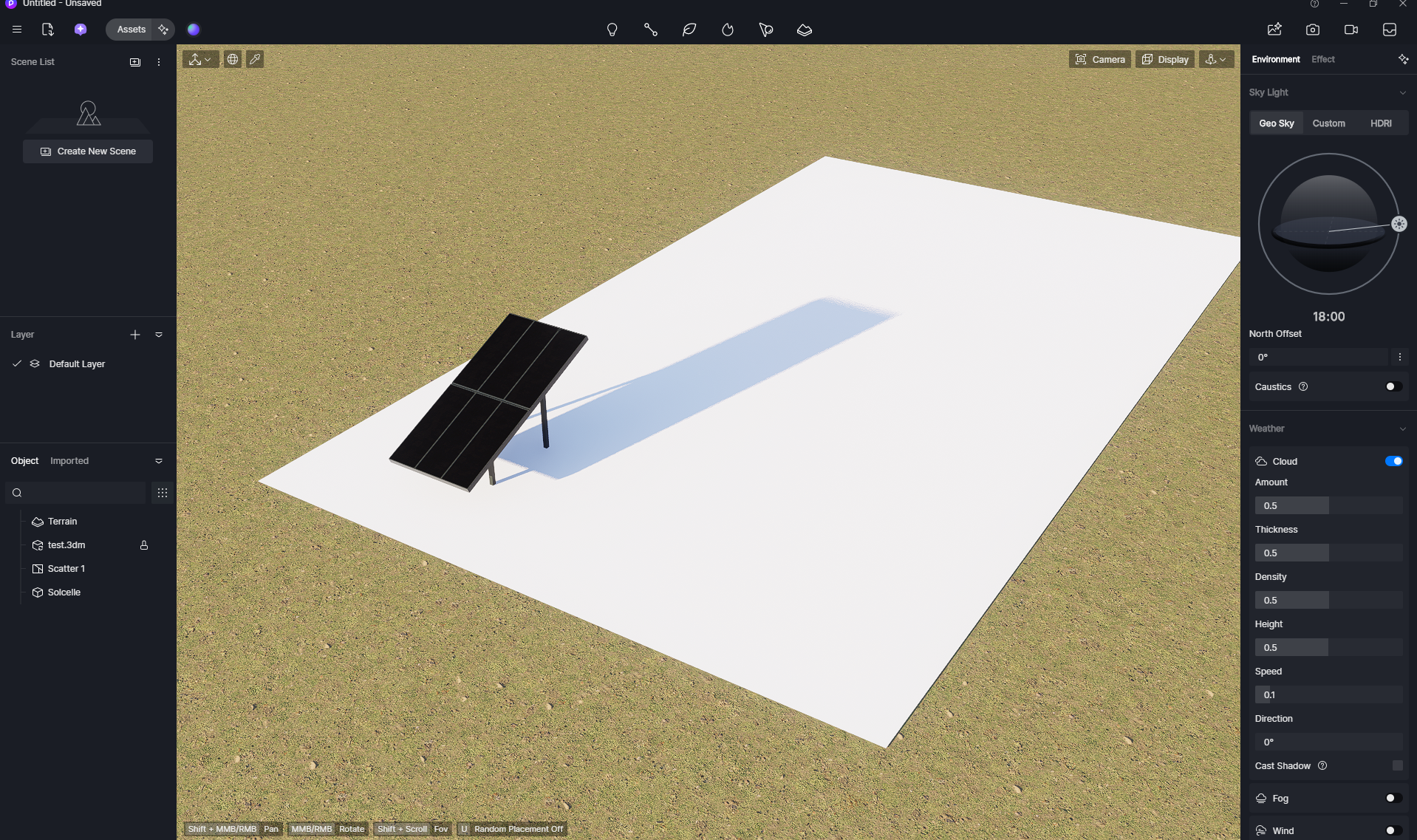
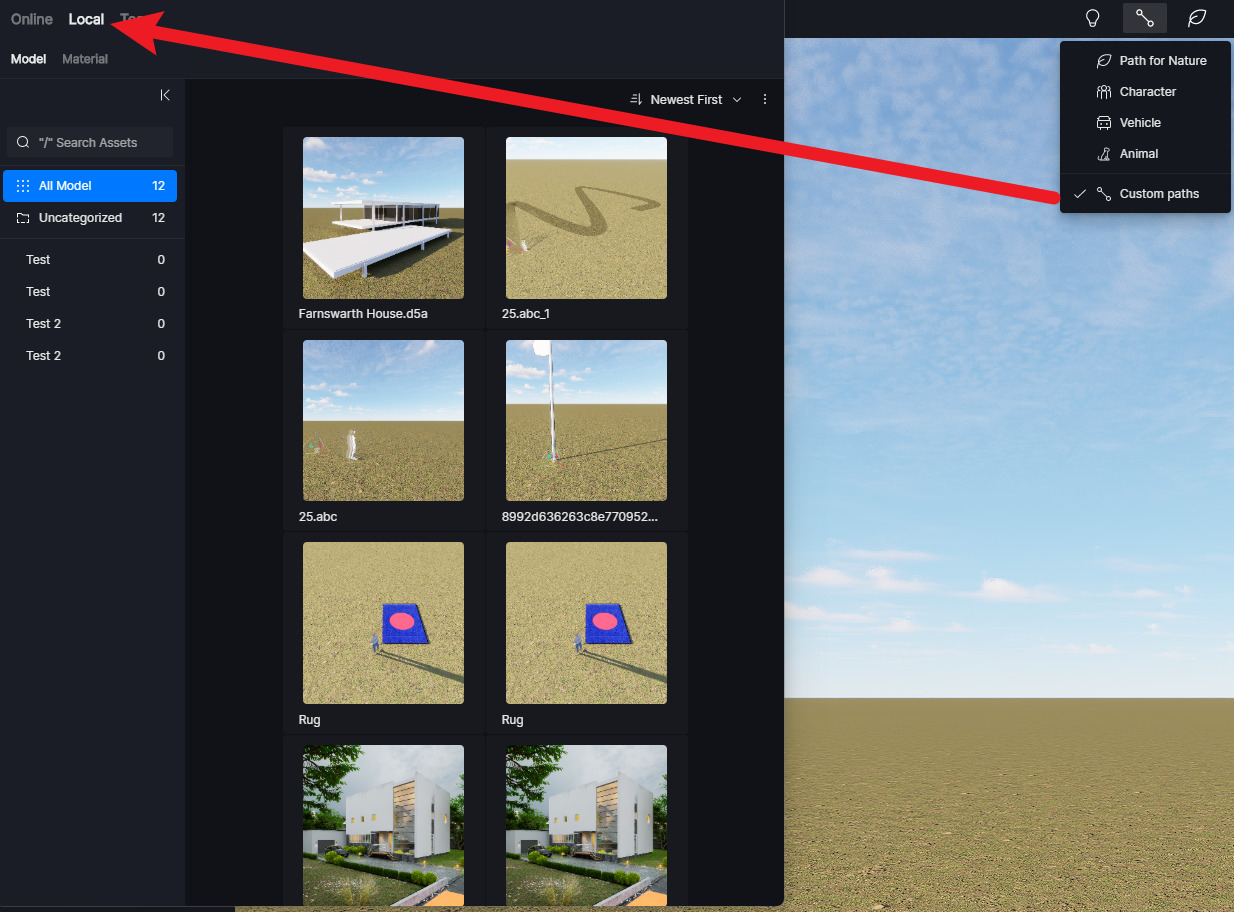
This is truly a joke, what’s happening to me, because I even made a tutorial in French on this procedure myself!!!

HERE is my way: please tell me what is wrong?