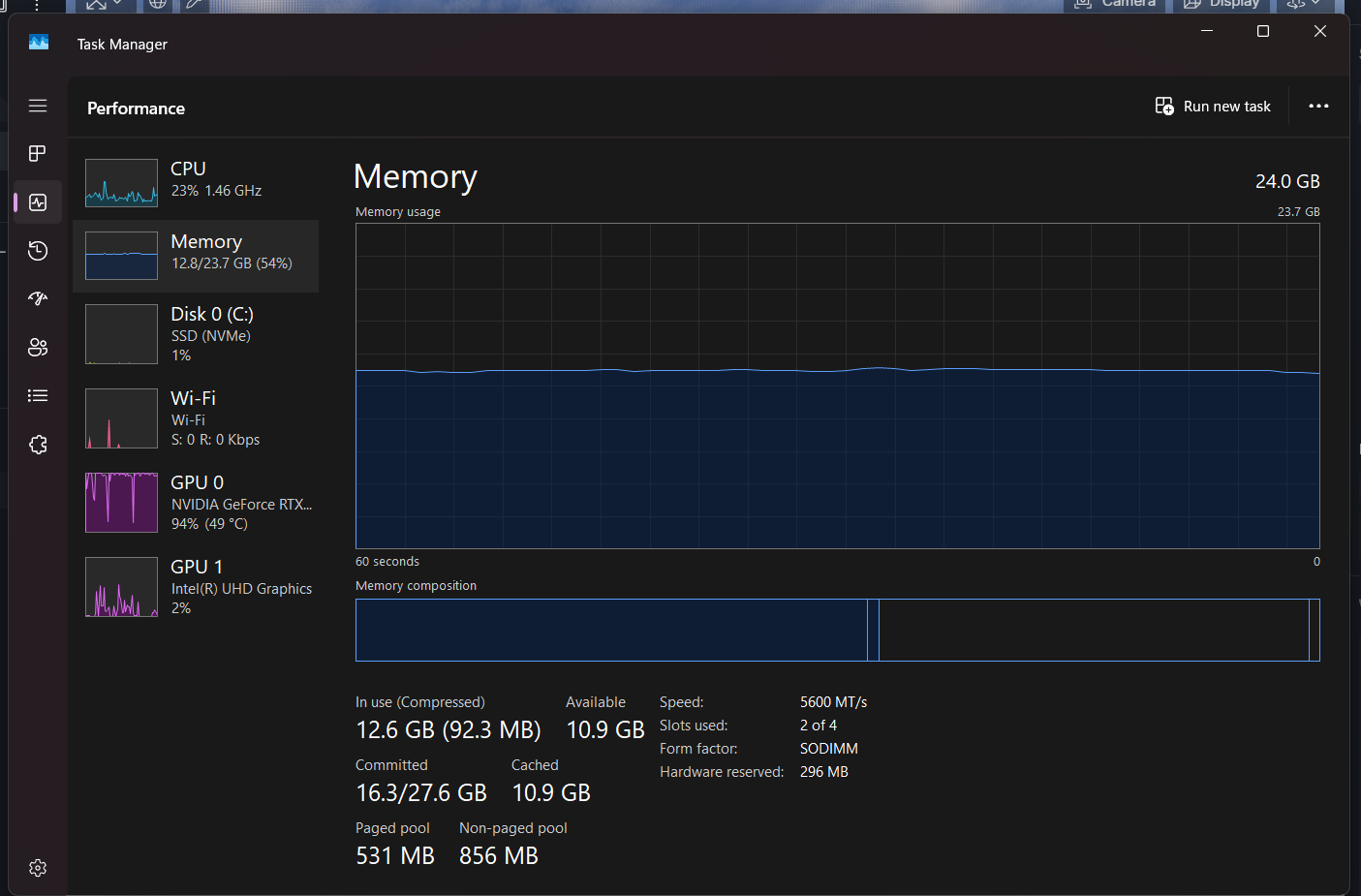
I can’t use my D5 render because its viewport is already lagging even with an empty file. Upon checking my task manager, the GPU always spikes to 100% when I open D5 render. Is there any way to fix this? I have my NVIDIA driver installed up to date and i also tried turning off the hags but it still lagging a lot.
I currently have the following specs in use Graphics: NVIDIA GeForce RTX 4050 Memory: 24gb 5600MHz DDR5
Clov
October 22, 2025, 3:50am
2
Hi @hanihani
Just to be sure, please send us the following:
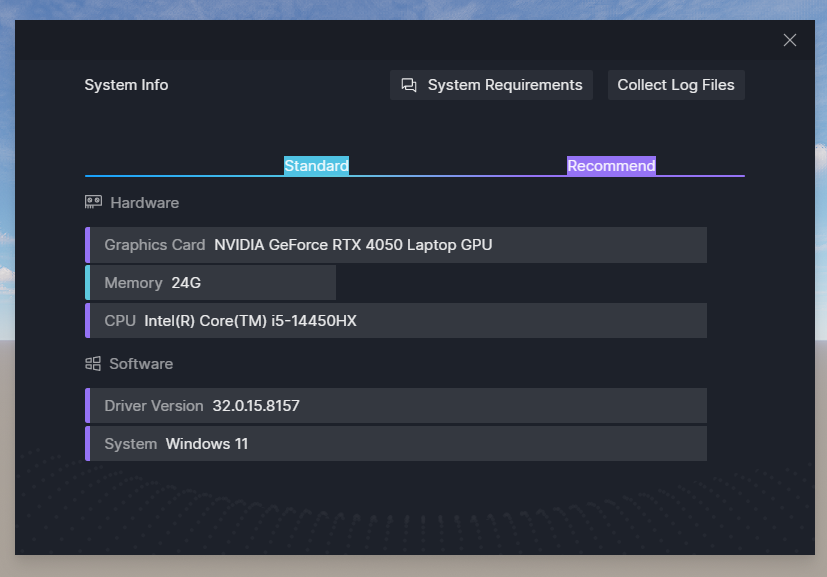
System Information
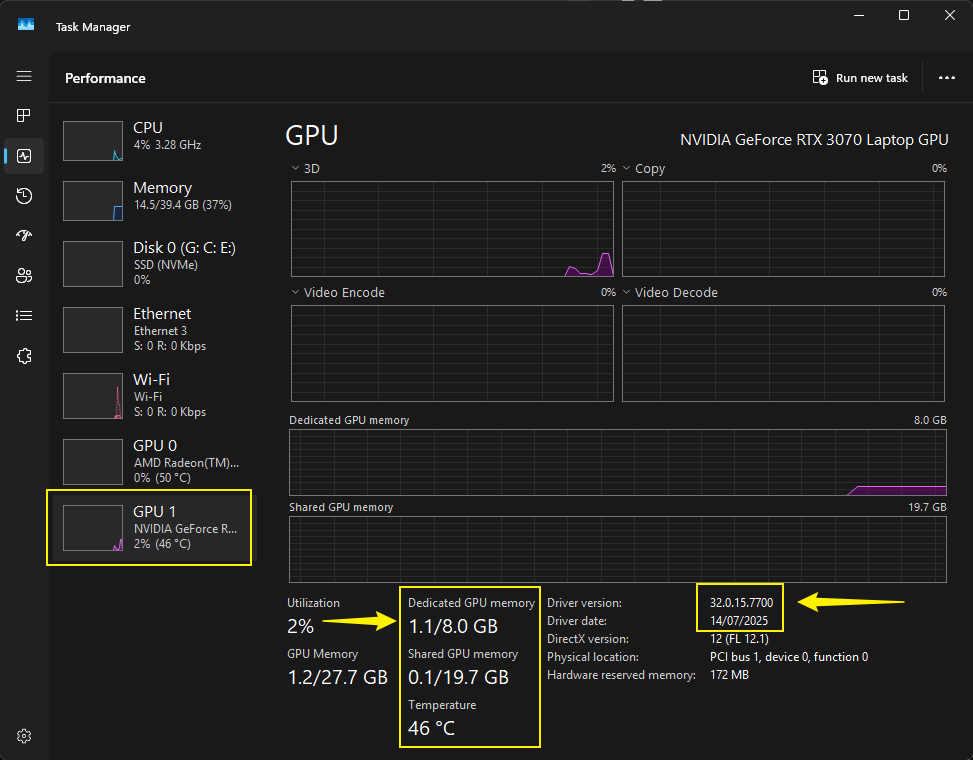
VRAM - Open a d5 file then check te vram, send us the screenshot
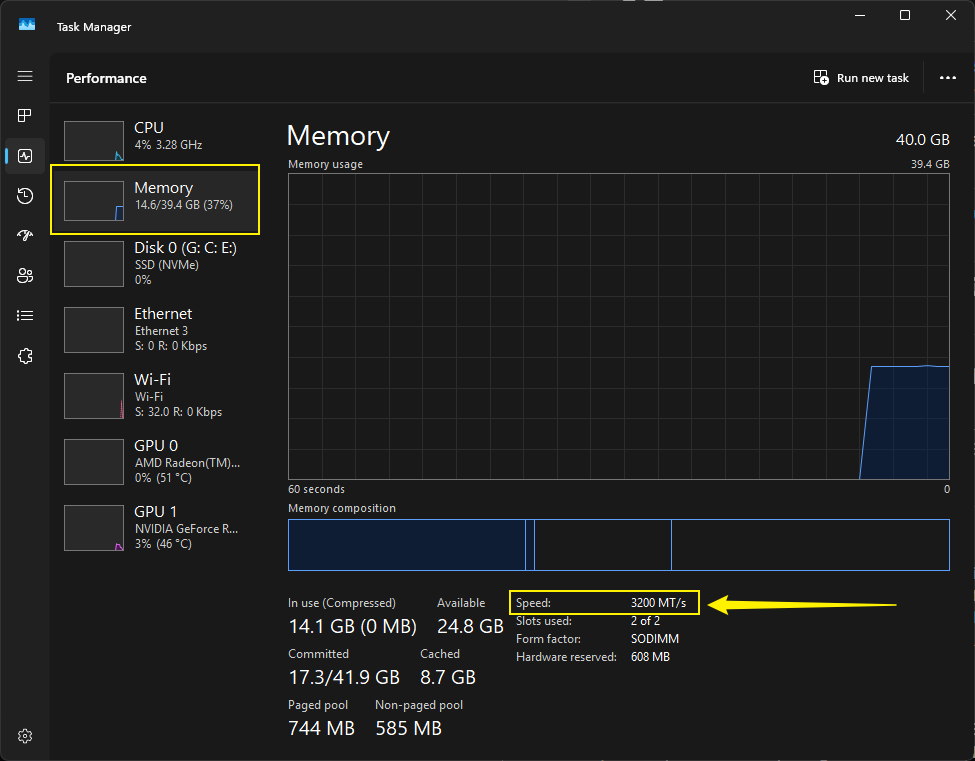
Memory Speed - I suggests having it below or equal to 4000 Mhz
Try to also check:
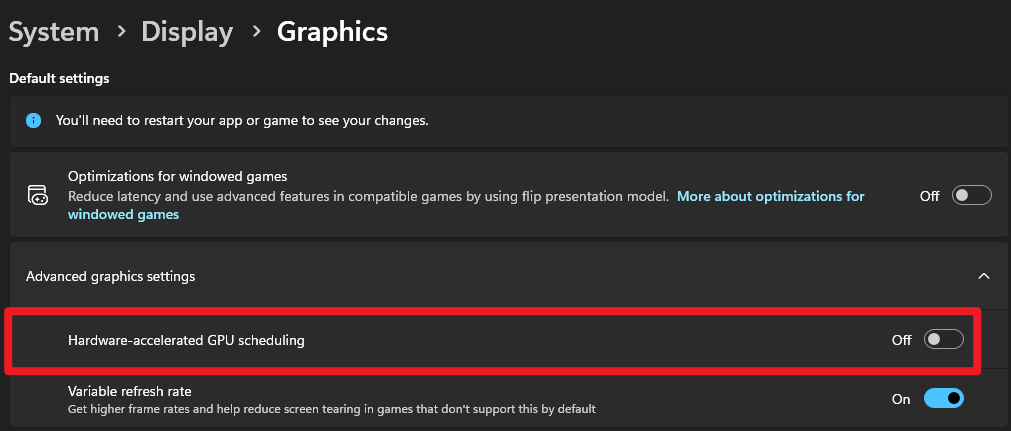
Disable this setting
Do a clean reinstallation of your drivers
Hi! here are the following screenshots as requested
System Info:
VRAM:
Memory Speed:
I already disabled the Hardware-accelerated GPU scheduling but it still is jittery.
I’ll try to do a clean reinstallation of the drivers and update you. Thank you!
1 Like
I just did a clean reinstallation of the drivers and it still functions the same, jittery and unworkable :((
Clov
October 22, 2025, 11:07pm
5
Do you have any video recordings of the preview screen?
hi! here is the gdrive link to the recording of the preview screen
i am trying to navigate through the preview screen but the response is very slow as seen in the video
Clov
October 23, 2025, 1:39am
7
Hi @hanihani
Thanks for sending the video, based on it, it feels like iGPU is used instead of a dedicated GPU, but the screenshot you’ve sent says otherwise.
Anyway, please generate a log file, you may send it to me privately.
Hi @Clov , i’ve sent you a message. Thank you!
Clov
October 26, 2025, 10:22pm
9
Hi @hanihani
We’ve received your logs, we will be checking it together with th evideo recording you have attached.