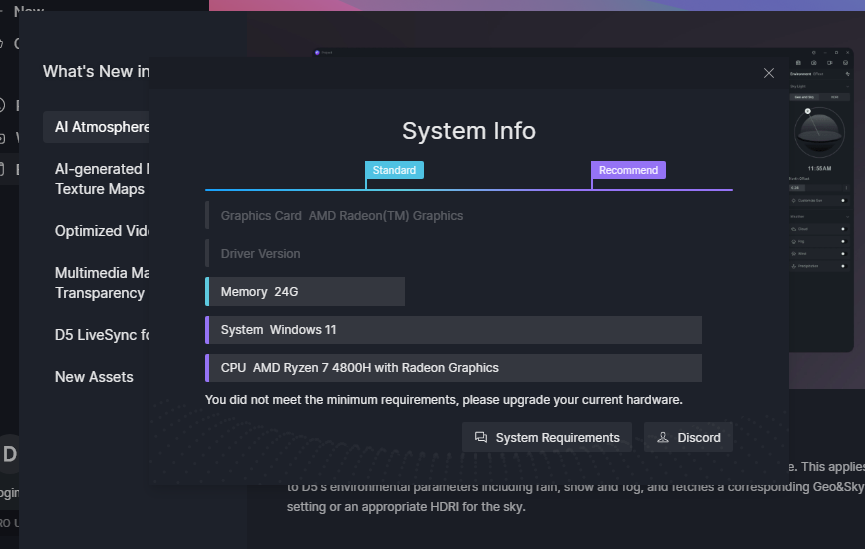
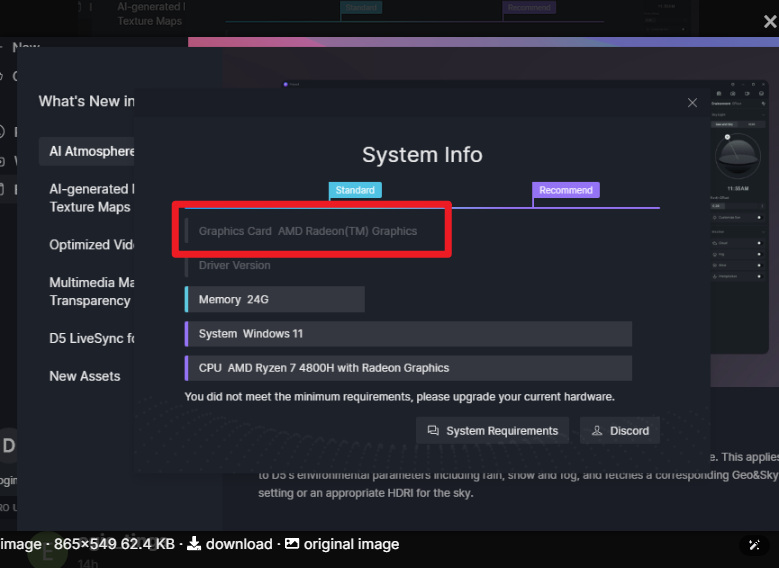
I need help, I was just using D5 like a few hours ago and then we experienced power black out afterwards, I cant use D5 anymore. My graphics and drivers are now unknown.

Hi @egie_tinga
Is your GPU an AMD Radeon Graphics card? Which specific model?
I’m not sure how you were able to use D5, but it doesn’t meet our minimum requirements. 
- For AMD, the minimum system requirement is AMD RX 6400
- While D5 may occasionally launch or function momentarily, this does not mean it is compatible or can reliably run D5 Render. For stable, supported performance, you need a GPU that meets our minimum system requirements.
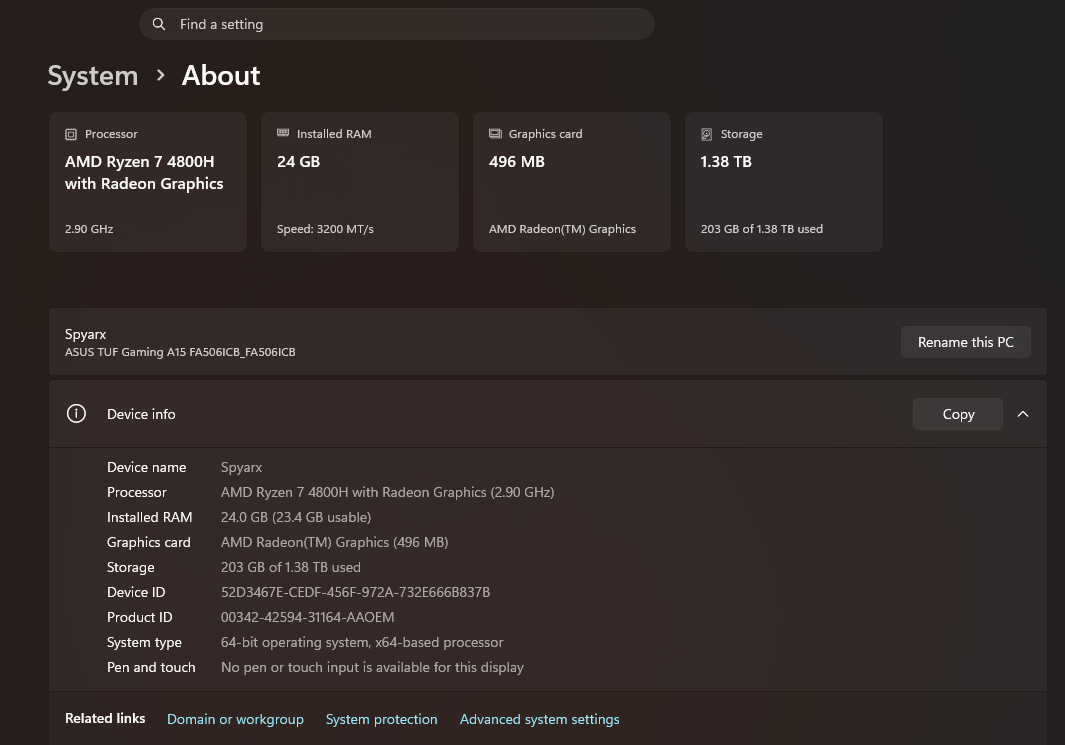
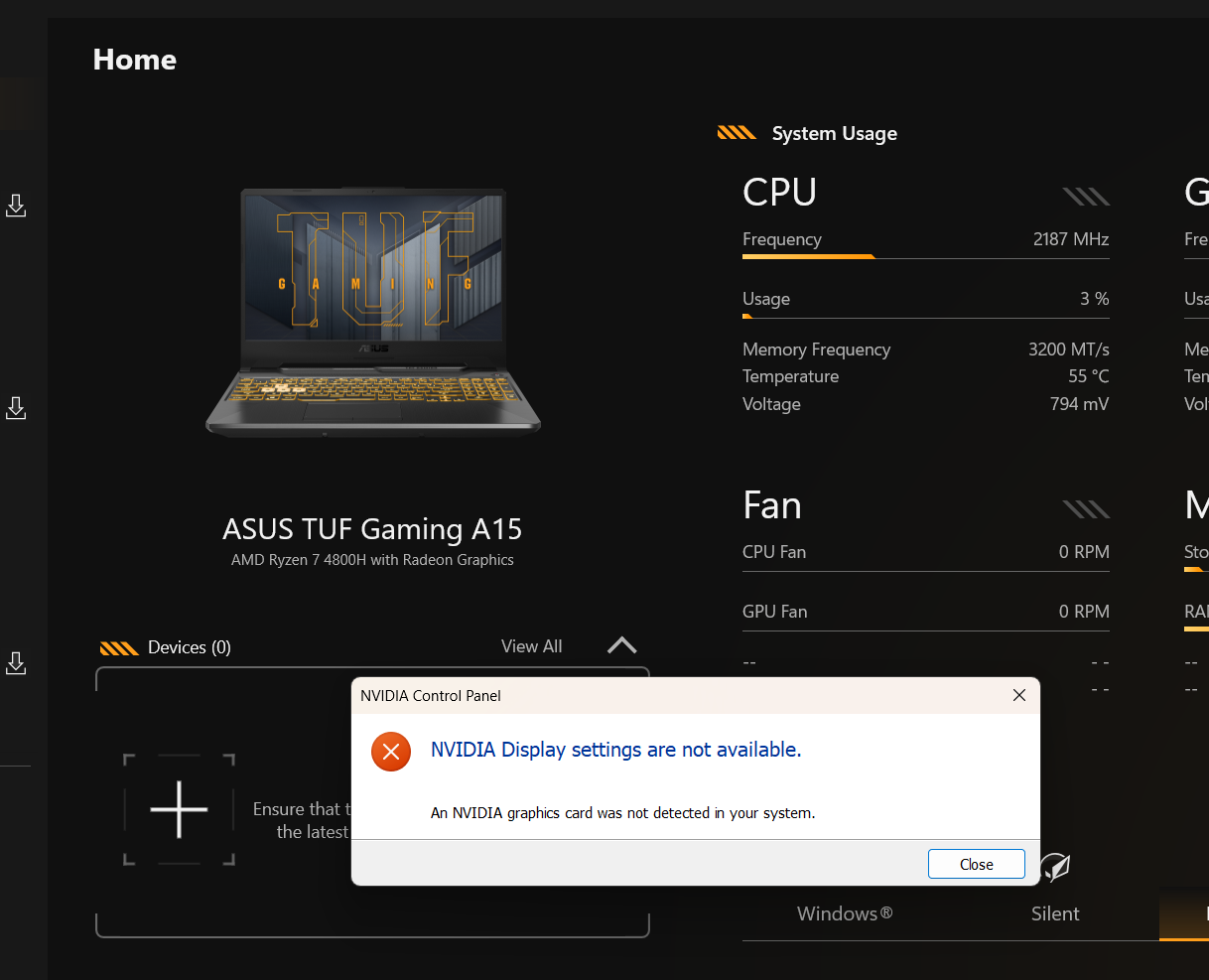
I actually have Nvidia Geforce RTX 3050 Laptop GPU 4GB but then I updated the windows and it was gone right after. I’ve been having problems with my ASUS TUF GAMING A15 Ryzen 7 AMD Radeon Graphics well because its not detecting the NVIDIA Geforce RTX 3050 Laptop GPU (4GB) that comes with it. I recently updated my windows into the latest version and then encountered this, I thought resetting the laptop will fix it but it didn’t. Help. I’ve tried couple of fixes on YT but the NVIDIA still prompting “No NVIDIA GRAPHICS IN SYSTEM” whenever I try to install NVIDIA drivers.
Hi @egie_tinga
I think this is beyond D5’s issue  , but I’ll try to help.
- Usually, if a dedicated GPU is not showing, the usual fix is to open your NVIDIA Application and have your drivers updated or cleanly reinstalled
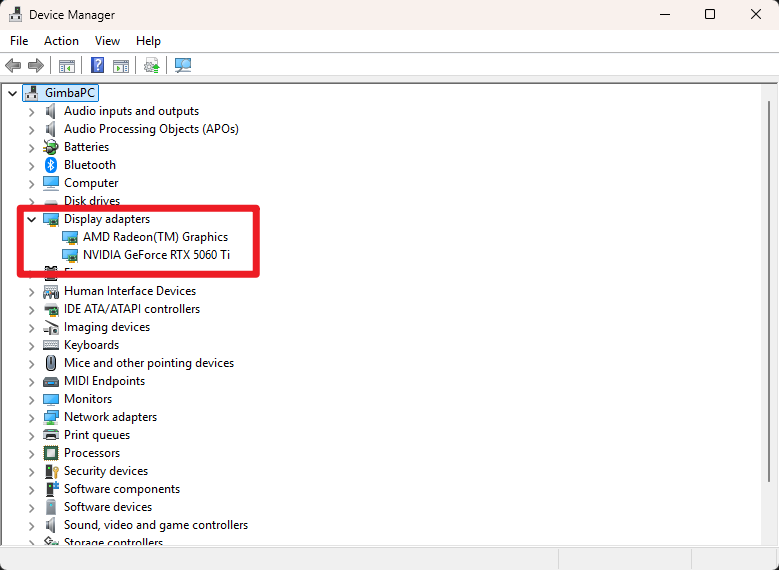
- You may also check your Device Manager and check whether both of your iGPU and dGPU is showing, right click on your RTX 3050 then have it enabled or simply try to disable your iGPU
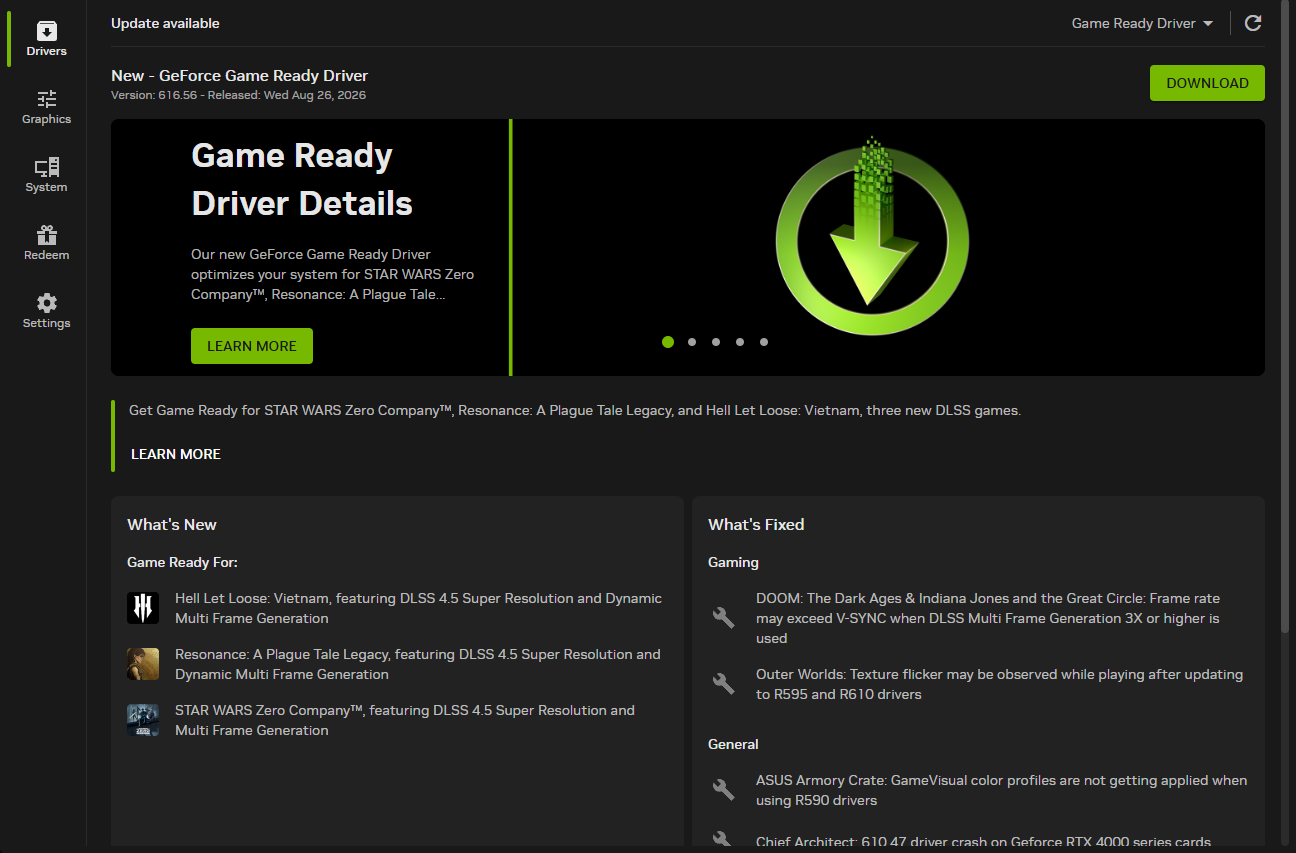
Thank you for responding, i’ve been trying to contact support from ASUS but I haven’t gotten response yet. The main problem here is that I dont have the Nvidia graphics card in my system anymore, I cannot open or install any NVIDIA related apps or drivers because of this below.
h